

About
Animated menu toggle icon morphing smoothly between hamburger and close states.
Built with React and Tailwind. Copy the prompt and paste it into Claude Code, Cursor or Lovable: your agent adds Menu Toggle Icon to your project and fits it to your theme.
Code
How Menu Toggle Icon is used: the demo's code. The component's own source comes with a free account.
Usage.tsx
import React from 'react';
import { MenuToggleIcon } from "@/components/ui/menu-toggle-icon";

export default function DemoOne() {

  const [open, setOpen] = React.useState(false);

	return (
		<button onClick={() => setOpen(!open)}>
			<MenuToggleIcon open={open} className="size-20" duration={500} />
		</button>
	);
}
More by Shaban
View all

Testimonials Columns
7.1K
Zoom Parallax
5.4K
Dotted Surface
3.6K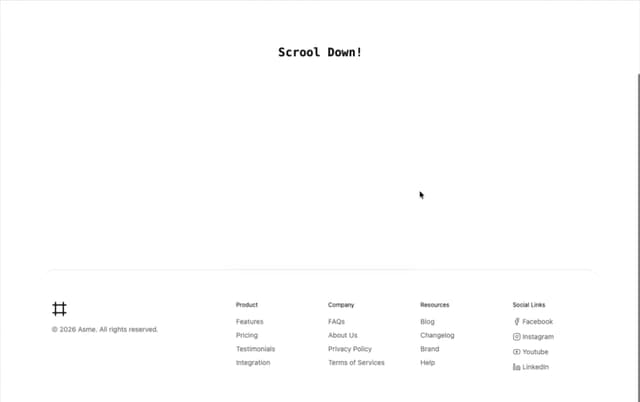
Footer Section
2.7K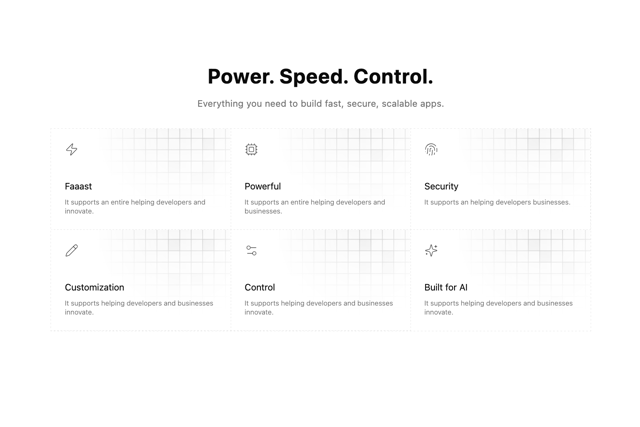
Grid Feature Cards
1.9K
Logo Cloud 2
1.8K
Header 3
1.7K
Logo Cloud 3
1.5K
More in Buttons
View all

Button
37
Button
20
Texture Button
113

Icon Label Subtext Button
68

Astryx Chat Send Button
5

Button
16

Minimal Button
15

Button
146

