About
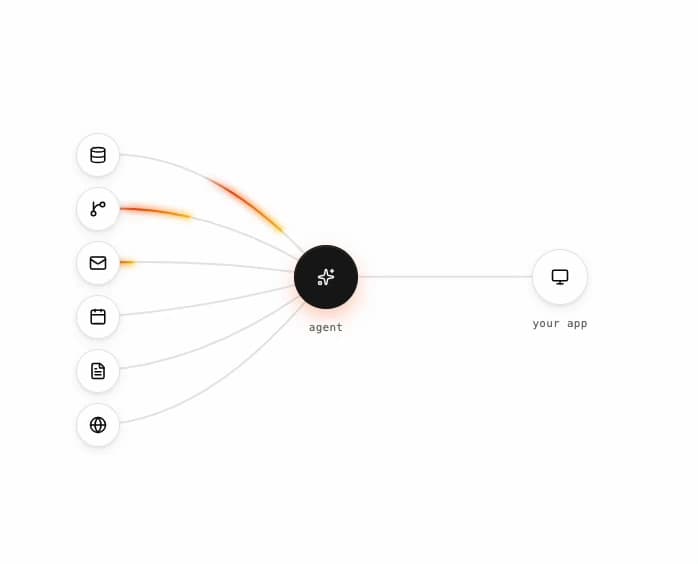
An SVG beam that connects two elements with a curved, animated gradient pulse — used to visualize integrations, data flow, or sync between nodes in a diagram.
Built with React and Tailwind. Copy the prompt and paste it into Claude Code, Cursor or Lovable: your agent adds Animated Beam to your project and fits it to your theme.
Code
How Animated Beam is used: the demo's code. The component's own source comes with a free account.
Usage.tsx
"use client";

import * as React from "react";
import * as Icons from "lucide-react";

import { AnimatedBeam } from "@/components/ui/animated-beam";

function Node({
  className,
  children,
  label,
  ref,
}: {
  className?: string;
  children: React.ReactNode;
  label: string;
  ref: React.Ref<HTMLDivElement>;
}) {
  return (
    <div
      ref={ref}
      title={label}
      className={`relative z-10 flex size-11 items-center justify-center rounded-full border bg-card text-foreground shadow-[0_1px_2px_0_rgb(0_0_0/0.06),0_4px_12px_-4px_rgb(0_0_0/0.12)] [&_svg]:size-[18px] ${className ?? ""}`}
    >
      {children}
      <span className="sr-only">{label}</span>
    </div>
  );
}

const tools = [
  { label: "Database", icon: Icons.Database },
  { label: "Repository", icon: Icons.GitBranch },
  { label: "Email", icon: Icons.Mail },
  { label: "Calendar", icon: Icons.Calendar },
  { label: "Documents", icon: Icons.FileText },
  { label: "Web search", icon: Icons.Globe },
];

export default function AnimatedBeamDemo() {
  const containerRef = React.useRef<HTMLDivElement>(null);
  const agentRef = React.useRef<HTMLDivElement>(null);
  const appRef = React.useRef<HTMLDivElement>(null);
  const r0 = React.useRef<HTMLDivElement>(null);
  const r1 = React.useRef<HTMLDivElement>(null);
  const r2 = React.useRef<HTMLDivElement>(null);
  const r3 = React.useRef<HTMLDivElement>(null);
  const r4 = React.useRef<HTMLDivElement>(null);
  const r5 = React.useRef<HTMLDivElement>(null);
  const toolRefs = [r0, r1, r2, r3, r4, r5];
  const curves = [70, 40, 12, -12, -40, -70];

  return (
    <div
      ref={containerRef}
      className="relative flex w-full max-w-xl items-center justify-between gap-4 px-4 py-2 sm:px-8"
    >
      <div className="flex flex-col gap-2.5">
        {tools.map(({ label, icon: Icon }, i) => (
          <Node key={label} ref={toolRefs[i]!} label={label} className="">
            <Icon />
          </Node>
        ))}
      </div>

      <div className="flex flex-col items-center gap-2.5">
        <Node
          ref={agentRef}
          label="Agent"
          className="size-16 rounded-2xl border-foreground/10 bg-primary text-primary-foreground shadow-[inset_0_1px_0_0_rgb(255_255_255/0.14),0_8px_24px_-6px_color-mix(in_oklch,var(--chart-1)_45%,transparent)] [&_svg]:size-7"
        >
          <Icons.Sparkles />
        </Node>
        <span className="font-mono text-[11px] tracking-wide text-muted-foreground">
          agent
        </span>
      </div>

      <div className="flex flex-col items-center gap-2.5">
        <Node
          ref={appRef}
          label="Your app"
          className="size-14 rounded-2xl [&_svg]:size-6"
        >
          <Icons.Monitor />
        </Node>
        <span className="font-mono text-[11px] tracking-wide text-muted-foreground">
          your app
        </span>
      </div>

      {toolRefs.map((ref, i) => (
        <AnimatedBeam
          key={i}
          containerRef={containerRef}
          fromRef={ref}
          toRef={agentRef}
          curvature={curves[i]}
          duration={3.2}
          delay={i * 0.35}
        />
      ))}
      <AnimatedBeam
        containerRef={containerRef}
        fromRef={agentRef}
        toRef={appRef}
        duration={3.2}
        delay={0.9}
        gradientStartColor="var(--chart-4)"
        gradientStopColor="var(--chart-2)"
      />
    </div>
  );
}
Dependencies
More by vamsiy78
View all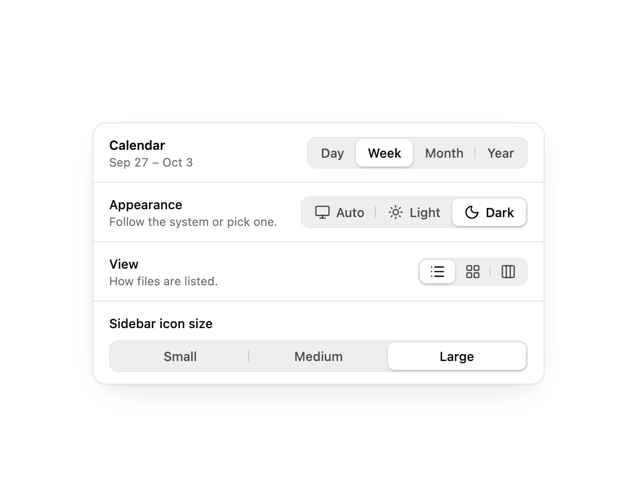

Segmented Control
8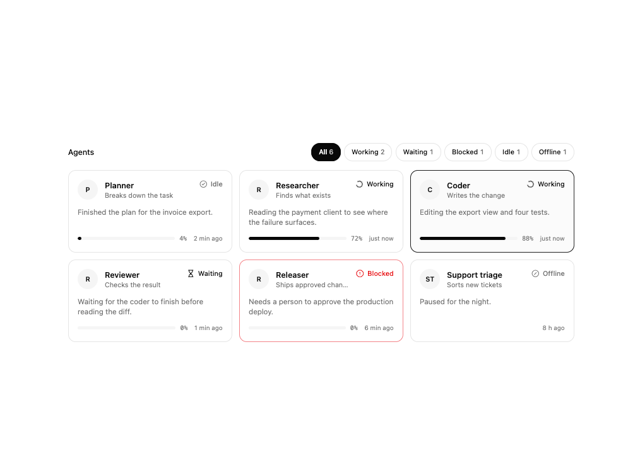
Agent Roster
4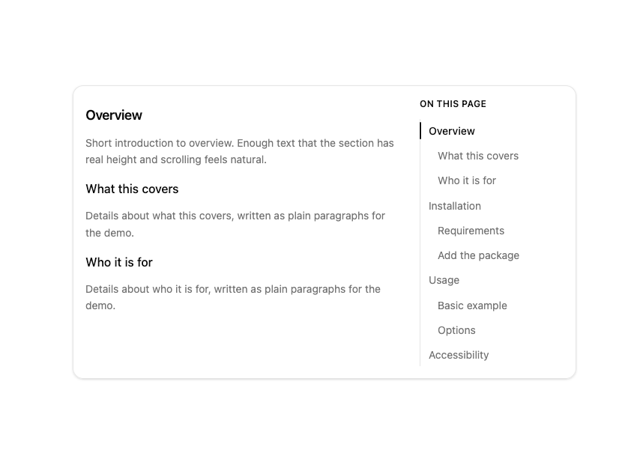
Table Of Contents
1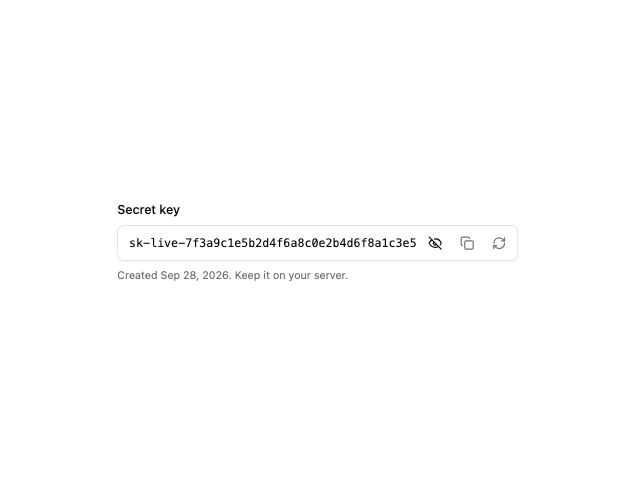
API Key Field
1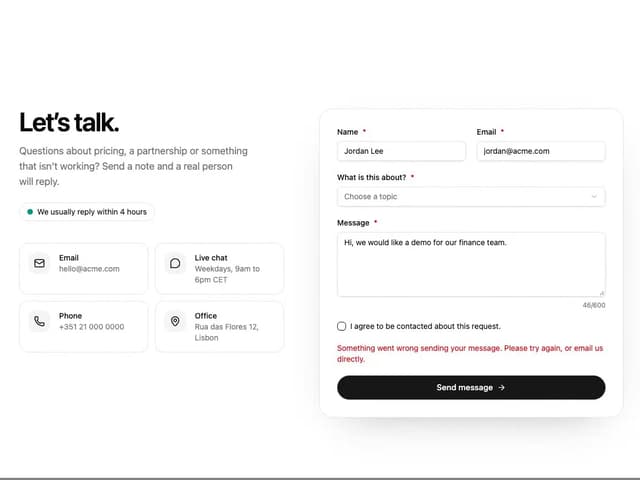
Contact Form Section
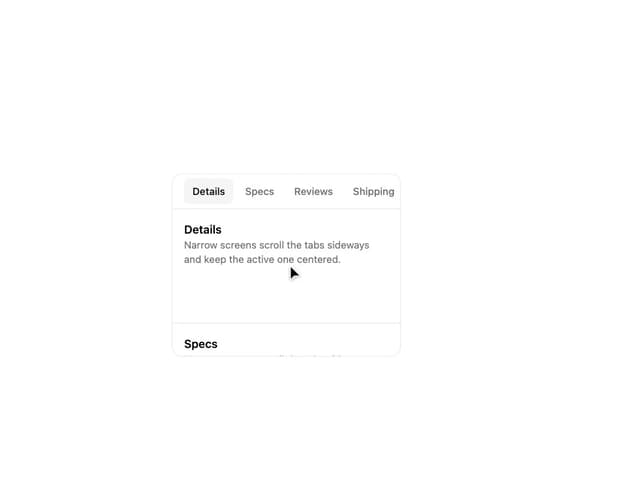
Section Tabs
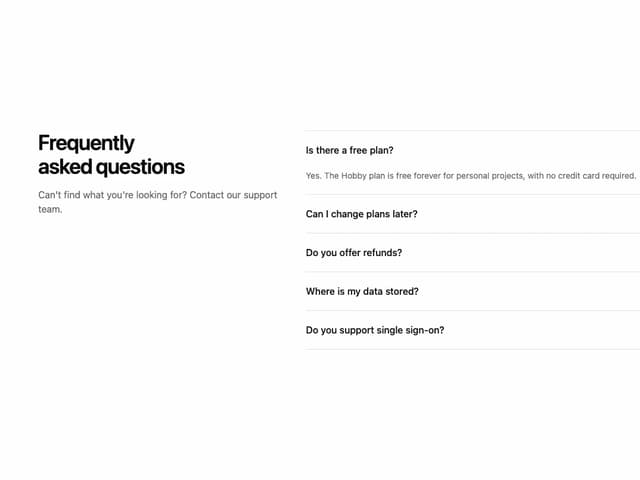
FAQ Accordion Section
Signature Pad