About
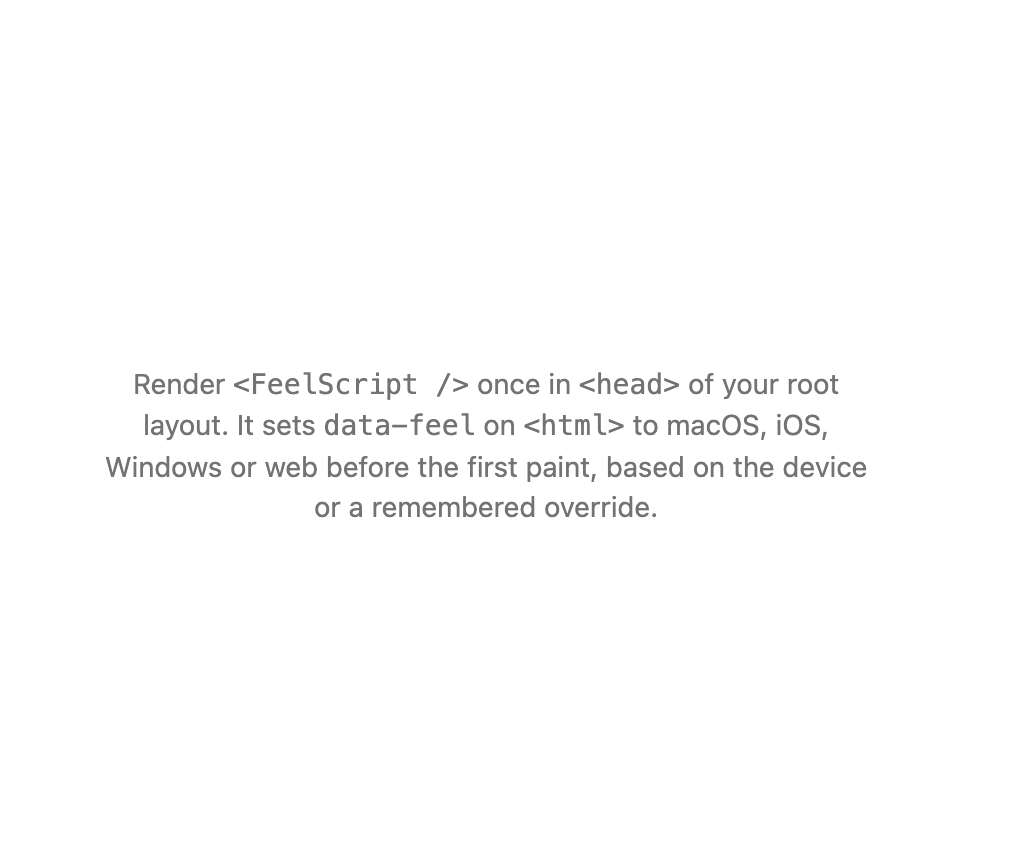
A head script that detects whether the app is running on macOS, iOS, Windows or the web and sets a data-feel attribute on the html element before first paint, so platform-adaptive styling applies with no flash and remembers a user's override.
Built with React and Tailwind. Copy the prompt and paste it into Claude Code, Cursor or Lovable: your agent adds Feel Script to your project and fits it to your theme.
Code
How Feel Script is used: the demo's code. The component's own source comes with a free account.
Usage.tsx
import { FeelScript } from "@/components/ui/feel-auto";
export default function FeelAutoDemo() {
return (
<div className="flex h-full w-full items-center justify-center p-6">
<FeelScript />
<p className="max-w-sm text-center text-sm text-muted-foreground">
Render <code><FeelScript /></code> once in{" "}
<code><head></code> of your root layout. It sets{" "}
<code>data-feel</code> on <code><html></code> to macOS, iOS,
Windows or web before the first paint, based on the device or a
remembered override.
</p>
</div>
);
}
More by vamsiy78
View all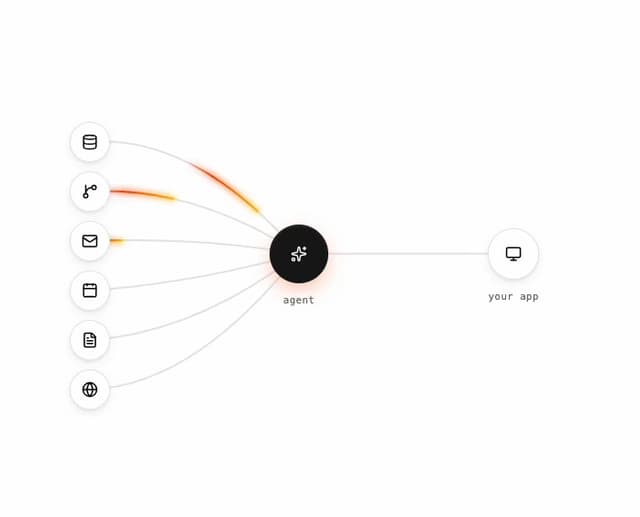

Animated Beam
24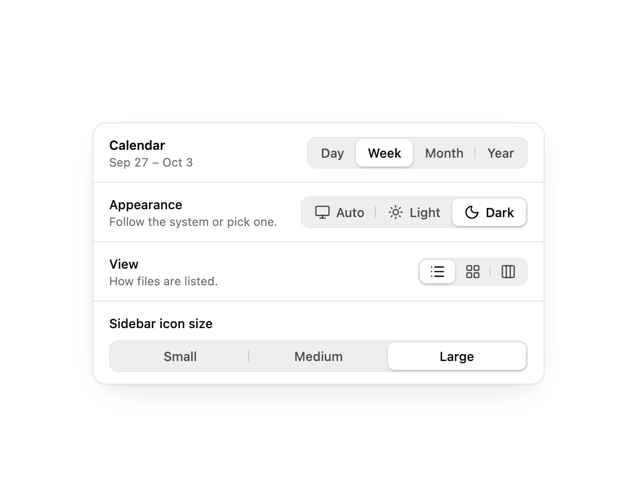
Segmented Control
9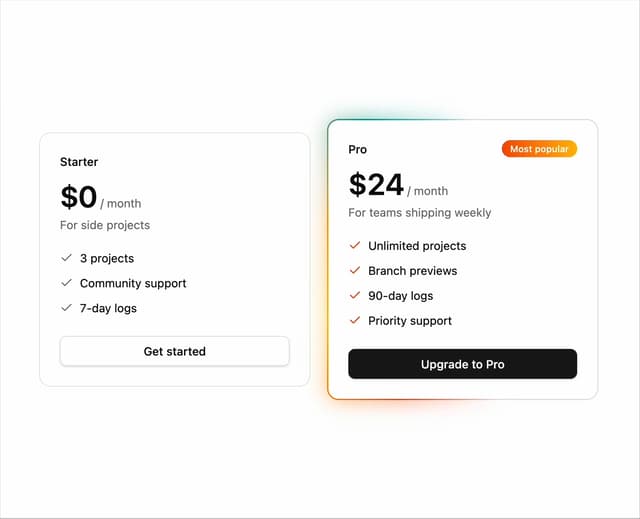
Glow Border
8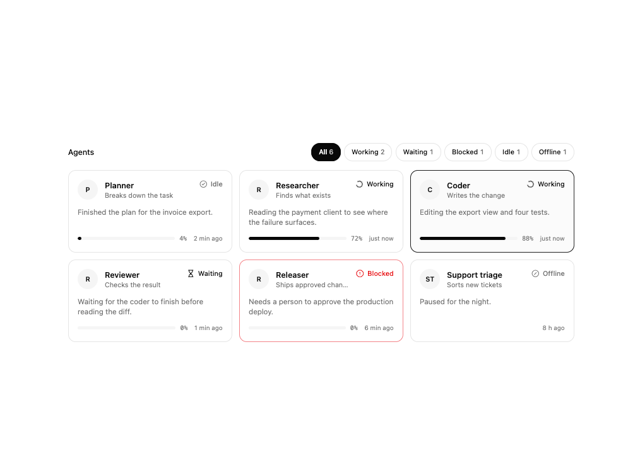
Agent Roster
8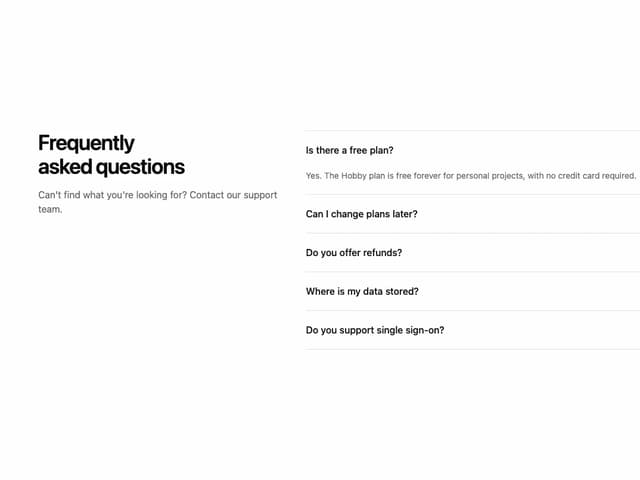
FAQ Accordion Section
3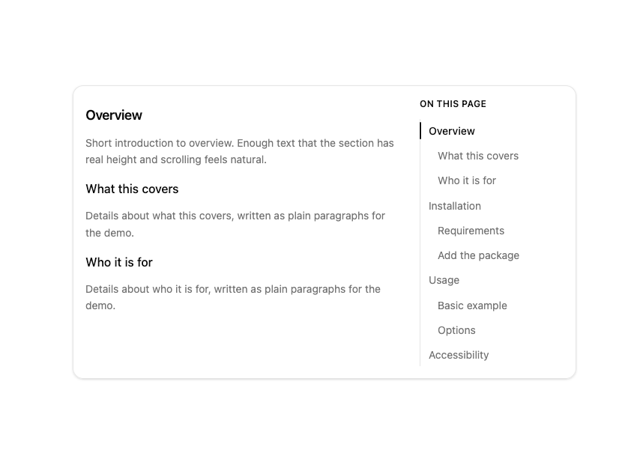
Table Of Contents
1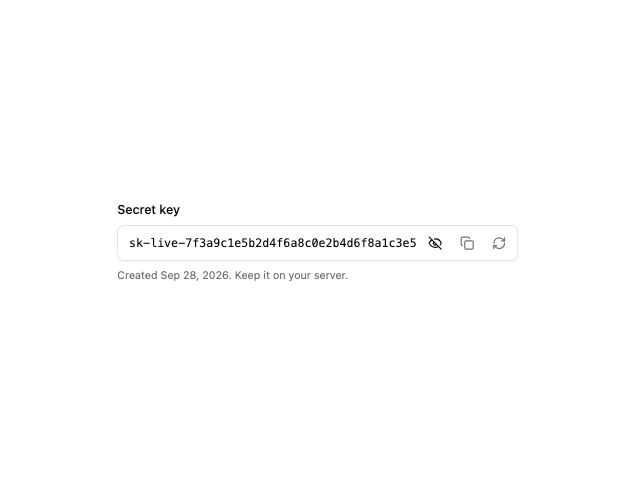
API Key Field
1
Cover Art