
About
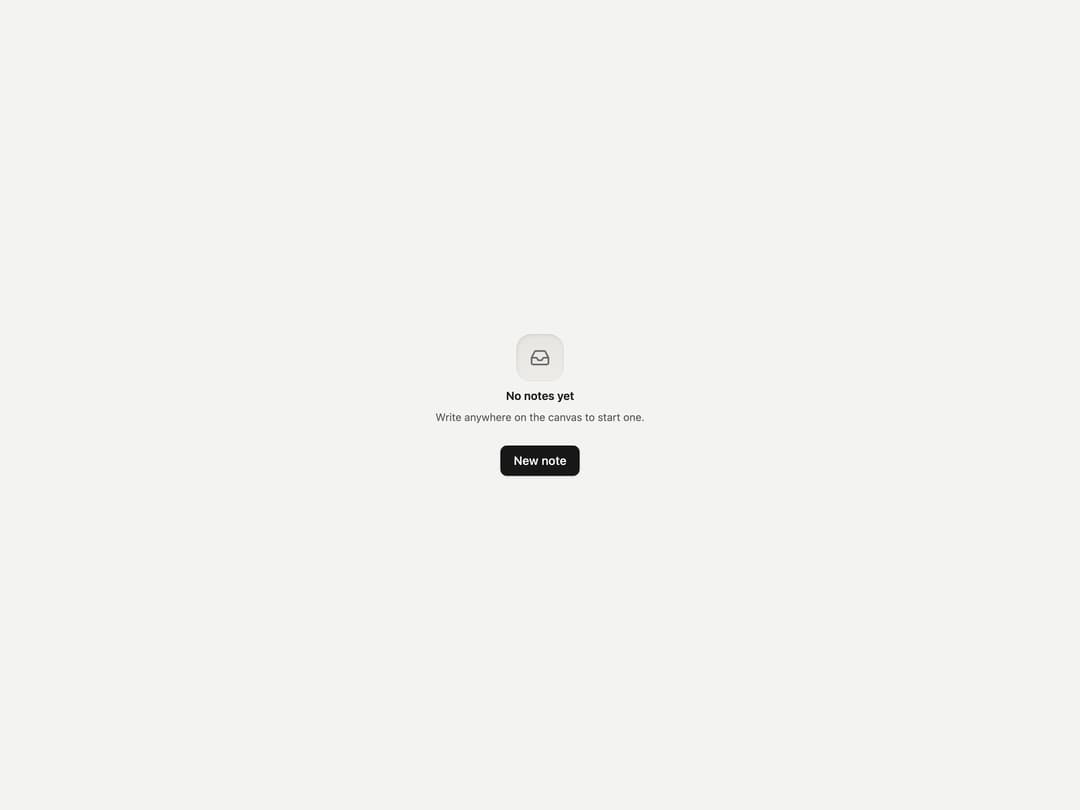
A placeholder panel for a list, board, or panel with nothing in it yet, showing an icon in a sunken well, a title, an explanation of how to start, and one action.
Built with React and Tailwind. Copy the prompt and paste it into Claude Code, Cursor or Lovable: your agent adds Empty State to your project and fits it to your theme.
Code
How Empty State is used: the demo's code. The component's own source comes with a free account.
Usage.tsx
import { EmptyState } from "@/components/ui/empty-state";
import { Button } from "@/components/ui/button";
import { Inbox } from "lucide-react";

export default function EmptyStateDemo() {
  return (
    <div className="flex items-center justify-center min-h-[420px] w-full bg-page p-10">
      <EmptyState
        icon={<Inbox />}
        title="No notes yet"
        description="Write anywhere on the canvas to start one."
        action={<Button onClick={() => {}}>New note</Button>}
      />
    </div>
  );
}
Dependencies
More by vijayksingh
View all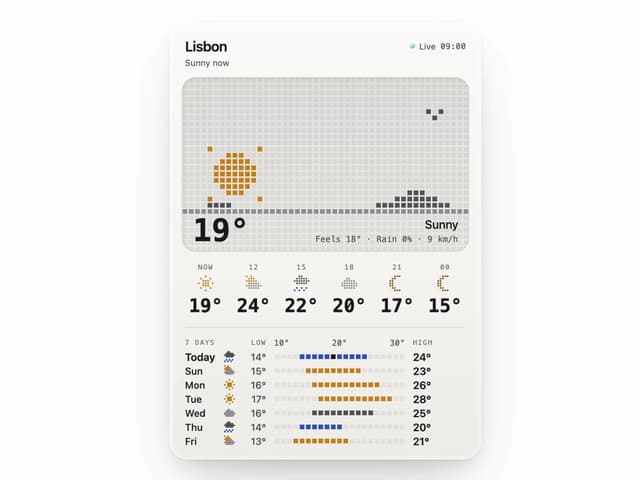
Weather Widget
73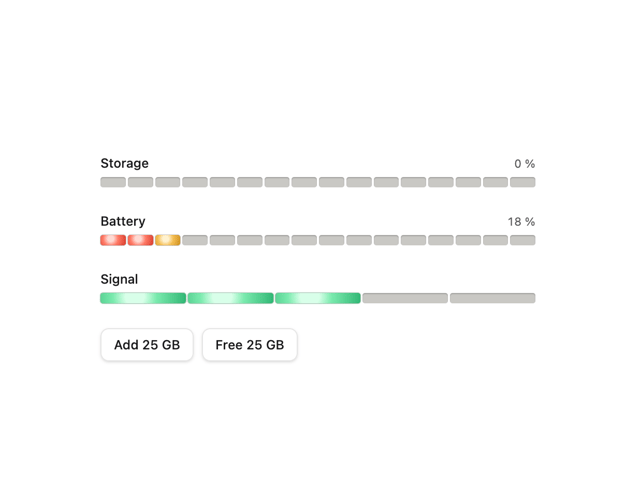
Meter
10
Skeleton Loader
8
Textarea
2
Well
1
Soft Hardware Spinner
1
Settings List
Perfect Preview