
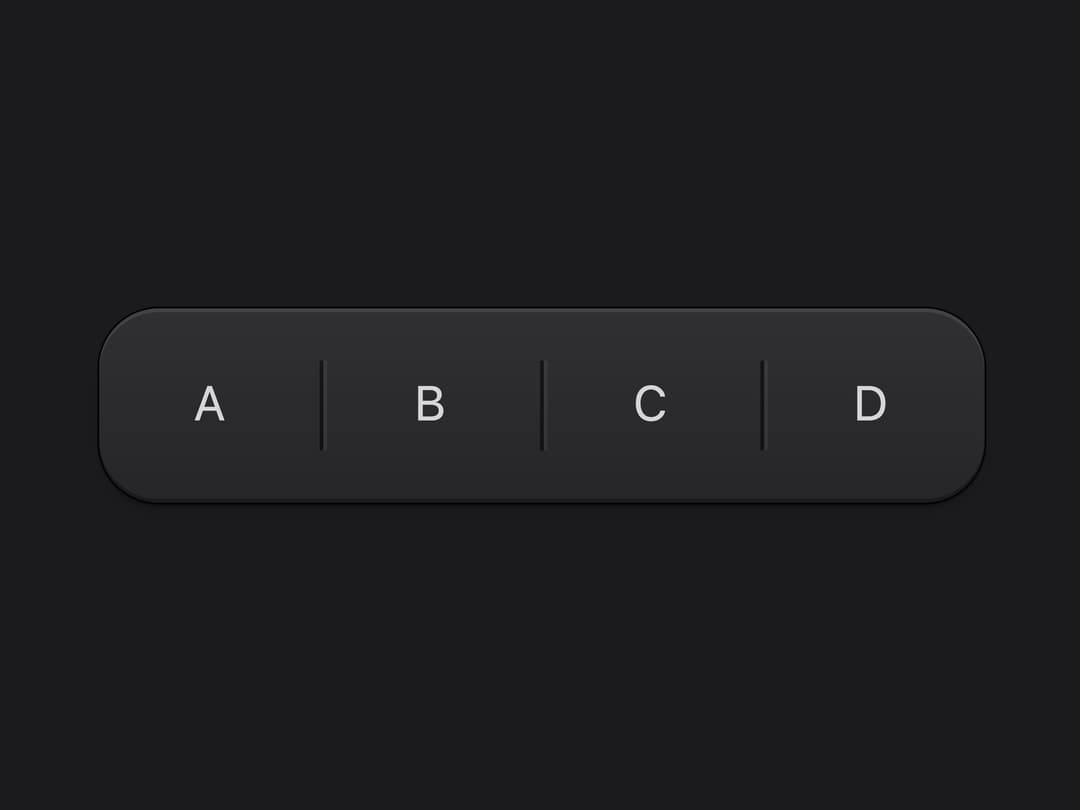
About
A thin engraved divider line used to separate groups of controls or content, such as toolbar buttons or footer keys.
Built with React and Tailwind. Copy the prompt and paste it into Claude Code, Cursor or Lovable: your agent adds Rule to your project and fits it to your theme.
Code
How Rule is used: the demo's code. The component's own source comes with a free account.
Usage.tsx
import { Rule } from "@/components/ui/rule";

export default function RuleDemo() {
  return (
    <div className="flex h-screen w-full items-center justify-center bg-[#1b1b1d]">
      <div className="flex items-center gap-2 rounded-2xl bg-gradient-to-b from-[#303033] to-[#262628] px-3 py-2 shadow-[inset_0_1px_0_rgba(255,255,255,.09),inset_0_-1px_0_rgba(0,0,0,.3),0_0_0_0.5px_rgba(0,0,0,.8),0_1px_1px_rgba(0,0,0,.35),0_2px_4px_-1px_rgba(0,0,0,.25)]">
        <button className="flex h-9 w-9 items-center justify-center rounded-lg text-[13px] text-[#d6d6d8] hover:bg-white/10">
          A
        </button>
        <Rule orientation="vertical" tone="graphite" className="h-6" />
        <button className="flex h-9 w-9 items-center justify-center rounded-lg text-[13px] text-[#d6d6d8] hover:bg-white/10">
          B
        </button>
        <Rule orientation="vertical" tone="graphite" className="h-6" />
        <button className="flex h-9 w-9 items-center justify-center rounded-lg text-[13px] text-[#d6d6d8] hover:bg-white/10">
          C
        </button>
        <Rule orientation="vertical" tone="graphite" className="h-6" />
        <button className="flex h-9 w-9 items-center justify-center rounded-lg text-[13px] text-[#d6d6d8] hover:bg-white/10">
          D
        </button>
      </div>
    </div>
  );
}
More by vijayksingh
View all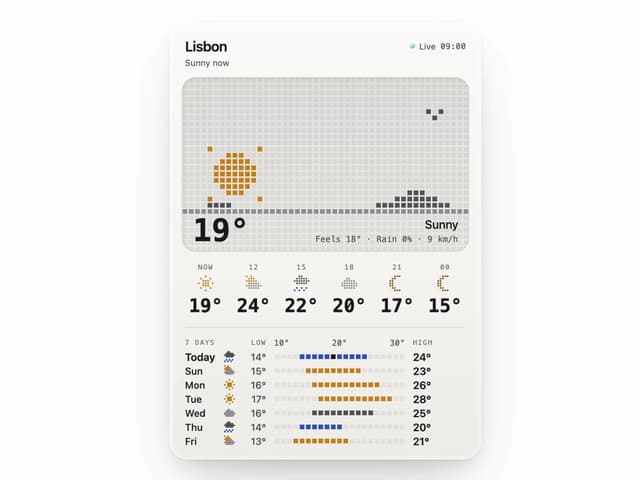
Weather Widget
74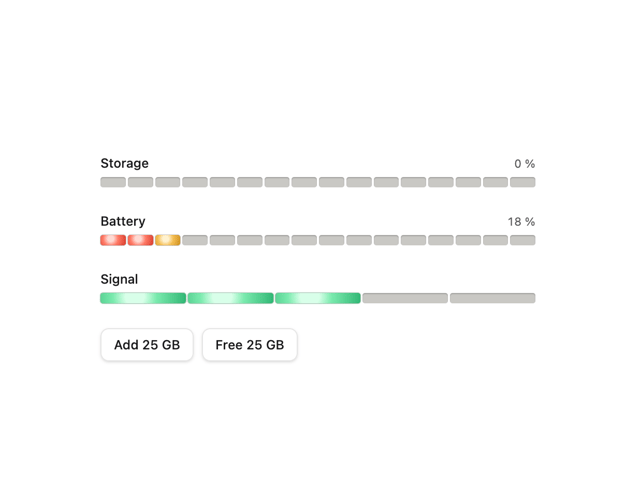
Meter
10
Skeleton Loader
9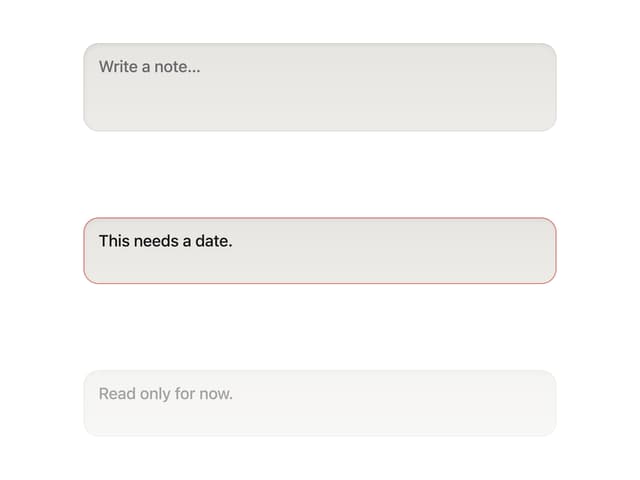
Textarea
2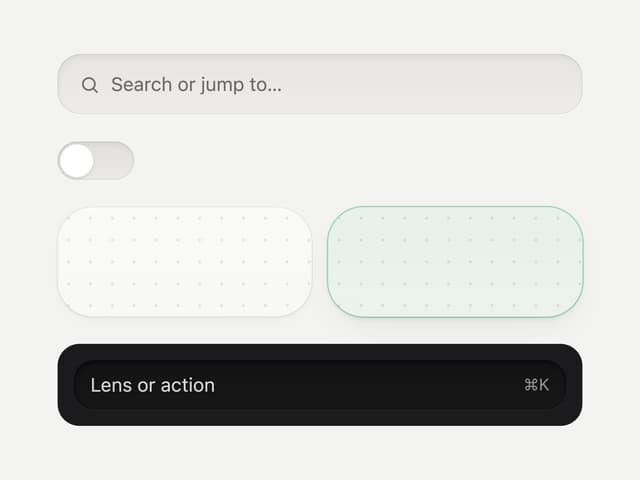
Well
1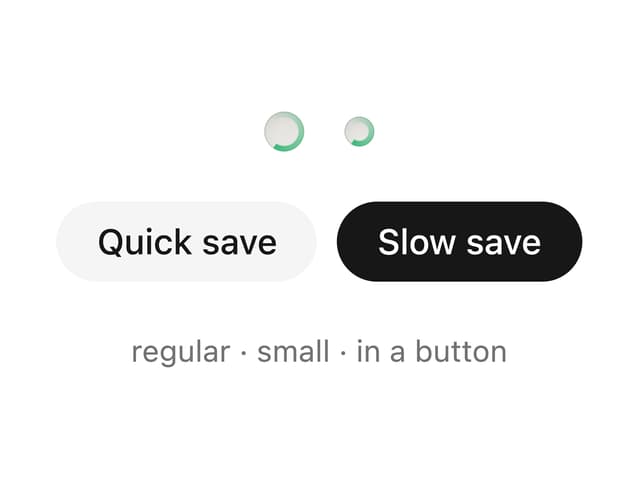
Soft Hardware Spinner
1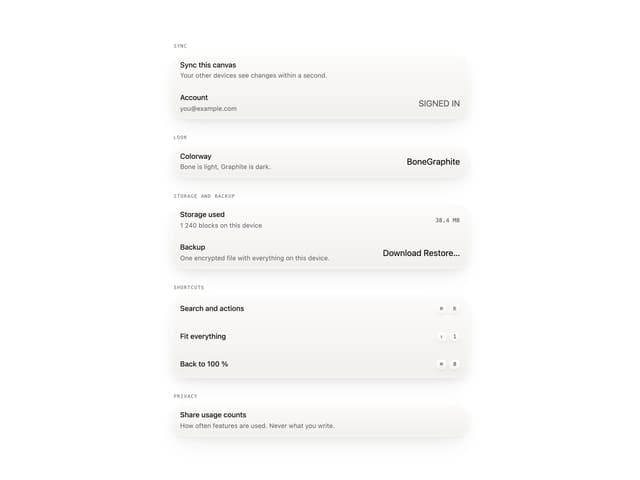
Settings List
Perfect Preview