
About
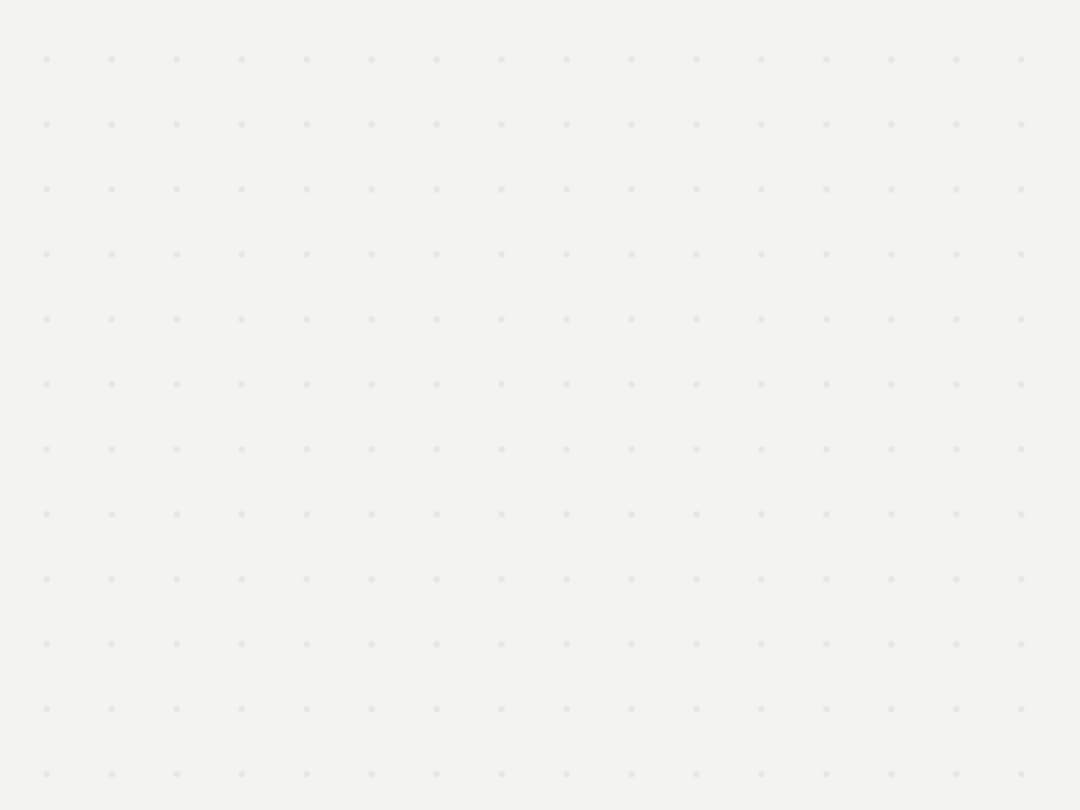
A canvas-rendered quiet dot grid that clears space around region boundaries and a carried object's footprint, and tints near a host-selected drop target, for drag-and-drop surfaces.
Built with React and Tailwind. Copy the prompt and paste it into Claude Code, Cursor or Lovable: your agent adds Spatial Field to your project and fits it to your theme.
Code
How Spatial Field is used: the demo's code. The component's own source comes with a free account.
Usage.tsx
"use client";

import * as React from "react";
import SpatialFieldCanvas, {
  SpatialFieldController,
} from "@/components/ui/spatial-field";
import type { SpatialFieldRect } from "@/components/ui/spatial-field";

const REGION: SpatialFieldRect = { x: 40, y: 40, width: 220, height: 140 };

export default function SpatialFieldDemo() {
  const containerRef = React.useRef<HTMLDivElement>(null);
  const controllerRef = React.useRef<SpatialFieldController | null>(null);
  if (!controllerRef.current)
    controllerRef.current = new SpatialFieldController();
  const controller = controllerRef.current;

  React.useEffect(() => {
    controller.setScene({ regions: [{ id: "drop-zone", rect: REGION }] });
  }, [controller]);

  const handlePointerMove = (event: React.PointerEvent<HTMLDivElement>) => {
    const bounds = containerRef.current?.getBoundingClientRect();
    if (!bounds) return;
    const x = event.clientX - bounds.left;
    const y = event.clientY - bounds.top;
    const carried: SpatialFieldRect = {
      x: x - 28,
      y: y - 28,
      width: 56,
      height: 56,
    };
    const over =
      x >= REGION.x &&
      x <= REGION.x + REGION.width &&
      y >= REGION.y &&
      y <= REGION.y + REGION.height;
    controller.setProjection(carried, over ? "drop-zone" : null);
  };

  const handlePointerLeave = () => {
    controller.endProjection(false);
  };

  return (
    <div
      ref={containerRef}
      onPointerMove={handlePointerMove}
      onPointerLeave={handlePointerLeave}
      className="relative h-screen w-full overflow-hidden"
      style={{ background: "var(--mu-page)" }}
    >
      <SpatialFieldCanvas controller={controller} />
      <div
        className="pointer-events-none absolute rounded-[18px] border border-black/10 dark:border-white/10"
        style={{
          left: REGION.x,
          top: REGION.y,
          width: REGION.width,
          height: REGION.height,
        }}
      />
    </div>
  );
}
More by vijayksingh
View all
Weather Widget
73
Meter
10
Skeleton Loader
8
Textarea
2
Well
1
Soft Hardware Spinner
1
Settings List
Perfect Preview