
About
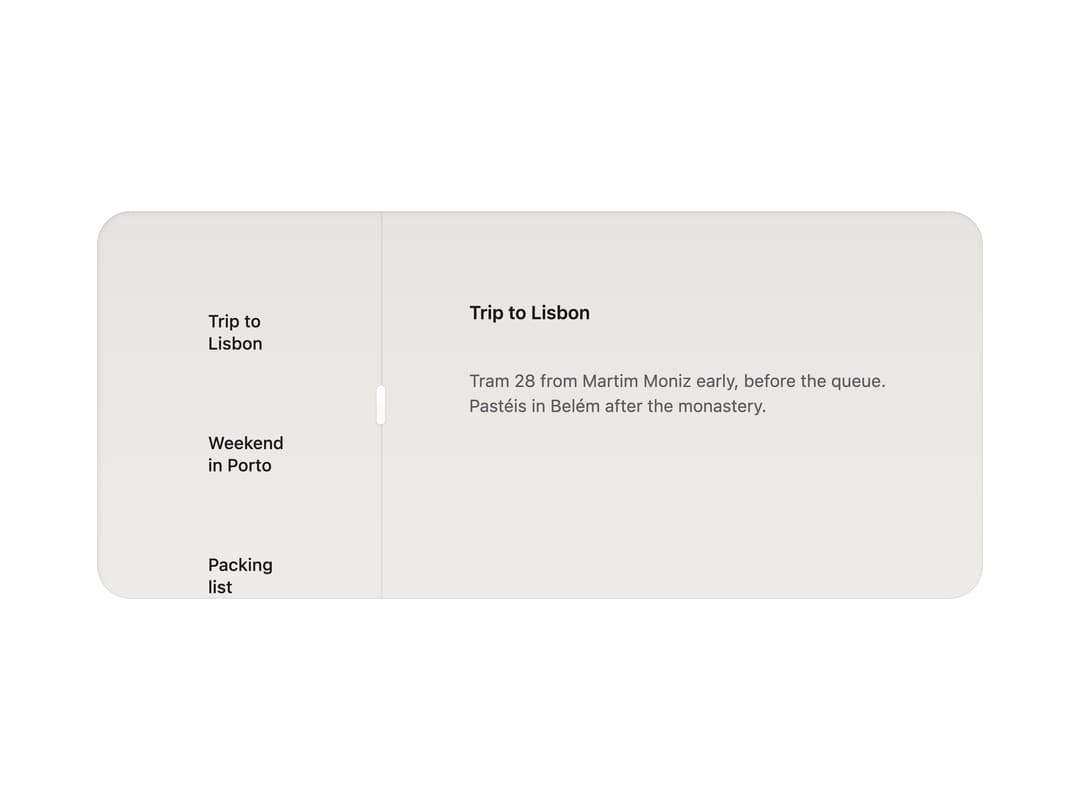
A draggable divider that resizes two side-by-side or stacked panes, with snap-to-default behavior and full keyboard support.
Built with React and Tailwind. Copy the prompt and paste it into Claude Code, Cursor or Lovable: your agent adds Split Pane to your project and fits it to your theme.
Code
How Split Pane is used: the demo's code. The component's own source comes with a free account.
Usage.tsx
import * as React from "react";
import SplitPane from "@/components/ui/split-pane";

const NOTES = [
  "Trip to Lisbon",
  "Weekend in Porto",
  "Packing list",
  "Tram map",
  "Receipts",
];

export default function SplitPaneDemo() {
  return (
    <div className="flex w-full items-center justify-center p-10">
      <div className="h-[280px] w-full max-w-[640px] overflow-hidden rounded-card recipe-well-field">
        <SplitPane
          label="Resize the notes"
          defaultSize={32}
          min={20}
          max={70}
          collapsible
        >
          <ul className="m-0 grid list-none gap-2 p-12" aria-label="Notes">
            {NOTES.map((n) => (
              <li key={n} className="type-ui text-ink px-8 py-6">
                {n}
              </li>
            ))}
          </ul>
          <div className="grid h-full content-start gap-8 p-16">
            <p className="m-0 type-title text-ink">Trip to Lisbon</p>
            <p className="m-0 type-body text-ink2">
              Tram 28 from Martim Moniz early, before the queue. Pastéis in
              Belém after the monastery.
            </p>
          </div>
        </SplitPane>
      </div>
    </div>
  );
}
More by vijayksingh
View all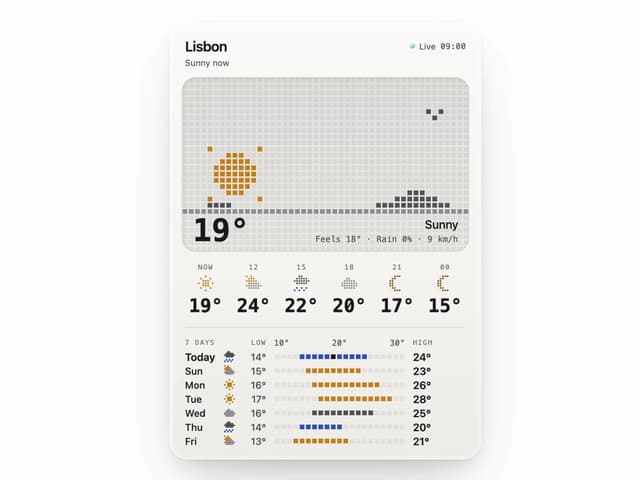
Weather Widget
74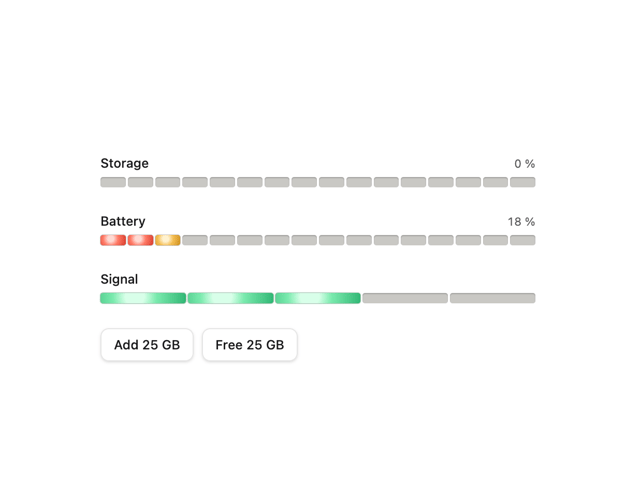
Meter
10
Skeleton Loader
9
Textarea
2
Well
1
Soft Hardware Spinner
1
Settings List
Perfect Preview