
About
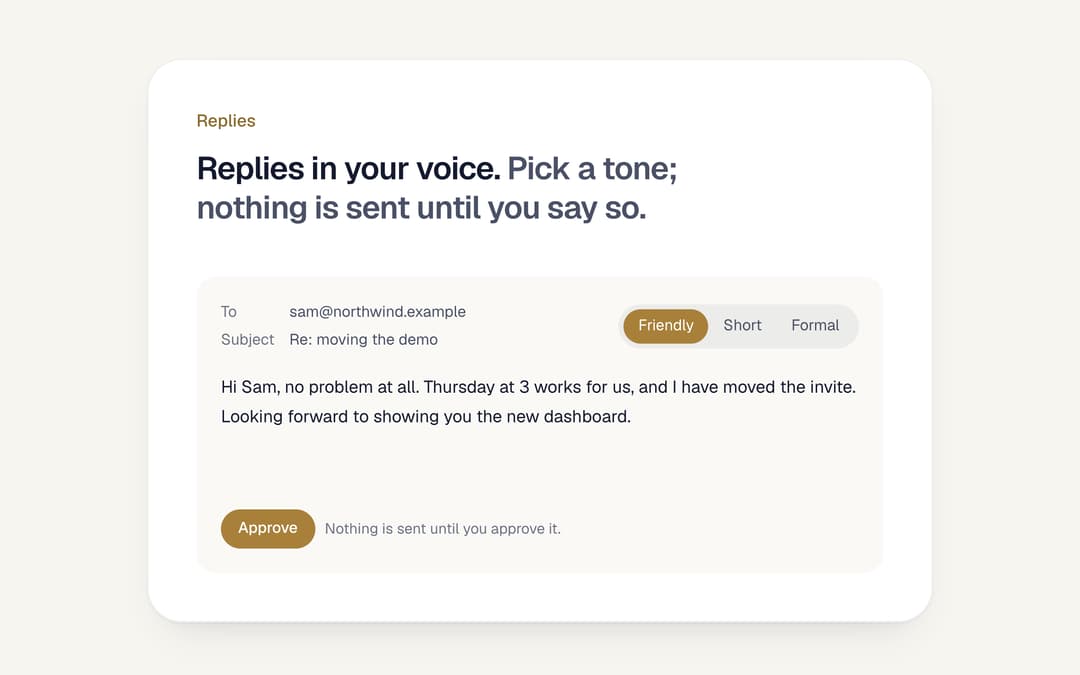
A drafted email reply with a tone switch: pick Warm, Brief or Formal and the same reply is rewritten. Nothing goes out until it is approved; the button reports the chosen tone. From the Midnight template.
Built with React and Tailwind. Copy the prompt and paste it into Claude Code, Cursor or Lovable: your agent adds AI Email Reply with Tones to your project and fits it to your theme.
Code
How AI Email Reply with Tones is used: the demo's code. The component's own source comes with a free account.
Usage.tsx
import type { CSSProperties } from "react"

import { DraftReply } from "@/components/ui/draft-reply"

const fonts =
  "@import url('https://fonts.googleapis.com/css2?family=Fraunces:ital,opsz,wght,SOFT@0,9..144,300..600,0..100;1,9..144,300..600,0..100&family=Geist:wght@400..600&family=Geist+Mono:wght@400..500&display=swap');"

const settings = {
  background: "#f7f5f0",
  card: "#ffffff",
  text: "#141a2e",
  muted: "#4a5166",
  primary: "#a8803a",
  primaryText: "#ffffff",
}

// Midnight by day as theme tokens: warm paper, night-blue ink, deep gold with white text on it,
// Fraunces for headings, Geist for text, Geist Mono for figures. The component itself only reads the tokens.
function day(s: typeof settings) {
  const t: Record<string, string> = {
    background: s.background,
    foreground: s.text,
    card: s.card,
    primary: s.primary,
    "primary-foreground": s.primaryText,
    "muted-foreground": s.muted,
    ring: s.primary,
  }
  return {
    ...Object.fromEntries(Object.entries(t).flatMap(([k, v]) => [[`--${k}`, v], [`--color-${k}`, v]])),
    "--font-display": "Fraunces, ui-serif, Georgia, serif",
    "--font-sans": "Geist, ui-sans-serif, system-ui, sans-serif",
    "--font-mono": "'Geist Mono', ui-monospace, Menlo, monospace",
  } as CSSProperties
}

export default function Demo(props: Partial<typeof settings>) {
  const s = { ...settings, ...props }
  return (
    <div
      className="flex min-h-svh w-full items-center justify-center px-5 py-12"
      style={{ ...day(s), fontFamily: "Geist, ui-sans-serif, system-ui, sans-serif", background: s.background, color: s.text } as CSSProperties}
    >
      <style>{fonts}</style>
      <div
        className="w-full max-w-[640px] rounded-[28px] p-8 md:p-10"
        style={{ background: s.card, boxShadow: "inset 0 0 0 1px rgb(20 26 46 / 0.07), 0 1px 2px rgb(20 26 46 / 0.05), 0 16px 32px -20px rgb(20 26 46 / 0.22)" }}
      >
        <p className="text-[14px] font-medium" style={{ color: "#8a6a2e" }}>
          Replies
        </p>
        <h3 className="mt-3 text-[26px] leading-[32px] font-semibold tracking-[-0.025em] text-balance">
          <span>Replies in your voice.</span> <span style={{ color: s.muted }}>Pick a tone; nothing is sent until you say so.</span>
        </h3>
        <DraftReply
          className="mt-10"
          to="sam@northwind.example"
          subject="Re: moving the demo"
          tones={[
            { key: "friendly", label: "Friendly", body: "Hi Sam, no problem at all. Thursday at 3 works for us, and I have moved the invite. Looking forward to showing you the new dashboard." },
            { key: "short", label: "Short", body: "Hi Sam, Thursday at 3 works. Invite moved." },
            { key: "formal", label: "Formal", body: "Dear Sam, thank you for letting us know. We have moved the demonstration to Thursday at 3 pm and updated the invitation accordingly." },
          ]}
        />
      </div>
    </div>
  )
}
Dependencies
More by Vilqor
View all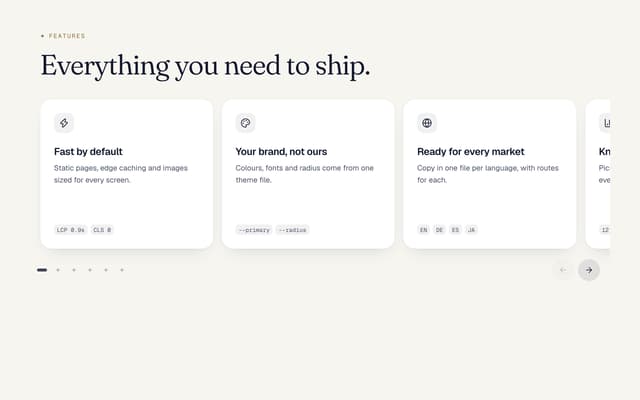

Card Carousel to Grid
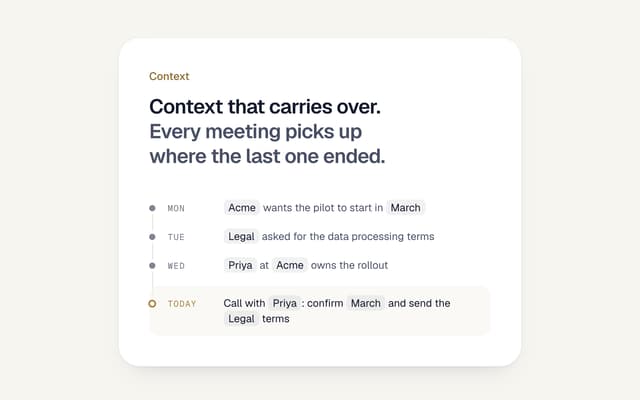
AI Memory Timeline
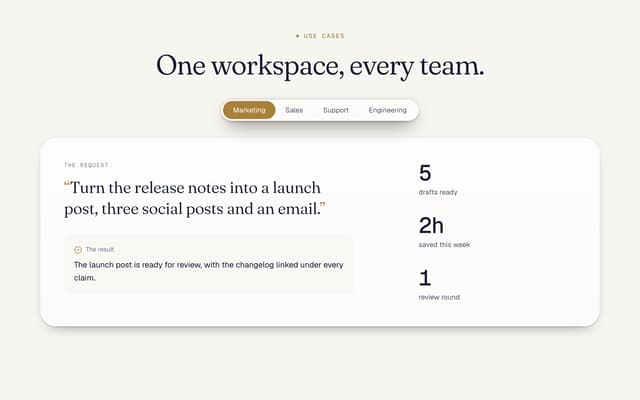
Use Cases Tabs Section
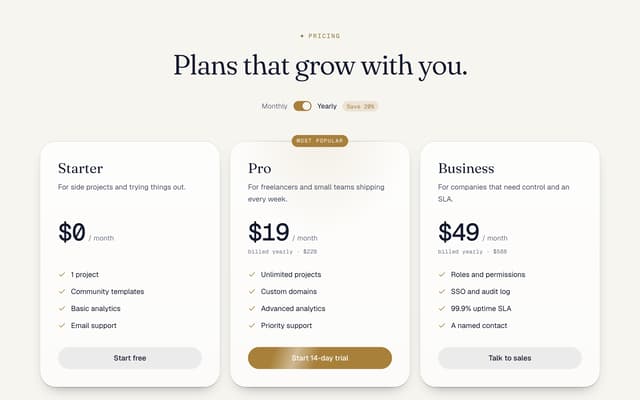
Pricing Section with Toggle
Logo Cloud Marquee
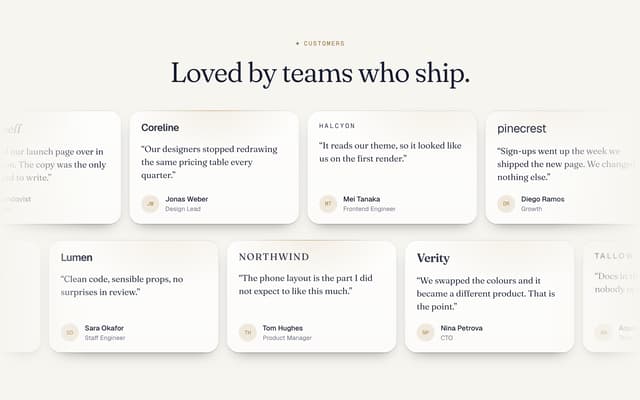
Testimonials Marquee
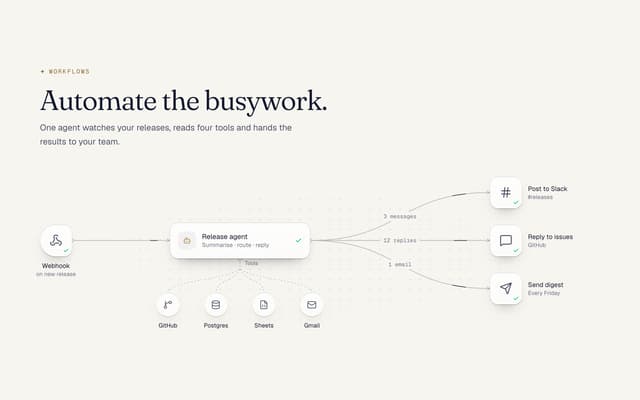
AI Agent Workflow Diagram
Footer with Big Wordmark
More in AI chats
View all

AI Actions
345

Aquarium Prompt
72
Agent Chat
19
Color Picker
180
Commit
35

Illos Knowledge Sources
44
Chat Bubble
201

System Message
78


