

About
A headline reveal that paints text into view with a sweeping chromatic gradient ribbon. Loop through several phrases or reveal once, with reduced motion support.
Built with React and Tailwind. Copy the prompt and paste it into Claude Code, Cursor or Lovable: your agent adds Text Chroma Reveal to your project and fits it to your theme.
Code
How Text Chroma Reveal is used: the demo's code. The component's own source comes with a free account.
Usage.tsx
"use client";

import * as React from "react";
import { TextChromaReveal } from "@/components/ui/text-chroma-reveal";

type Palette = "spectrum" | "chili" | "aurora";

const PALETTES: Record<Palette, string[]> = {
  spectrum: ["#c679c4", "#fa3d1d", "#ffb005", "#e1e1fe", "#0358f7"],
  chili: ["#ff6b4a", "#fa3d1d", "#ffb005", "#ffe0a3"],
  aurora: ["#22d3ee", "#a78bfa", "#f472b6", "#34d399"],
};

const settings = {
  text: "Wensity UI",
  phrases: "Wensity UI, design, ship, scale",
  duration: 1.5,
  delay: 0,
  holdDuration: 1,
  fadeDuration: 0.6,
  repeatDelay: 0.5,
  direction: "ltr",
  palette: "spectrum",
  repeat: true,
  fixedWidth: false,
  replay: 0,
};

const previewClass =
  "font-display text-[clamp(1.75rem,5vw,3rem)] font-extrabold tracking-tight text-foreground";

function parsePhrases(raw: string, fallback: string) {
  const phrases = raw
    .split(",")
    .map((part) => part.trim())
    .filter(Boolean);
  return phrases.length > 0 ? phrases : [fallback];
}

export function TextChromaRevealPreview(props: Partial<typeof settings> = {}) {
  const state = { ...settings, ...props };
  const phrases = parsePhrases(state.phrases, state.text || settings.text);

  return (
    <div className="grid min-h-[360px] w-full place-items-center px-6 py-12 sm:px-10">
      <TextChromaReveal
        key={state.replay}
        text={state.repeat ? phrases : state.text || settings.text}
        colors={PALETTES[state.palette]}
        direction={state.direction}
        duration={state.duration}
        delay={state.delay}
        holdDuration={state.holdDuration}
        fadeDuration={state.fadeDuration}
        repeatDelay={state.repeatDelay}
        repeat={state.repeat}
        fixedWidth={state.fixedWidth && state.repeat}
        startOnView={false}
        once={false}
        className={previewClass}
      />
    </div>
  );
}

export default function Demo(props: Partial<typeof settings>) {
  return <TextChromaRevealPreview {...props} />;
}
Dependencies
More by Wensity Labs
View all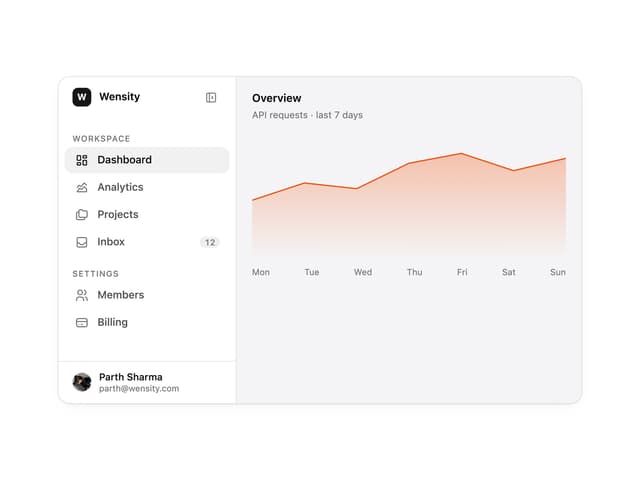

Sidebar
352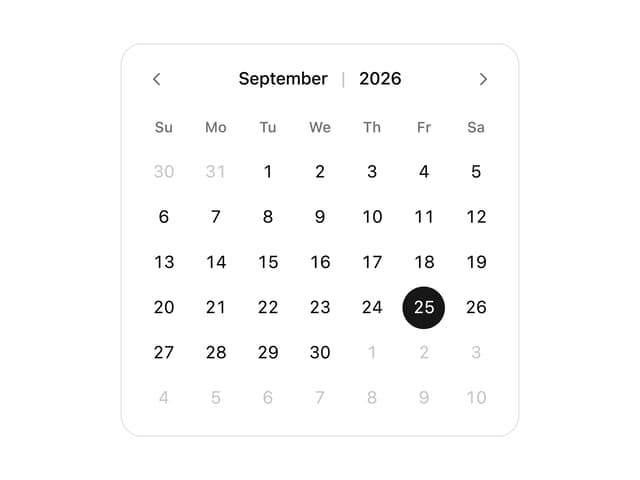
Calendar
250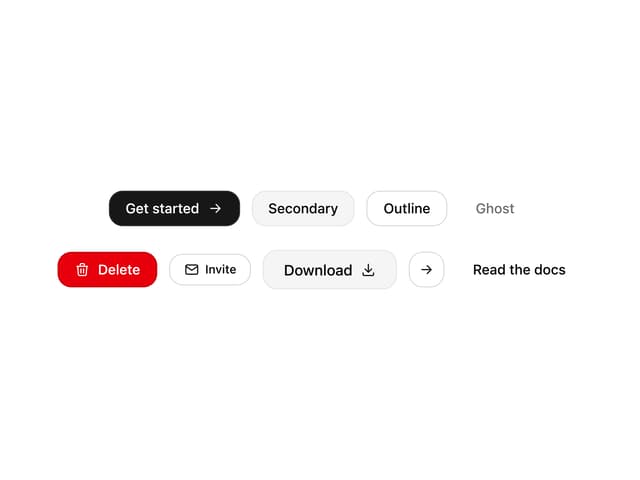
Button
110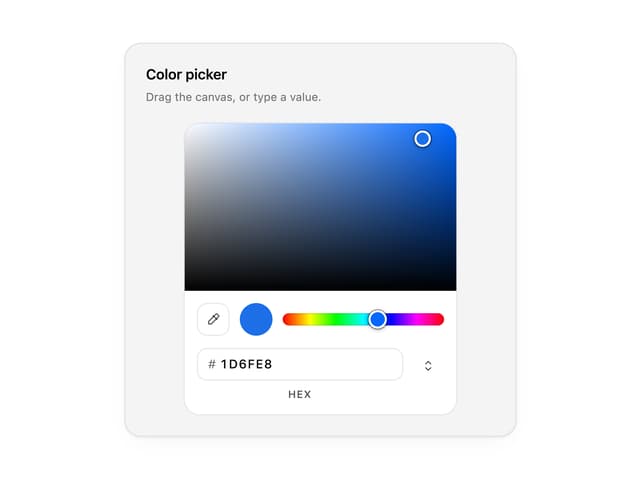
Color Picker
90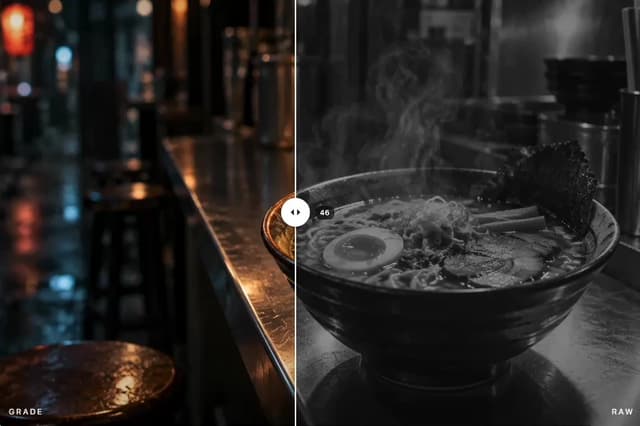
Image Comparison Slider
78
AI Prompt Input
69
Text Morphing
53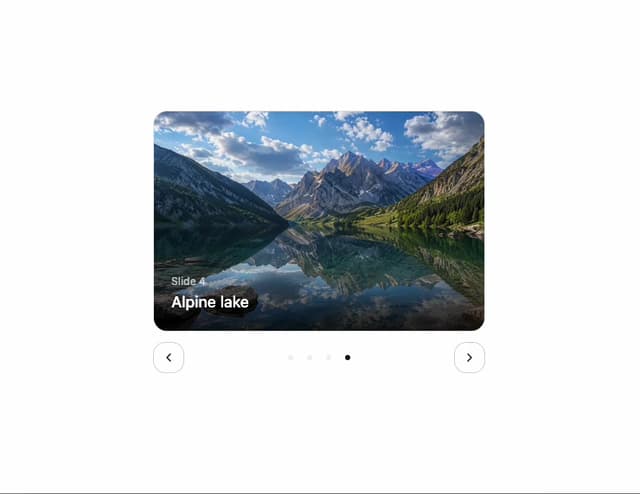
Carousel
49
More in Text
View all

Vertical Cut Reveal Characters
124

NeonRGBTextEffect
152
Text Reveal
29

Blur Reveal
341

Word Rotate
65
Motion Blur Text
41

Rainbow Text Effect
54
Apple Hello Effect
646
