
About
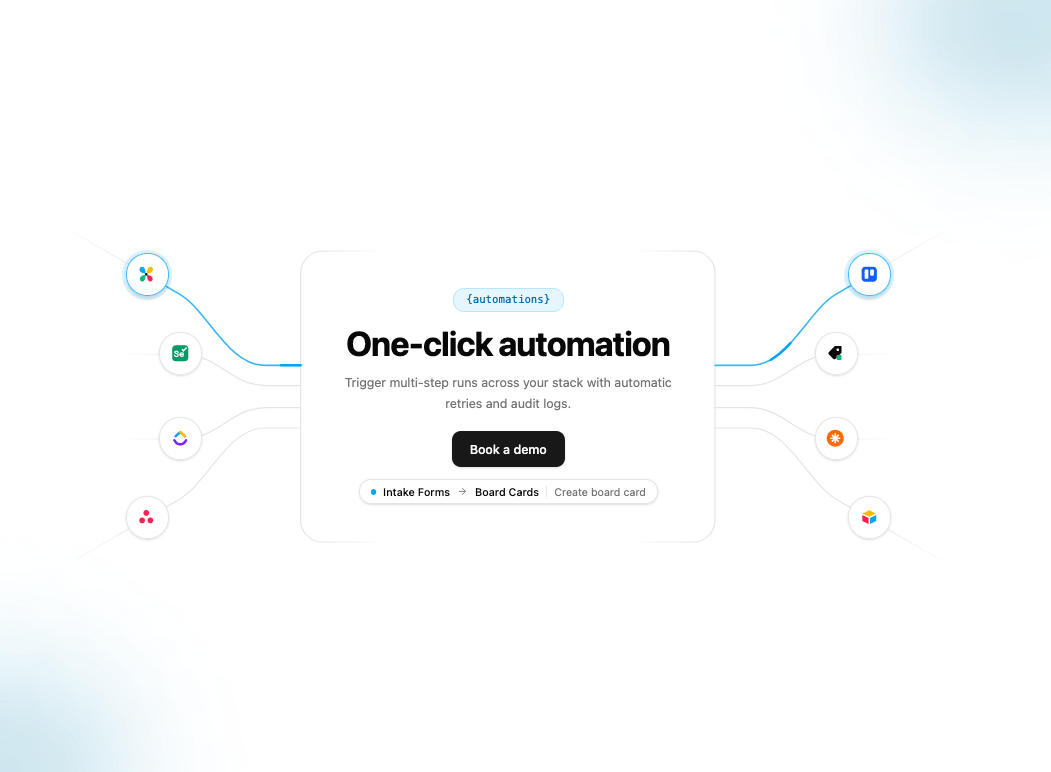
Symmetrical workflow automation hero with curved trigger and action tracks, inline SVG app badges, traveling route pulses, and an interactive rule switcher.
Built with React and Tailwind. Copy the prompt and paste it into Claude Code, Cursor or Lovable: your agent adds Automation Hub Hero to your project and fits it to your theme.
Code
How Automation Hub Hero is used: the demo's code. The component's own source comes with a free account.
Usage.tsx
import { useEffect } from "react";
import AutomationHubHero, { TWENTY_FIRST_REFERRAL_URL } from "@/components/ui/automation-hub-hero";

const settings = {
  badge: "{automations}",
  headline: "One-click automation",
  description:
    "Trigger multi-step runs across your stack with automatic retries and audit logs.",
  ctaLabel: "Book a demo",
  showActiveRule: true,
  autoCycle: false,
  pulseDuration: 2.4,
  showCornerGlow: true,
};

export default function Demo(props: Partial<typeof settings>) {
  const s = { ...settings, ...props };

  useEffect(() => {
    if (typeof window === "undefined") return;
    const themeParam = new URLSearchParams(window.location.search).get("theme");
    if (themeParam === "dark") {
      document.documentElement.classList.add("dark");
    } else if (themeParam === "light") {
      document.documentElement.classList.remove("dark");
    }
  }, []);

  return (
    <div className="flex min-h-screen w-full items-center justify-center bg-background text-foreground">
      <AutomationHubHero
        className="min-h-screen"
        badge={s.badge}
        badgeHref={TWENTY_FIRST_REFERRAL_URL}
        headline={s.headline}
        description={s.description}
        ctaLabel={s.ctaLabel}
        ctaHref={TWENTY_FIRST_REFERRAL_URL}
        showActiveRule={s.showActiveRule}
        autoCycle={s.autoCycle}
        pulseDuration={s.pulseDuration}
        showCornerGlow={s.showCornerGlow}
      />
    </div>
  );
}
Dependencies
More by WRAPCODERS
View all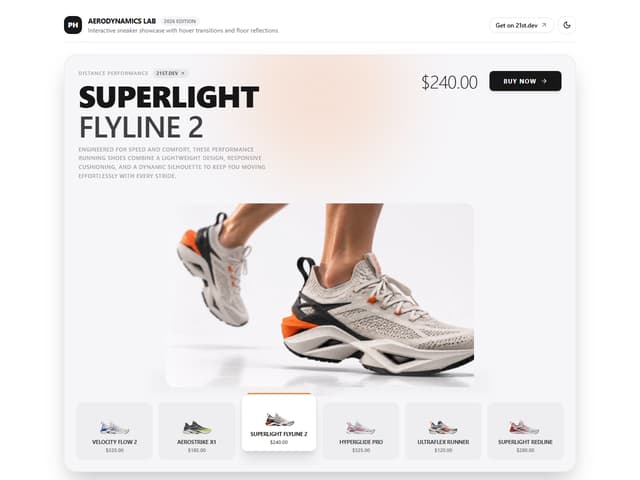

Product Hover Showcase
89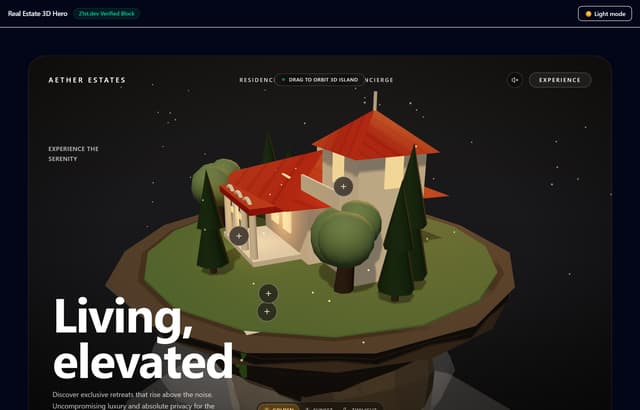
Real Estate 3D Hero
51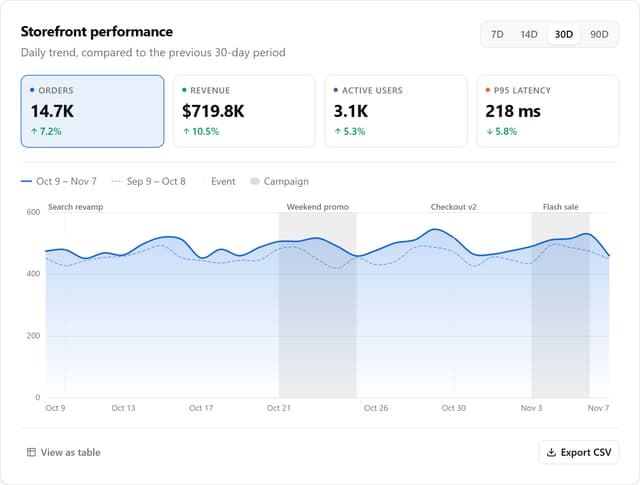
Metric Trend Chart
35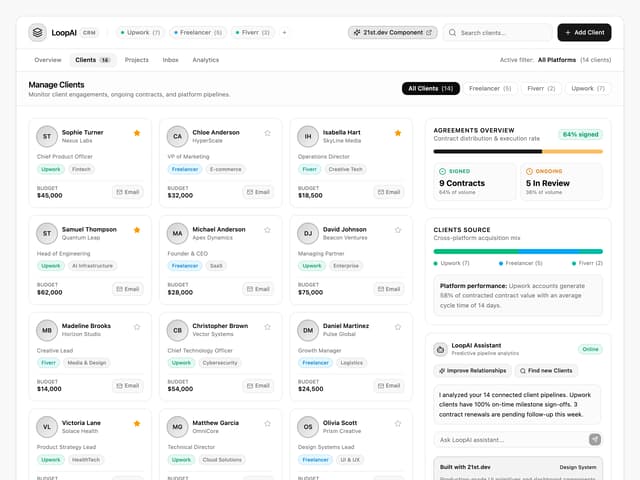
LoopAI CRM
33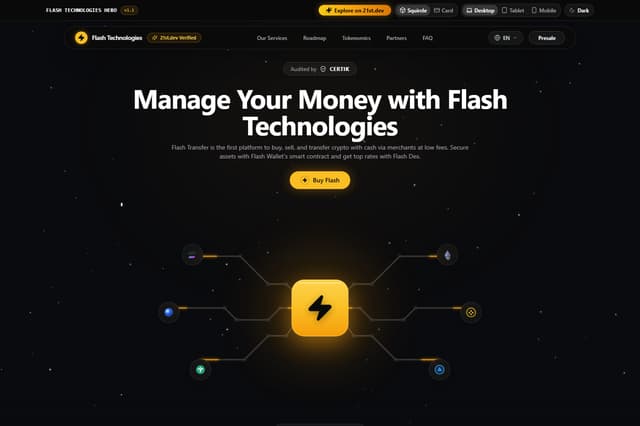
Flash Technologies Crypto Wallet Hero
27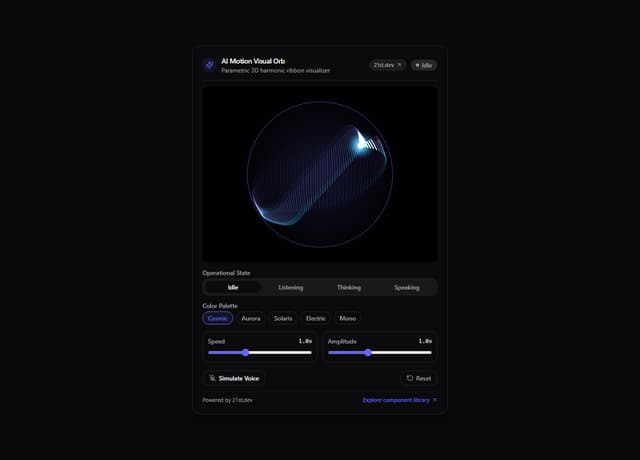
AI Motion Visual Orb
23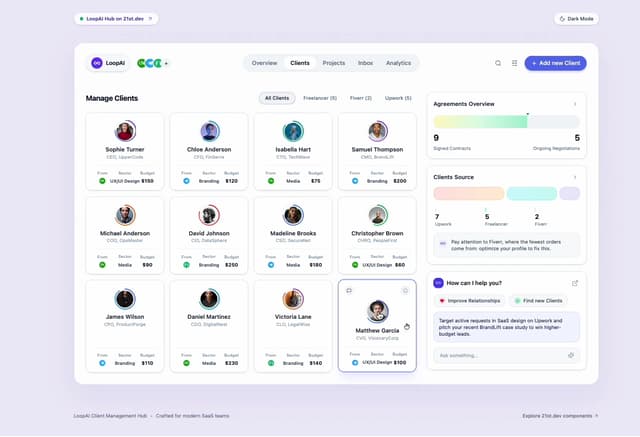
Client Management CRM Hub
21
TraceRocket Reports Dashboard
21
More in Heroes
View all
Agency Hero Section
1.1K

Hero Section 01
59

Hero
1.4K

Responsive Hero Banner
2.2K

SaaS Template
2.7K
Centered Hero with Image Fan
1.1K

Modren and Stunning Hero section
83

Hero Section
453
