
About
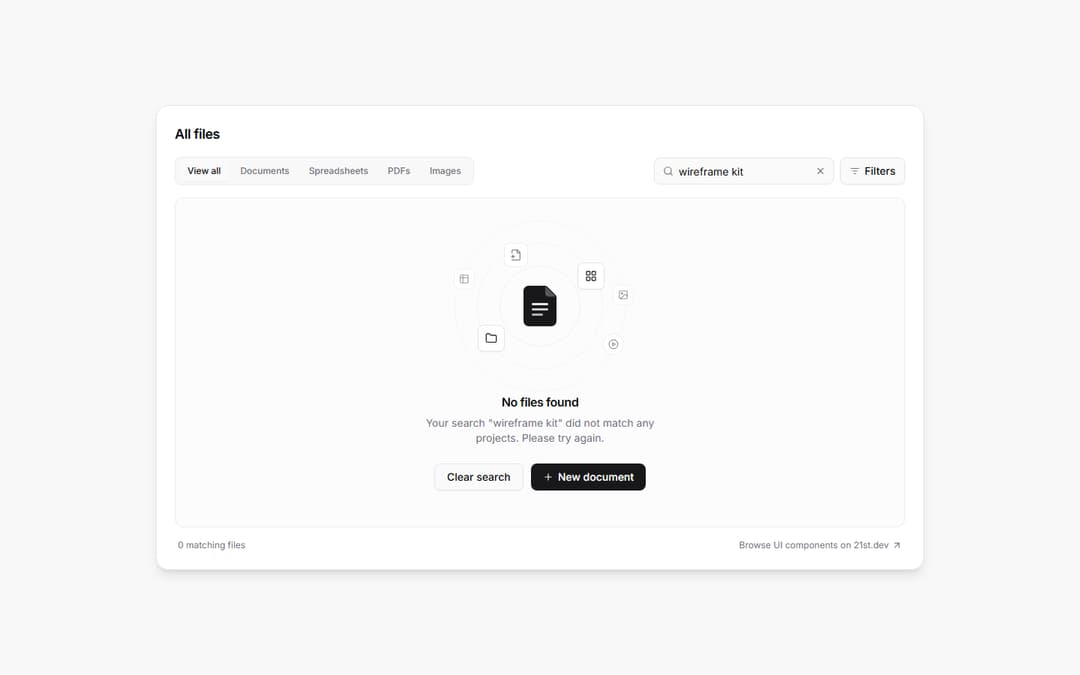
Interactive file explorer card with category tabs, live search input, sort and scope filter popover, and an orbital empty state.
Built with React and Tailwind. Copy the prompt and paste it into Claude Code, Cursor or Lovable: your agent adds File Search Empty State to your project and fits it to your theme.
Code
How File Search Empty State is used: the demo's code. The component's own source comes with a free account.
Usage.tsx
import { useEffect } from "react";
import FileSearchEmptyState from "@/components/ui/file-search-empty-state";

const settings = {
  title: "All files",
  initialQuery: "wireframe kit",
  emptyTitle: "No files found",
  clearSearchLabel: "Clear search",
  newDocumentLabel: "New document",
  animateOrbit: true,
  showFilterButton: true,
  showCatalogLink: true,
};

export default function FileSearchEmptyStateDemo(
  props: Partial<typeof settings>
) {
  const s = { ...settings, ...props };

  useEffect(() => {
    if (typeof window === "undefined") return;
    const themeParam = new URLSearchParams(window.location.search).get("theme");
    if (themeParam === "dark") {
      document.documentElement.classList.add("dark");
    } else if (themeParam === "light") {
      document.documentElement.classList.remove("dark");
    }
  }, []);

  return (
    <div className="flex min-h-screen w-full items-center justify-center bg-muted/35 p-4 text-foreground sm:p-8">
      <FileSearchEmptyState
        title={s.title}
        initialQuery={s.initialQuery}
        emptyTitle={s.emptyTitle}
        clearSearchLabel={s.clearSearchLabel}
        newDocumentLabel={s.newDocumentLabel}
        newDocumentHref="https://21st.dev/?ref=mdruhulhasan"
        catalogHref="https://21st.dev/?ref=mdruhulhasan"
        animateOrbit={s.animateOrbit}
        showFilterButton={s.showFilterButton}
        showCatalogLink={s.showCatalogLink}
      />
    </div>
  );
}
Dependencies
More by WRAPCODERS
View all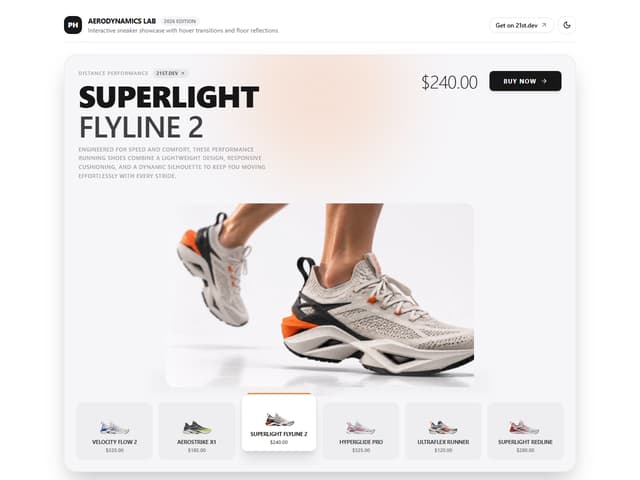

Product Hover Showcase
89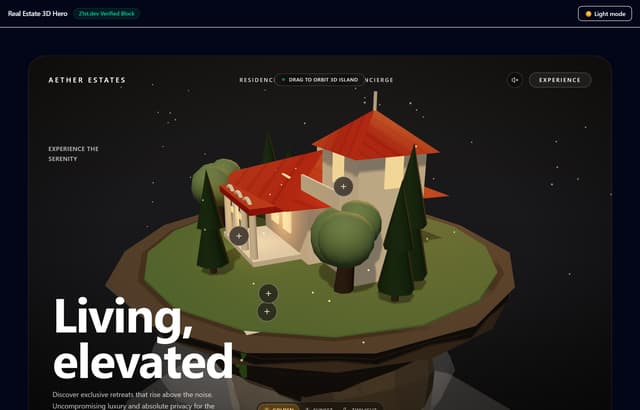
Real Estate 3D Hero
51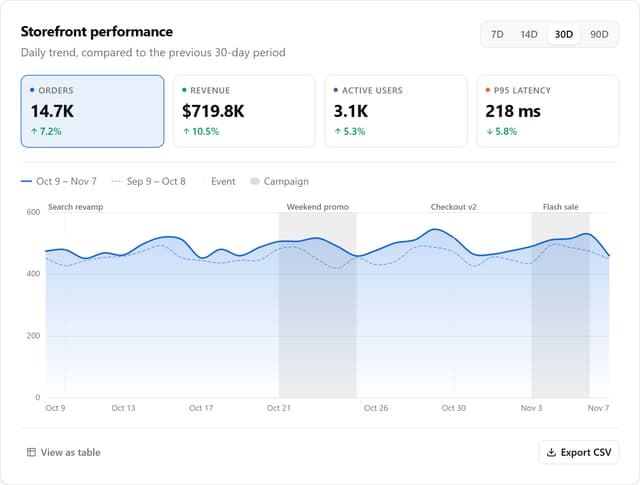
Metric Trend Chart
35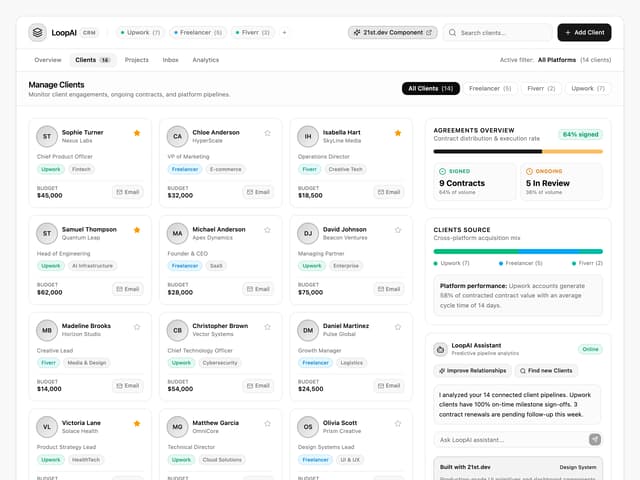
LoopAI CRM
33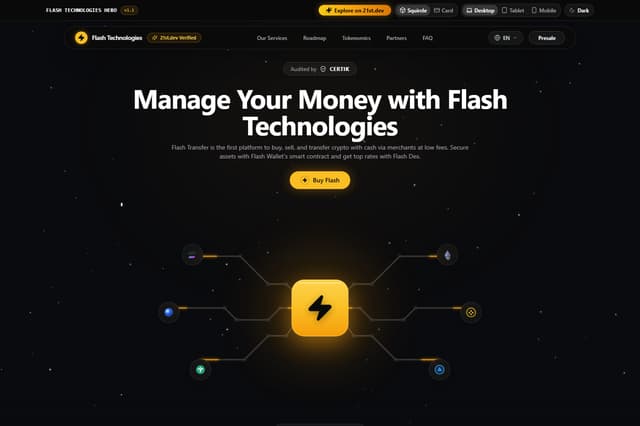
Flash Technologies Crypto Wallet Hero
27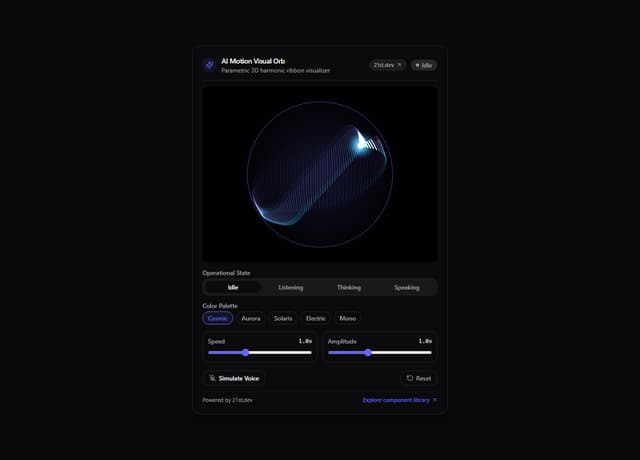
AI Motion Visual Orb
23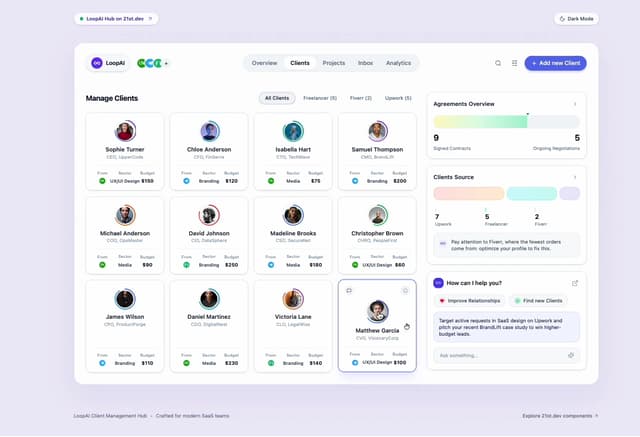
Client Management CRM Hub
21
TraceRocket Reports Dashboard
21