About
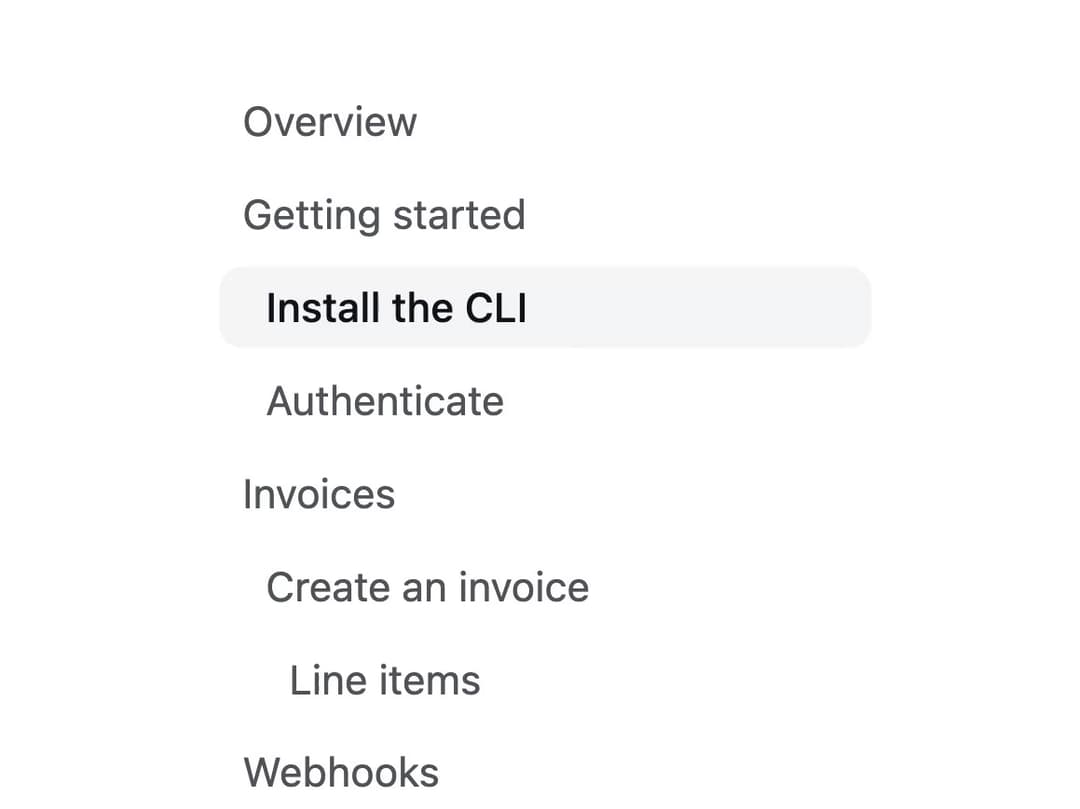
An indented table-of-contents navigation list with anchor links by heading level and a highlighted active entry, for docs pages and long articles.
Built with React and Tailwind. Copy the prompt and paste it into Claude Code, Cursor or Lovable: your agent adds Table of Contents to your project and fits it to your theme.
Code
How Table of Contents is used: the demo's code. The component's own source comes with a free account.
Usage.tsx
import { Toc } from "@/components/ui/toc";

export default function TocDemo() {
  return (
    <div className="flex w-full items-start justify-center p-10">
      <Toc
        items={[
          { id: "overview", title: "Overview", level: 1 },
          { id: "getting-started", title: "Getting started", level: 1 },
          { id: "install", title: "Install the CLI", level: 2 },
          { id: "authenticate", title: "Authenticate", level: 2 },
          { id: "invoices", title: "Invoices", level: 1 },
          { id: "create-invoice", title: "Create an invoice", level: 2 },
          { id: "line-items", title: "Line items", level: 3 },
          { id: "webhooks", title: "Webhooks", level: 1 },
        ]}
        activeId="install"
      />
    </div>
  );
}
More by amankaushik481
View all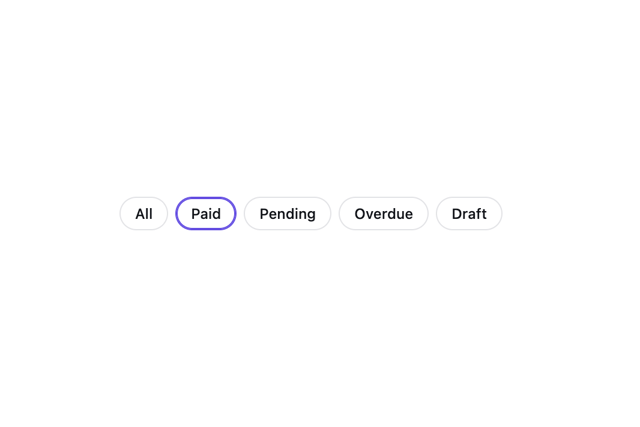

Chip Filter
7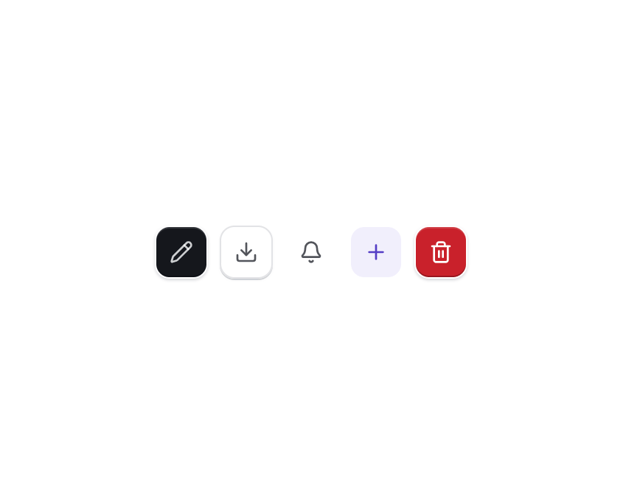
Icon Button
5
Background Boxes
4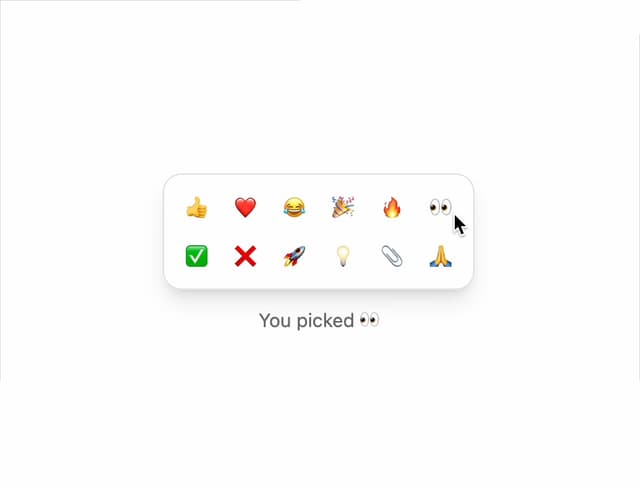
Emoji Picker
4
Morphing Text
2
Typing Text
1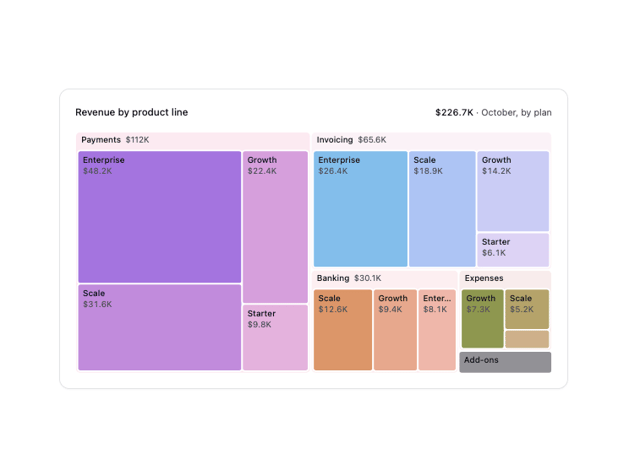
Treemap Chart
1
Particles
1
More in Navigation
View all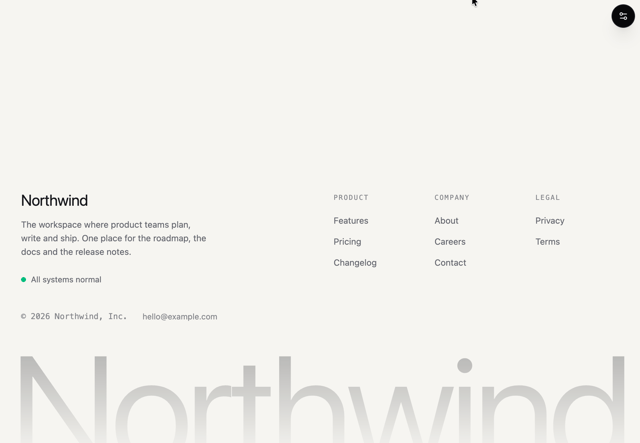

Footer with Big Wordmark
100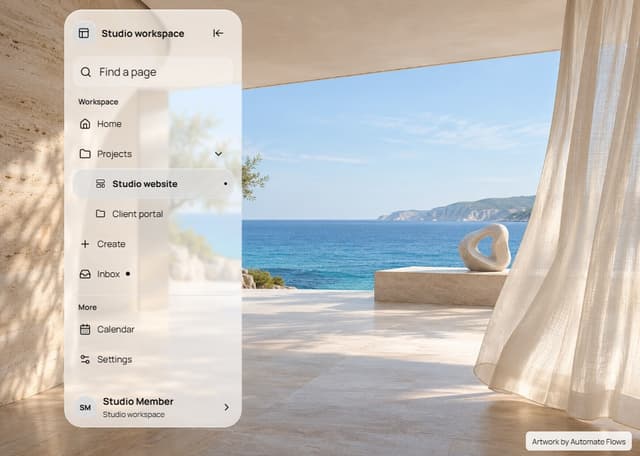

Liquid Glass Expandable Sidebar
295

Sidebar
422
Pagination with Ellipsis
25

Pagination
3

Tabs
33
Menu
23

Breadrcrumb
6
