About
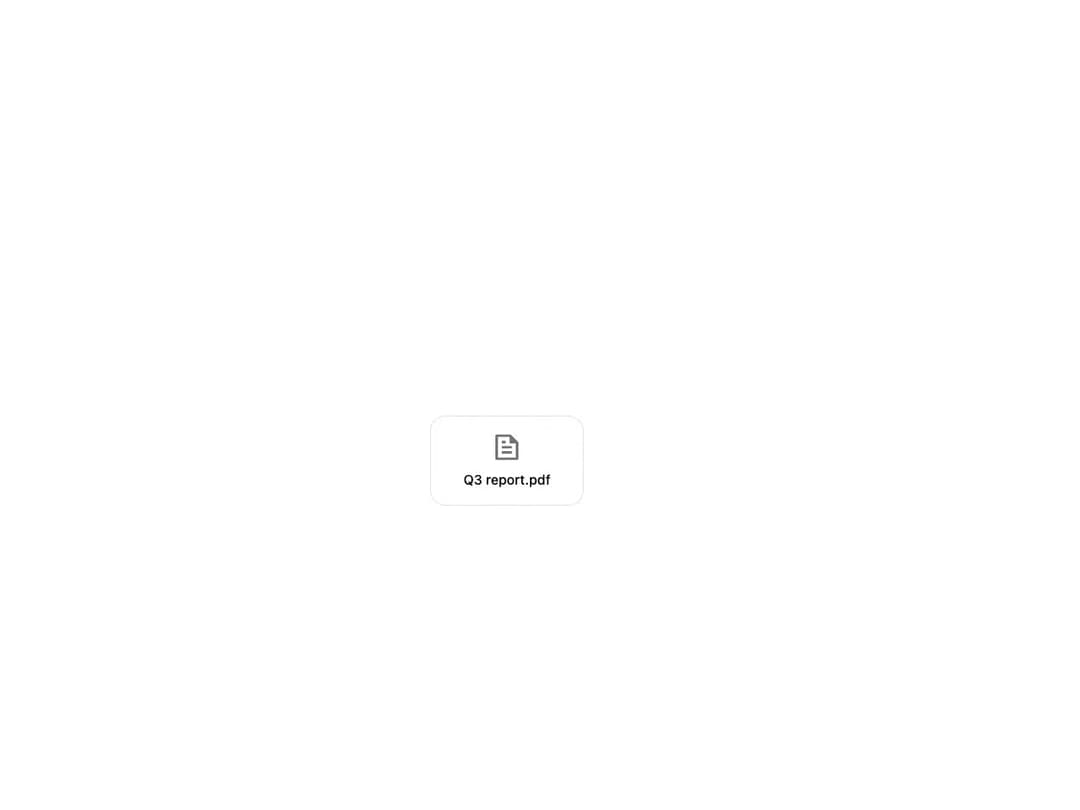
A right-click (and long-press, or Shift+F10) menu anchored to the pointer, with icons, keyboard shortcuts, submenus and checkable rows for actions on a file, row, or canvas element.
Built with React and Tailwind. Copy the prompt and paste it into Claude Code, Cursor or Lovable: your agent adds Context Menu to your project and fits it to your theme.
Code
How Context Menu is used: the demo's code. The component's own source comes with a free account.
Usage.tsx
"use client";

import {
  ContextMenu,
  ContextMenuItem,
  ContextMenuSeparator,
  ContextMenuSubmenu,
  ContextMenuTrigger,
} from "@/components/ui/context-menu";
import {
  RiDeleteBinLine,
  RiEditLine,
  RiFileCopyLine,
  RiFolderTransferLine,
  RiInboxLine,
  RiArchiveLine,
  RiFileTextLine,
} from "@remixicon/react";

function FileTile({ name, className }: { name: string; className?: string }) {
  return (
    <div
      className={`flex w-40 flex-col items-center gap-2 rounded-2xl border border-border-button-default bg-background-primary-default p-4 text-center transition-colors ${className ?? ""}`}
    >
      <RiFileTextLine
        className="size-8 text-foreground-icon-secondary"
        aria-hidden
      />
      <span className="truncate text-body-medium text-text-primary">
        {name}
      </span>
    </div>
  );
}

export default function ContextMenuDemo() {
  return (
    <div className="flex min-h-[320px] w-full items-center justify-center bg-background p-10 text-foreground">
      <ContextMenuTrigger>
        {({ isOpen }) => (
          <>
            <FileTile
              name="Q3 report.pdf"
              className={isOpen ? "border-accent-500" : undefined}
            />
            <ContextMenu
              aria-label="File actions"
              onAction={(key) => console.log(key)}
            >
              <ContextMenuItem id="rename" icon={RiEditLine}>
                Rename
              </ContextMenuItem>
              <ContextMenuItem
                id="duplicate"
                icon={RiFileCopyLine}
                shortcut="⌘D"
              >
                Duplicate
              </ContextMenuItem>
              <ContextMenuSubmenu label="Move to" icon={RiFolderTransferLine}>
                <ContextMenuItem id="move-inbox" icon={RiInboxLine}>
                  Inbox
                </ContextMenuItem>
                <ContextMenuItem id="move-archive" icon={RiArchiveLine}>
                  Archive
                </ContextMenuItem>
              </ContextMenuSubmenu>
              <ContextMenuSeparator />
              <ContextMenuItem
                id="delete"
                icon={RiDeleteBinLine}
                variant="danger"
                shortcut="⌘⌫"
              >
                Delete
              </ContextMenuItem>
            </ContextMenu>
          </>
        )}
      </ContextMenuTrigger>
    </div>
  );
}
Dependencies
More by boardui
View all

Social Button
3
Modal Dialog
1
Segmented Control
Date Calendar
Select
Composer Loader
Slider
File Upload