
About
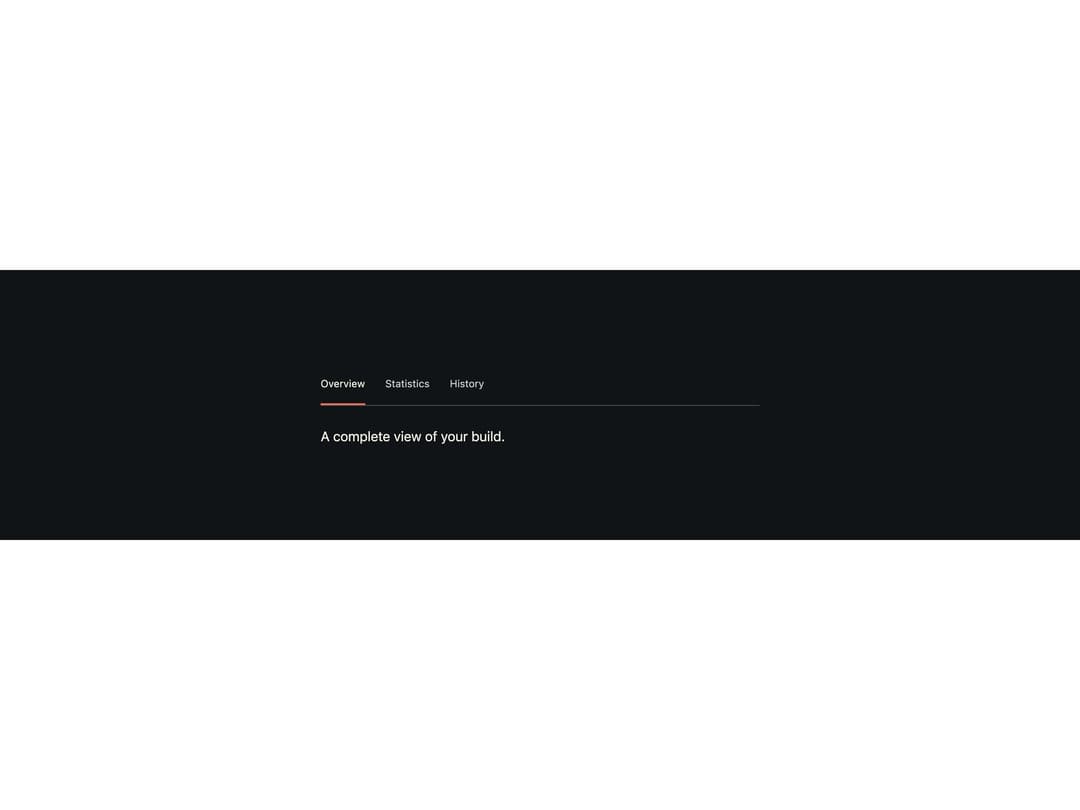
A keyboard-navigable tab list with a sliding underline indicator and a directional slide transition between panels, where the parent owns the panel content.
Built with React and Tailwind. Copy the prompt and paste it into Claude Code, Cursor or Lovable: your agent adds Fz Tabs to your project and fits it to your theme.
Code
How Fz Tabs is used: the demo's code. The component's own source comes with a free account.
Usage.tsx
"use client";
import * as React from "react";
import FzTabs from "@/components/ui/fz-tabs";

/**
 * Reproduces the live preview on forzaui.chrisdalbano.com/components/tabs
 * (Overview / Statistics / History, dark .fz-theme surface).
 */
export default function FzTabsDemo() {
  const [tab, setTab] = React.useState("overview");
  const tabs = [
    { value: "overview", label: "Overview" },
    { value: "statistics", label: "Statistics" },
    { value: "history", label: "History" },
  ];
  const content: Record<string, string> = {
    overview: "A complete view of your build.",
    statistics: "Lap times, top speed, and tire wear across your last session.",
    history: "Every tune you've saved, in the order you made them.",
  };
  return (
    <div className="fz-theme flex min-h-[320px] w-full items-center justify-center p-10">
      <div style={{ maxWidth: 520, width: "100%" }}>
        <FzTabs label="Details" options={tabs} value={tab} onChange={setTab}>
          {(value) => <p>{content[value]}</p>}
        </FzTabs>
      </div>
    </div>
  );
}
More by chrisdalbano
View all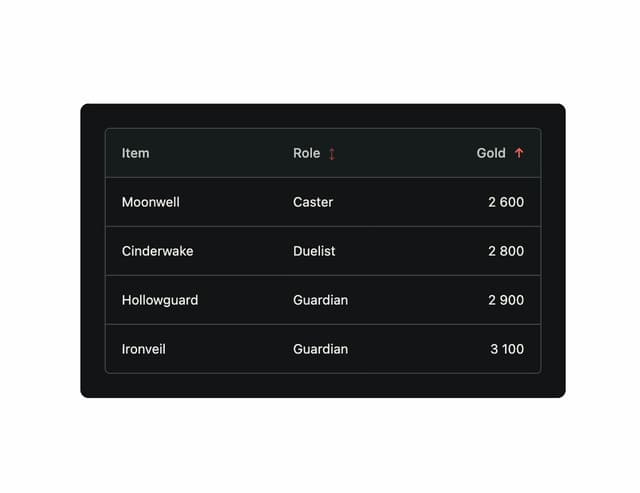
Forza Table
More in Navigation
View all

Sidebar
221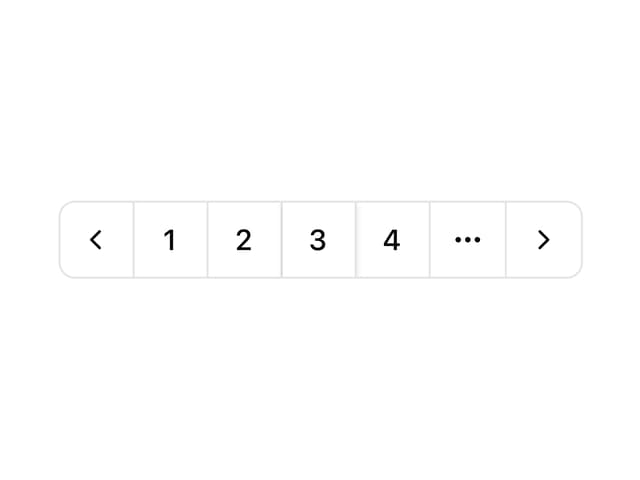

Outline Pagination
11
Navbar with Theme Toggle
40

Navbar
71
Tabs
34
Oversized 404 Numeral
49
Pagination Ant


Smart Breadcrumb
35

