About
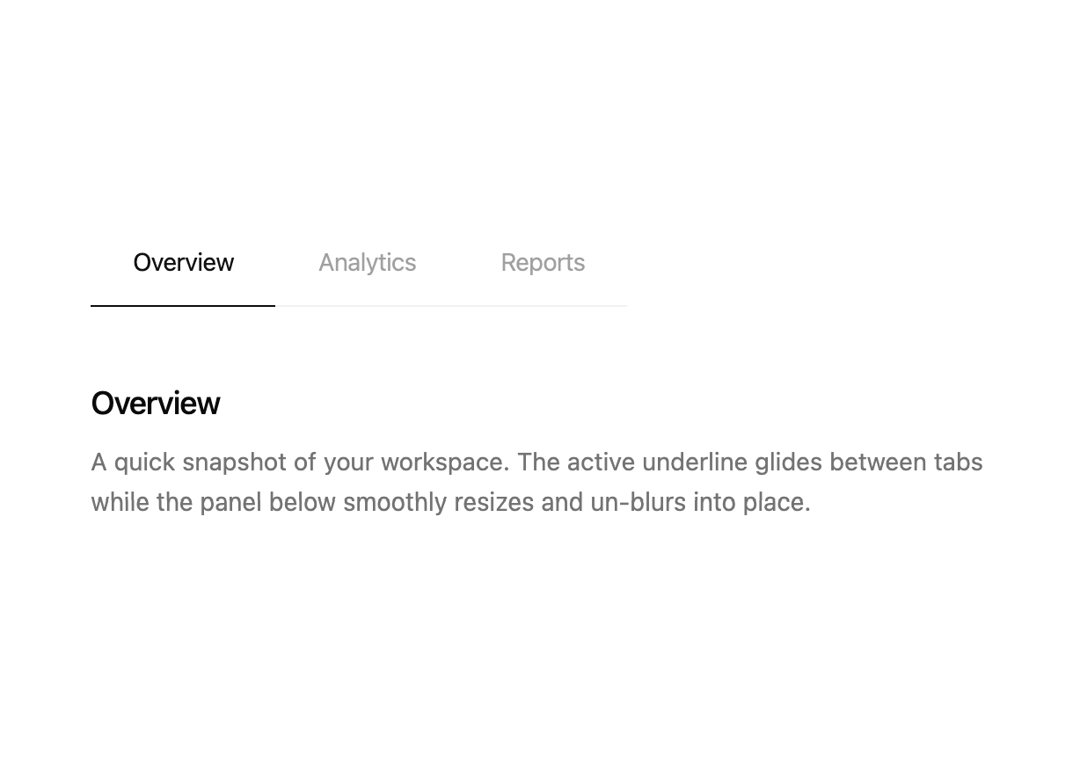
Accessible tabs built on Radix UI with a spring-animated active underline and a blur-and-height motion transition between panels.
Built with React and Tailwind. Copy the prompt and paste it into Claude Code, Cursor or Lovable: your agent adds Tabs (Radix UI) to your project and fits it to your theme.
Code
How Tabs (Radix UI) is used: the demo's code. The component's own source comes with a free account.
Usage.tsx
import {
  Tabs,
  TabsContent,
  TabsList,
  TabsTrigger,
} from "@/components/ui/r-tabs";

export default function TabsDemo() {
  return (
    <div className="mx-auto w-full max-w-xl px-4 py-12">
      <Tabs defaultValue="overview">
        <TabsList>
          <TabsTrigger value="overview">Overview</TabsTrigger>
          <TabsTrigger value="analytics">Analytics</TabsTrigger>
          <TabsTrigger value="reports">Reports</TabsTrigger>
        </TabsList>
        <TabsContent value="overview">
          <h3 className="text-lg font-medium tracking-tight text-foreground">
            Overview
          </h3>
          <p className="mt-2 text-sm leading-relaxed text-muted-foreground">
            A quick snapshot of your workspace. The active underline glides
            between tabs while the panel below smoothly resizes and un-blurs
            into place.
          </p>
        </TabsContent>
        <TabsContent value="analytics">
          <h3 className="text-lg font-medium tracking-tight text-foreground">
            Analytics
          </h3>
          <p className="mt-2 text-sm leading-relaxed text-muted-foreground">
            Track engagement, retention, and conversion across every channel
            with charts that update in real time.
          </p>
        </TabsContent>
        <TabsContent value="reports">
          <h3 className="text-lg font-medium tracking-tight text-foreground">
            Reports
          </h3>
          <p className="mt-2 text-sm leading-relaxed text-muted-foreground">
            Generate and export detailed summaries, then schedule them to land
            in your inbox automatically.
          </p>
        </TabsContent>
      </Tabs>
    </div>
  );
}
Dependencies
More by Edwin Vakayil
View all
Origin Button
771
Infinite Ribbon
526
Shimmer Text
402
Dia Text
345
Icon Bar
244
FAQ Pro
226
Verified Badge
212
New Card
183
More in Navigation
View all

Sidebar
237
Navbar with Theme Toggle
43
Oversized 404 Numeral
50

Sidebar
340

Tabs
60
Numberless Pagination with Text
11

Pagination
87

Navbar
71
