
About
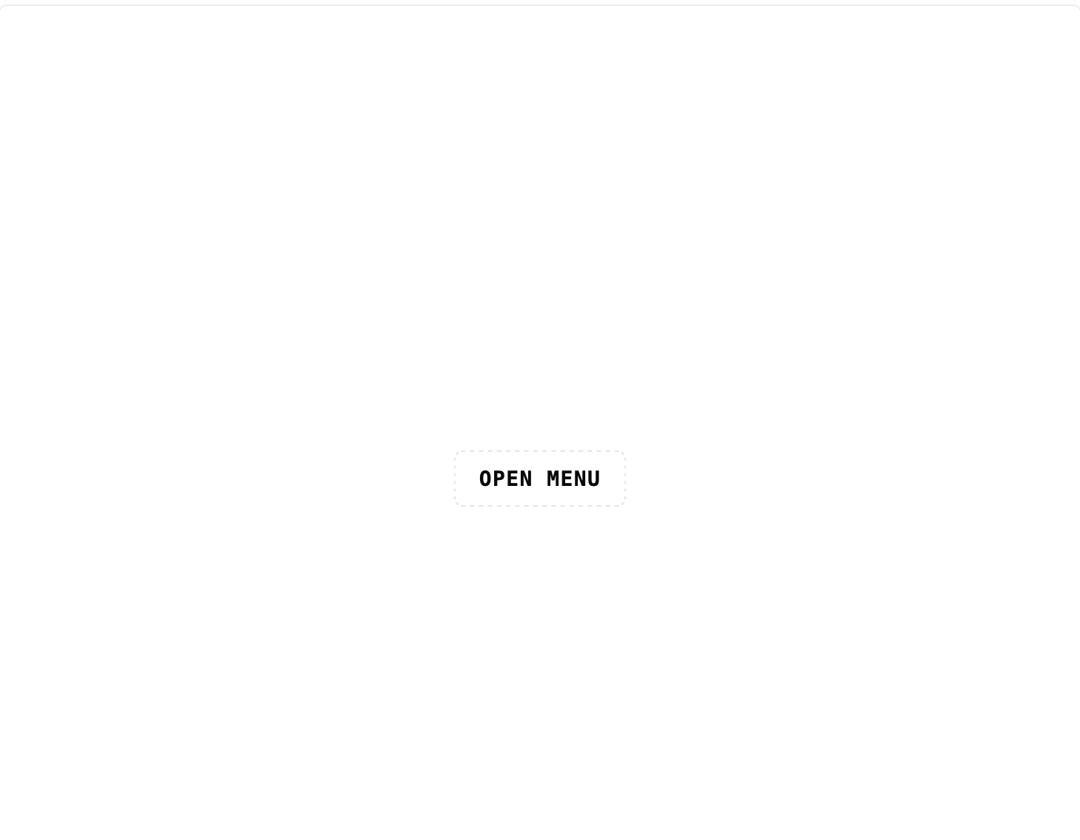
A full-screen mobile navigation overlay that slides in with staggered link entrance animations and closes on escape key or link click.
Built with React and Tailwind. Copy the prompt and paste it into Claude Code, Cursor or Lovable: your agent adds Mobile Menu to your project and fits it to your theme.
Code
How Mobile Menu is used: the demo's code. The component's own source comes with a free account.
Usage.tsx
"use client";

import * as React from "react";
import { MobileMenu, type MobileMenuItem } from "@/components/ui/mobile-menu";

const items: MobileMenuItem[] = [
  { id: "home", label: "Home", href: "#" },
  { id: "work", label: "Work", href: "#" },
  { id: "about", label: "About", href: "#" },
  { id: "blog", label: "Blog", href: "#" },
  { id: "contact", label: "Contact", href: "#" },
];

export default function MobileMenuDemo() {
  const [open, setOpen] = React.useState(false);

  return (
    <div className="flex h-screen w-full items-center justify-center bg-background">
      <button
        onClick={() => setOpen(true)}
        className="rounded-sm border border-dashed border-border px-4 py-2 font-mono text-sm font-bold uppercase tracking-wider text-foreground transition-colors hover:text-accent"
      >
        Open menu
      </button>
      <MobileMenu items={items} open={open} onOpenChange={setOpen} />
    </div>
  );
}
More by f0rextasy
View all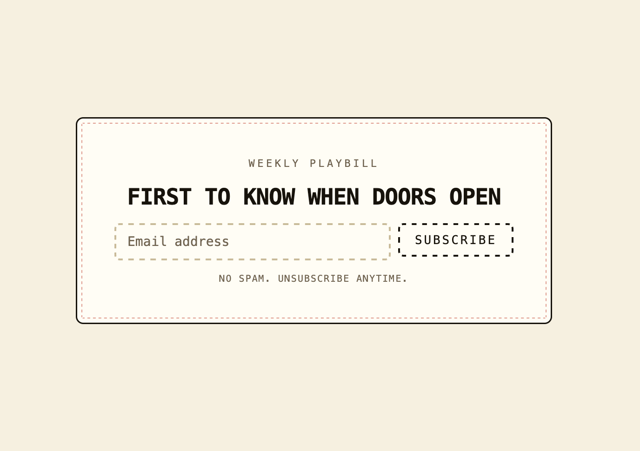
Newsletter Signup Card
5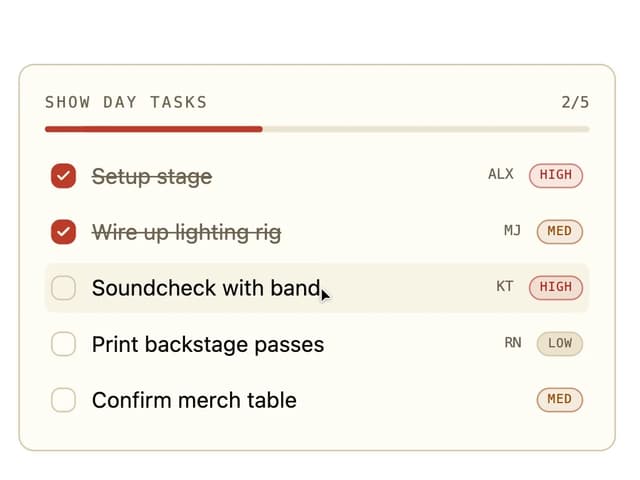
Board Checklist
3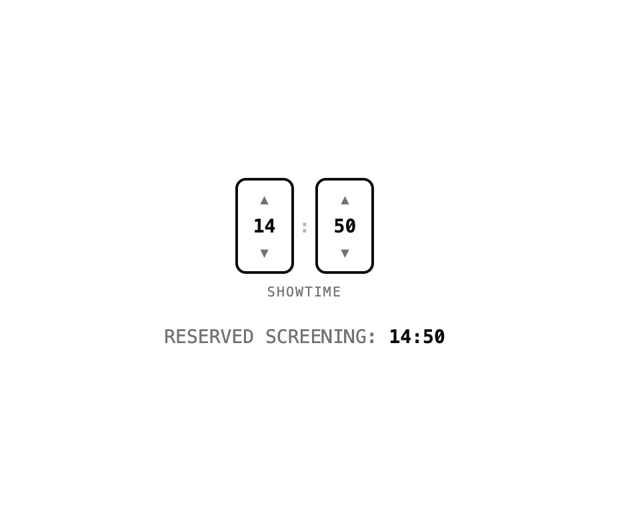
Time Input
3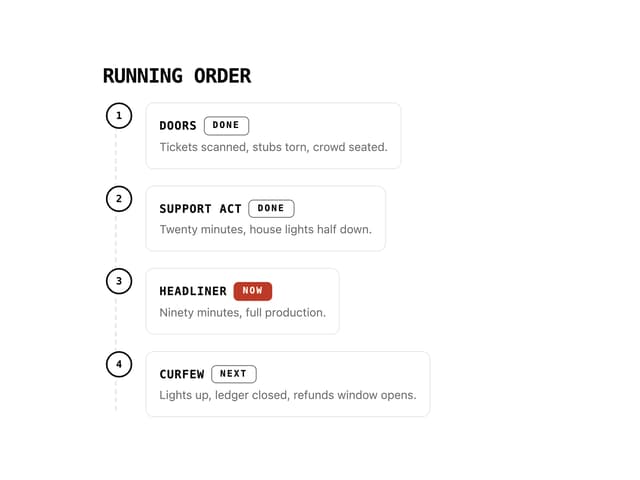
Running Order Timeline
2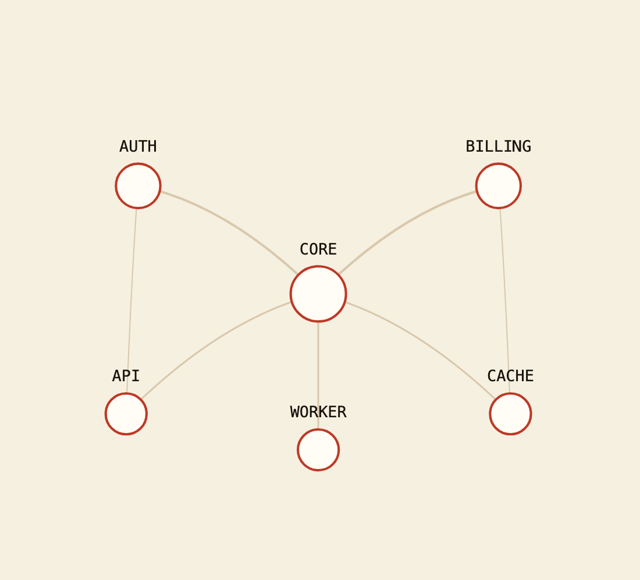
Network Graph
2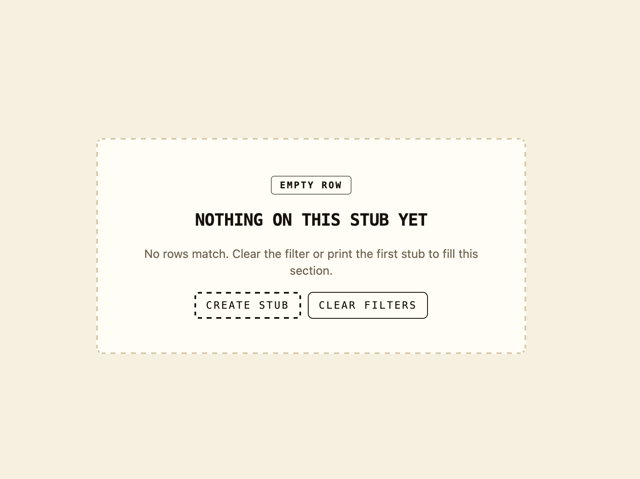
Empty State Card
1
Invite Modal
1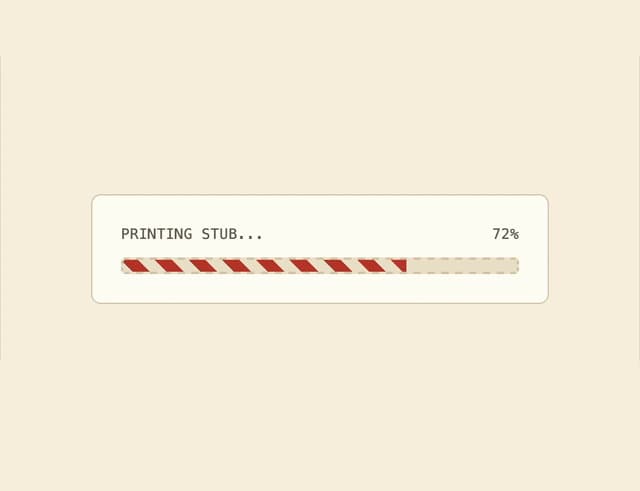
Striped Progress Bar
1
More in Navigation
View all

Sidebar
253
Navbar with Theme Toggle
43

Tabs
60
Oversized 404 Numeral
52

Footer 2
204

Sidebar
343

Footer
80
Footer
447

