
About
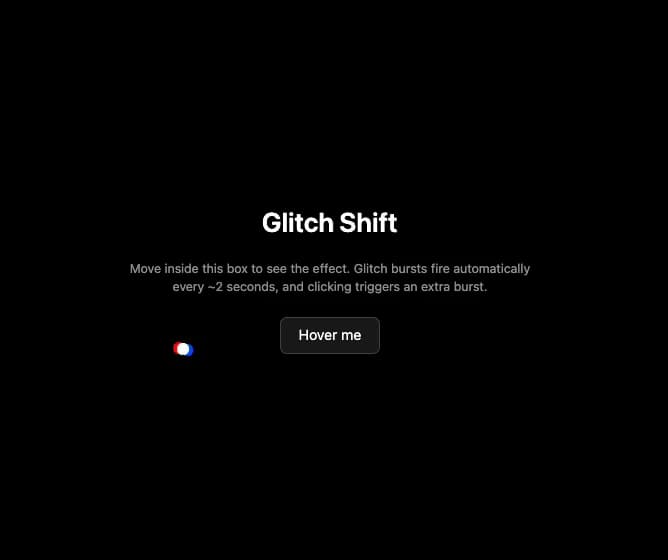
A custom mouse cursor that splits into offset red, green and blue channel ghosts with periodic and click-triggered glitch bursts, confined to a container element.
Built with React and Tailwind. Copy the prompt and paste it into Claude Code, Cursor or Lovable: your agent adds Glitch Shift Cursor to your project and fits it to your theme.
Code
How Glitch Shift Cursor is used: the demo's code. The component's own source comes with a free account.
Usage.tsx
"use client";
import GlitchShiftCursor from "@/components/ui/glitch-shift-cursor";
import { useRef } from "react";

export default function GlitchShiftCursorDemo() {
  const containerRef = useRef<HTMLDivElement>(null);

  return (
    <div
      ref={containerRef}
      style={{ cursor: "none" }}
      className="relative w-full h-screen overflow-hidden bg-black flex flex-col items-center justify-center gap-6 text-center px-6"
    >
      <GlitchShiftCursor
        containerRef={containerRef}
        config={{
          split: 5,
          glitchInterval: 500,
          burstDuration: 300,
          pointerAnim: true,
          pointerSizeMult: 1.7,
          clickAnim: true,
          clickSplitMult: 4.4,
        }}
      />
      <h2 className="text-3xl font-semibold text-white">Glitch Shift</h2>
      <p className="max-w-md text-sm text-white/60">
        Move inside this box to see the effect. Glitch bursts fire automatically
        every ~2 seconds, and clicking triggers an extra burst.
      </p>
      <button className="btn px-5 py-2 rounded-md bg-white/10 text-white border border-white/20">
        Hover me
      </button>
    </div>
  );
}
More by felix-au
View all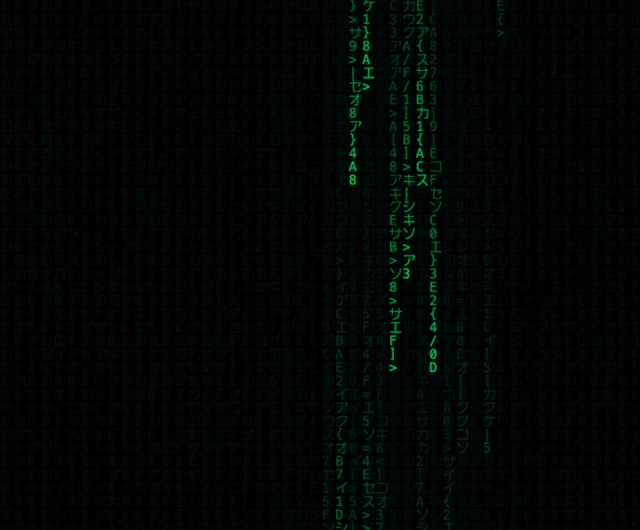
Matrix Rain Cursor
35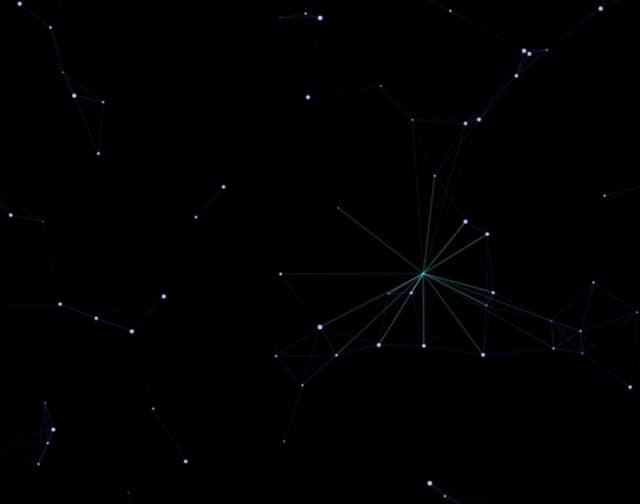
Constellation Cursor
13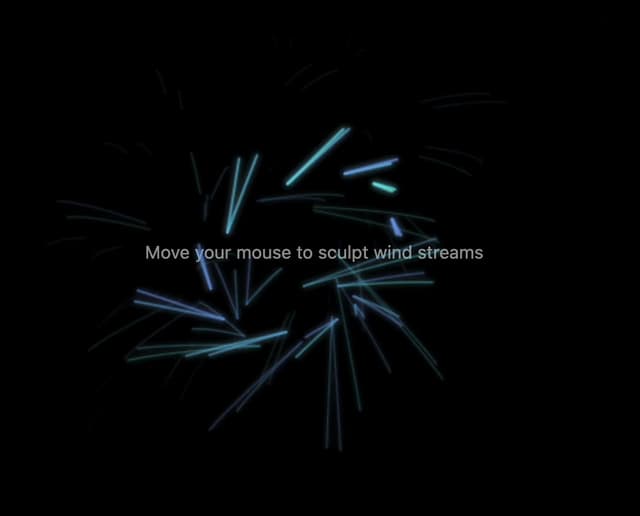
Wind Stream Cursor
5
DNA Helix Cursor
5
Rainbow Comet Cursor
5
Pixel Shatter Cursor
2
Bubble Float Cursor
2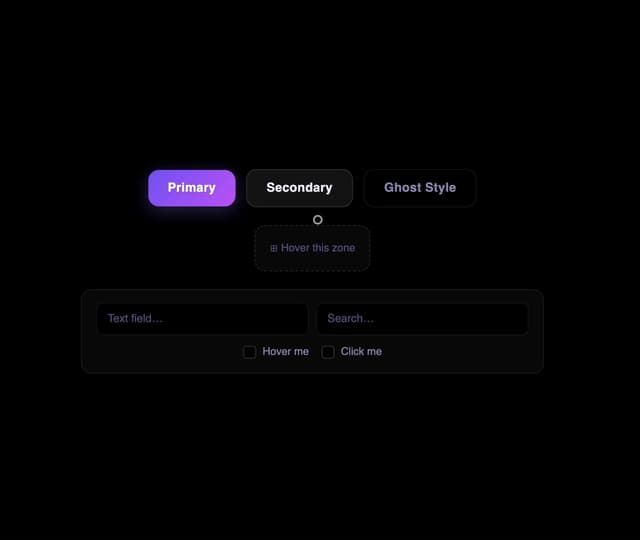
Ripple Wave Cursor
1