
About
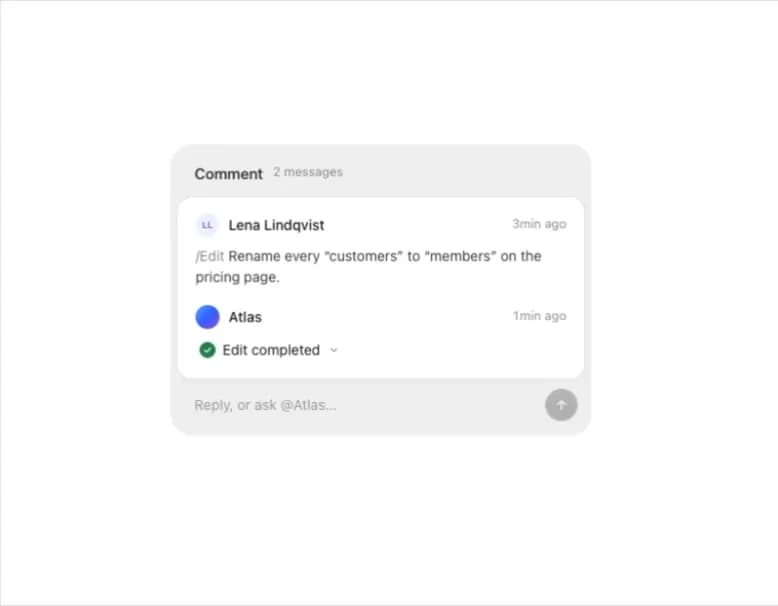
A single comment thread with replies where an AI assistant reports what it did, folds open to show the details, and shows a thinking state while composing an async answer.
Built with React and Tailwind. Copy the prompt and paste it into Claude Code, Cursor or Lovable: your agent adds Comment Thread to your project and fits it to your theme.
Code
How Comment Thread is used: the demo's code. The component's own source comes with a free account.
Usage.tsx
"use client";

import {
  AssistantMark,
  CommentThread,
  type ThreadMessage,
} from "@/components/ui/comment-thread";

const atlas = { name: "Atlas", avatar: <AssistantMark />, assistant: true };
const me = { name: "Lena Lindqvist" };

const initialMessages: ThreadMessage[] = [
  {
    id: "m-1",
    author: me,
    createdAt: Date.now() - 3 * 60 * 1000,
    text: "/edit Rename every \u201ccustomers\u201d to \u201cmembers\u201d on the pricing page.",
  },
  {
    id: "m-2",
    author: atlas,
    createdAt: Date.now() - 1 * 60 * 1000,
    text: "",
    status: "Edit completed",
    details: [
      "Renamed 12 mentions in 3 sections",
      "Kept \u201ccustomer support\u201d as it is",
      "Left the legal pages untouched",
    ],
  },
];

export default function CommentThreadDemo() {
  return (
    <div className="flex min-h-screen w-full items-center justify-center bg-background p-10">
      <CommentThread
        messages={initialMessages}
        currentUser={me}
        assistant={atlas}
        onReply={async (text) => {
          if (!text.toLowerCase().includes("@atlas")) return;
          await new Promise((resolve) => setTimeout(resolve, 1200));
          return {
            id: `m-${Date.now()}`,
            author: atlas,
            createdAt: Date.now(),
            text: "",
            status: "Looked into it",
            details: ["Checked the pricing page", "No further changes needed"],
          };
        }}
      />
    </div>
  );
}
More by flohoeller
View all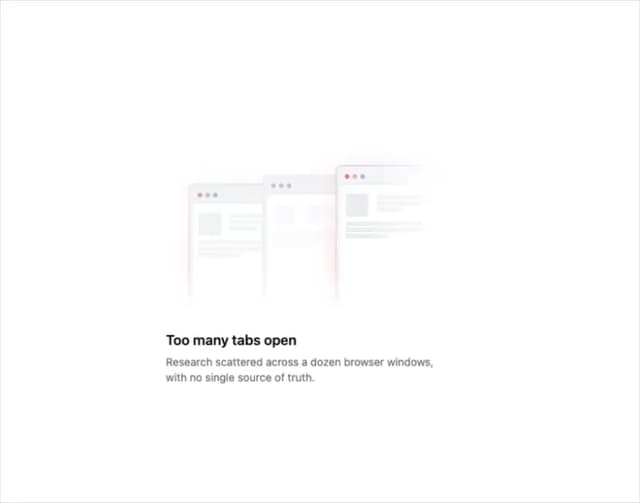
Tab Overload
6
Side Folder
5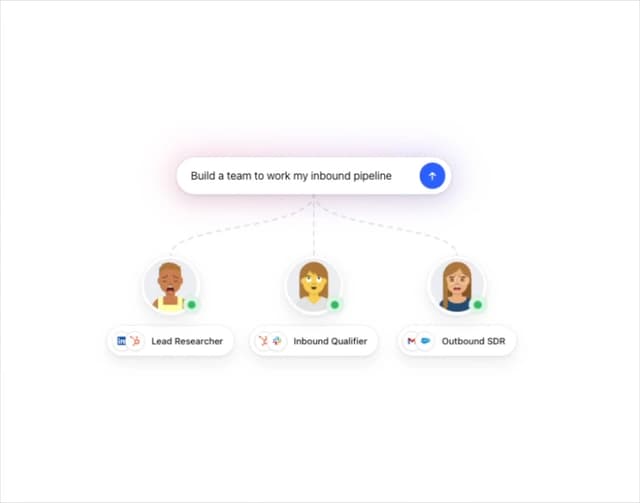
Agent Team
4
Filter Menu
4
Progress Tracker
3
Team Invite
2
Tips Panel
2
Reaction Bar
2