
About
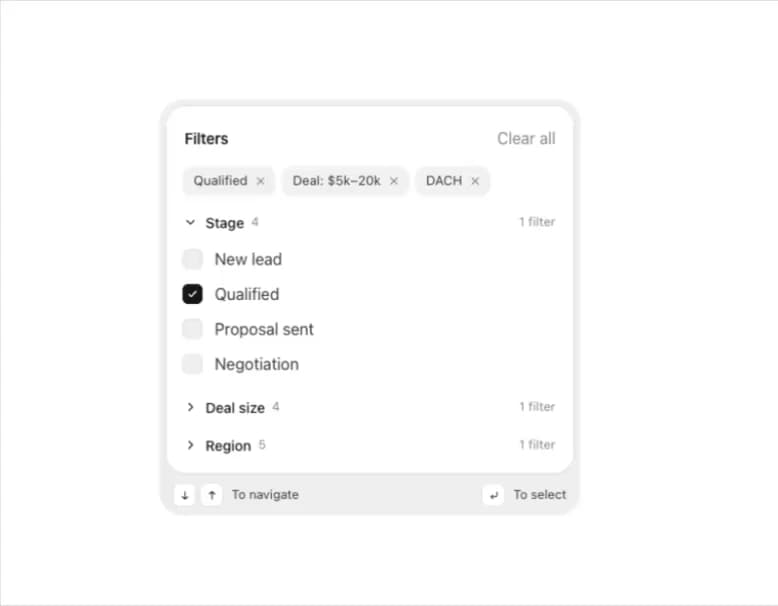
A grouped filter panel with removable active-filter chips, collapsible checkbox groups, a Clear all action and full keyboard navigation for filtering lists, tables or boards.
Built with React and Tailwind. Copy the prompt and paste it into Claude Code, Cursor or Lovable: your agent adds Filter Menu to your project and fits it to your theme.
Code
How Filter Menu is used: the demo's code. The component's own source comes with a free account.
Usage.tsx
"use client";

import { FilterMenu, type FilterValue } from "@/components/ui/filter-menu";
import * as React from "react";

const groups = [
  {
    id: "stage",
    label: "Stage",
    options: [
      { id: "new", label: "New lead" },
      { id: "qualified", label: "Qualified" },
      { id: "proposal", label: "Proposal sent" },
      { id: "negotiation", label: "Negotiation" },
    ],
  },
  {
    id: "size",
    label: "Deal size",
    chipPrefix: "Deal: ",
    options: [
      { id: "under5", label: "Under $5k" },
      { id: "5to20", label: "$5k–20k" },
      { id: "20to50", label: "$20k–50k" },
      { id: "over50", label: "Over $50k" },
    ],
  },
  {
    id: "region",
    label: "Region",
    options: [
      { id: "dach", label: "DACH" },
      { id: "nordics", label: "Nordics" },
      { id: "uk", label: "UK & Ireland" },
      { id: "na", label: "North America" },
      { id: "apac", label: "APAC" },
    ],
  },
];

export default function FilterMenuDemo() {
  const [filters, setFilters] = React.useState<FilterValue>({
    stage: ["qualified"],
    size: ["5to20"],
    region: ["dach"],
  });

  return (
    <div className="flex w-full min-h-screen items-center justify-center bg-background p-8 text-foreground">
      <FilterMenu groups={groups} value={filters} onChange={setFilters} />
    </div>
  );
}
More by flohoeller
View all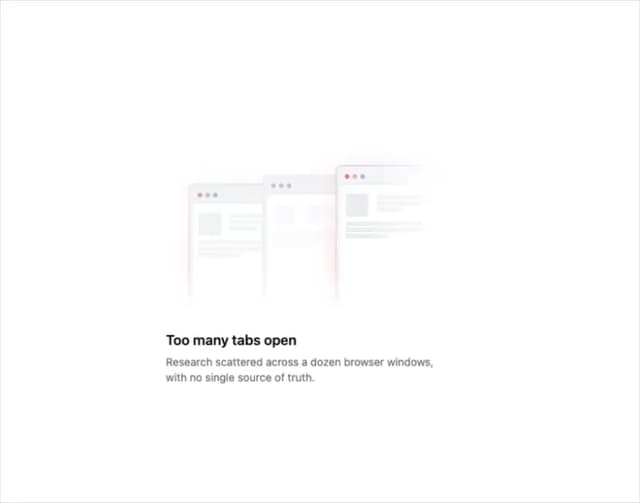
Tab Overload
6
Side Folder
5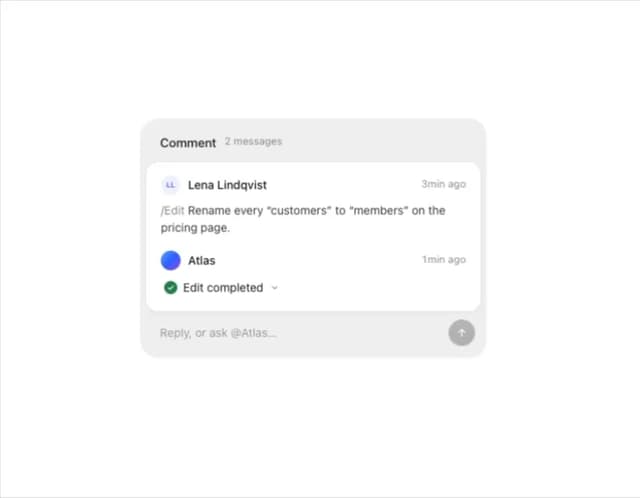
Comment Thread
5
Agent Team
4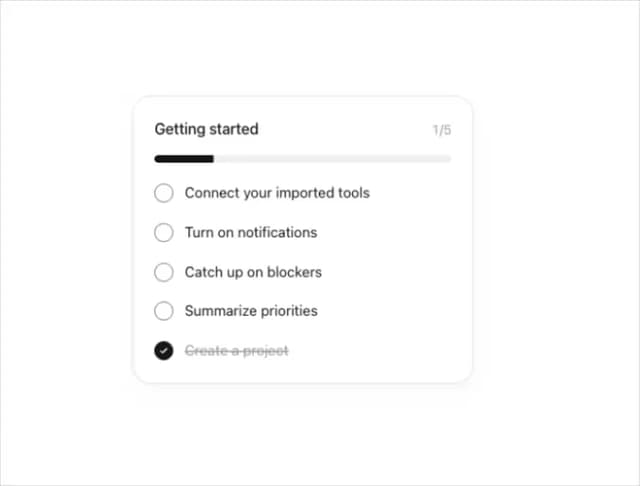
Progress Tracker
3
Team Invite
2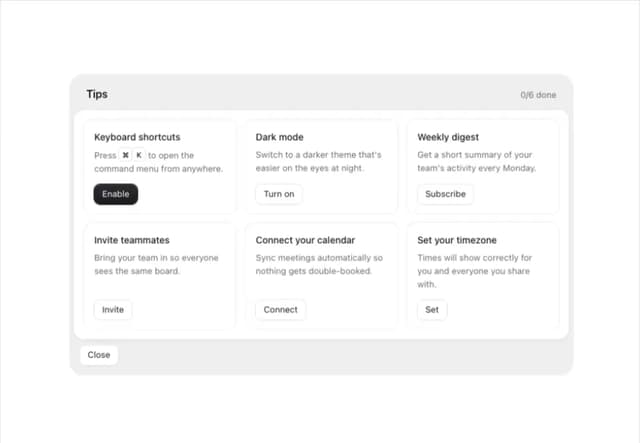
Tips Panel
2
Reaction Bar
2