
About
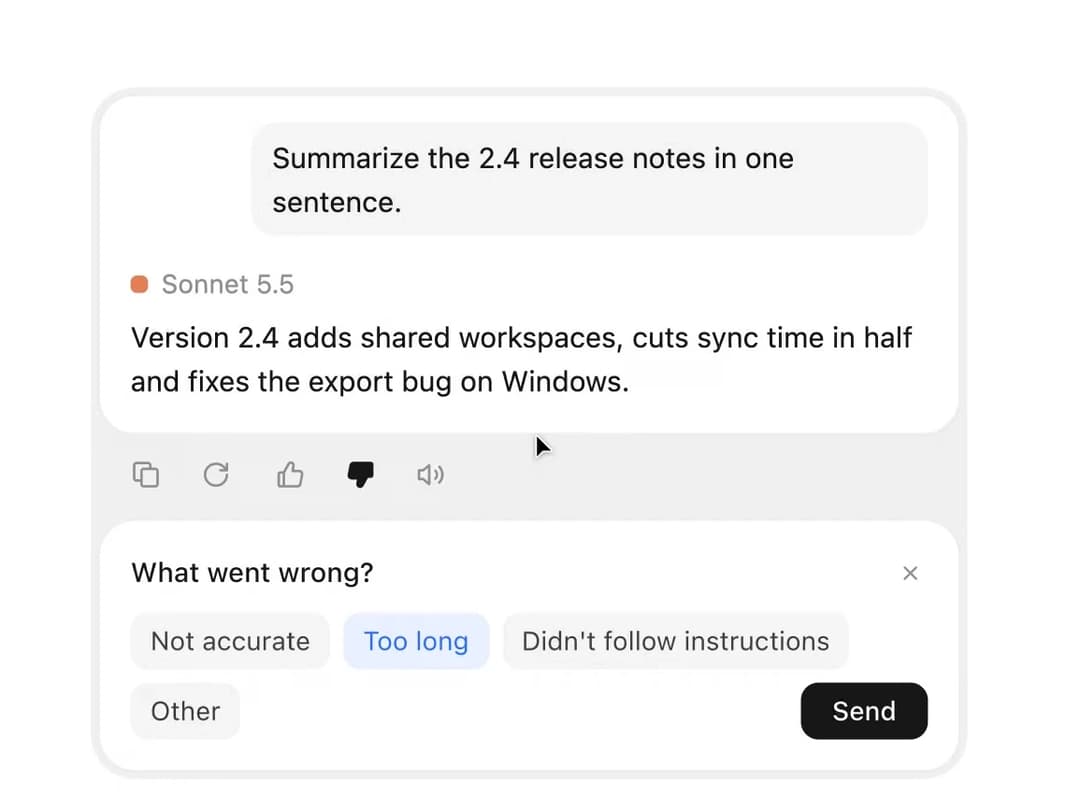
The quiet bar under an AI message – copy turns into a check, regenerate opens a version switcher, thumbs ask why, read aloud becomes a tiny equalizer. From affectUI (affectui.com).
Built with React and Tailwind. Copy the prompt and paste it into Claude Code, Cursor or Lovable: your agent adds Message Actions to your project and fits it to your theme.
Code
How Message Actions is used: the demo's code. The component's own source comes with a free account.
Usage.tsx
import { useEffect, useRef, useState } from "react";
import { MessageActions, MessageText } from "@/components/ui/message-actions";

const answers = [
  "Version 2.4 adds shared workspaces, cuts sync time in half and fixes the export bug on Windows.",
  "Shared workspaces arrive in 2.4, sync is twice as fast, and exports on Windows work again.",
  "In short: teams can now share a workspace, syncing takes half as long and Windows exports are fixed.",
];

export default function Demo() {
  const ref = useRef<HTMLDivElement>(null);
  const [round, setRound] = useState(0);
  const [count, setCount] = useState(1);
  const [version, setVersion] = useState(0);
  const [writing, setWriting] = useState(false);
  // Only real input may touch the clipboard – the autoplay copies without it
  const [live, setLive] = useState(false);
  const touched = useRef(false);

  // A new version takes a moment to write, then the switcher jumps to it
  const regenerate = () => {
    if (writing) return;
    setWriting(true);
    window.setTimeout(() => {
      setWriting(false);
      setCount((c) => Math.min(answers.length, c + 1));
    }, 1000);
  };

  useEffect(() => setVersion(count - 1), [count]);

  // Copies, gives a thumbs down with a reason, regenerates and flips back – then starts over, until someone touches it
  useEffect(() => {
    const press = (selector: string) => () => ref.current?.querySelector<HTMLElement>(selector)?.click();
    const script: [number, () => void][] = [
      [700, press(".ui-ma__btn--copy")],
      [1000, press(".ui-ma__btn--down")],
      [700, press(".ui-ma__chip:nth-child(2)")],
      [900, press(".ui-ma__send")],
      [2600, press(".ui-ma__btn--regenerate")],
      [2800, press(".ui-ma__step[data-dir='prev']")],
      [2000, press(".ui-ma__step[data-dir='next']")],
      [3000, () => {
        setCount(1);
        setVersion(0);
        setRound((r) => r + 1);
      }],
    ];
    let step = 0;
    let id = 0;
    const next = () => {
      if (touched.current || step >= script.length) return;
      id = window.setTimeout(() => {
        if (touched.current) return;
        script[step][1]();
        step++;
        next();
      }, script[step][0]);
    };
    next();
    return () => window.clearTimeout(id);
  }, [round]);
  // The script presses buttons with click(), which fires none of the events below – so only real input stops it
  const stop = () => {
    touched.current = true;
    setLive(true);
  };

  const text = answers[version];

  return (
    <div ref={ref} className="ma-demo" onPointerEnter={stop} onPointerDownCapture={stop} onKeyDownCapture={stop} onFocusCapture={stop}>
      <style>{demoCss}</style>
      <div className="ma-demo__message" data-ui-message="">
        <div className="ma-demo__card">
          <p className="ma-demo__ask">Summarize the 2.4 release notes in one sentence.</p>
          <div className="ma-demo__who">
            <span className="ma-demo__dot" aria-hidden="true" />
            Sonnet 5.5
          </div>
          <div className="ma-demo__answer" data-writing={writing ? "" : undefined}>
            <MessageText version={version}>{text}</MessageText>
          </div>
        </div>
        <div className="ma-demo__tray">
          <MessageActions
            key={round}
            text={live ? text : undefined}
            versions={count}
            version={version}
            onVersionChange={setVersion}
            onRegenerate={regenerate}
            regenerating={writing}
          />
        </div>
      </div>
    </div>
  );
}

const demoCss = `
.ma-demo {
  display: grid;
  grid-template-columns: min(400px, 100%);
  justify-content: center;
  align-content: start;
  width: 100%;
  /* Room for the feedback row, so opening it doesn't move the message */
  height: 330px;
  font-family: "Inter", ui-sans-serif, system-ui, -apple-system, "Segoe UI", Roboto, sans-serif;
}
.ma-demo__message {
  padding: 4px;
  border-radius: 20px;
  background: #f0f0f0;
}
.ma-demo__card {
  padding: 12px 14px 14px;
  border-radius: 16px;
  background: #fff;
  box-shadow: 0 0 0 1px #ececec, 0 1px 2px rgba(0, 0, 0, 0.04);
  font-size: 13px;
  line-height: 20px;
  color: #404040;
}
.ma-demo__ask {
  width: fit-content;
  max-width: 85%;
  margin: 0 0 12px auto;
  padding: 6px 10px;
  border-radius: 12px;
  background: #f4f4f5;
  color: #171717;
}
.ma-demo__who {
  display: flex;
  align-items: center;
  gap: 6px;
  margin-bottom: 4px;
  font-size: 12px;
  color: #8f8f8f;
}
.ma-demo__dot {
  width: 8px;
  height: 8px;
  border-radius: 3px;
  background: #d97757;
}
.ma-demo__answer {
  color: #171717;
  transition: opacity 300ms ease;
}
.ma-demo__answer[data-writing] {
  animation: ma-demo-writing 1000ms ease-in-out infinite;
}
@keyframes ma-demo-writing {
  50% { opacity: 0.4; }
}
.ma-demo__tray {
  padding: 0;
}
/* The icons keep their room; the feedback card lines up with the message card above it – 4px from the tray on every side */
.ma-demo__tray .ui-ma__bar { padding: 4px 4px 4px 6px; }
.ma-demo__tray .ui-ma__panel { max-width: none; margin-top: 2px; }

:where(.dark, [data-theme="dark"]) .ma-demo__message { background: #111113; }
:where(.dark, [data-theme="dark"]) .ma-demo__card { background: #19191b; box-shadow: 0 0 0 1px #2a2a2e; color: #c8c8cc; }
:where(.dark, [data-theme="dark"]) .ma-demo__ask { background: #222225; color: #ededed; }
:where(.dark, [data-theme="dark"]) .ma-demo__answer { color: #ededed; }
:where(.dark, [data-theme="dark"]) .ma-demo__who { color: #8b8b92; }

@media (prefers-reduced-motion: reduce) {
  .ma-demo__answer[data-writing] { animation: none; opacity: 0.5; }
}

/* Library cards are short – the whole message, smaller, below the category chip */
.card__preview .ma-demo {
  position: absolute;
  inset: 44px 0 0;
  height: auto;
  grid-template-columns: auto;
}
.card__preview .ma-demo__message {
  width: 400px;
  zoom: 0.58;
}

.stage:has(.ma-demo) { height: 480px; }
@media (max-width: 760px) {
  .ma-demo { height: auto; min-height: 340px; }
  /* The round reset and theme buttons stack down to ~112px – the message starts below them */
  .stage:has(.ma-demo) { height: 560px; padding: 120px 16px 24px; align-items: start; }
}

/* ----- Clean style: one white card, the actions are its last row ----- */
.mac-demo__card {
  border-radius: 10px;
  background: #fff;
  box-shadow: 0 0 0 0.5px rgba(0, 0, 0, 0.06), 0 1px 1px -1px rgba(0, 0, 0, 0.1), 0 1px 2px 0 rgba(0, 0, 0, 0.05);
  font-size: 13px;
  line-height: 20px;
  color: rgba(0, 0, 0, 0.88);
}
.mac-demo__body { padding: 16px 16px 14px; }
.mac-demo__ask {
  width: fit-content;
  max-width: 85%;
  margin: 0 0 14px auto;
  padding: 6px 10px;
  border-radius: 8px;
  background: rgba(0, 0, 0, 0.03);
  box-shadow: inset 0 0 0 0.5px rgba(0, 0, 0, 0.06);
  color: rgba(0, 0, 0, 0.88);
}
.mac-demo__who {
  display: flex;
  align-items: center;
  gap: 6px;
  margin-bottom: 4px;
  font-size: 12px;
  line-height: 16px;
  color: rgba(0, 0, 0, 0.45);
}
.mac-demo__dot { width: 8px; height: 8px; border-radius: 2px; background: #d97757; }
.mac-demo__answer { color: rgba(0, 0, 0, 0.88); transition: opacity 300ms ease; }
.mac-demo__answer[data-writing] { animation: ma-demo-writing 1000ms ease-in-out infinite; }
.mac-demo__foot { padding: 8px; border-top: 0.5px solid rgba(0, 0, 0, 0.06); }

:where(.dark, [data-theme="dark"]) .mac-demo__card { background: #1c1c1e; box-shadow: 0 0 0 0.5px rgba(255, 255, 255, 0.1), 0 1px 2px 0 rgba(0, 0, 0, 0.4); color: rgba(255, 255, 255, 0.9); }
:where(.dark, [data-theme="dark"]) .mac-demo__ask { background: rgba(255, 255, 255, 0.04); box-shadow: inset 0 0 0 0.5px rgba(255, 255, 255, 0.08); color: rgba(255, 255, 255, 0.9); }
:where(.dark, [data-theme="dark"]) .mac-demo__who { color: rgba(255, 255, 255, 0.46); }
:where(.dark, [data-theme="dark"]) .mac-demo__answer { color: rgba(255, 255, 255, 0.9); }
:where(.dark, [data-theme="dark"]) .mac-demo__foot { border-top-color: rgba(255, 255, 255, 0.08); }

@media (prefers-reduced-motion: reduce) {
  .mac-demo__answer[data-writing] { animation: none; opacity: 0.5; }
}
.card__preview .mac-demo__card { width: 400px; zoom: 0.58; }
`;
More by flohoeller
View all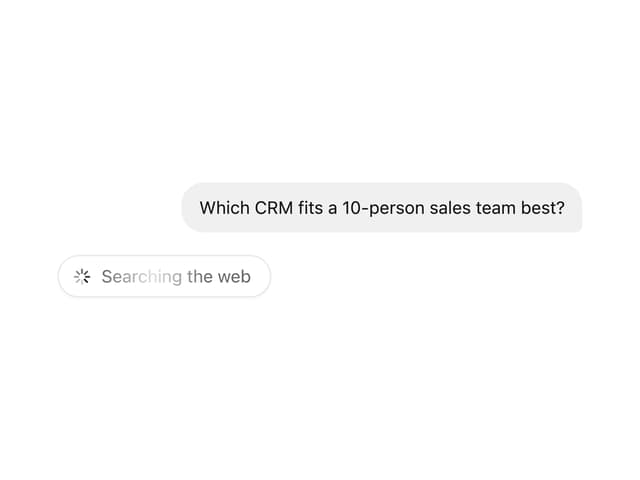
Thinking Loader
10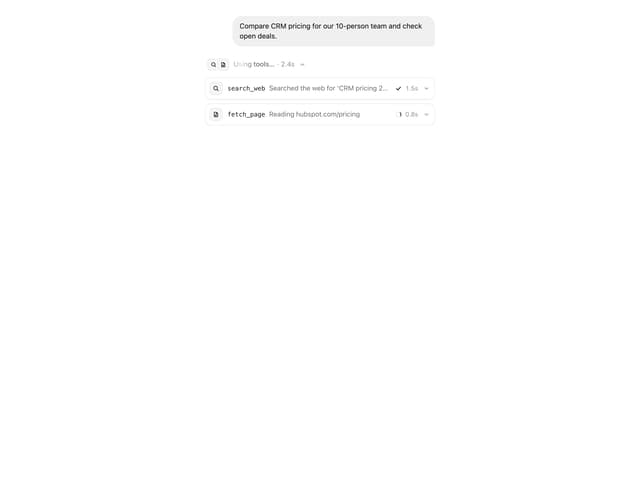
Tool Call Card
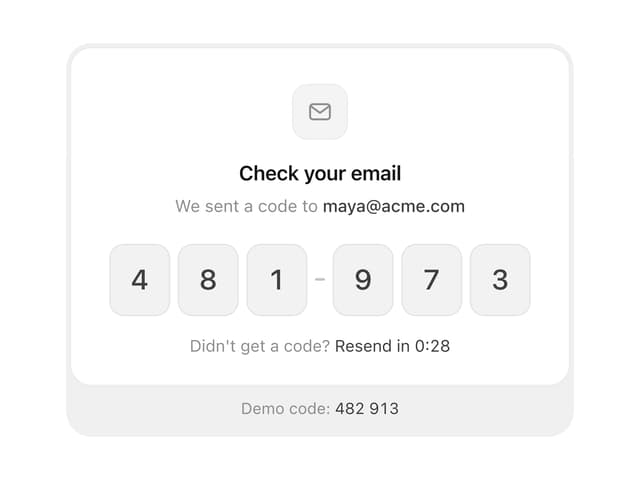
OTP Input
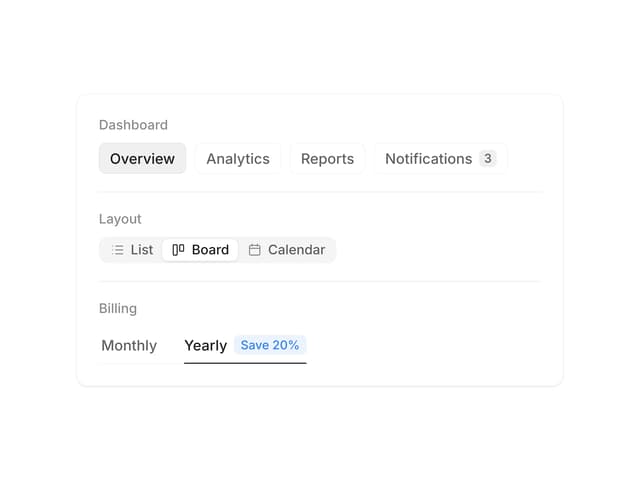
Segmented Control
More in AI chats
View all

AI Actions
324
Message Thread
42
Color Picker
99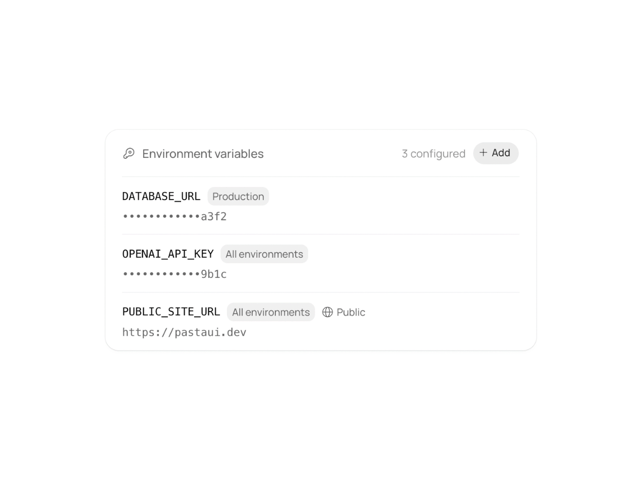
Environment Variables
13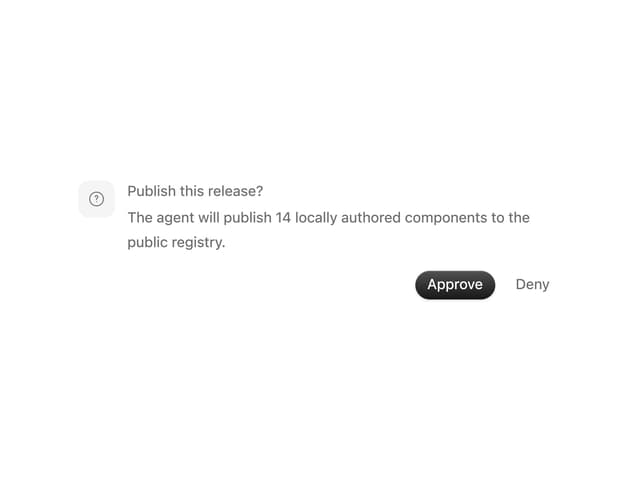
Approval Card
16

AI Task List
165
Agent Chat
18

System Message
57


