
About
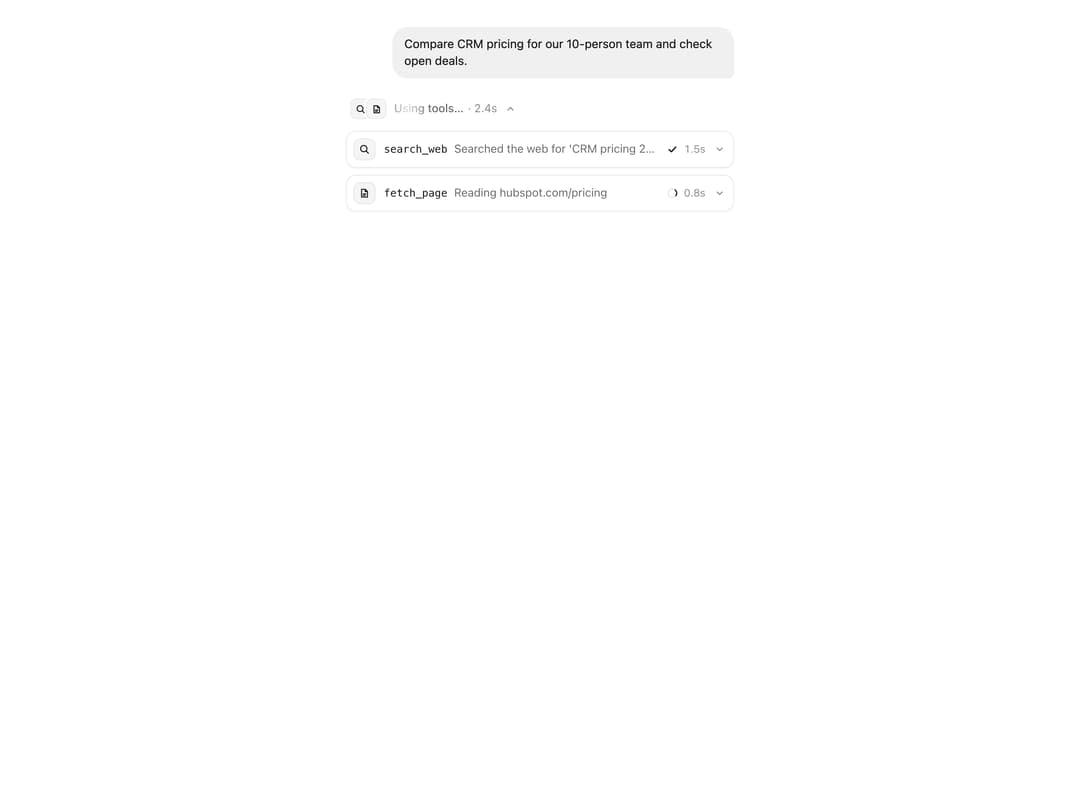
An agent's tool call in one line – live timer, status and summary, folds open to highlighted arguments and result, with retry on errors. From affectUI (affectui.com).
Built with React and Tailwind. Copy the prompt and paste it into Claude Code, Cursor or Lovable: your agent adds Tool Call Card to your project and fits it to your theme.
Code
How Tool Call Card is used: the demo's code. The component's own source comes with a free account.
Usage.tsx
import { useEffect, useRef, useState } from "react";
import { ToolCallCard, ToolCallGroup, type ToolCallStatus } from "@/components/ui/tool-call-card";

// 0 search runs · 1 fetch runs · 2 fetch fails · 3 retry · 4 CRM runs · 5 all done · 6 group folds
const AT = [0, 1500, 2700, 4300, 5400, 6700, 8000];
const LOOP = 11500;

const SEARCH_RESULT = {
  results: [
    { title: "HubSpot Sales Hub pricing", url: "https://www.hubspot.com/pricing/sales", price_per_seat: 90 },
    { title: "Pipedrive plans and pricing", url: "https://www.pipedrive.com/en/pricing", price_per_seat: 49 },
    { title: "Attio pricing", url: "https://attio.com/pricing", price_per_seat: 59 },
    { title: "Salesforce Starter Suite", url: "https://www.salesforce.com/sales/pricing", price_per_seat: 25 },
    { title: "Close CRM pricing", url: "https://www.close.com/pricing", price_per_seat: 49 },
  ],
  total: 5,
  cached: false,
};

// Three tools one after another – the page fetch times out once and goes through on retry
export default function Demo() {
  const [run, setRun] = useState(0);
  const [phase, setPhase] = useState(0);
  const [open, setOpen] = useState(true);
  const touched = useRef(false);

  useEffect(() => {
    touched.current = false;
    setPhase(0);
    setOpen(true);
    const timers = AT.slice(1).map((t, i) => window.setTimeout(() => setPhase((p) => Math.max(p, i + 1)), t));
    timers.push(window.setTimeout(() => !touched.current && setOpen(false), AT[6]));
    timers.push(window.setTimeout(() => !touched.current && setRun((r) => r + 1), LOOP));
    return () => timers.forEach(clearTimeout);
  }, [run]);

  const fetchStatus: ToolCallStatus = phase === 2 ? "error" : phase >= 4 ? "success" : "running";

  return (
    <div className="tc-demo">
      <style>{demoCss}</style>
      <div className="tc-demo__chat">
        <p className="tc-demo__you">Compare CRM pricing for our 10-person team and check open deals.</p>
        <ToolCallGroup
          key={run}
          open={open}
          onOpenChange={(o) => {
            touched.current = true;
            setOpen(o);
          }}
        >
          <ToolCallCard
            name="search_web"
            icon={<SearchIcon />}
            status={phase >= 1 ? "success" : "running"}
            summary={phase >= 1 ? "Searched the web for 'CRM pricing 2026'" : "Searching the web for 'CRM pricing 2026'"}
            args={{ query: "CRM pricing 2026 small sales team", max_results: 5 }}
            result={phase >= 1 ? SEARCH_RESULT : undefined}
          />
          {phase >= 1 && (
            <ToolCallCard
              name="fetch_page"
              icon={<PageIcon />}
              status={fetchStatus}
              summary={fetchStatus === "success" ? "Read hubspot.com/pricing" : "Reading hubspot.com/pricing"}
              args={{ url: "https://www.hubspot.com/pricing/sales", timeout_ms: 8000 }}
              result={fetchStatus === "success" ? { status: 200, title: "Sales Hub Pricing", words: 2140 } : undefined}
              error="Request timed out after 8s – hubspot.com didn't respond."
              onRetry={() => setPhase((p) => Math.max(p, 3))}
            />
          )}
          {phase >= 4 && (
            <ToolCallCard
              name="crm.list_deals"
              icon={<DatabaseIcon />}
              status={phase >= 5 ? "success" : "running"}
              summary={phase >= 5 ? "Found 4 open deals in negotiation" : "Looking up open deals"}
              args={{ stage: "negotiation", owner: "me", limit: 10 }}
              result={
                phase >= 5
                  ? { count: 4, deals: [{ name: "Northwind", value: 18400 }, { name: "Globex", value: 9600 }] }
                  : undefined
              }
            />
          )}
        </ToolCallGroup>
      </div>
    </div>
  );
}

function SearchIcon() {
  return (
    <svg viewBox="0 0 16 16">
      <circle cx="7" cy="7" r="4.25" />
      <path d="m10.25 10.25 3 3" />
    </svg>
  );
}

function PageIcon() {
  return (
    <svg viewBox="0 0 16 16">
      <path d="M4 2.75h5l3 3v7.5H4z" />
      <path d="M9 2.75v3h3M6 9h4M6 11h3" />
    </svg>
  );
}

function DatabaseIcon() {
  return (
    <svg viewBox="0 0 16 16">
      <ellipse cx="8" cy="4" rx="4.75" ry="1.75" />
      <path d="M3.25 4v8c0 .97 2.13 1.75 4.75 1.75s4.75-.78 4.75-1.75V4M3.25 8c0 .97 2.13 1.75 4.75 1.75S12.75 8.97 12.75 8" />
    </svg>
  );
}

const demoCss = `
.tc-demo {
  display: grid;
  grid-template-columns: minmax(0, 460px);
  justify-content: center;
  align-content: start;
  align-self: stretch;
  width: 100%;
  padding: 32px 16px;
  font-family: "Inter", ui-sans-serif, system-ui, -apple-system, "Segoe UI", Roboto, sans-serif;
}
.tc-demo__chat {
  display: grid;
  gap: 18px;
  min-width: 0;
}
.tc-demo__you {
  justify-self: end;
  max-width: 88%;
  margin: 0;
  padding: 10px 14px;
  border-radius: 18px 18px 6px 18px;
  background: #f0f0f0;
  color: #171717;
  font-size: 14px;
  line-height: 1.45;
}
:where(.dark, [data-theme="dark"]) .tc-demo__you { background: #262628; color: #ededed; }

/* Library cards are short – just the group, smaller and pinned to the top so it grows downwards */
.card__preview .tc-demo {
  position: absolute;
  inset: 0;
  grid-template-columns: auto;
  padding: 44px 20px 0;
}
.card__preview .tc-demo__you { display: none; }
.card__preview .tc-demo__chat { width: 420px; zoom: 0.7; }

/* A fixed stage – the cards grow downwards from the prompt */
.stage:has(.tc-demo) { height: 580px; }
@media (max-width: 760px) {
  .stage:has(.tc-demo) { height: 680px; padding-left: 16px; padding-right: 16px; }
  .tc-demo { padding-top: 70px; } /* below the round stage buttons */
}

/* Clean style: the component is built at 13px – in library cards the group sits below the tags like the classic one */
.card__preview .tc-demo:has(.ui-tcc-group) { padding-top: 48px; }
.card__preview .tc-demo__chat:has(.ui-tcc-group) { zoom: 0.7; }
/* Detail page: shown at the size of the classic one */
.stage .tc-demo .ui-tcc-group { zoom: 1.08; }
`;
More by flohoeller
View all
Thinking Loader
10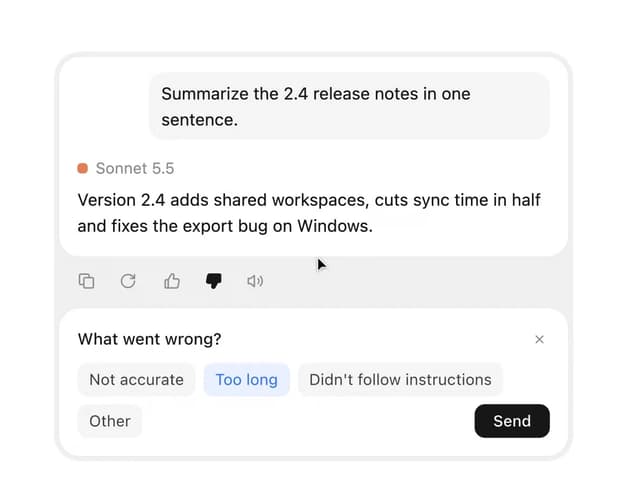
Message Actions
10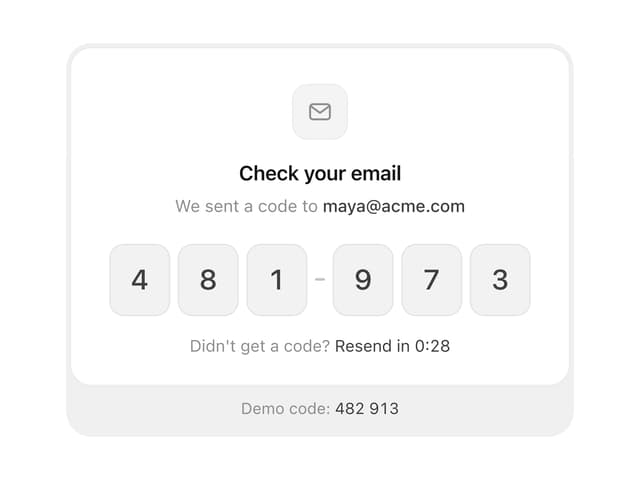
OTP Input
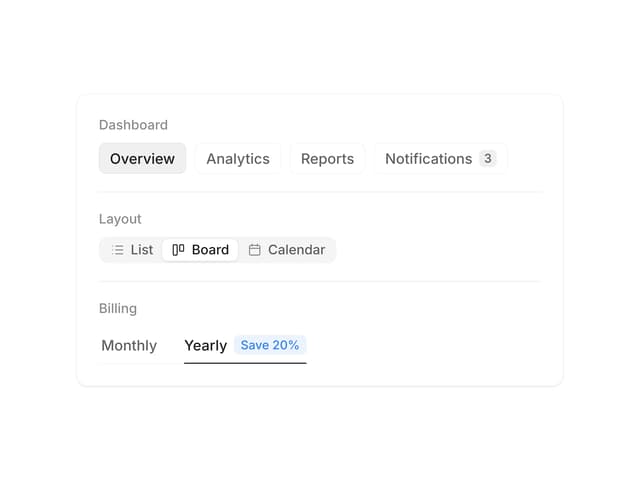
Segmented Control
More in AI chats
View all

AI Actions
324
Message Thread
43
Color Picker
100
Environment Variables
13
Approval Card
16

AI Task List
166
Agent Chat
18

System Message
58


