
About
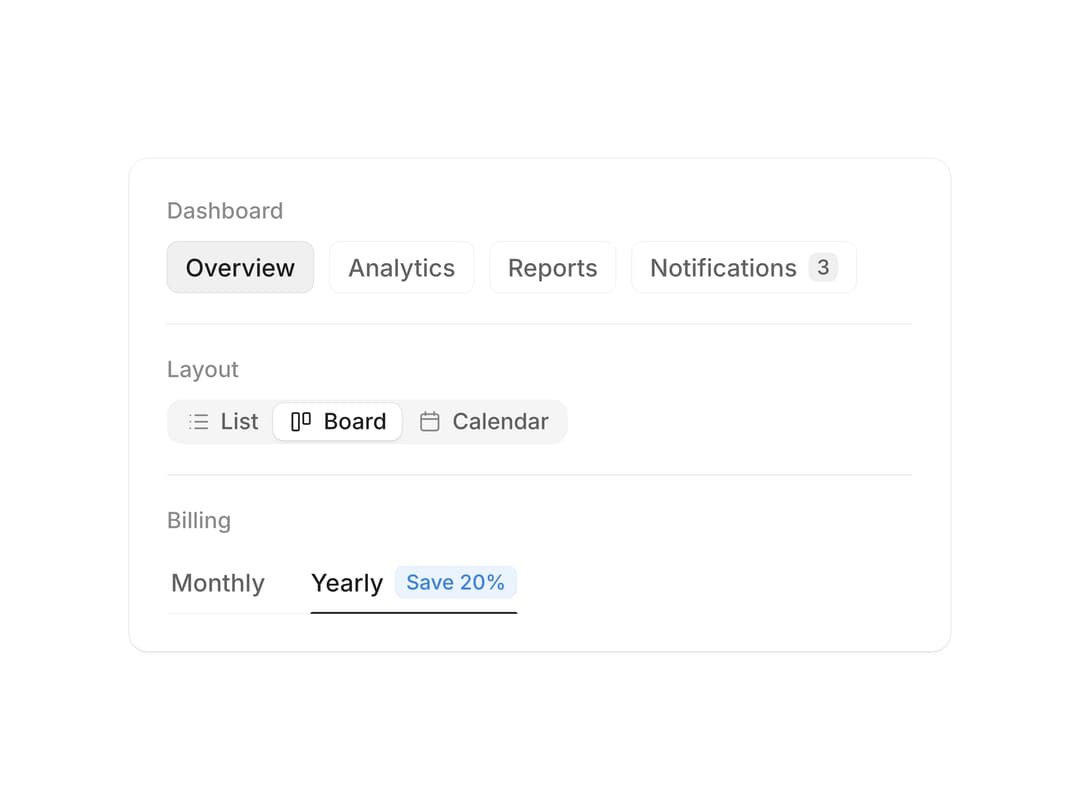
Two to six options with a pill or underline that glides between them and can be dragged across – icons, counts and badges. From affectUI (affectui.com).
Built with React and Tailwind. Copy the prompt and paste it into Claude Code, Cursor or Lovable: your agent adds Segmented Control to your project and fits it to your theme.
Code
How Segmented Control is used: the demo's code. The component's own source comes with a free account.
Usage.tsx
import { useEffect, useId, useRef, useState } from "react";
import { SegmentedControl, type SegmentOption } from "@/components/ui/segmented-control";

const Icon = ({ d }: { d: string }) => (
  <svg viewBox="0 0 24 24" fill="none" stroke="currentColor" strokeWidth="1.8" strokeLinecap="round" strokeLinejoin="round" aria-hidden="true">
    <path d={d} />
  </svg>
);

const SECTIONS: SegmentOption[] = [
  { value: "overview", label: "Overview" },
  { value: "analytics", label: "Analytics" },
  { value: "reports", label: "Reports" },
  { value: "notifications", label: "Notifications", count: 3 },
];

const VIEWS: SegmentOption[] = [
  { value: "list", label: "List", icon: <Icon d="M9 6h11M9 12h11M9 18h11M4.5 6h.01M4.5 12h.01M4.5 18h.01" /> },
  { value: "board", label: "Board", icon: <Icon d="M5 4h4a1 1 0 0 1 1 1v14a1 1 0 0 1-1 1H5a1 1 0 0 1-1-1V5a1 1 0 0 1 1-1zM15 4h4a1 1 0 0 1 1 1v8a1 1 0 0 1-1 1h-4a1 1 0 0 1-1-1V5a1 1 0 0 1 1-1z" /> },
  { value: "calendar", label: "Calendar", icon: <Icon d="M8 3v3M16 3v3M4 9.5h16M6 5h12a2 2 0 0 1 2 2v11a2 2 0 0 1-2 2H6a2 2 0 0 1-2-2V7a2 2 0 0 1 2-2z" /> },
];

const BILLING: SegmentOption[] = [
  { value: "monthly", label: "Monthly" },
  { value: "yearly", label: "Yearly", badge: "Save 20%" },
];

// The first control walks through its sections once, so the preview is alive – until someone touches it
const CYCLE = ["analytics", "reports", "notifications", "overview"];

export default function Demo() {
  const [section, setSection] = useState("overview");
  const [view, setView] = useState("board");
  const [billing, setBilling] = useState("yearly");
  const timers = useRef<number[]>([]);
  const id = useId();

  const stop = () => {
    timers.current.forEach(clearTimeout);
    timers.current = [];
  };

  useEffect(() => {
    timers.current = CYCLE.map((v, i) => window.setTimeout(() => setSection(v), 1000 + i * 1400));
    return stop;
  }, []);

  return (
    <div className="seg-demo" onPointerDownCapture={stop} onKeyDownCapture={stop}>
      <style>{demoCss}</style>
      <div className="seg-demo__card">
        <div className="seg-demo__row">
          <span className="seg-demo__label" id={`${id}-section`}>Dashboard</span>
          <SegmentedControl options={SECTIONS} value={section} onChange={setSection} aria-labelledby={`${id}-section`} />
        </div>
        <div className="seg-demo__row">
          <span className="seg-demo__label" id={`${id}-view`}>Layout</span>
          <SegmentedControl options={VIEWS} value={view} onChange={setView} size="sm" aria-labelledby={`${id}-view`} />
        </div>
        <div className="seg-demo__row">
          <span className="seg-demo__label" id={`${id}-billing`}>Billing</span>
          <SegmentedControl options={BILLING} value={billing} onChange={setBilling} variant="underline" aria-labelledby={`${id}-billing`} />
        </div>
      </div>
    </div>
  );
}

const demoCss = `
.seg-demo {
  display: grid;
  grid-template-columns: minmax(0, 440px);
  place-content: center;
  width: 100%;
  min-height: 100vh;
  padding: 32px 16px;
  box-sizing: border-box;
}
.seg-demo__card {
  display: grid;
  min-width: 0;
  padding: 4px 20px;
  border-radius: 16px;
  background: #ffffff;
  box-shadow: 0 0 0 1px #ececec, 0 1px 2px rgba(0, 0, 0, 0.04);
  font-family: "Inter", ui-sans-serif, system-ui, -apple-system, "Segoe UI", Roboto, sans-serif;
}
.seg-demo__row { display: grid; justify-items: start; gap: 10px; min-width: 0; padding: 18px 0; }
.seg-demo__row + .seg-demo__row { border-top: 1px solid #ececec; }
.seg-demo__label { font-size: 12px; font-weight: 500; color: #8f8f8f; }
:where(.dark, [data-theme="dark"]) .seg-demo__card { background: #19191b; box-shadow: 0 0 0 1px #2a2a2e; }
:where(.dark, [data-theme="dark"]) .seg-demo__row + .seg-demo__row { border-color: #2a2a2e; }
`;
More by flohoeller
View all
Thinking Loader
10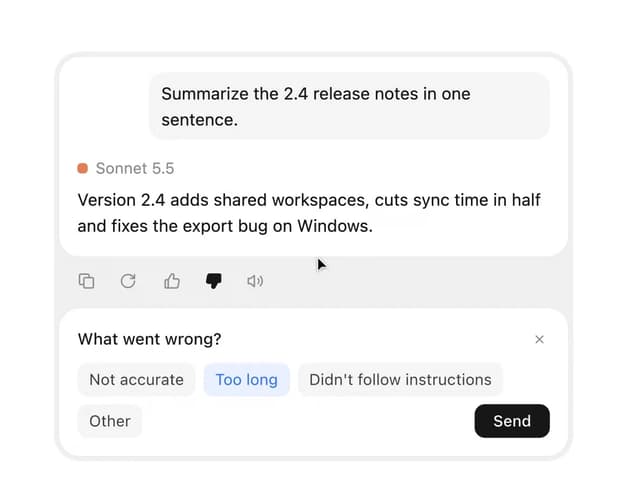
Message Actions
10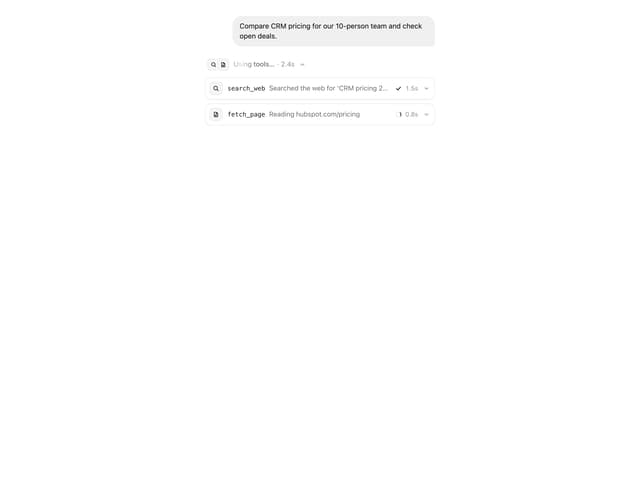
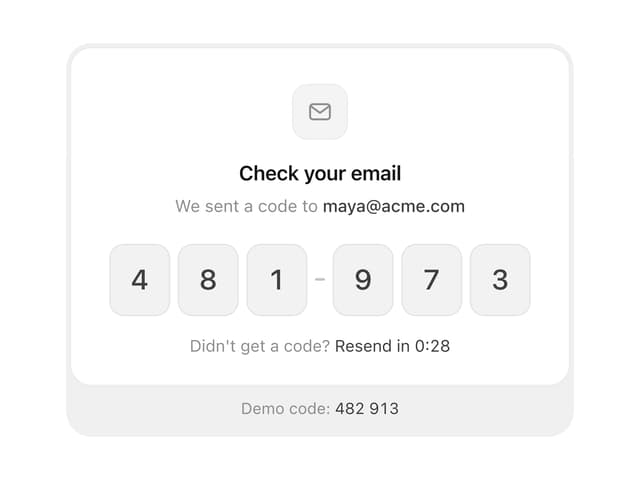
Tool Call Card
OTP Input
More in Navigation
View all

Sidebar
274
Stacked Circular Footer
423

Tabs
64
Numberless Pagination with Text
11

Breadrcrumb
5

Footer
553

NavBar
Navbar
1

