

About
A follow button that morphs between Follow, Following, and Unfollow states in one animated pill, previewing the unfollow action on hover.
Built with React and Tailwind. Copy the prompt and paste it into Claude Code, Cursor or Lovable: your agent adds Follow Toggle to your project and fits it to your theme.
Code
How Follow Toggle is used: the demo's code. The component's own source comes with a free account.
Usage.tsx
"use client";

import FollowToggle from "@/components/ui/follow-toggle";

export default function Demo() {
  return (
    <div className="flex min-h-screen w-full items-center justify-center bg-[#0b080d] p-8">
      <div className="flex w-full max-w-sm items-center gap-3 rounded-2xl bg-[#121015] p-4 shadow-[inset_0_0_0_1px_rgb(239_232_220/0.08)]">
        <span className="grid size-11 shrink-0 place-items-center rounded-full bg-[#2a2233] font-[family-name:Instrument_Serif] text-xl text-[#efe8dc]">
          H
        </span>
        <div className="min-w-0 flex-1">
          <p className="truncate text-[0.9375rem] font-semibold text-[#efe8dc]">
            Hamza Al-Bulushi
          </p>
          <p className="truncate text-[0.8125rem] text-[#a7a1ab]">
            Software engineer · Muscat
          </p>
        </div>
        <FollowToggle name="Hamza" />
      </div>
    </div>
  );
}
More by ham7a311
View all
Route Globe
6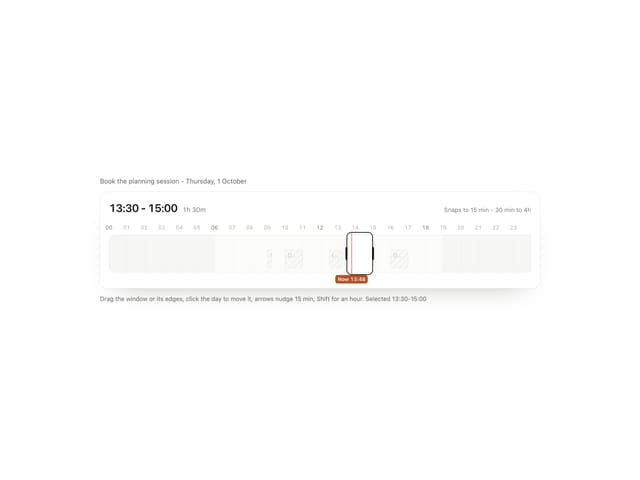
Time Window
4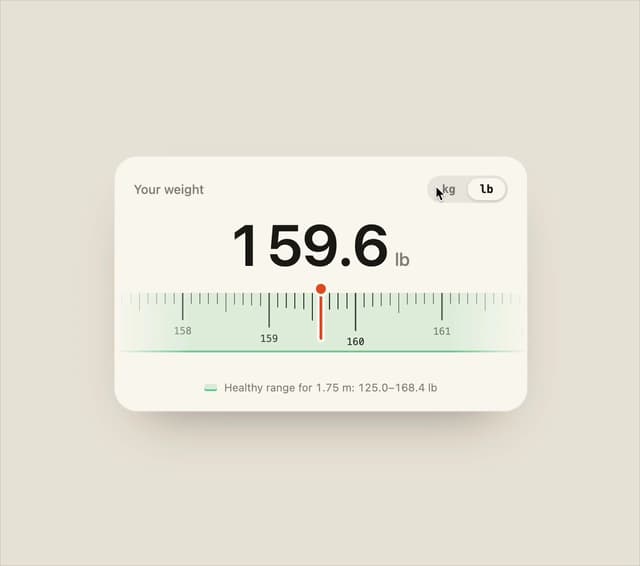
Ruler Picker
4
Wave Mesh
4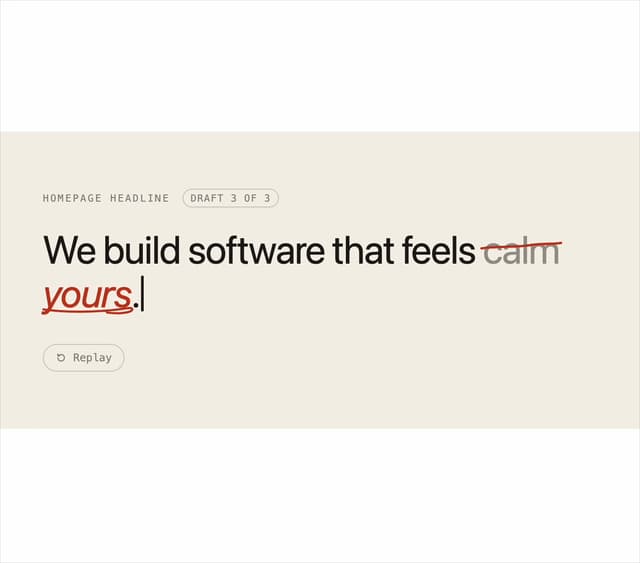
Second Draft Text
3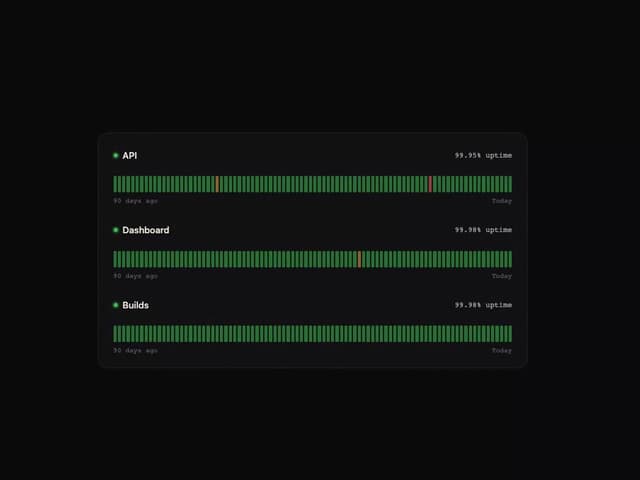
Uptime Ribbon
3
Glass Carousel
3
Liquid Chrome
3
More in Buttons
View all
Texture Button
92

Button
1
Button Retro
61

App Store Button
452

Button
47

Button Group
7

Eclipse Button
39

Astryx Button Group
22

