
About
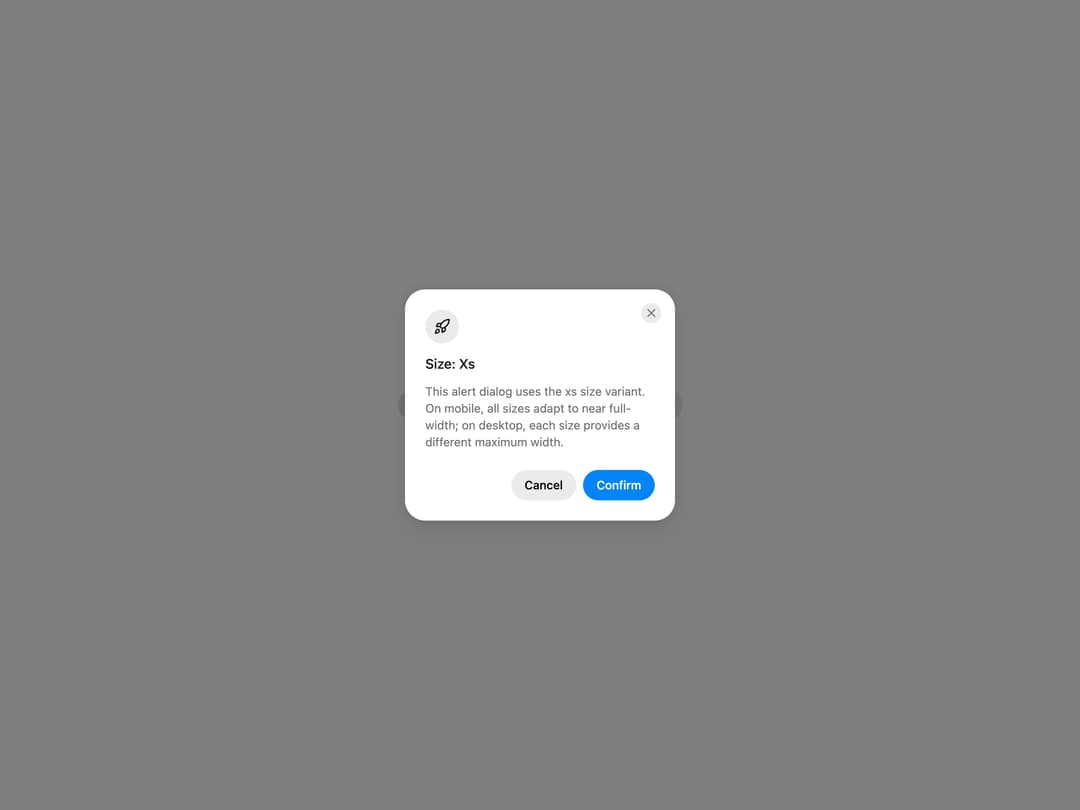
HeroUI AlertDialog for critical confirmations, with status icons, placements, backdrop variants, sizes, custom icons, dismiss behavior, controlled state and custom trigger examples. Uses the real @heroui/react component with bundled @heroui/styles CSS.
Built with React and Tailwind. Copy the prompt and paste it into Claude Code, Cursor or Lovable: your agent adds HeroUI AlertDialog to your project and fits it to your theme.
Code
How HeroUI AlertDialog is used: the demo's code. The component's own source comes with a free account.
Usage.tsx
"use client"

import { AlertDialog } from "@/components/ui/heroui-alert-dialog"
import { Button } from "@heroui/react"
import { Rocket } from "lucide-react"

const sizes = ["xs", "sm", "md", "lg", "cover"] as const

export default function Sizes() {
  return (
    <div className="flex flex-wrap justify-center gap-4">
      {sizes.map((size) => (
        <AlertDialog key={size}>
          <Button variant="secondary">{size.charAt(0).toUpperCase() + size.slice(1)}</Button>
          <AlertDialog.Backdrop>
            <AlertDialog.Container size={size}>
              <AlertDialog.Dialog>
                <AlertDialog.CloseTrigger />
                <AlertDialog.Header>
                  <AlertDialog.Icon className="bg-default text-foreground"><Rocket className="size-5" /></AlertDialog.Icon>
                  <AlertDialog.Heading>Size: {size.charAt(0).toUpperCase() + size.slice(1)}</AlertDialog.Heading>
                </AlertDialog.Header>
                <AlertDialog.Body>
                  <p>{size === "cover" ? "This alert dialog uses the cover size variant. It spans the full screen with margins while preserving alert dialog aesthetics." : `This alert dialog uses the ${size} size variant. On mobile, all sizes adapt to near full-width; on desktop, each size provides a different maximum width.`}</p>
                </AlertDialog.Body>
                <AlertDialog.Footer>
                  <Button slot="close" variant="tertiary">Cancel</Button>
                  <Button slot="close">Confirm</Button>
                </AlertDialog.Footer>
              </AlertDialog.Dialog>
            </AlertDialog.Container>
          </AlertDialog.Backdrop>
        </AlertDialog>
      ))}
    </div>
  )
}
Dependencies
More by Hero Ui
View all

DatePicker
466
Chip
440
The Pagination
361
HeroUI Color Picker
105
Skeleton
104
HeroUI Table
99
HeroUI Disclosure Group
94
ComboBox
75
More in Buttons
View all

Button
4

Button
47

App Store Button
452

Eclipse Button
39
Texture Button
92
Split Button
14
Native Button
12
Button Save
46


