

About
Display the current page location within a navigational hierarchy.
Built with React and Tailwind. Copy the prompt and paste it into Claude Code, Cursor or Lovable: your agent adds Breadcrumbs to your project and fits it to your theme.
Code
How Breadcrumbs is used: the demo's code. The component's own source comes with a free account.
Usage.tsx
import { Breadcrumbs } from "@/components/ui/heroui-breadcrumbs";

export default function BreadcrumbsDisabledDemo() {
  return (
    <div className="flex min-h-screen w-full items-center justify-center overflow-hidden bg-background p-8">
      <Breadcrumbs isDisabled>
        <Breadcrumbs.Item href="#">Home</Breadcrumbs.Item>
        <Breadcrumbs.Item href="#">Products</Breadcrumbs.Item>
        <Breadcrumbs.Item href="#">Electronics</Breadcrumbs.Item>
        <Breadcrumbs.Item href="#">Laptop</Breadcrumbs.Item>
      </Breadcrumbs>
    </div>
  );
}

export { BreadcrumbsDisabledDemo };
More by Hero Ui
View all

DatePicker
470
Chip
446
The Pagination
364
HeroUI Table
122
HeroUI Color Picker
113
Skeleton
105
HeroUI Disclosure Group
96
HeroUI AlertDialog
82
More in Navigation
View all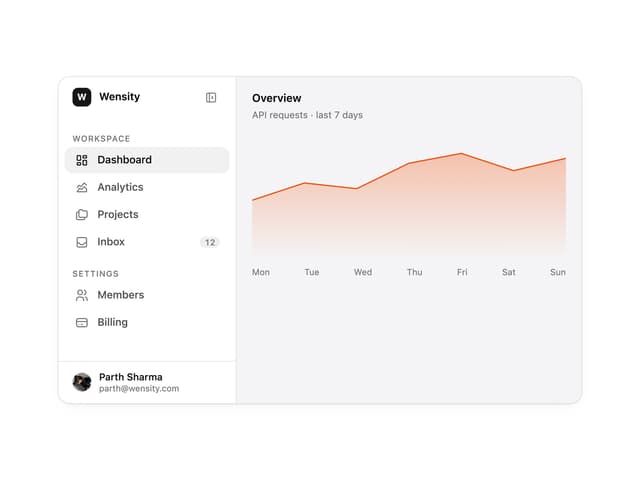

Sidebar
367

Pagination
40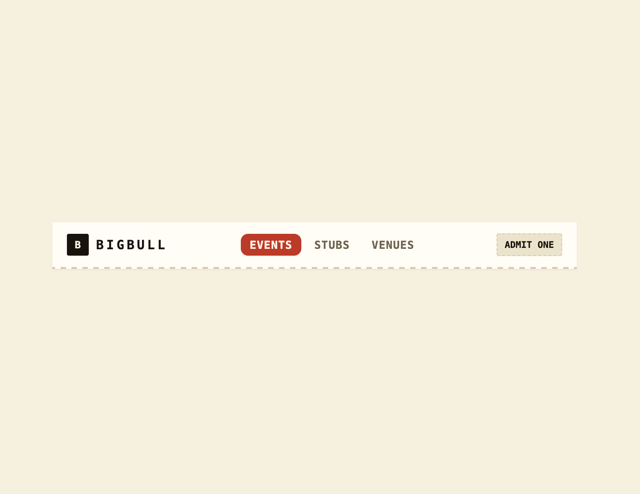
Navbar
8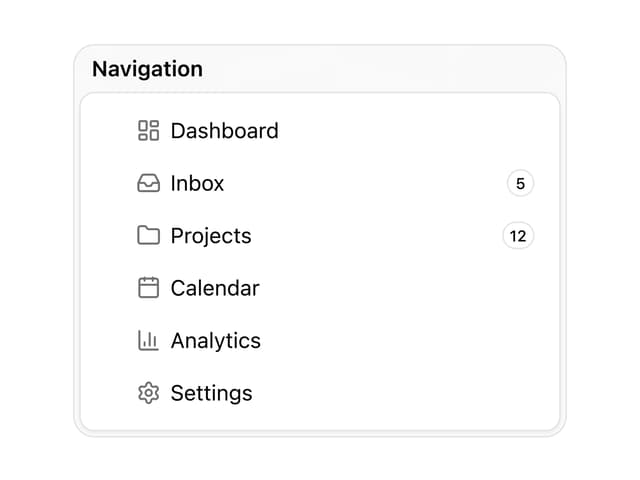

Sortable Sidebar Navigation
76
Footer
457

Footer
86

Oversized 404 Numeral
73
Stacked Circular Footer
447


