
About
HeroUI v3 TagGroup — selectable tags with sizes, variants, disabled, selection modes, controlled state, error message, prefix, removable tags and list-data management.
Built with React and Tailwind. Copy the prompt and paste it into Claude Code, Cursor or Lovable: your agent adds HeroUI Tag Group to your project and fits it to your theme.
Code
How HeroUI Tag Group is used: the demo's code. The component's own source comes with a free account.
Usage.tsx
"use client"

import { Globe, Newspaper, Rocket, ShoppingBag } from "lucide-react"
import { Avatar } from "@heroui/react"
import { Description, Label, Tag, TagGroup } from "@/components/ui/heroui-tag-group"

export default function TagGroupWithPrefix() {
  return (
    <div className="flex flex-col gap-8">
      <TagGroup selectionMode="single">
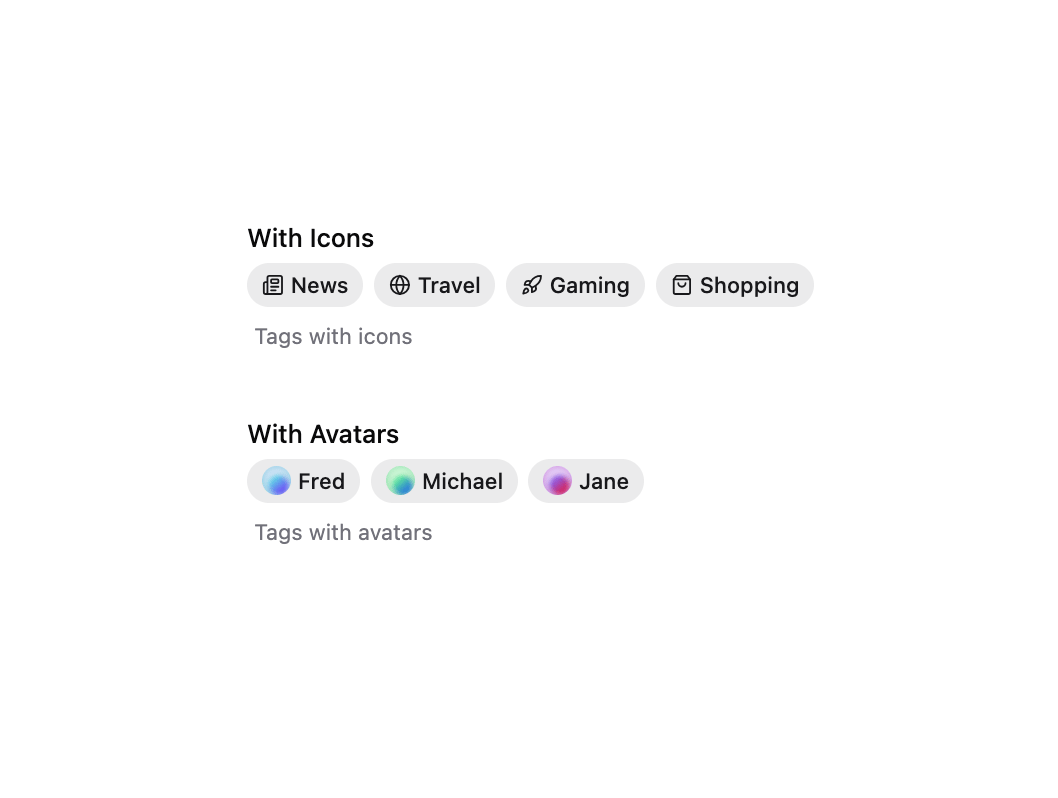
        <Label>With Icons</Label>
        <TagGroup.List>
          <Tag>
            <Newspaper />
            News
          </Tag>
          <Tag>
            <Globe />
            Travel
          </Tag>
          <Tag>
            <Rocket />
            Gaming
          </Tag>
          <Tag>
            <ShoppingBag />
            Shopping
          </Tag>
        </TagGroup.List>
        <Description>Tags with icons</Description>
      </TagGroup>

      <TagGroup selectionMode="single">
        <Label>With Avatars</Label>
        <TagGroup.List>
          <Tag>
            <Avatar className="size-4">
              <Avatar.Image src="https://cdn.21st.dev/assets/mirror/de/defa32ddb23b6307c5cb8d701022186645dfcee057d2b0ba9ec1955dea22db70.jpg" />
              <Avatar.Fallback>F</Avatar.Fallback>
            </Avatar>
            Fred
          </Tag>
          <Tag>
            <Avatar className="size-4">
              <Avatar.Image src="https://cdn.21st.dev/assets/mirror/c4/c48cdbaa2058ca5420edd44e17537d7f2cbaab72f5ae01e5738fa82f3d090ba1.jpg" />
              <Avatar.Fallback>M</Avatar.Fallback>
            </Avatar>
            Michael
          </Tag>
          <Tag>
            <Avatar className="size-4">
              <Avatar.Image src="https://cdn.21st.dev/assets/mirror/df/dfed184450806d7a0a9d72c650f73979ae15b522cb8e65fade232bb5ec55ca72.jpg" />
              <Avatar.Fallback>J</Avatar.Fallback>
            </Avatar>
            Jane
          </Tag>
        </TagGroup.List>
        <Description>Tags with avatars</Description>
      </TagGroup>
    </div>
  )
}
Dependencies
More by Hero Ui
View all

DatePicker
466
Chip
440
The Pagination
361
HeroUI Color Picker
105
Skeleton
104
HeroUI Table
98
HeroUI Disclosure Group
94
HeroUI AlertDialog
79
More in Forms
View all

Login 1
52

Premium Auth
491

Contact Card
1K

Form
136

Login 2
7
Login Form
6
Authentication Card
45

Card Studio
41
