
About
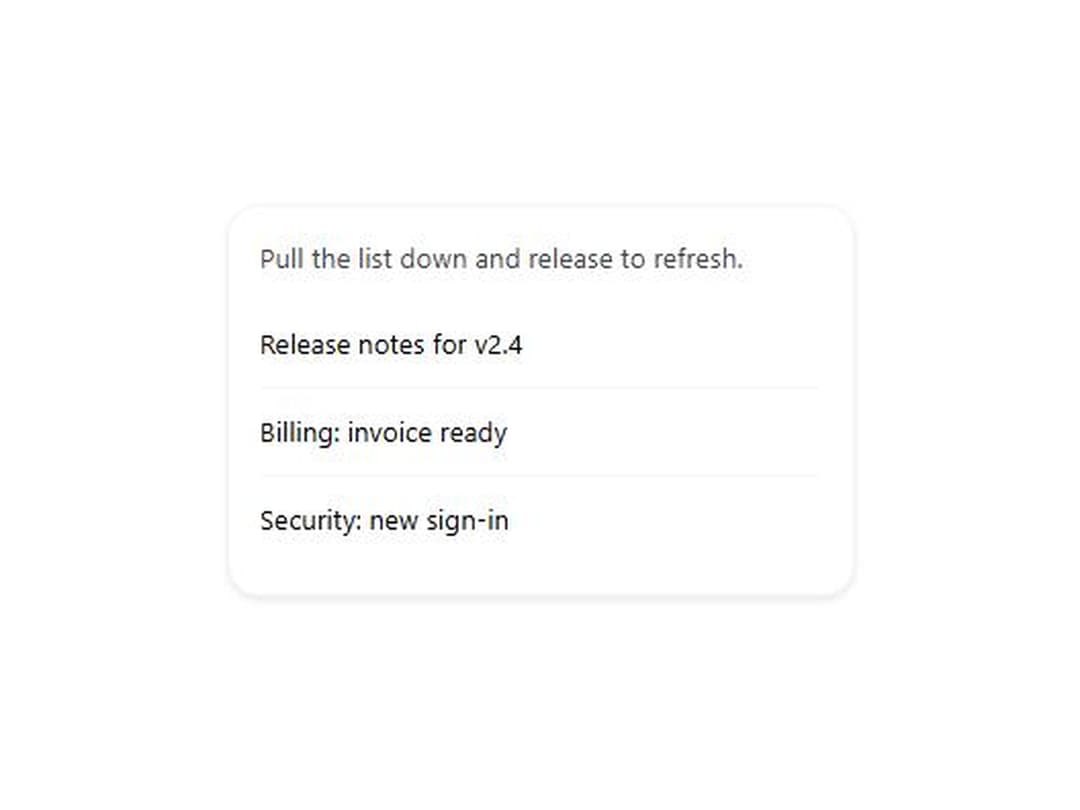
Drag down from the top of any content past a threshold to trigger an async refresh, with a spinner and a spring back. Works with touch, mouse and pen. From WunderUI, free, MIT.
Built with React and Tailwind. Copy the prompt and paste it into Claude Code, Cursor or Lovable: your agent adds Pull to Refresh to your project and fits it to your theme.
Code
How Pull to Refresh is used: the demo's code. The component's own source comes with a free account.
Usage.tsx
import { useState } from "react";
import { PullToRefresh } from "@/components/ui/pull-to-refresh";

const NEW_ITEMS = [
  "Invoice INV-2048 was paid",
  "New comment on Roadmap",
  "Deploy to production finished",
  "Alina joined the workspace",
  "Weekly report is ready",
];

export default function PullToRefreshDemo() {
  const [items, setItems] = useState([
    "Release notes for v2.4",
    "Billing: invoice ready",
    "Security: new sign-in",
  ]);
  const [count, setCount] = useState(0);
  return (
    <div className="flex min-h-72 items-center justify-center p-8">
      <div className="w-80 max-w-full rounded-xl border border-border bg-card p-4 shadow-sm">
        <p className="mb-3 text-sm text-text-secondary">
          Pull the list down and release to refresh.
        </p>
        <PullToRefresh
          onRefresh={async () => {
            await new Promise((resolve) => setTimeout(resolve, 1200));
            setItems((current) => [
              NEW_ITEMS[count % NEW_ITEMS.length],
              ...current,
            ]);
            setCount((n) => n + 1);
          }}
        >
          <ul className="divide-y divide-border">
            {items.map((item, index) => (
              <li key={item + index} className="py-3 text-sm text-foreground">
                {item}
              </li>
            ))}
          </ul>
        </PullToRefresh>
      </div>
    </div>
  );
}
Dependencies
More by WunderUI
View all

Trend Chip
Rating
Holo Card
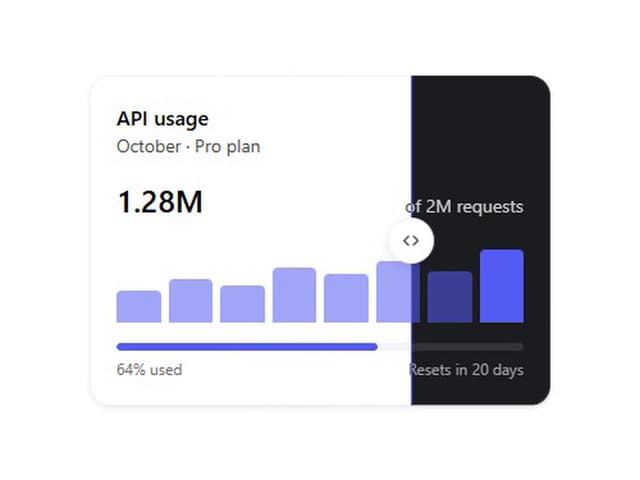
Theme Split
Logo Marquee
Deck Shuffle

Converge Spinner
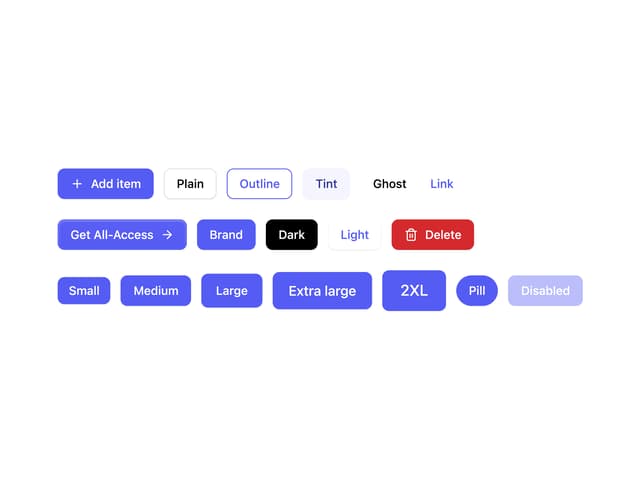
Button