
About
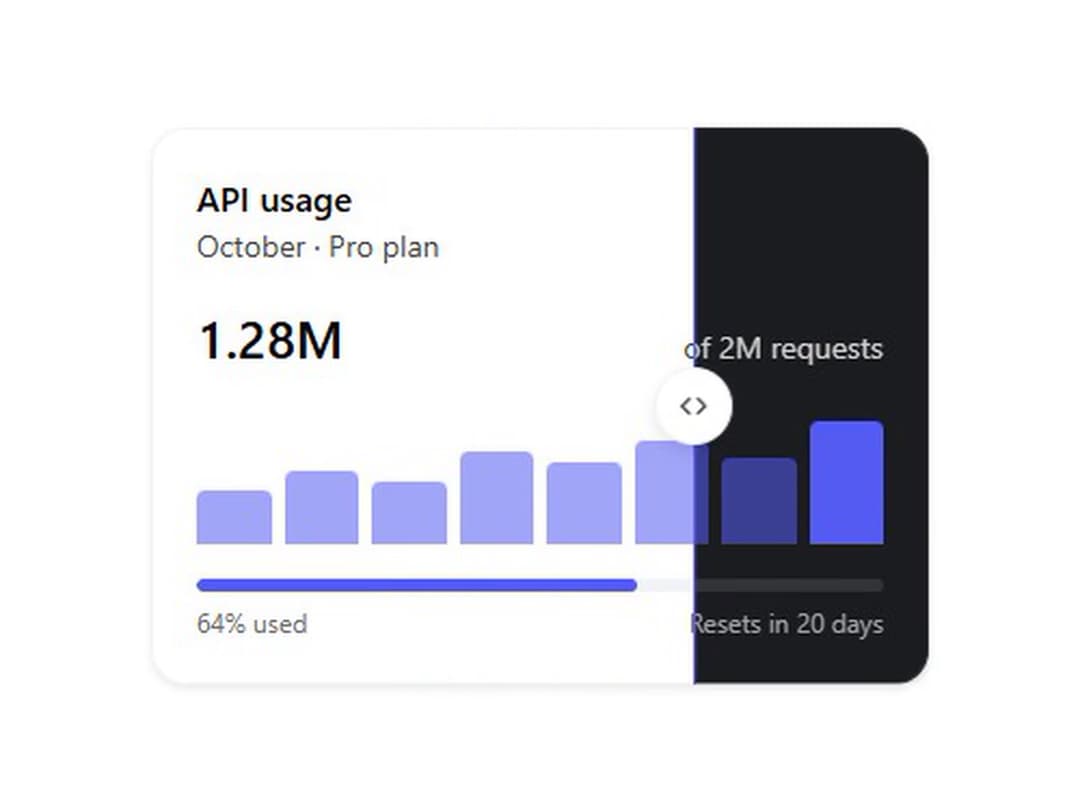
The same content in light and dark, cut at a draggable divider. Keyboard accessible slider, one CSS number drives the cut. From WunderUI Motion, free, MIT.
Built with React and Tailwind. Copy the prompt and paste it into Claude Code, Cursor or Lovable: your agent adds Theme Split to your project and fits it to your theme.
Code
How Theme Split is used: the demo's code. The component's own source comes with a free account.
Usage.tsx
import { ThemeSplit } from "@/components/ui/theme-split";

const BARS = [38, 52, 44, 66, 58, 74, 62, 88];

function UsageCard() {
  return (
    <div className="w-full rounded-xl border border-border bg-card p-5 text-card-foreground shadow-sm">
      <div className="mb-4">
        <p className="text-base font-semibold text-foreground">API usage</p>
        <p className="text-sm text-text-secondary">October · Pro plan</p>
      </div>
      <div className="grid gap-4">
        <span className="flex items-baseline justify-between">
          <span className="text-2xl font-semibold text-foreground tabular-nums">
            1.28M
          </span>
          <span className="text-sm text-text-secondary">of 2M requests</span>
        </span>
        <span aria-hidden className="flex h-16 items-end gap-1.5">
          {BARS.map((height, index) => (
            <i
              key={index}
              className="flex-1 rounded-t-sm bg-primary"
              style={{
                height: `${height}%`,
                opacity: index === BARS.length - 1 ? 1 : 0.55,
              }}
            />
          ))}
        </span>
        <span className="grid gap-1.5">
          <span className="block h-1.5 overflow-hidden rounded-full bg-muted">
            <i className="block h-full w-[64%] rounded-full bg-primary" />
          </span>
          <span className="flex justify-between text-xs text-text-tertiary">
            <span>64% used</span>
            <span>Resets in 20 days</span>
          </span>
        </span>
      </div>
    </div>
  );
}

export default function ThemeSplitDemo() {
  return (
    <div className="flex min-h-72 items-center justify-center p-8">
      <ThemeSplit autoplay>
        <UsageCard />
      </ThemeSplit>
    </div>
  );
}
More by WunderUI
View all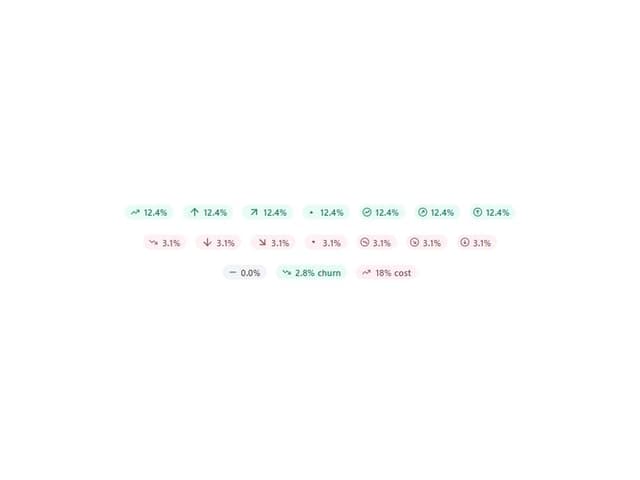

Trend Chip
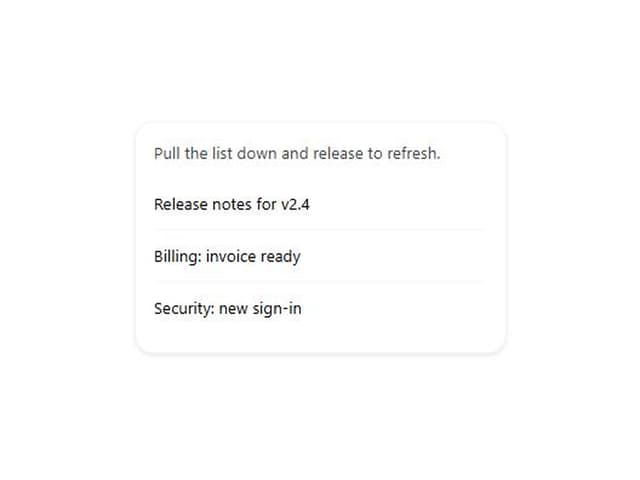
Pull to Refresh
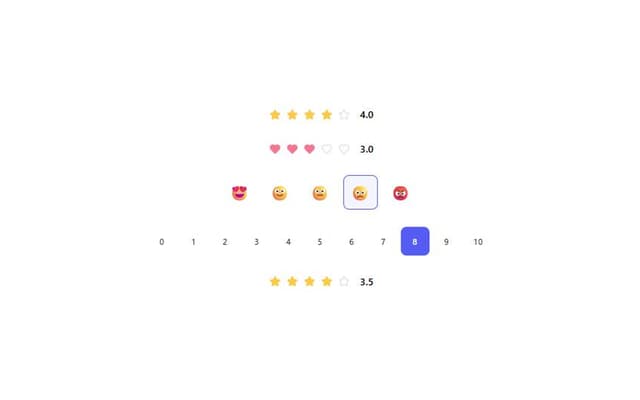
Rating
Holo Card
Logo Marquee
Deck Shuffle

Converge Spinner
Button