
About
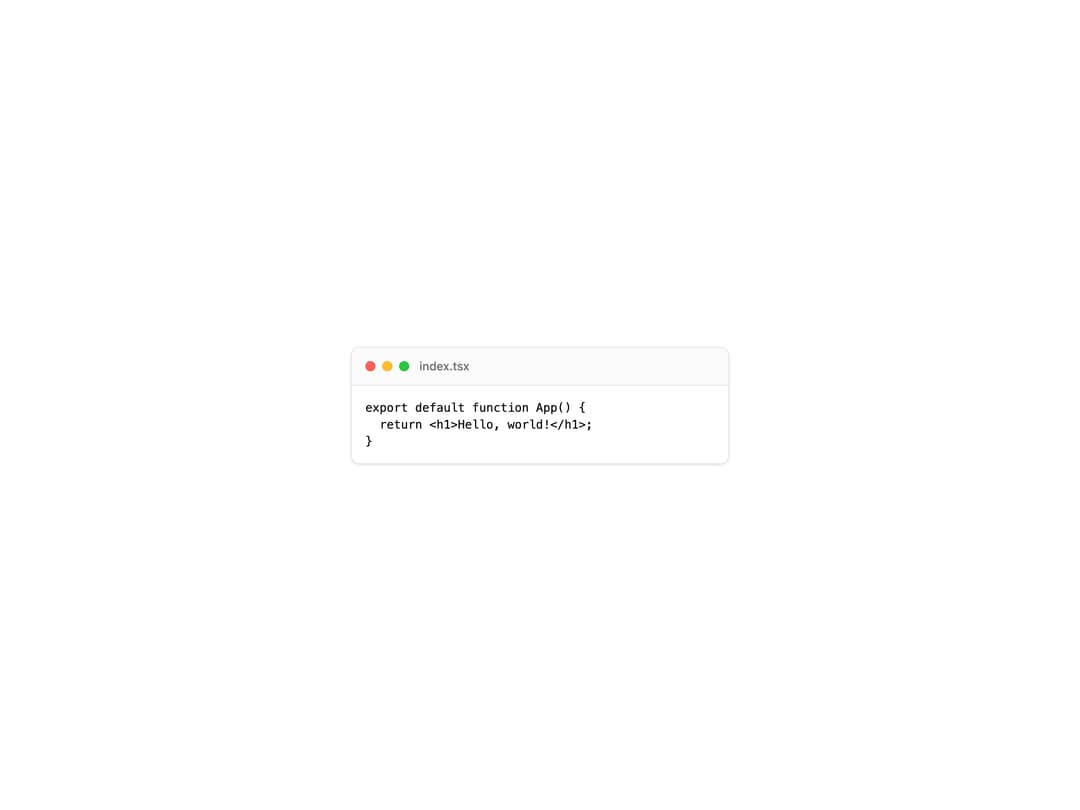
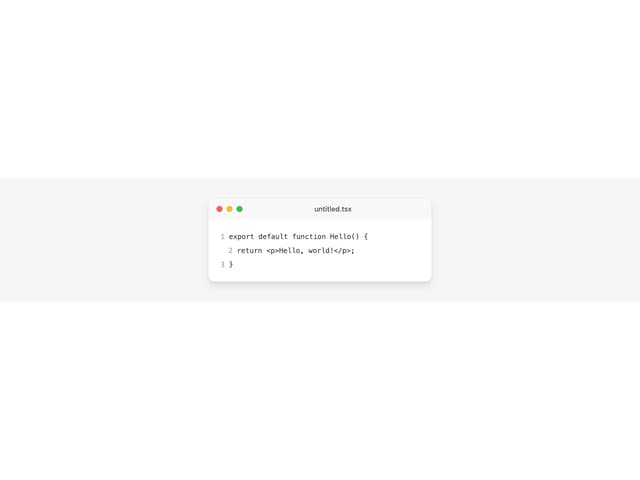
A small macOS-style red/yellow/green window-control dot cluster used to decorate the title bar of a mock browser window or code block.
Built with React and Tailwind. Copy the prompt and paste it into Claude Code, Cursor or Lovable: your agent adds Traffic Lights to your project and fits it to your theme.
Code
How Traffic Lights is used: the demo's code. The component's own source comes with a free account.
Usage.tsx
import TrafficLights from "@/components/ui/traffic-lights";

export default function TrafficLightsDemo() {
  return (
    <div className="flex w-full items-center justify-center bg-background p-10">
      <div className="w-full max-w-md overflow-hidden rounded-lg border border-border bg-card shadow-sm">
        <div className="flex items-center gap-3 border-b border-border bg-muted/40 px-4 py-3">
          <TrafficLights />
          <span className="text-sm font-medium text-muted-foreground">
            index.tsx
          </span>
        </div>
        <pre className="overflow-x-auto px-4 py-4 text-sm text-foreground">
          <code>{`export default function App() {
  return <h1>Hello, world!</h1>;
}`}</code>
        </pre>
      </div>
    </div>
  );
}
Dependencies
More by lailai0916
View all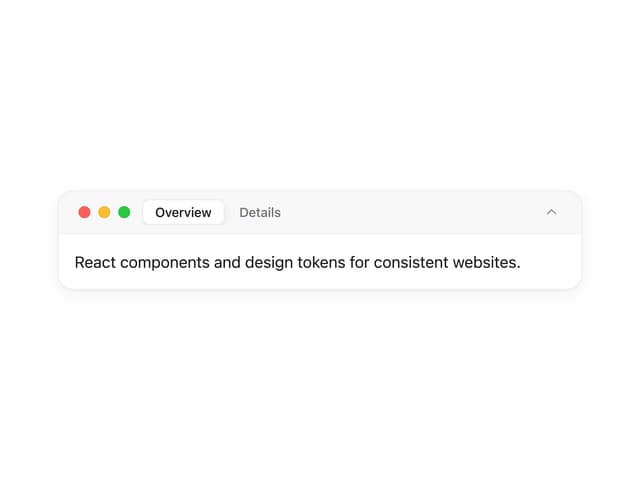
Window Panel
12
Share Card
3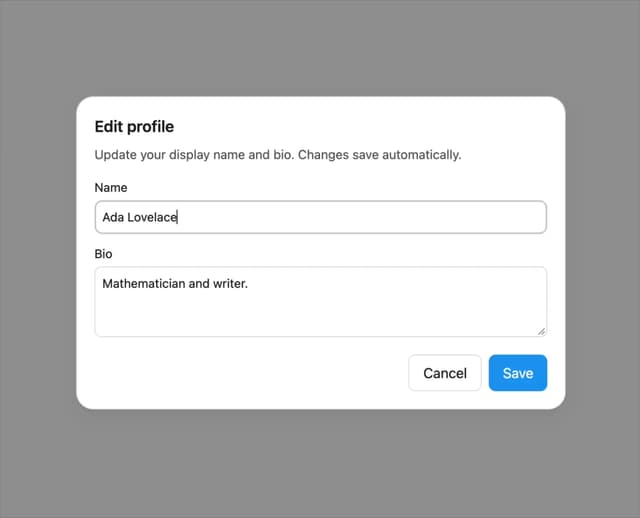
Dialog
2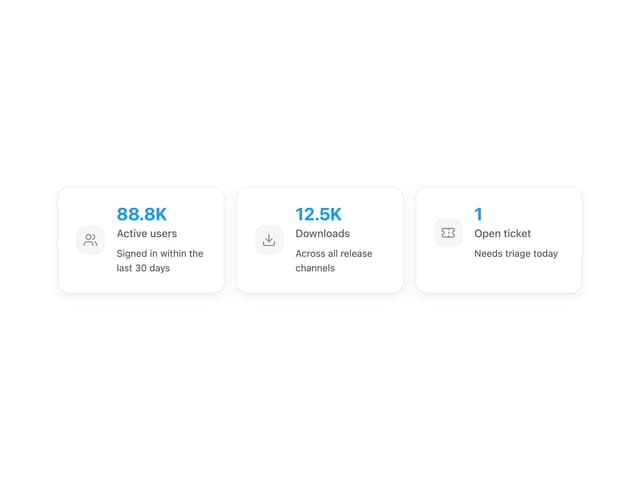
Data Card
Window Bar
Tabs

Scrollable Data Table
Skip Link