
About
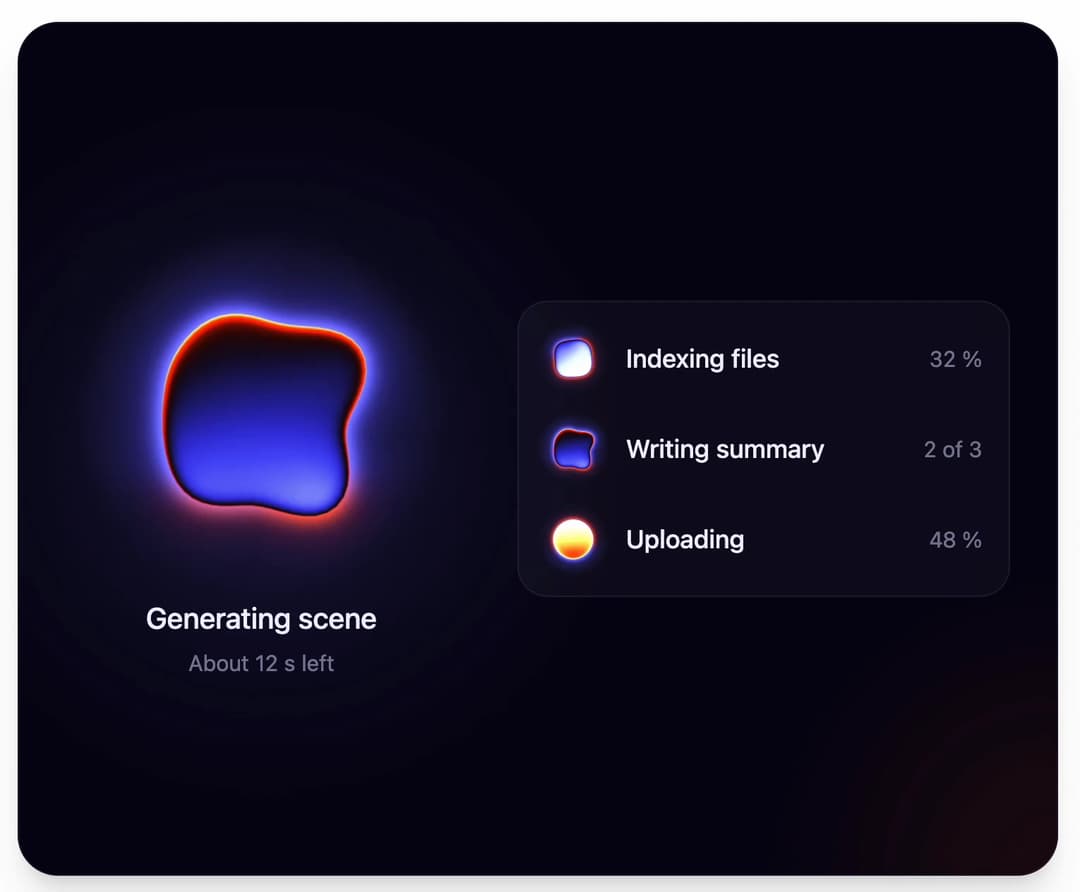
Thermal-camera orb loader: morphs star to circle to clover while a heat wave rolls through a measured thermal palette. WebGL, 60 fps. More like this, plus a designer your coding agent can use, at studios.lou15.com/?ref=21st
Built with React and Tailwind. Copy the prompt and paste it into Claude Code, Cursor or Lovable: your agent adds Orb Loader to your project and fits it to your theme.
Code
How Orb Loader is used: the demo's code. The component's own source comes with a free account.
Usage.tsx
"use client"

import * as React from "react"
import { OrbLoader } from "@/components/ui/orb-loader"

type Task = { label: string; detail: string; speed: number }

const TASKS: Task[] = [
  { label: "Indexing files", detail: "32 %", speed: 0.6 },
  { label: "Writing summary", detail: "2 of 3", speed: 1 },
  { label: "Uploading", detail: "48 %", speed: 1.8 },
]

// The layout is drawn for a fixed box (wide: hero orb beside a task list, tall: stacked) and every
// size, the orbs included, is multiplied by one scale so the canvases stay sharp at any frame size.
const WIDE = { w: 640, h: 380 }
const TALL = { w: 360, h: 620 }

function useFit() {
  const [fit, setFit] = React.useState({ scale: 1, tall: false })
  React.useEffect(() => {
    const measure = () => {
      const tall = window.innerHeight > window.innerWidth * 1.2
      const box = tall ? TALL : WIDE
      setFit({ tall, scale: Math.max(0.55, Math.min(window.innerWidth / box.w, window.innerHeight / box.h, 1.8)) })
    }
    measure()
    window.addEventListener("resize", measure)
    return () => window.removeEventListener("resize", measure)
  }, [])
  return fit
}

/**
 * One loader at three sizes and three speeds: a large orb for a page level wait, and small ones
 * beside the rows of a task list. Every difference is a prop (size, speed, label).
 */
export default function OrbLoaderDemo() {
  const { scale, tall } = useFit()
  const s = (n: number) => Math.round(n * scale)

  return (
    <main className="relative min-h-screen w-full bg-background">
      <section
        className="absolute flex items-center justify-center overflow-hidden shadow-xl"
        style={{
          inset: "clamp(10px, 2.6vmin, 26px)",
          borderRadius: "clamp(18px, 4.5vmin, 34px)",
          border: "1px solid rgba(170, 160, 255, 0.1)",
          backgroundColor: "#050410",
          backgroundImage:
            "radial-gradient(50% 60% at 24% 50%, rgba(60, 54, 190, 0.28), rgba(60, 54, 190, 0) 70%), radial-gradient(40% 50% at 100% 100%, rgba(150, 40, 20, 0.16), rgba(150, 40, 20, 0) 70%)",
        }}
      >
        <div
          style={{
            display: "flex",
            flexDirection: tall ? "column" : "row",
            alignItems: "center",
            gap: s(tall ? 18 : 36),
            fontSize: s(15),
            color: "#f1f0ff",
          }}
        >
          <div style={{ display: "flex", flexDirection: "column", alignItems: "center" }}>
            <OrbLoader size={s(230)} label="Generating scene" />
            <p style={{ margin: `${s(-8)}px 0 0`, fontSize: "1.15em", fontWeight: 500 }}>Generating scene</p>
            <p style={{ margin: "0.3em 0 0", fontSize: "0.87em", color: "rgba(222, 220, 255, 0.55)" }}>About 12 s left</p>
          </div>

          <ul
            style={{
              listStyle: "none",
              margin: 0,
              padding: "0.45em",
              width: s(290),
              borderRadius: "1.2em",
              border: "1px solid rgba(190, 185, 255, 0.1)",
              background: "rgba(140, 130, 255, 0.05)",
            }}
          >
            {TASKS.map((task) => (
              <li key={task.label} style={{ display: "flex", alignItems: "center", gap: "0.55em", padding: "0.25em 0.6em 0.25em 0.15em" }}>
                <OrbLoader size={s(46)} speed={task.speed} label={task.label} style={{ flex: "none" }} />
                <span style={{ flex: 1, minWidth: 0, fontWeight: 500, whiteSpace: "nowrap", overflow: "hidden", textOverflow: "ellipsis" }}>{task.label}</span>
                <span style={{ fontSize: "0.87em", color: "rgba(222, 220, 255, 0.55)", fontVariantNumeric: "tabular-nums", whiteSpace: "nowrap" }}>
                  {task.detail}
                </span>
              </li>
            ))}
          </ul>
        </div>
      </section>
    </main>
  )
}
More by Louis Studios
View all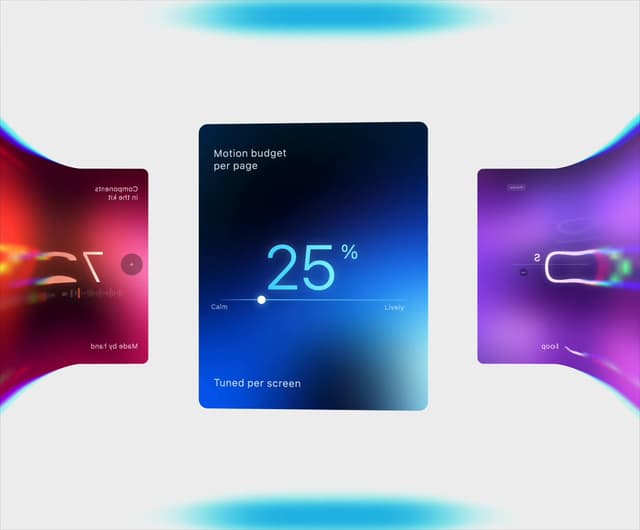

Warp Carousel
682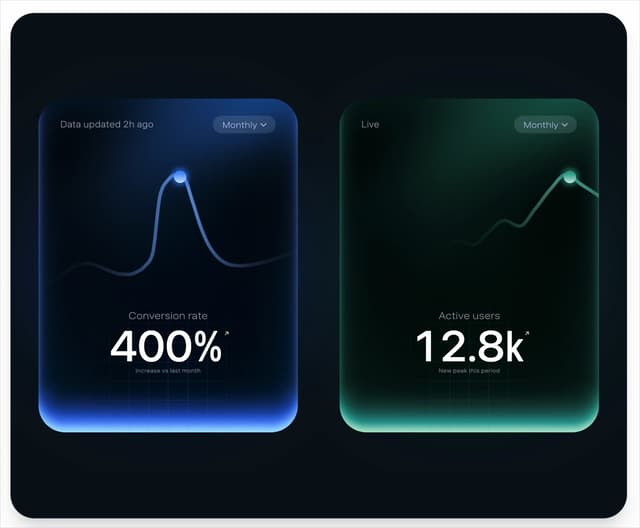
Peak Chart
164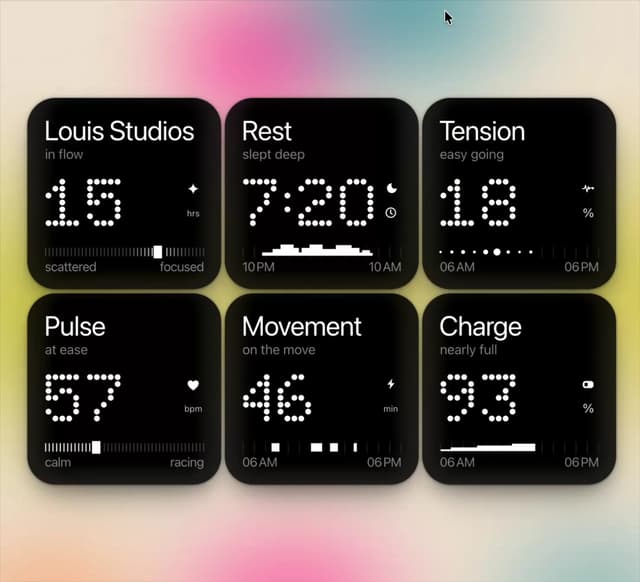
Dot Tiles
136
Chapter Player
91
Glow Rocker
73
LED Badges
67
Chrome Arcs
55
Lens Clock
51
More in Shaders
View all
Glass Fold
435

Shader Animation
3.8K

Illos Knowledge Sources
43

Phosphor 30
308
Wave
715
Black Hole
41
Illos Webhook Setup
21

Paper design shader Background
696
