About
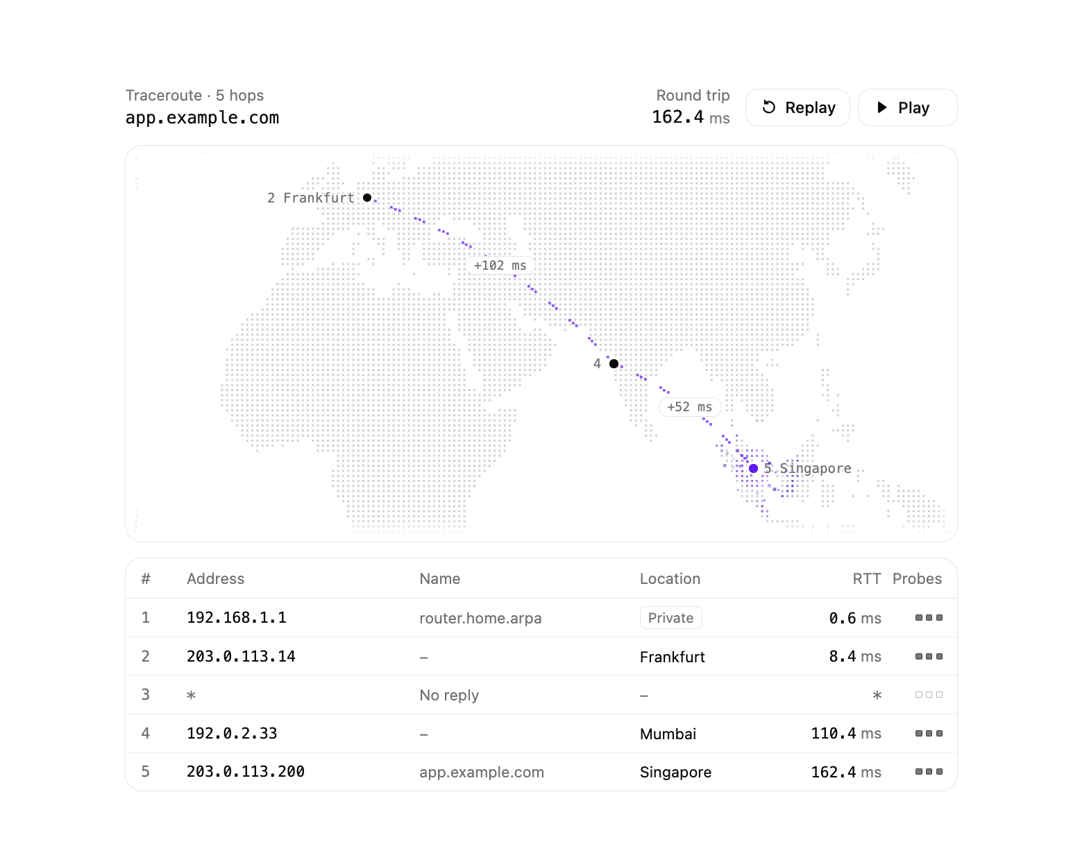
An animated traceroute visualization that renders network hops as a table with round-trip times alongside a dotted world map, where a packet travels hop by hop along great-circle paths.
Built with React and Tailwind. Copy the prompt and paste it into Claude Code, Cursor or Lovable: your agent adds Geo Traceroute to your project and fits it to your theme.
Code
How Geo Traceroute is used: the demo's code. The component's own source comes with a free account.
Usage.tsx
"use client";

import * as React from "react";

import { GeoTraceroute, type TraceHop } from "@/components/ui/geo-traceroute";

const hops: TraceHop[] = [
  { address: "192.168.1.1", name: "router.home.arpa", rtt: [0.6, 0.5, 0.7] },
  {
    address: "203.0.113.14",
    location: "Frankfurt",
    lat: 50.11,
    lon: 8.68,
    rtt: [8.4, 8.1, 9.0],
  },
  { address: "*", rtt: [] },
  {
    address: "192.0.2.33",
    location: "Mumbai",
    lat: 19.08,
    lon: 72.88,
    rtt: [110.4, 109.8, 111.2],
  },
  {
    address: "203.0.113.200",
    name: "app.example.com",
    location: "Singapore",
    lat: 1.35,
    lon: 103.82,
    rtt: [162.4, 161.9, 163.0],
  },
];

export default function GeoTracerouteDemo() {
  const [hop, setHop] = React.useState<number | null>(null);
  return (
    <div className="flex w-full items-center justify-center p-8">
      <GeoTraceroute
        target="app.example.com"
        hops={hops}
        value={hop}
        onValueChange={setHop}
      />
    </div>
  );
}
More by lumesec
View all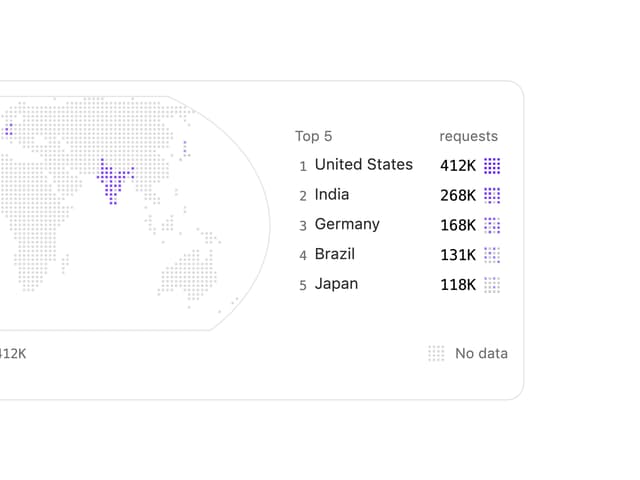

Choropleth Map
Copy Button