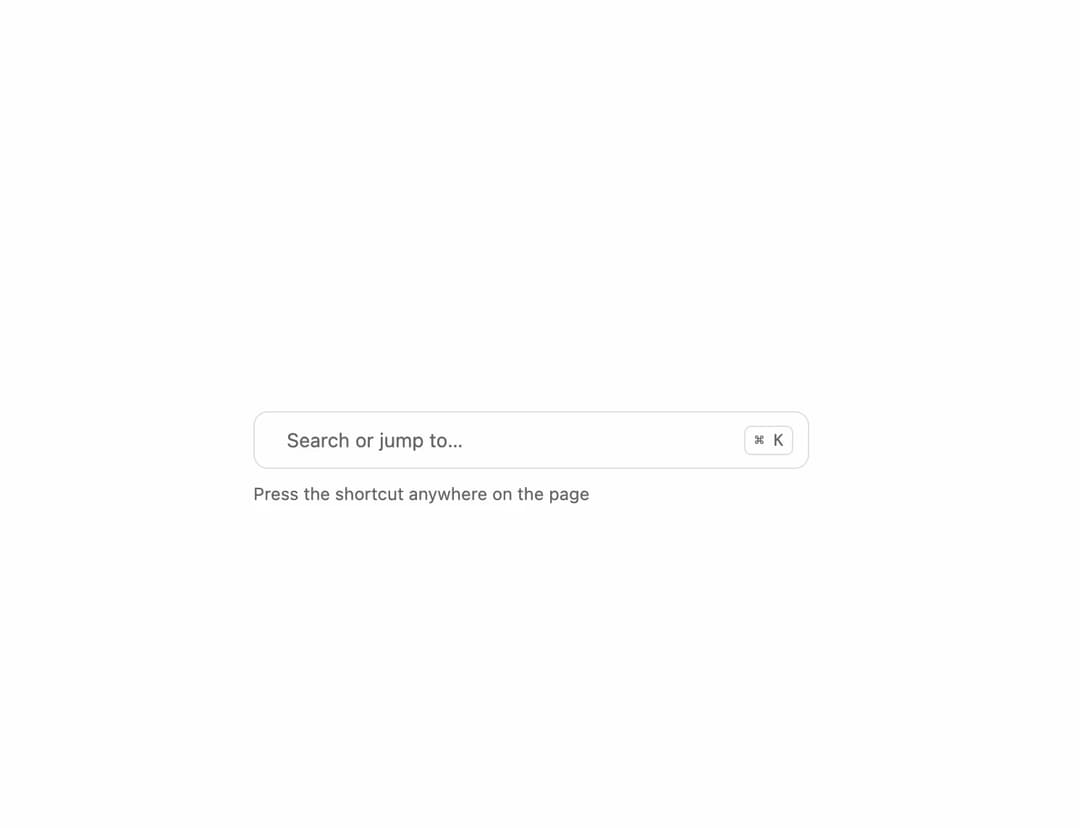
About
A ⌘K / Ctrl+K command palette that opens from a trigger button, with grouped commands, fuzzy search, keyboard navigation and an animated pixel highlight that follows the selected row.
Built with React and Tailwind. Copy the prompt and paste it into Claude Code, Cursor or Lovable: your agent adds Command Palette to your project and fits it to your theme.
Code
How Command Palette is used: the demo's code. The component's own source comes with a free account.
Usage.tsx
"use client";

import { PxCommand } from "@/components/ui/px-command";

export default function PxCommandDemo() {
  return (
    <div className="flex w-full items-center justify-center p-10">
      <PxCommand
        hotkey
        className="w-full max-w-sm"
        items={[
          { group: "Actions", label: "New chat", shortcut: "N" },
          { group: "Actions", label: "New project", shortcut: "P" },
          { group: "Go to", label: "Settings", shortcut: "G S" },
        ]}
        onCommand={(item) => console.log(item.label)}
      />
    </div>
  );
}
More by lumesec
View all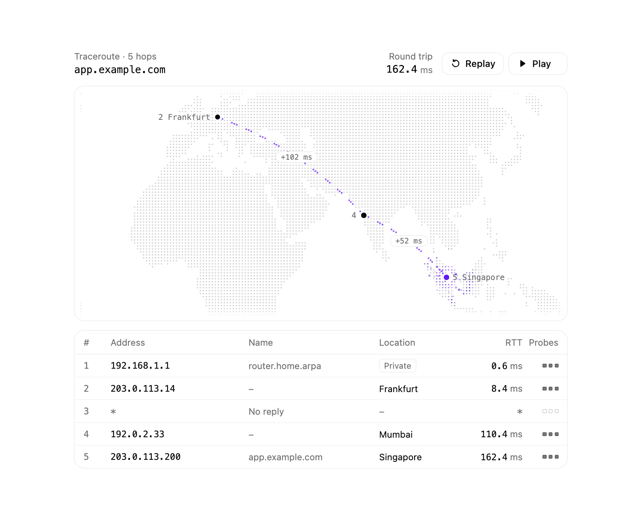

Geo Traceroute
56
Pixel Toaster
1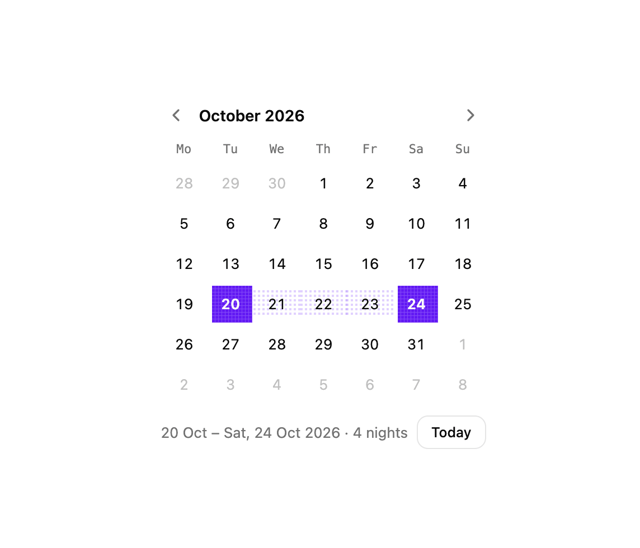
Date Picker
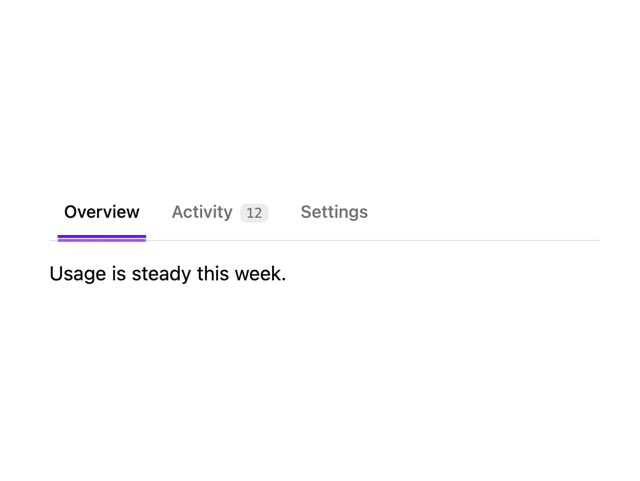
Pixel Tabs
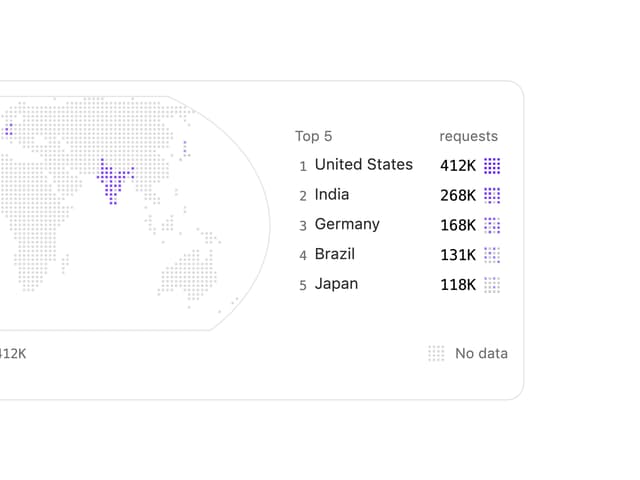
Choropleth Map
Copy Button
More in Navigation
View all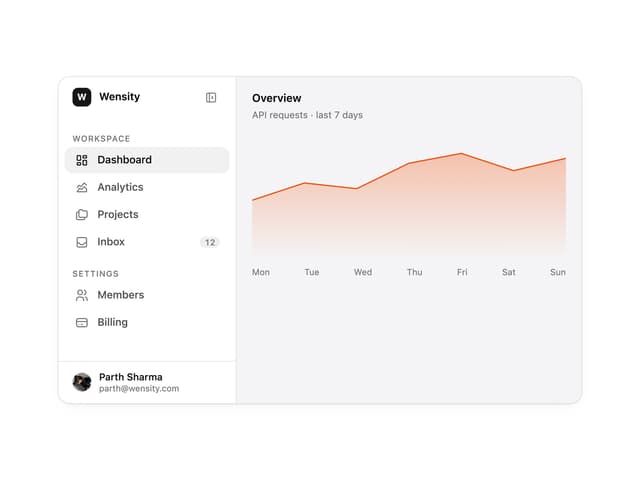

Sidebar
342

Pagination
99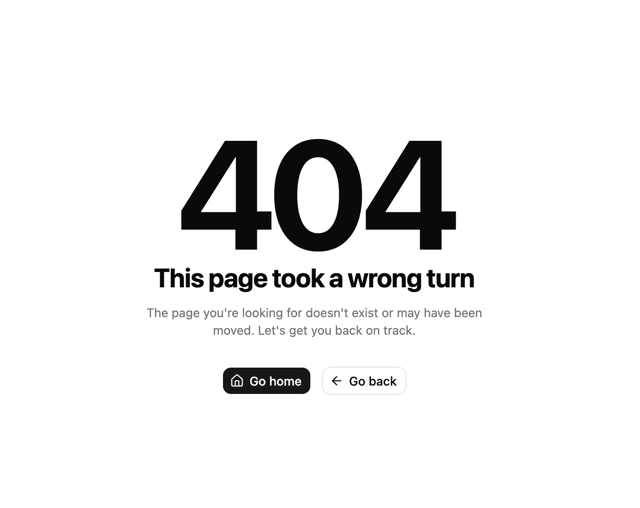
Oversized 404 Numeral
68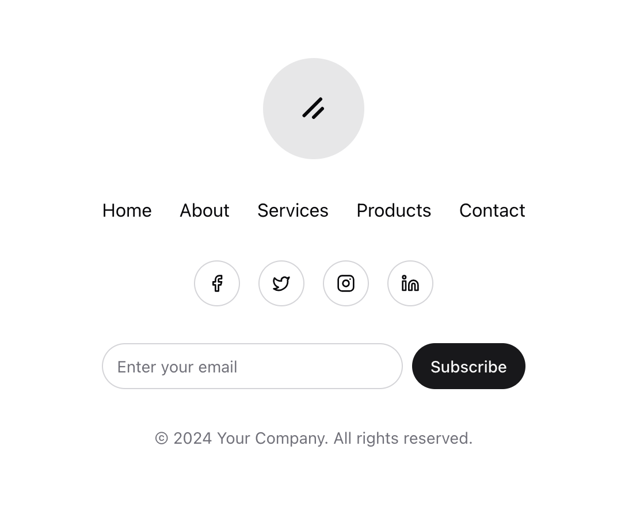
Stacked Circular Footer
443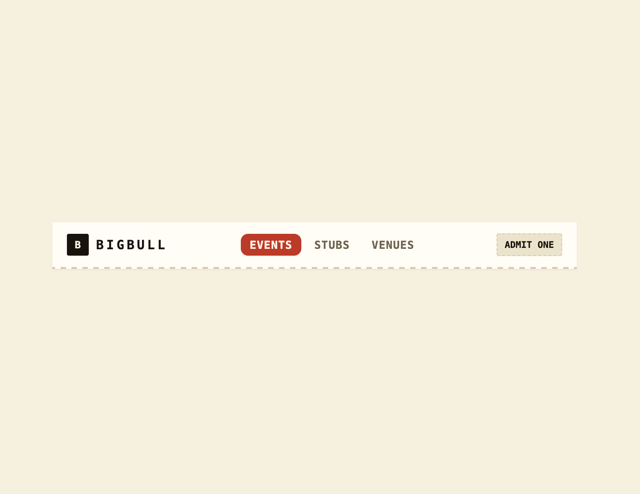
Navbar
6

Navbar
75

Tabs
33
Tabs like bookmark
73


