
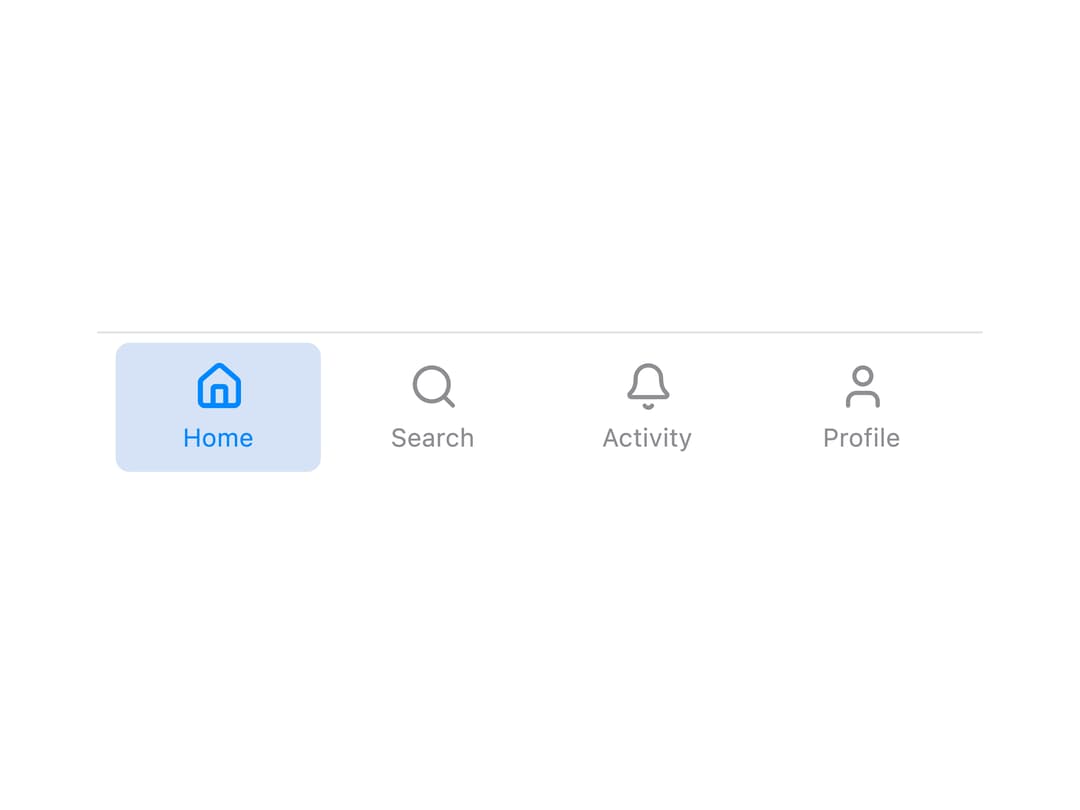
About
A selectable bottom tab-bar button with a label and an icon slot that reflects active state, for mobile-style primary navigation. Ported to React from the Vue MTabItem/MNavigationItem components in Millai's millai-ui library (MIT, © Millai).
Built with React and Tailwind. Copy the prompt and paste it into Claude Code, Cursor or Lovable: your agent adds Tab Bar Item to your project and fits it to your theme.
Code
How Tab Bar Item is used: the demo's code. The component's own source comes with a free account.
Usage.tsx
"use client";

import MTabItem, { NavigationContext } from "@/components/ui/m-tab-item";
import { Home, Search, Bell, User } from "lucide-react";
import * as React from "react";

const tabs = [
  { id: "home", label: "Home", icon: Home },
  { id: "search", label: "Search", icon: Search },
  { id: "activity", label: "Activity", icon: Bell },
  { id: "profile", label: "Profile", icon: User },
];

export default function MTabItemDemo() {
  const [selected, setSelected] = React.useState("home");

  return (
    <NavigationContext.Provider value={{ selected, select: setSelected }}>
      <nav
        className="flex items-stretch gap-1 border-t border-neutral-200 bg-white px-2 py-1 w-full max-w-sm mx-auto dark:border-neutral-800 dark:bg-neutral-950"
        aria-label="Primary navigation"
      >
        {tabs.map(({ id, label, icon: Icon }) => (
          <MTabItem
            key={id}
            id={id}
            label={label}
            icon={({ active }) => (
              <Icon size={22} strokeWidth={active ? 2.4 : 2} />
            )}
          />
        ))}
      </nav>
    </NavigationContext.Provider>
  );
}
Dependencies
More by millaistudio
View all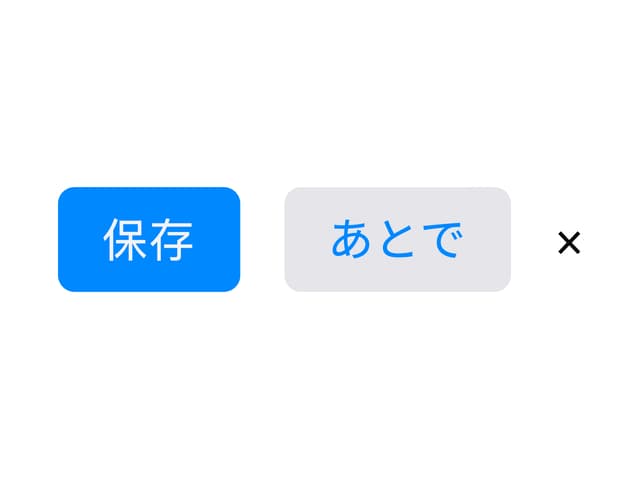
M Button
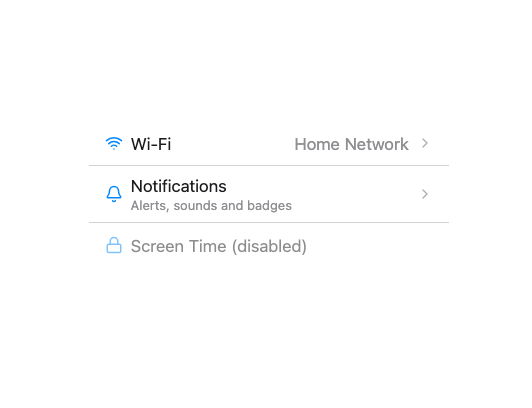
MListItem
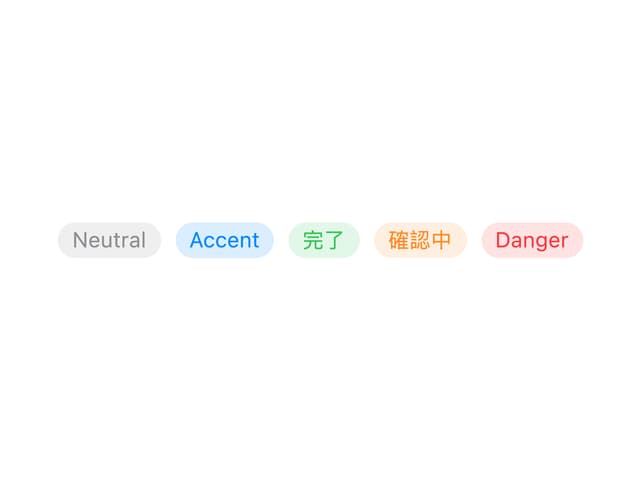
MBadge
MCard
Side Panel Item
MText Input
Navigation View
MCheckbox
More in Buttons
View all
Texture Button
95

Eclipse Button
6

App Store Button
457

Button Group


Button
14

Button
32
Button
65

HeroUI Button Group
9
