
About
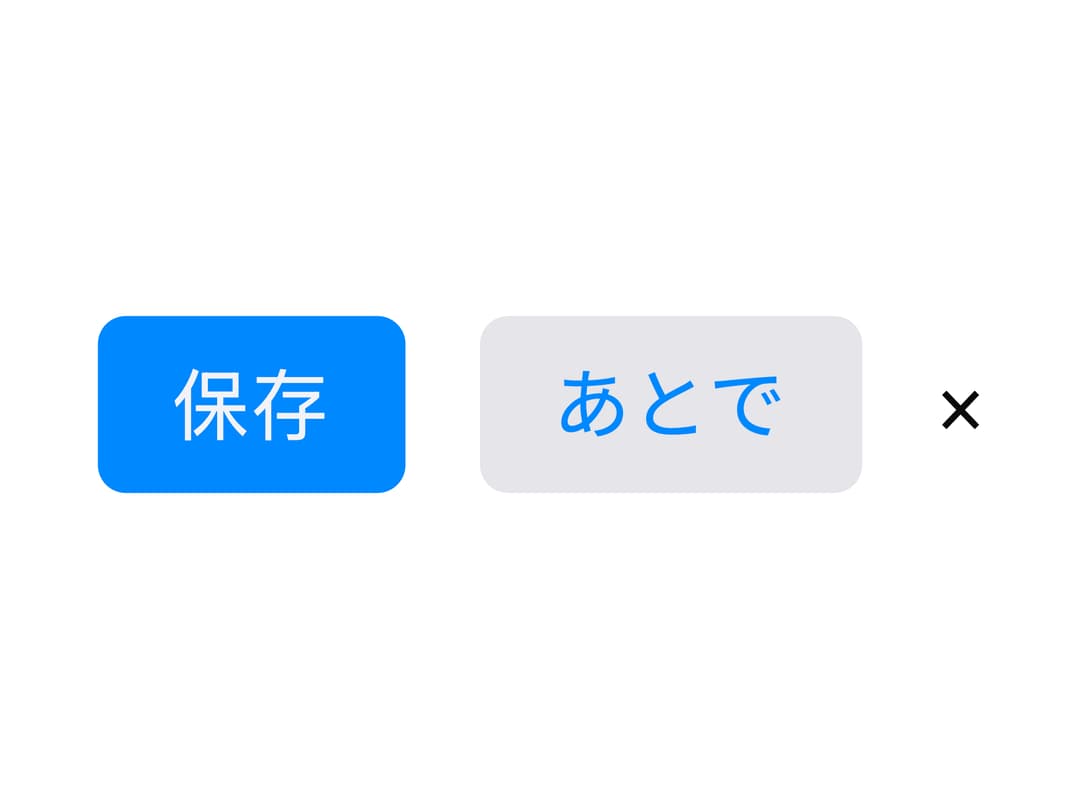
A simple button with primary, secondary, plain and ghost colour variants and an optional compact mode for icon-only buttons, ported from the MillaiUI Vue component library.
Built with React and Tailwind. Copy the prompt and paste it into Claude Code, Cursor or Lovable: your agent adds M Button to your project and fits it to your theme.
Code
How M Button is used: the demo's code. The component's own source comes with a free account.
Usage.tsx
import MButton from "@/components/ui/mbutton";

export default function MButtonDemo() {
  const handleSave = () => {
    // synthetic handler for the demo
    console.log("saved");
  };

  return (
    <div className="flex items-center gap-4 p-8">
      <MButton onClick={handleSave}>保存</MButton>
      <MButton variant="secondary">あとで</MButton>
      <MButton variant="ghost" compact aria-label="閉じる">
        ×
      </MButton>
    </div>
  );
}
More by millaistudio
View all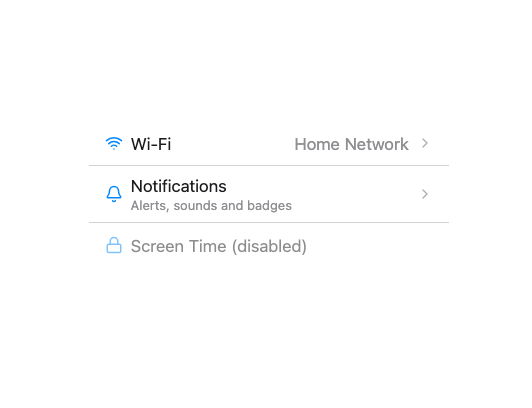
MListItem
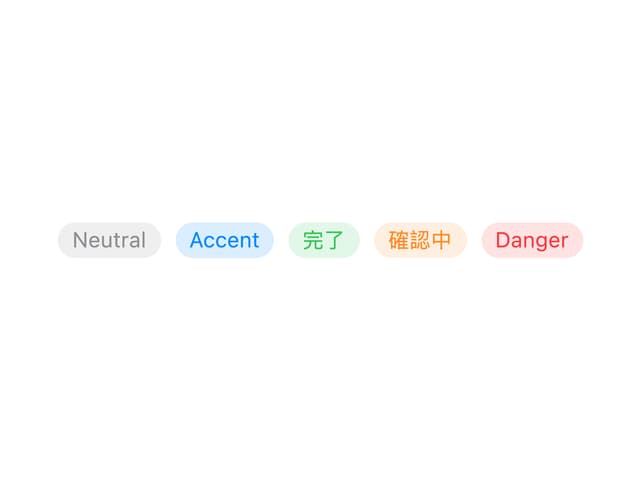
MBadge
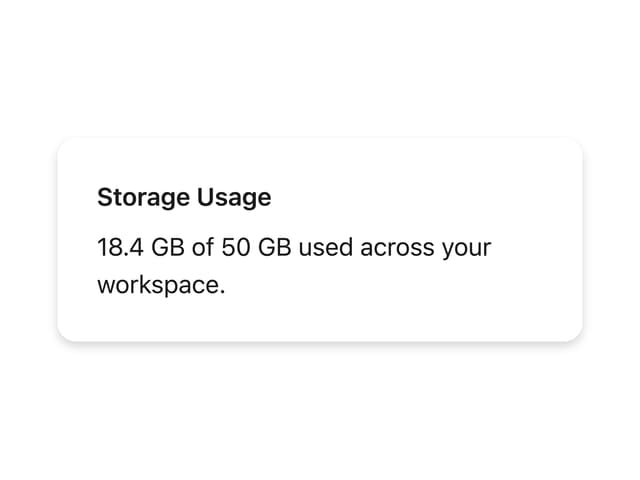
MCard
More in Buttons
View all
Texture Button
92

Button
20

Eclipse Button
39
Base Button
1

App Store Button
456

Button Group
4

Button
65

Button
1
