
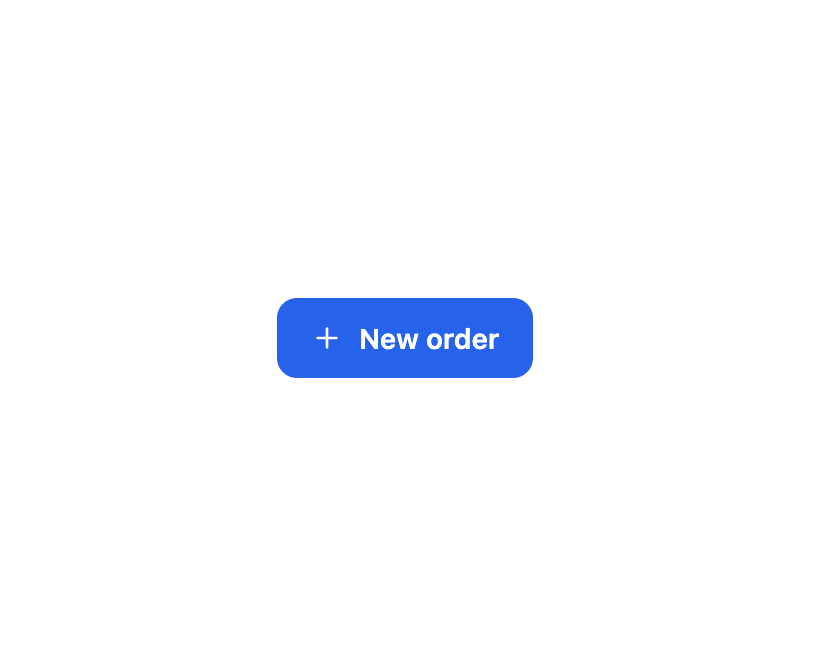
About
A button for triggering actions with primary, secondary, ghost and danger variants, three sizes, start/end icons, a loading state, and full-width stretch.
Built with React and Tailwind. Copy the prompt and paste it into Claude Code, Cursor or Lovable: your agent adds Button to your project and fits it to your theme.
Code
How Button is used: the demo's code. The component's own source comes with a free account.
Usage.tsx
import { Button } from "@/components/ui/button";

const PlusIcon = () => (
  <svg
    width="16"
    height="16"
    viewBox="0 0 24 24"
    fill="none"
    stroke="currentColor"
    strokeWidth="2"
    strokeLinecap="round"
  >
    <path d="M12 5v14M5 12h14" />
  </svg>
);

export default function ButtonWithIconDemo() {
  return (
    <div
      className="flex min-h-[200px] w-full flex-wrap items-center justify-center gap-3 p-6"
      style={{
        background: "var(--fp-color-bg)",
        color: "var(--fp-color-text)",
      }}
    >
      <Button iconStart={<PlusIcon />}>New order</Button>
    </div>
  );
}
More by sudharshanpanidev
View all
Status Badge
Select
Empty State
Stepper
Checkbox
More in Buttons
View all
Texture Button
92

Button
20

Eclipse Button
39

App Store Button
456
Base Button
1

Button Group
4

Button
65

Button
1
