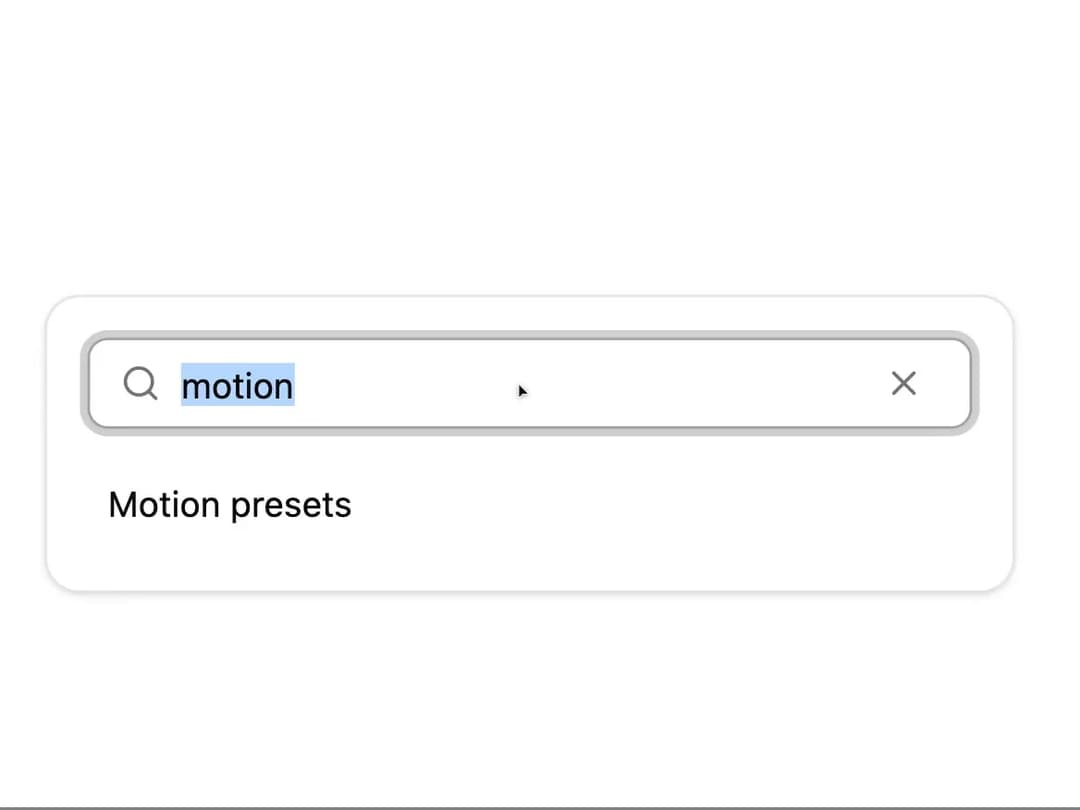
About
A compact search input with an inline icon, a clear button that appears once text is entered, and an Enter-to-submit callback for filtering lists or submitting queries.
Built with React and Tailwind. Copy the prompt and paste it into Claude Code, Cursor or Lovable: your agent adds Search Field to your project and fits it to your theme.
Code
How Search Field is used: the demo's code. The component's own source comes with a free account.
Usage.tsx
"use client";
import * as React from "react";
import { SearchField } from "@/components/ui/search-field";
const items = [
  "Design system",
  "Motion presets",
  "Content library",
  "Project settings",
];
export default function SearchFieldDemo() {
  const [query, setQuery] = React.useState("motion");
  return (
    <div className="w-full max-w-sm rounded-xl border bg-card p-4 shadow-sm">
      <SearchField
        value={query}
        onValueChange={setQuery}
        label="Search workspace"
        placeholder="Search workspace"
      />
      <div className="mt-3 flex flex-col gap-1">
        {items
          .filter((item) => item.toLowerCase().includes(query.toLowerCase()))
          .map((item) => (
            <div
              key={item}
              className="rounded-md px-2 py-2 text-sm hover:bg-accent"
            >
              {item}
            </div>
          ))}
        {!items.some((item) =>
          item.toLowerCase().includes(query.toLowerCase()),
        ) && (
          <p className="px-2 py-2 text-sm text-muted-foreground">
            No matches yet
          </p>
        )}
      </div>
    </div>
  );
}
Dependencies
More by vamsiy78
View all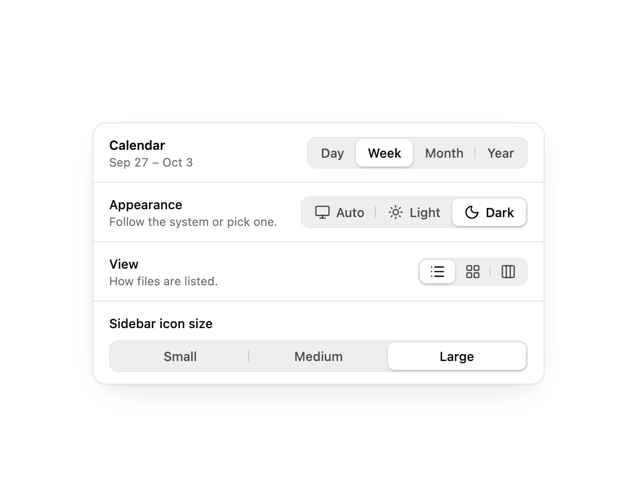

Segmented Control
8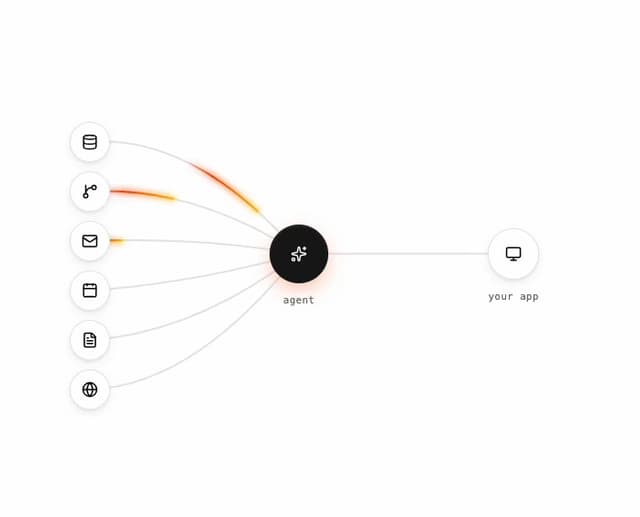
Animated Beam
7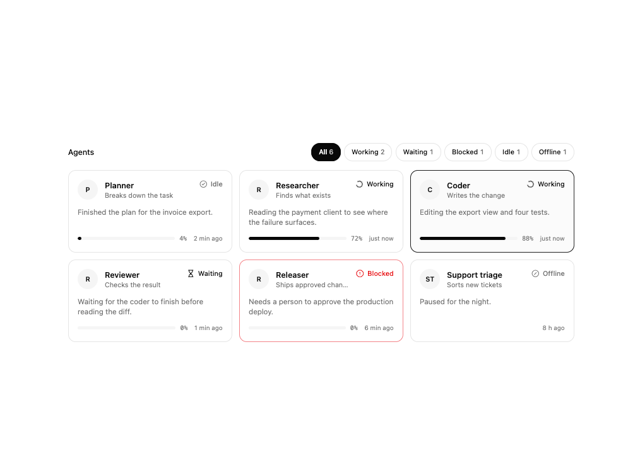
Agent Roster
5
Table Of Contents
1
API Key Field
1
Toast Stack

Team Portrait Grid
Image Cropper
More in Forms
View all

Premium Auth
593
Contact Form
28

Form
4

Login 1
70

Book A Demo 1
94

Contact Card
1.1K

HeroUI Field Error
13
Form [react-aria-components]
19

