
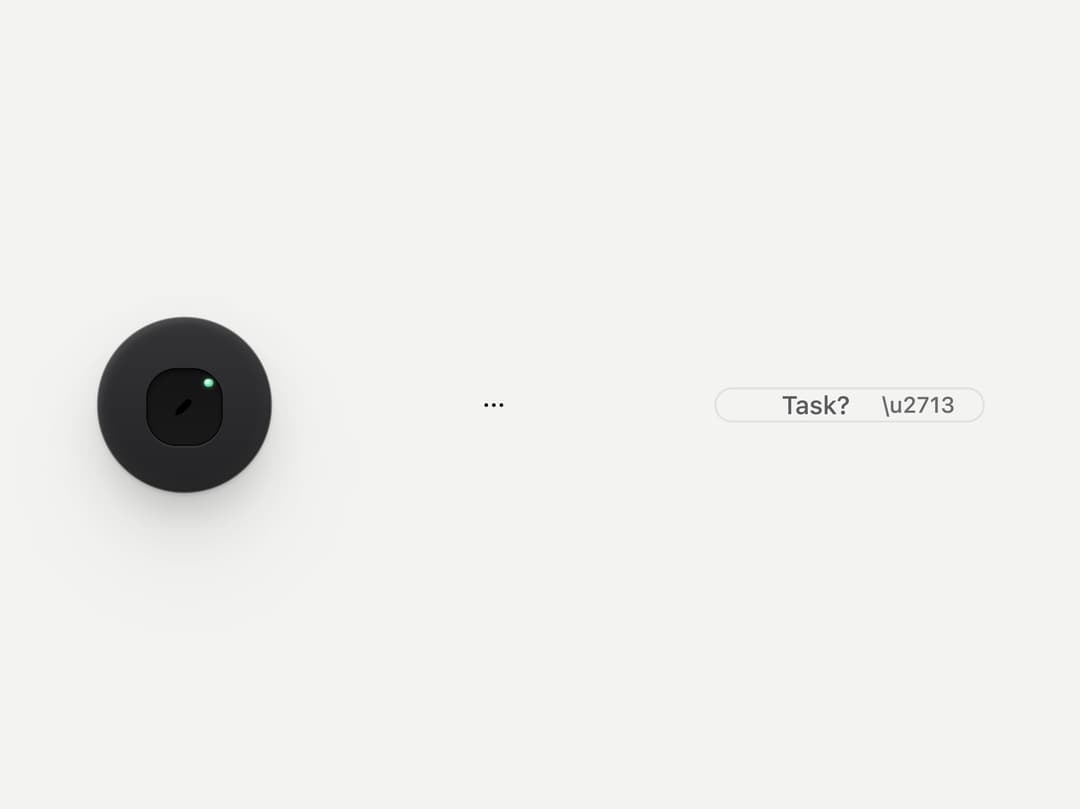
About
A compact button that shows only an icon, available as a dark latching tool cap, a flat ghost button, or a tiny mini pill for inline accept actions inside a chip.
Built with React and Tailwind. Copy the prompt and paste it into Claude Code, Cursor or Lovable: your agent adds Icon Button to your project and fits it to your theme.
Code
How Icon Button is used: the demo's code. The component's own source comes with a free account.
Usage.tsx
import * as React from "react";
import { IconButton } from "@/components/ui/icon-button";
import { Icon } from "@unlocalhosted/metalui/icons";

export default function IconButtonDemo() {
  const [on, setOn] = React.useState(true);
  return (
    <div
      className="flex w-full h-screen items-center justify-center"
      style={{ background: "var(--mu-page)", color: "var(--mu-ink)" }}
    >
      <div className="flex items-center gap-24" style={{ zoom: 1.3 }}>
        <span
          data-mu-colorway="graphite"
          className="material-frost-graphite inline-flex rounded-pill p-6"
        >
          <IconButton
            variant="tool"
            label="Draw"
            icon={<Icon name="draw" size={16} />}
            pressed={on}
            onClick={() => setOn(!on)}
          />
        </span>
        <IconButton
          variant="ghost"
          label="More"
          icon={<Icon name="more" size={14} />}
        />
        <span className="inline-flex items-center gap-4 rounded-pill px-8 ring-1 ring-rule">
          <span className="type-ui text-ink2">Task?</span>
          <IconButton variant="mini" accept label="Accept" icon={<>\u2713</>} />
        </span>
      </div>
    </div>
  );
}
Dependencies
More by vijayksingh
View all
Weather Widget
73
Meter
10
Skeleton Loader
8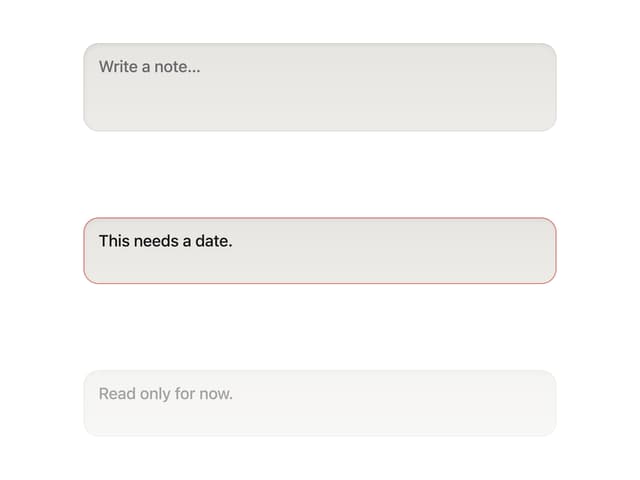
Textarea
2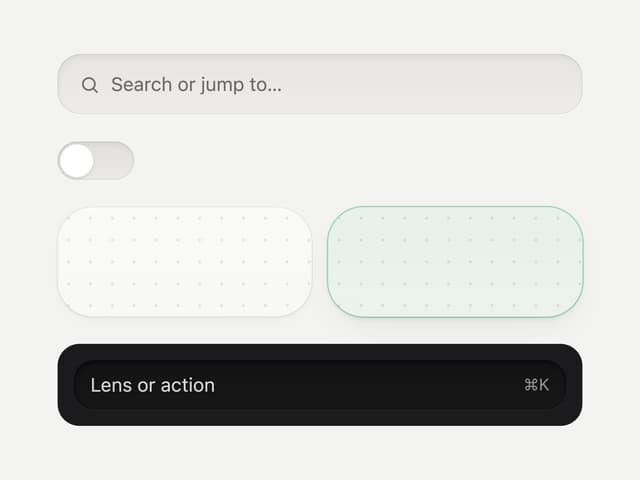
Well
1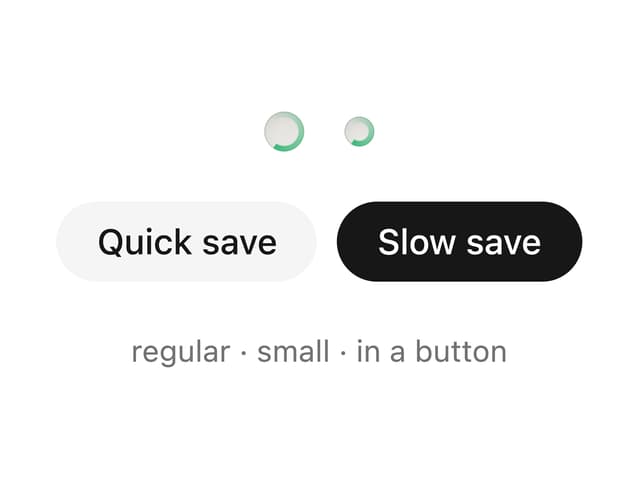
Soft Hardware Spinner
1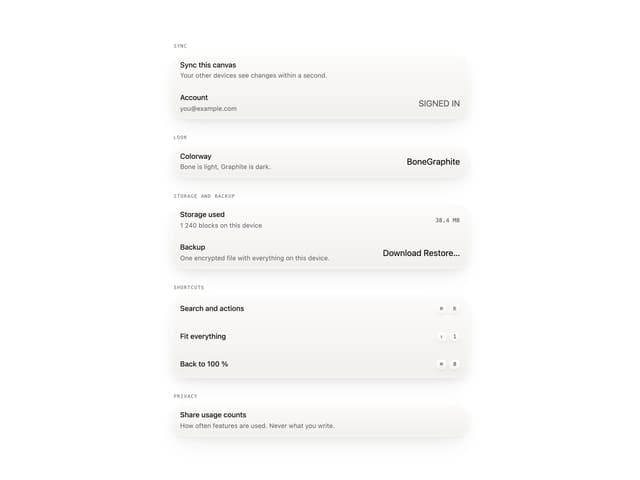
Settings List
Perfect Preview
More in Buttons
View all

Button
14
Button
34
Texture Button
92
Button Save
46

Button
64

Button Group
3

Button


Notification Button
103

