
About
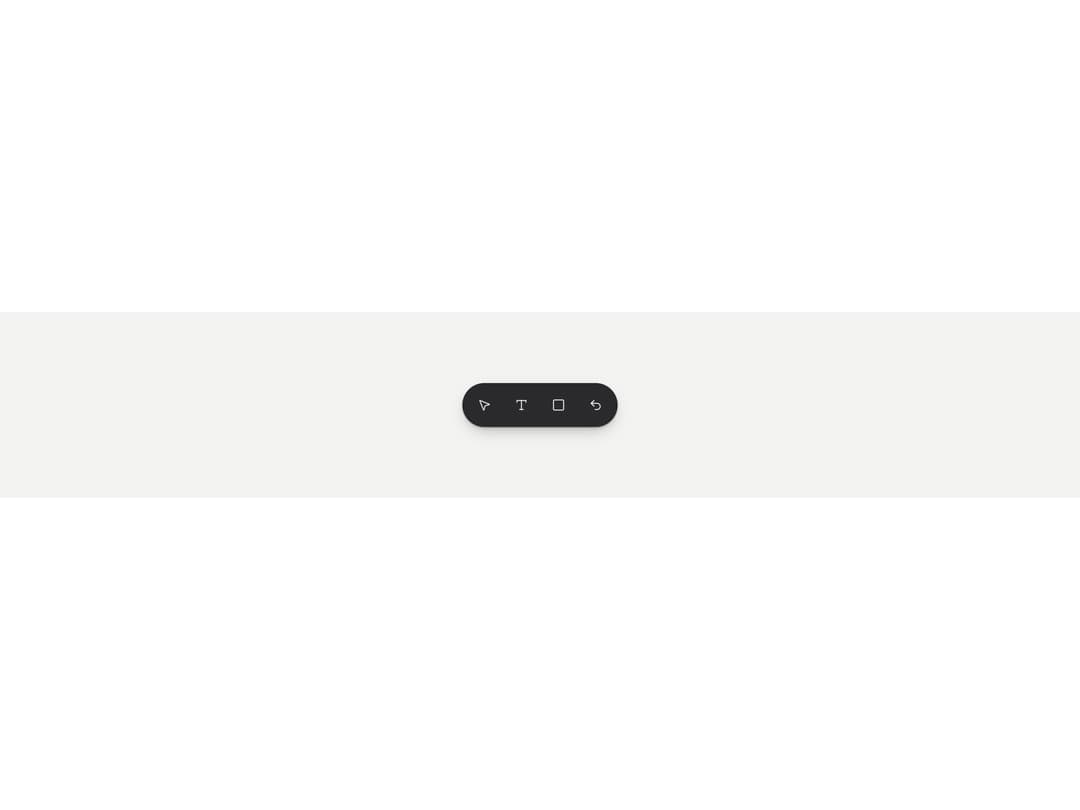
A hover/focus tooltip that names an icon-only button and shows its keyboard shortcut dimmed after a middle dot, built on Base UI's Tooltip primitive.
Built with React and Tailwind. Copy the prompt and paste it into Claude Code, Cursor or Lovable: your agent adds Tooltip to your project and fits it to your theme.
Code
How Tooltip is used: the demo's code. The component's own source comes with a free account.
Usage.tsx
"use client";

import * as React from "react";
import { Tooltip, TooltipProvider } from "@/components/ui/tooltip";
import { MousePointer2, Type, Square, Undo2 } from "lucide-react";

function IconButton({
  label,
  children,
  ...props
}: {
  label: string;
  children: React.ReactNode;
} & React.ButtonHTMLAttributes<HTMLButtonElement>) {
  return (
    <button
      type="button"
      aria-label={label}
      className="grid size-9 cursor-pointer place-items-center rounded-full text-white/80 transition-colors hover:text-white focus-visible:outline-2 focus-visible:outline-offset-2 focus-visible:outline-[#3FB97A]"
      {...props}
    >
      {children}
    </button>
  );
}

export default function TooltipDemo() {
  return (
    <div className="flex min-h-[220px] w-full items-center justify-center bg-[#F3F3F1] p-10">
      <TooltipProvider>
        <div className="flex items-center gap-2 rounded-full bg-[#2a2a2d] p-2 shadow-[0_1px_2px_rgba(0,0,0,.3),0_8px_18px_-6px_rgba(0,0,0,.3)]">
          <Tooltip label="Select" shortcut="V">
            <IconButton label="Select">
              <MousePointer2 size={16} />
            </IconButton>
          </Tooltip>
          <Tooltip label="Write" shortcut="T">
            <IconButton label="Write">
              <Type size={16} />
            </IconButton>
          </Tooltip>
          <Tooltip label="Region" shortcut="R">
            <IconButton label="Region">
              <Square size={16} />
            </IconButton>
          </Tooltip>
          <Tooltip label="Undo" shortcut="⌘Z">
            <IconButton label="Undo">
              <Undo2 size={16} />
            </IconButton>
          </Tooltip>
        </div>
      </TooltipProvider>
    </div>
  );
}
Dependencies
More by vijayksingh
View all
Weather Widget
73
Meter
10
Skeleton Loader
8
Textarea
2
Well
1
Soft Hardware Spinner
1
Settings List
Perfect Preview
More in Buttons
View all

Button
14
Button
34
Texture Button
92
Button Save
46

Button
64

Button Group
3

Notification Button
103

Button

