
About
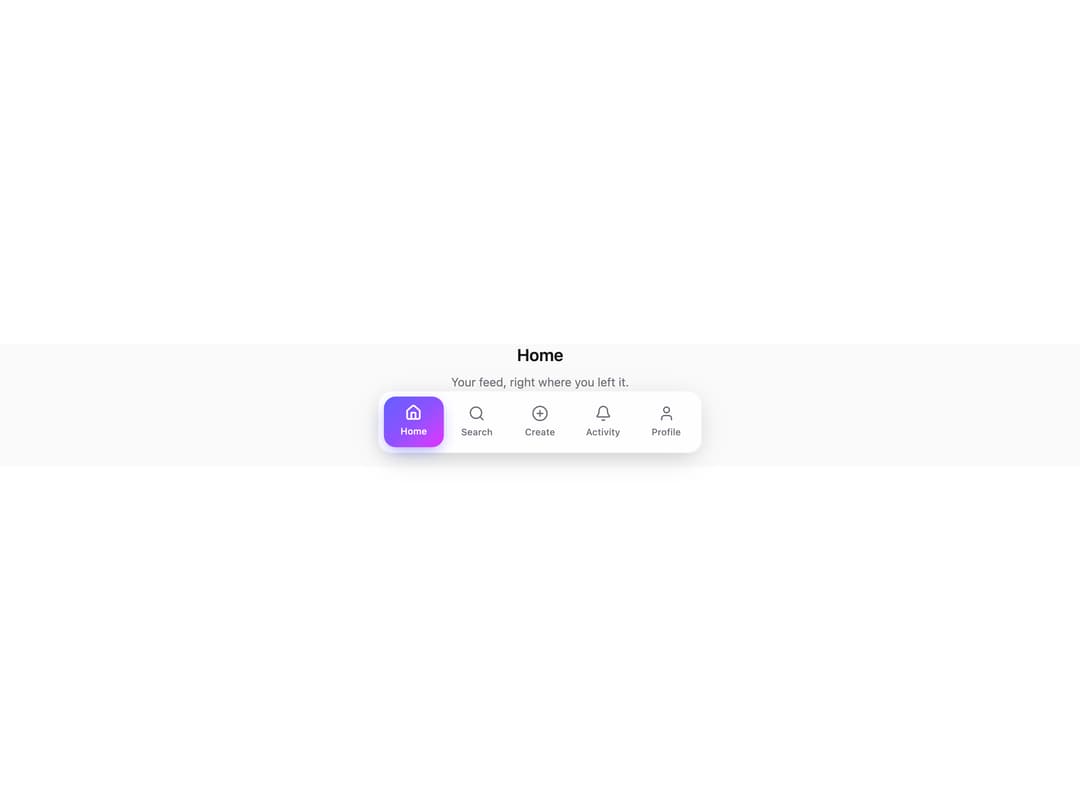
A bottom tab bar for mobile apps where the active tab sits inside a gradient pill that glides to the tapped icon with spring physics instead of just swapping a color class. Badges pop in with a spring and then idle with a small periodic bounce, so an unread count stays noticeable without flashing or looping forever at full speed.
Built with React and Tailwind. Copy the prompt and paste it into Claude Code, Cursor or Lovable: your agent adds Liquid Tab Bar to your project and fits it to your theme.
Code
How Liquid Tab Bar is used: the demo's code. The component's own source comes with a free account.
Usage.tsx
import * as React from "react";
import { LiquidTabBar, type TabItem } from "@/components/ui/liquid-tab-bar";
import { Home, Search, PlusCircle, Bell, User } from "lucide-react";

const ITEMS: TabItem[] = [
  { key: "home", label: "Home", icon: Home },
  { key: "search", label: "Search", icon: Search },
  { key: "create", label: "Create", icon: PlusCircle },
  { key: "activity", label: "Activity", icon: Bell, badge: 3 },
  { key: "profile", label: "Profile", icon: User },
];

const COPY: Record<string, { title: string; body: string }> = {
  home: { title: "Home", body: "Your feed, right where you left it." },
  search: { title: "Search", body: "Find people, places, and posts." },
  create: { title: "Create", body: "Start something new." },
  activity: { title: "Activity", body: "3 things need your attention." },
  profile: { title: "Profile", body: "Your details and preferences." },
};

export default function LiquidTabBarDemo() {
  const [tab, setTab] = React.useState("home");
  const copy = COPY[tab];

  return (
    <div className="flex h-full w-full flex-col justify-between bg-zinc-50 dark:bg-zinc-950">
      <div className="flex flex-1 flex-col items-center justify-center gap-2 px-8 text-center">
        <h1 className="text-xl font-semibold text-zinc-900 dark:text-zinc-50">{copy.title}</h1>
        <p className="text-sm text-zinc-500 dark:text-zinc-400">{copy.body}</p>
      </div>
      <div className="px-3 pb-4">
        <LiquidTabBar items={ITEMS} value={tab} onChange={setTab} />
      </div>
    </div>
  );
}
Dependencies
More by Holo
View all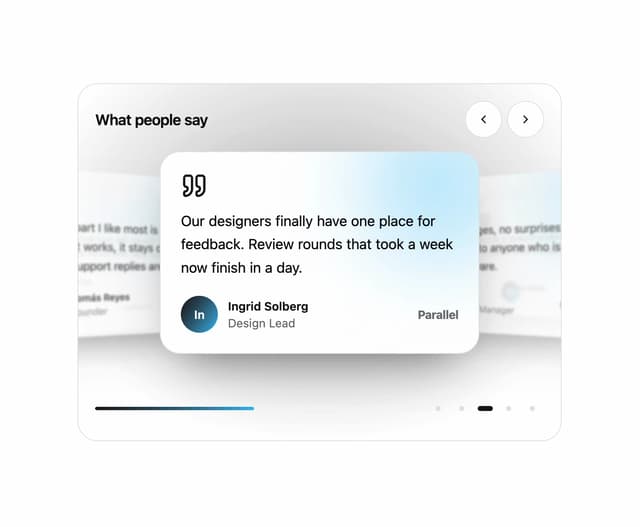

Testimonial Coverflow
4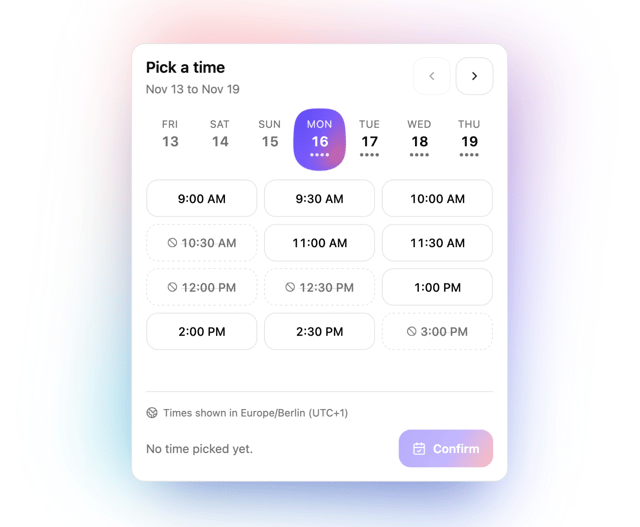
Slot Week Picker
2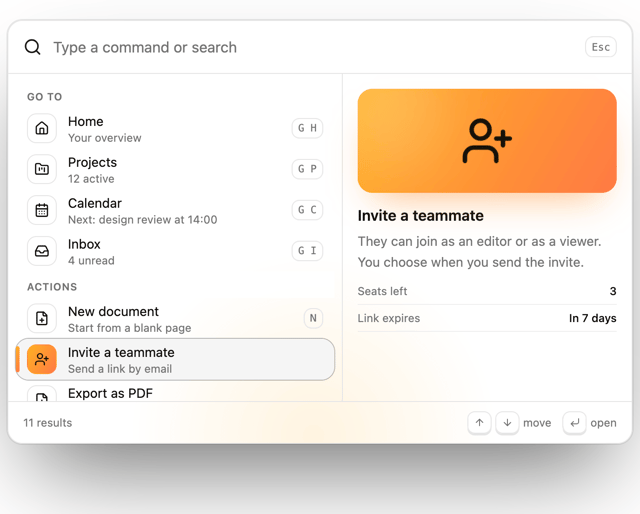
Command Palette
2
Pricing Plan Tilt
1
File Drop Physics
1
Story Viewer
Snap Sheet
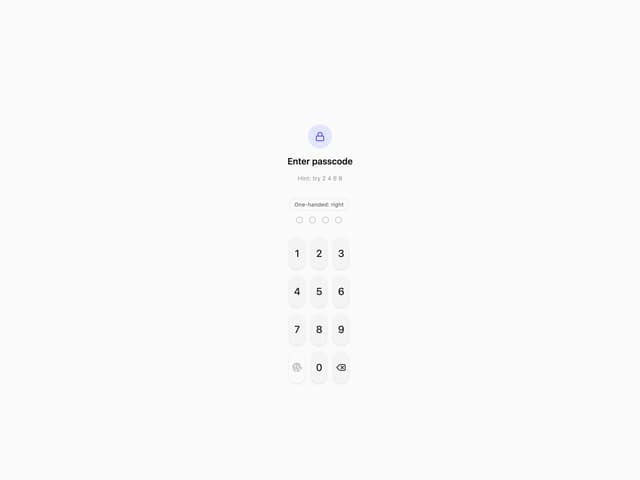
Reach Pin Pad
More in Navigation
View all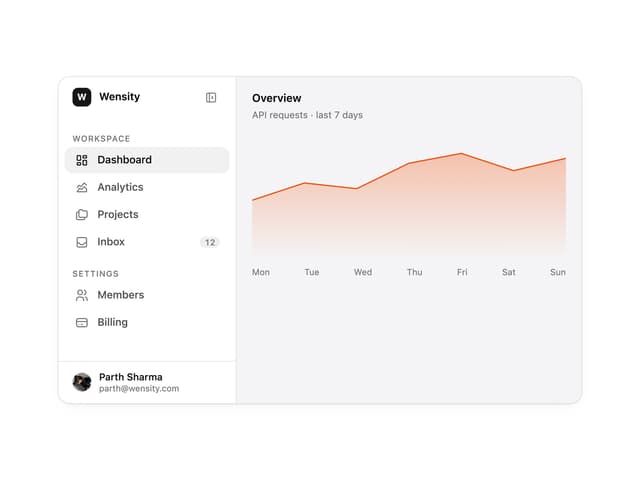

Sidebar
355

Pagination
35
Navbar with Theme Toggle
58
Pagination with Ellipsis
20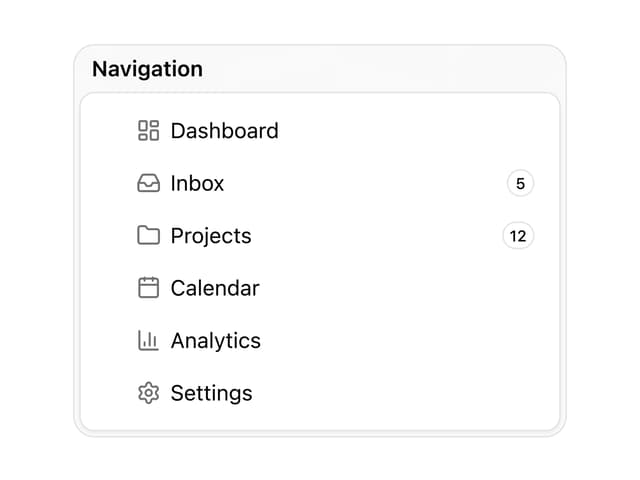

Sortable Sidebar Navigation
73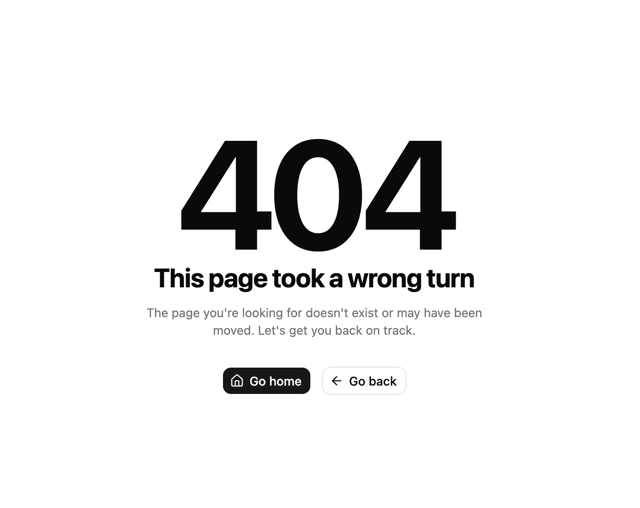

Oversized 404 Numeral
72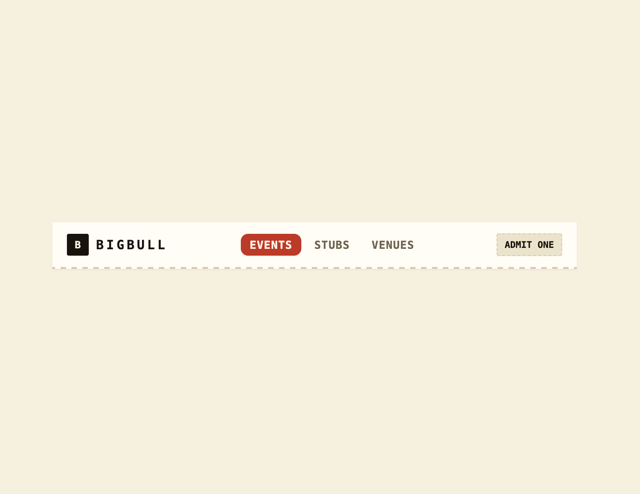
Navbar
8
Footer
456

