
About
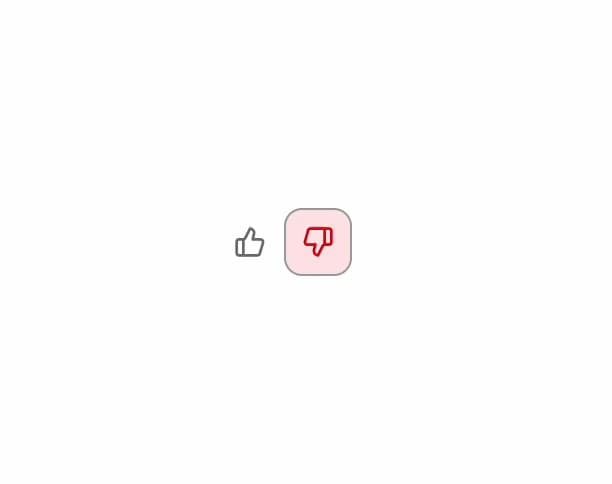
A thumbs up/down feedback widget with an optional comment form, used to collect quick user reactions and freeform feedback on AI responses or content.
Built with React and Tailwind. Copy the prompt and paste it into Claude Code, Cursor or Lovable: your agent adds Feedback Buttons to your project and fits it to your theme.
Code
How Feedback Buttons is used: the demo's code. The component's own source comes with a free account.
Usage.tsx
import { Feedback, FeedbackButton } from "@/components/ui/feedback";
import { useState } from "react";

export default function Example() {
  const [sel, setSel] = useState<"up" | "down" | null>(null);
  return (
    <Feedback>
      <FeedbackButton
        type="up"
        selected={sel === "up"}
        onClick={() => setSel("up")}
        aria-label="Thumbs up"
      />
      <FeedbackButton
        type="down"
        selected={sel === "down"}
        onClick={() => setSel("down")}
        aria-label="Thumbs down"
      />
    </Feedback>
  );
}
More by mayurrawte
View all
Streaming Text
4
MCP Scope Inspector
2
Tooltip
2
Accordion
2
Skeleton
2
Loader
2
Dialog
1
Select Dropdown
1
More in AI chats
View all

AI Actions
365

Aquarium Prompt
183
Agent Chat
21

AI Response
16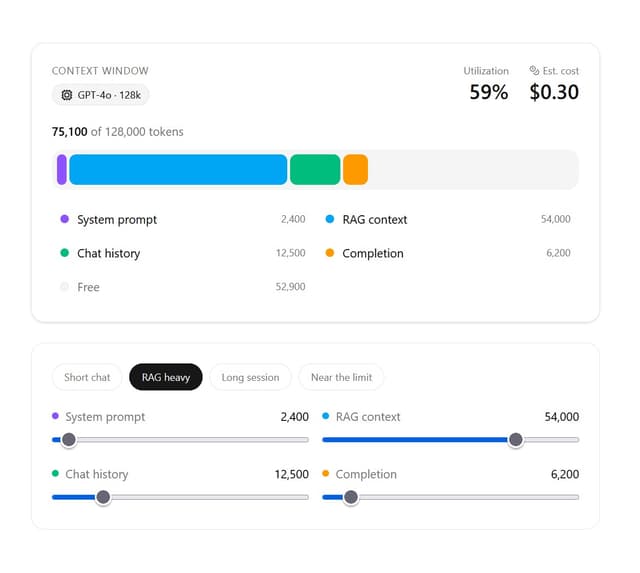

Interactive LLM Token & Context Window Visualizer
11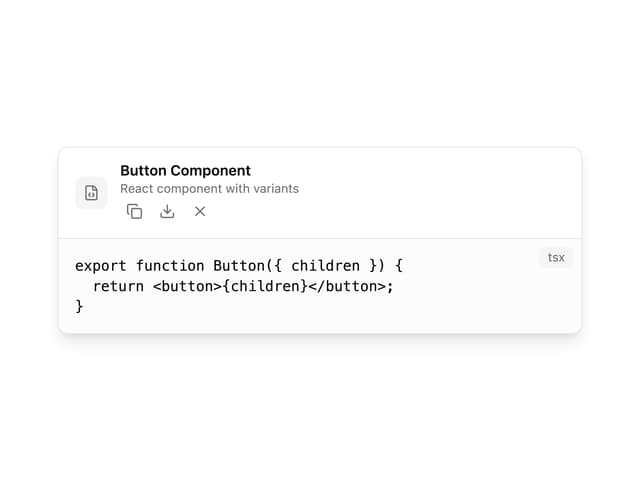
AI Artifact
17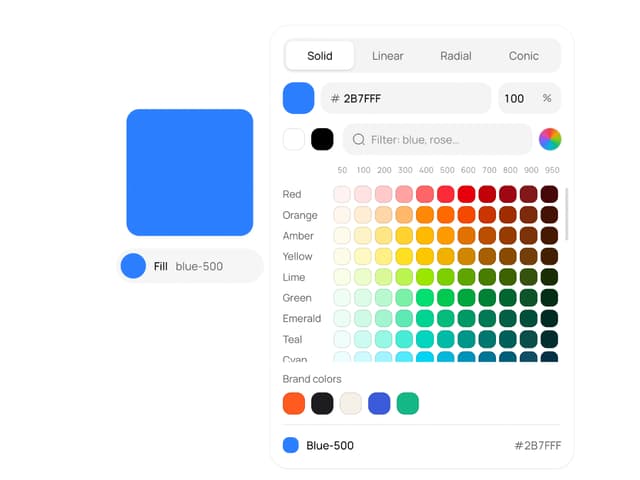
Color Picker
232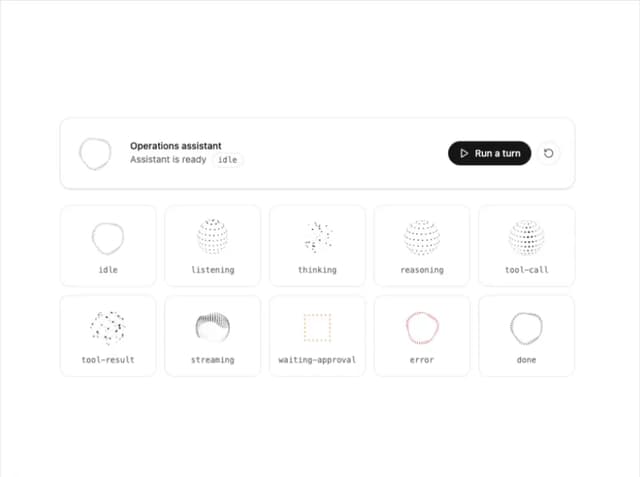

AI Orb
225


