
About
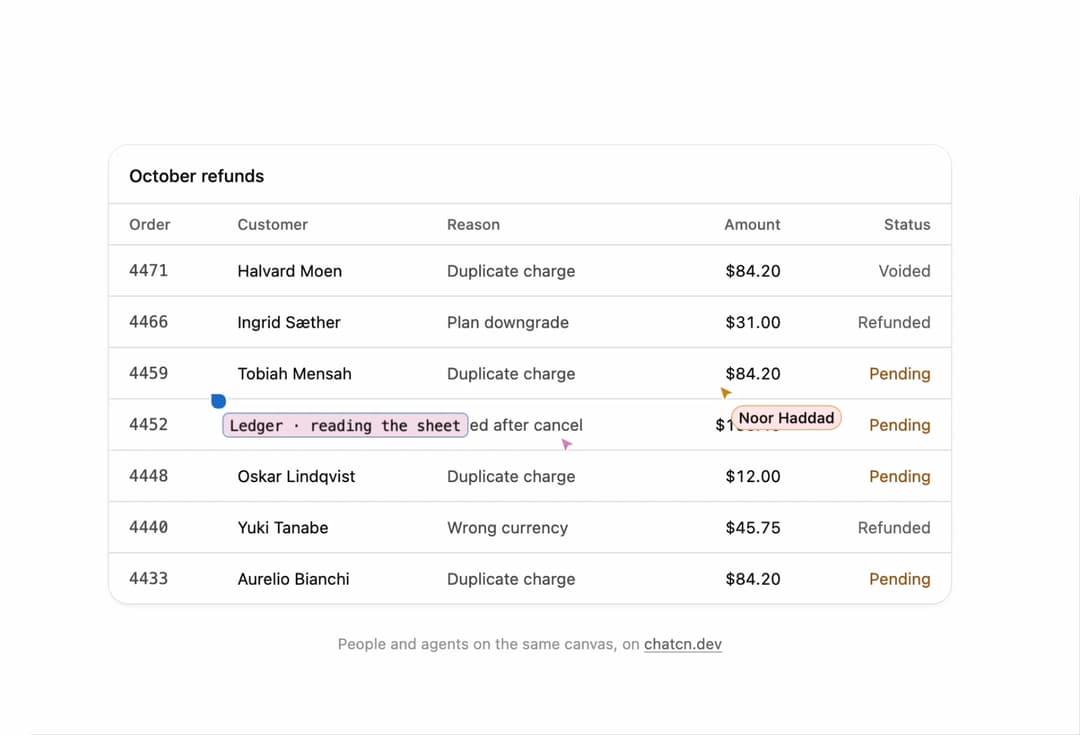
Multiplayer cursors for people and agents: names, live messages, activity labels and selections on any canvas, a sheet, a doc or a board.
Built with React and Tailwind. Copy the prompt and paste it into Claude Code, Cursor or Lovable: your agent adds Live Cursors to your project and fits it to your theme.
Code
How Live Cursors is used: the demo's code. The component's own source comes with a free account.
Usage.tsx
"use client"

import * as React from "react"
import { CollabMember, LiveCursor, LiveCursors } from "@/components/ui/live-cursors"

type Point = [number, number]

/** Moves along waypoints, eased per leg, one step per tick. */
function walk(points: Point[], t: number): Point {
  const n = points.length
  const leg = Math.floor(t) % n
  const f = t - Math.floor(t)
  const e = f < 0.5 ? 2 * f * f : 1 - (-2 * f + 2) ** 2 / 2
  const a = points[leg] as Point
  const b = points[(leg + 1) % n] as Point
  return [a[0] + (b[0] - a[0]) * e, a[1] + (b[1] - a[1]) * e]
}

const noorPath: Point[] = [
  [0.72, 0.3],
  [0.84, 0.46],
  [0.62, 0.58],
  [0.9, 0.72],
  [0.78, 0.2],
]

// Down the gutter between order and customer, so the pointer never sits on a number.
const ledgerPath: Point[] = [
  [0.118, 0.35],
  [0.122, 0.47],
  [0.125, 0.72],
  [0.125, 0.84],
  [0.12, 0.6],
]

/** The cast: a support and finance team with three agents. */
const people = {
  you: { id: "you", name: "Ines Okafor", role: "Support lead", you: true },
  tomasz: { id: "tomasz", name: "Tomasz Wielgus", role: "Billing ops" },
  noor: { id: "noor", name: "Noor Haddad", role: "Finance lead" },
  kenji: { id: "kenji", name: "Kenji Ota", role: "Support, Tokyo" },
  saoirse: { id: "saoirse", name: "Saoirse Byrne", role: "Legal" },
  femi: { id: "femi", name: "Femi Adeyemi", role: "Support" },
  dagny: { id: "dagny", name: "Dagny Holm", role: "Engineering" },
  lucia: { id: "lucia", name: "Lucía Ferrer", role: "Account manager" },
} satisfies Record<string, CollabMember>

/** A neutral provider mark for the demos. Bring your provider's own mark through `mark`. */
function DemoMark({ variant = "a" }: { variant?: "a" | "b" }) {
  return variant === "a" ? (
    <svg viewBox="0 0 16 16" fill="none" className="size-full" aria-hidden="true">
      <path
        d="M3 4.5h10M3 8h10M3 11.5h6"
        stroke="currentColor"
        strokeWidth="1.6"
        strokeLinecap="round"
      />
    </svg>
  ) : (
    <svg viewBox="0 0 16 16" fill="none" className="size-full" aria-hidden="true">
      <path
        d="M8 2.5 13.5 8 8 13.5 2.5 8Z"
        stroke="currentColor"
        strokeWidth="1.6"
        strokeLinejoin="round"
      />
    </svg>
  )
}

const agents = {
  ledger: {
    id: "ledger",
    name: "Ledger",
    kind: "agent",
    role: "Billing agent",
    mark: <DemoMark variant="a" />,
  },
  triage: { id: "triage", name: "Triage", kind: "agent", role: "Intake agent" },
  quill: {
    id: "quill",
    name: "Quill",
    kind: "agent",
    role: "Writing agent",
    mark: <DemoMark variant="b" />,
  },
} satisfies Record<string, CollabMember>

const FIT_CSS = "html,body{overflow:hidden}[data-fit-small] [data-fit-hide]{display:none!important}"

/**
 * 21st shows a demo in a small frame: about 674 by 421 on a component page, 358 by 224 on a
 * phone and 245 by 139 on a profile card. A demo taller than its frame gets scrollbars, which
 * render white on dark pages. FitFrame fills the frame exactly instead.
 *
 * - "scale": the content shrinks until it fits, centered. For visuals such as orbs.
 * - "crop": the content stays at full size from the top and fades out at the bottom. For text
 *   that streams in, where a changing scale would make the page breathe.
 *
 * `minWidth` lays out a wide demo (a table, a two column panel) at that width and scales it down
 * to the frame, instead of letting it collapse to a narrow layout. The frame centers it, so it
 * shrinks evenly on both sides.
 *
 * Anything marked `data-fit-hide` (state buttons, the chatcn.dev line) drops out in frames
 * shorter than `hideBelow`, so a profile card shows the visual alone.
 */
function FitFrame({
  children,
  mode = "scale",
  hideBelow = 360,
  minWidth,
}: {
  children: React.ReactNode
  mode?: "scale" | "crop"
  hideBelow?: number
  minWidth?: string
}) {
  const content = React.useRef<HTMLDivElement>(null)
  const [cropped, setCropped] = React.useState(false)

  React.useLayoutEffect(() => {
    const el = content.current
    if (!el) return
    const measure = () => {
      const vw = window.innerWidth
      const vh = window.innerHeight
      el.toggleAttribute("data-fit-small", vh < hideBelow)
      // Layout sizes ignore the transform, so measuring never feeds back.
      const w = Math.max(el.offsetWidth, el.scrollWidth)
      const h = Math.max(el.offsetHeight, el.scrollHeight)
      const scale = mode === "scale" ? Math.min(1, vw / w, vh / h) : 1
      el.style.transform = scale < 1 ? `scale(${scale})` : ""
      setCropped(mode === "crop" && h > vh + 1)
    }
    measure()
    const observer = new ResizeObserver(measure)
    observer.observe(el)
    window.addEventListener("resize", measure)
    return () => {
      observer.disconnect()
      window.removeEventListener("resize", measure)
    }
  }, [mode, hideBelow])

  const fade = "linear-gradient(to bottom, #000 calc(100% - 40px), transparent)"
  return (
    <div
      className="flex w-full justify-center overflow-hidden"
      style={{
        height: "100dvh",
        alignItems: mode === "crop" ? "flex-start" : "center",
        maskImage: cropped ? fade : undefined,
        WebkitMaskImage: cropped ? fade : undefined,
      }}
    >
      <style>{FIT_CSS}</style>
      <div
        ref={content}
        className="w-full shrink-0"
        style={{ transformOrigin: mode === "crop" ? "top center" : "center", minWidth }}
      >
        {children}
      </div>
    </div>
  )
}

const refunds = [
  ["4471", "Halvard Moen", "Duplicate charge", "$84.20", "Voided"],
  ["4466", "Ingrid Sæther", "Plan downgrade", "$31.00", "Refunded"],
  ["4459", "Tobiah Mensah", "Duplicate charge", "$84.20", "Pending"],
  ["4452", "Marisol Vega", "Billed after cancel", "$168.40", "Pending"],
  ["4448", "Oskar Lindqvist", "Duplicate charge", "$12.00", "Pending"],
  ["4440", "Yuki Tanabe", "Wrong currency", "$45.75", "Refunded"],
  ["4433", "Aurelio Bianchi", "Duplicate charge", "$84.20", "Pending"],
]

/** The line under each 21st demo that points back to the kit. */
function MoreOn({ slug, children }: { slug: string; children: React.ReactNode }) {
  return (
    <p data-fit-hide className="text-[0.75rem]/[1rem] text-(color:--chatcn-fg-faint) text-center text-balance">
      {children}{" "}
      <a
        href={`https://chatcn.dev/docs/components/${slug}`}
        target="_blank"
        rel="noopener"
        className="text-(color:--chatcn-fg-subtle) hover:text-(color:--chatcn-fg) underline underline-offset-2"
      >
        chatcn.dev
      </a>
    </p>
  )
}

/**
 * A shared refunds sheet: a teammate looks around, another leaves a note, an agent selects rows.
 * Paced a little faster than the docs demo so the preview video catches every move.
 */
export default function LiveCursorsPreview() {
  const [t, setT] = React.useState(0)
  React.useEffect(() => {
    if (window.matchMedia("(prefers-reduced-motion: reduce)").matches) {
      setT(1.5)
      return
    }
    const id = setInterval(() => setT((v) => v + 0.05), 45)
    return () => clearInterval(id)
  }, [])

  const [nx, ny] = walk(noorPath, t * 0.6)
  const [lx, ly] = walk(ledgerPath, t * 0.4)
  const rowTop = 0.255
  const rowH = 0.107
  const ledgerRow = Math.max(0, Math.min(6, Math.floor((ly - rowTop) / rowH)))
  const selecting = Math.floor(t * 0.9) % 2 === 1
  const from = 2
  const to = Math.max(from, ledgerRow)

  const cursors: LiveCursor[] = [
    { ...people.noor, x: nx, y: ny, color: "var(--chatcn-chart-2)" },
    {
      ...agents.ledger,
      x: lx,
      y: ly,
      color: "var(--chatcn-chart-1)",
      activity: selecting ? `selecting ${to - from + 1} duplicate rows` : "reading the sheet",
      selection: selecting
        ? { x: 0.012, y: rowTop + from * rowH, width: 0.976, height: (to - from + 1) * rowH }
        : undefined,
    },
    {
      ...people.tomasz,
      // On row 4452, the one Ledger's selection is about to sweep up.
      x: 0.535,
      y: 0.635,
      color: "var(--chatcn-chart-4)",
      idle: Math.floor(t * 0.9) % 2 === 0,
      message: Math.floor(t * 0.9) % 2 === 0 ? undefined : "4452 is not a duplicate, leave it",
    },
  ]

  return (
    <FitFrame minWidth="39rem">
      <div className="flex w-full flex-col items-center justify-center gap-6 p-6">
        <div className="flex w-full max-w-2xl flex-col">
          <div className="bg-(color:--chatcn-card) shadow-(--chatcn-shadow-sm) rounded-(--chatcn-radius-xl) relative">
            <LiveCursors cursors={cursors}>
              <table className="text-[0.8125rem]/[1.25rem] w-full border-collapse text-start">
                <caption className="text-[0.875rem]/[1.25rem] tracking-[-0.003em] text-(color:--chatcn-fg) px-4 pt-3.5 pb-3 text-start font-medium">
                  October refunds
                </caption>
                <thead>
                  <tr className="text-(color:--chatcn-fg-subtle) border-(color:--chatcn-border) border-y">
                    {["Order", "Customer", "Reason", "Amount", "Status"].map((h) => (
                      <th
                        key={h}
                        className="text-[0.75rem]/[1rem] px-4 py-2 text-start font-medium last:text-end [&:nth-child(4)]:text-end"
                      >
                        {h}
                      </th>
                    ))}
                  </tr>
                </thead>
                <tbody>
                  {refunds.map((r) => (
                    <tr key={r[0]} className="border-(color:--chatcn-border) border-b last:border-b-0">
                      <td className="text-(color:--chatcn-fg-muted) px-4 py-2.5 font-mono tabular-nums">
                        {r[0]}
                      </td>
                      <td className="text-(color:--chatcn-fg) px-4 py-2.5">{r[1]}</td>
                      <td className="text-(color:--chatcn-fg-muted) px-4 py-2.5">{r[2]}</td>
                      <td className="text-(color:--chatcn-fg) px-4 py-2.5 text-end tabular-nums">{r[3]}</td>
                      <td
                        className={
                          r[4] === "Pending"
                            ? "text-(color:--chatcn-amber) px-4 py-2.5 text-end"
                            : "text-(color:--chatcn-fg-subtle) px-4 py-2.5 text-end"
                        }
                      >
                        {r[4]}
                      </td>
                    </tr>
                  ))}
                </tbody>
              </table>
            </LiveCursors>
          </div>
        </div>
        <MoreOn slug="live-cursors">People and agents on the same canvas, on</MoreOn>
      </div>
    </FitFrame>
  )
}
More by Aaditya
View all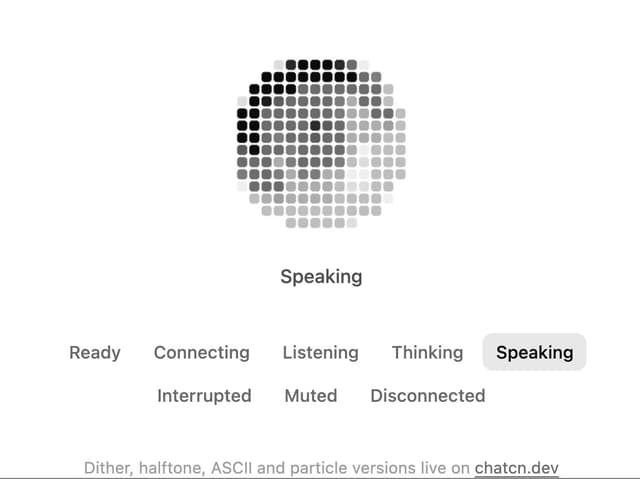
Pixel Orb
9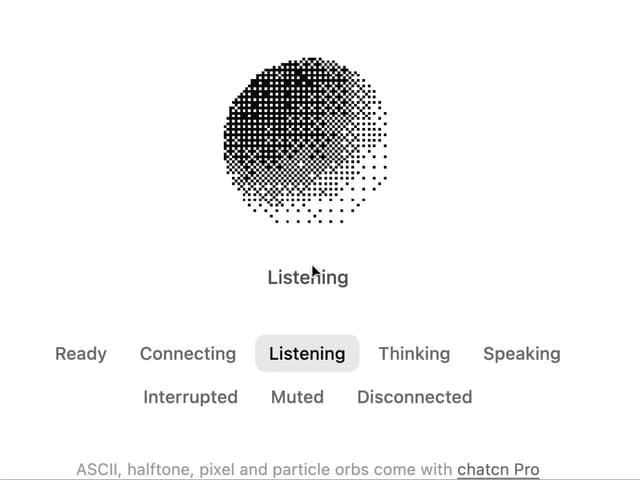
Dither Orb
9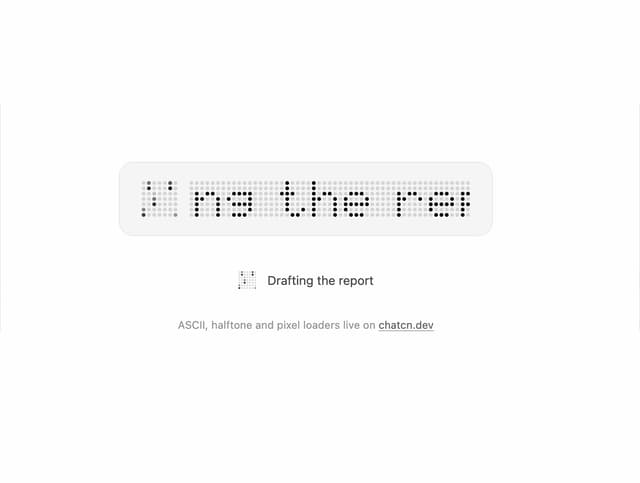
Dot Matrix Loader
8
Halftone Loader
6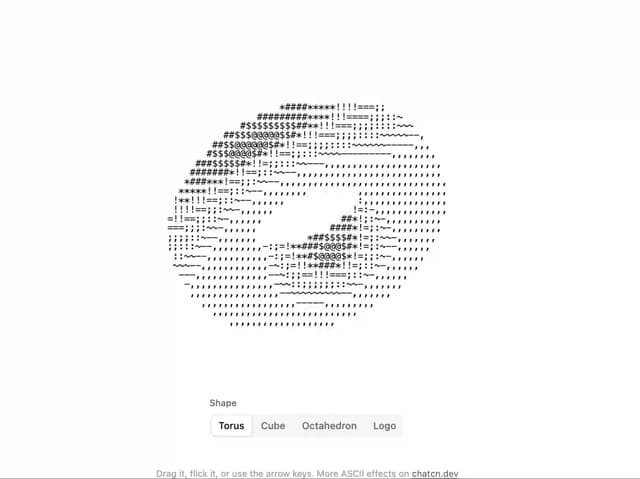
ASCII 3D
5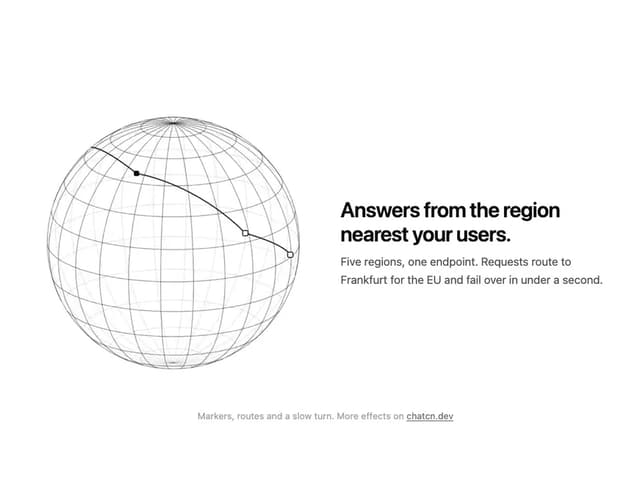
Wireframe Globe
5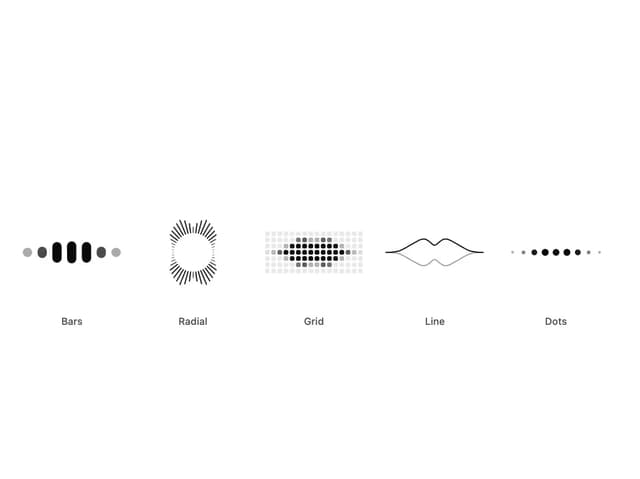
Audio Visualizer
5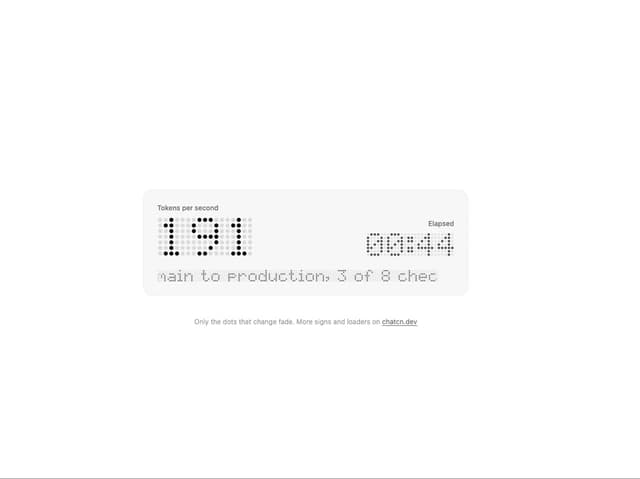
LED Matrix
4