
About
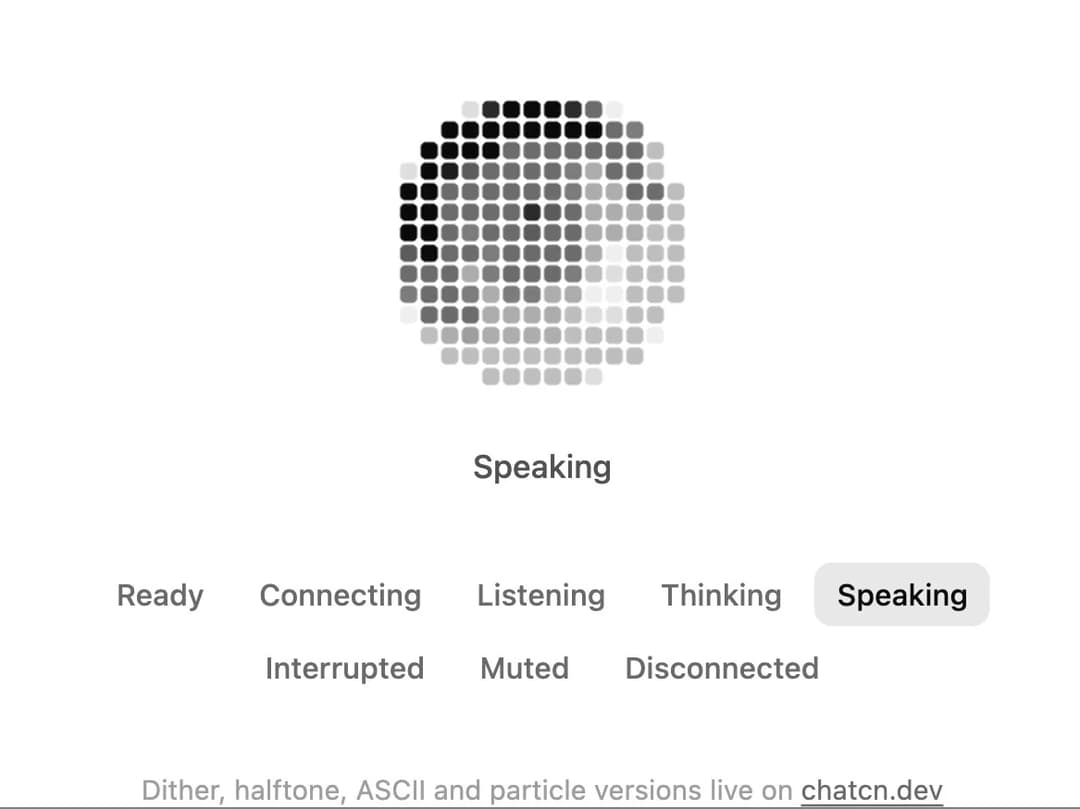
A voice orb on a coarse grid of rounded square cells, like an LED panel. Four lit steps per cell, rings that show who is talking, and eight conversation states with live audio levels.
Built with React and Tailwind. Copy the prompt and paste it into Claude Code, Cursor or Lovable: your agent adds Pixel Orb to your project and fits it to your theme.
Code
How Pixel Orb is used: the demo's code. The component's own source comes with a free account.
Usage.tsx
"use client"

import * as React from "react"
import { PixelOrb, VoiceOrbState, createChatcnSpeechLevel, voiceOrbStateLabels } from "@/components/ui/pixel-orb"

/** A turn of conversation that plays until you pick a state yourself. */
const SCRIPT: [VoiceOrbState, number][] = [
  ["listening", 3400],
  ["thinking", 1800],
  ["speaking", 4200],
  ["idle", 1400],
]

const FIT_CSS = "html,body{overflow:hidden}[data-fit-small] [data-fit-hide]{display:none!important}"

/**
 * 21st shows a demo in a small frame: about 674 by 421 on a component page, 358 by 224 on a
 * phone and 245 by 139 on a profile card. A demo taller than its frame gets scrollbars, which
 * render white on dark pages. FitFrame fills the frame exactly instead.
 *
 * - "scale": the content shrinks until it fits, centered. For visuals such as orbs.
 * - "crop": the content stays at full size from the top and fades out at the bottom. For text
 *   that streams in, where a changing scale would make the page breathe.
 *
 * Anything marked `data-fit-hide` (state buttons, the chatcn.dev line) drops out in frames
 * shorter than `hideBelow`, so a profile card shows the visual alone.
 */
function FitFrame({
  children,
  mode = "scale",
  hideBelow = 360,
}: {
  children: React.ReactNode
  mode?: "scale" | "crop"
  hideBelow?: number
}) {
  const content = React.useRef<HTMLDivElement>(null)
  const [cropped, setCropped] = React.useState(false)

  React.useLayoutEffect(() => {
    const el = content.current
    if (!el) return
    const measure = () => {
      const vw = window.innerWidth
      const vh = window.innerHeight
      el.toggleAttribute("data-fit-small", vh < hideBelow)
      // Layout sizes ignore the transform, so measuring never feeds back.
      const w = Math.max(el.offsetWidth, el.scrollWidth)
      const h = Math.max(el.offsetHeight, el.scrollHeight)
      const scale = mode === "scale" ? Math.min(1, vw / w, vh / h) : 1
      el.style.transform = scale < 1 ? `scale(${scale})` : ""
      setCropped(mode === "crop" && h > vh + 1)
    }
    measure()
    const observer = new ResizeObserver(measure)
    observer.observe(el)
    window.addEventListener("resize", measure)
    return () => {
      observer.disconnect()
      window.removeEventListener("resize", measure)
    }
  }, [mode, hideBelow])

  const fade = "linear-gradient(to bottom, #000 calc(100% - 40px), transparent)"
  return (
    <div
      className="flex w-full justify-center overflow-hidden"
      style={{
        height: "100dvh",
        alignItems: mode === "crop" ? "flex-start" : "center",
        maskImage: cropped ? fade : undefined,
        WebkitMaskImage: cropped ? fade : undefined,
      }}
    >
      <style>{FIT_CSS}</style>
      <div
        ref={content}
        className="w-full shrink-0"
        style={{ transformOrigin: mode === "crop" ? "top center" : "center" }}
      >
        {children}
      </div>
    </div>
  )
}

const STATES: VoiceOrbState[] = [
  "idle",
  "connecting",
  "listening",
  "thinking",
  "speaking",
  "interrupted",
  "muted",
  "error",
]

export default function PixelOrbDemo() {
  const [state, setState] = React.useState<VoiceOrbState>("speaking")
  const [auto, setAuto] = React.useState(true)
  const user = React.useMemo(() => createChatcnSpeechLevel({ seed: 3 }), [])
  const agent = React.useMemo(() => createChatcnSpeechLevel({ seed: 7, loudness: 0.85 }), [])

  React.useEffect(() => {
    user.setSpeaking(state === "listening")
    agent.setSpeaking(state === "speaking")
  }, [state, user, agent])

  React.useEffect(() => {
    if (!auto) return
    let step = 2
    let timer = 0
    const next = () => {
      const [s, ms] = SCRIPT[step % SCRIPT.length]
      setState(s)
      step++
      timer = window.setTimeout(next, ms)
    }
    next()
    return () => window.clearTimeout(timer)
  }, [auto])

  return (
    <FitFrame>
      <div className="flex w-full flex-col items-center justify-center gap-8 p-6">
        <div className="flex flex-col items-center gap-4">
          <PixelOrb
            size="lg"
            state={state}
            inputLevel={user.getLevel}
            outputLevel={agent.getLevel}
          />
          <p aria-live="polite" className="text-[0.875rem]/[1.25rem] tracking-[-0.003em] text-(color:--chatcn-fg-muted) h-5 font-medium">
            {voiceOrbStateLabels[state]}
          </p>
        </div>
        <fieldset data-fit-hide className="flex max-w-md flex-wrap justify-center gap-1">
          <legend className="sr-only">Orb state</legend>
          {STATES.map((s) => (
            <button
              key={s}
              type="button"
              aria-pressed={s === state}
              onClick={() => {
                setAuto(false)
                setState(s)
              }}
              className="text-[0.8125rem]/[1.25rem] text-(color:--chatcn-fg-subtle) hover:text-(color:--chatcn-fg) hover:bg-(color:--chatcn-fill) aria-pressed:bg-(color:--chatcn-fill-active) aria-pressed:text-(color:--chatcn-fg) rounded-(--chatcn-radius-md) h-7 px-2.5 font-medium transition-colors"
            >
              {voiceOrbStateLabels[s]}
            </button>
          ))}
        </fieldset>
        <p data-fit-hide className="text-[0.75rem]/[1rem] text-(color:--chatcn-fg-faint)">
          Dither, halftone, ASCII and particle versions live on{" "}
          <a
            href="https://chatcn.dev/docs/components/pixel-orb"
            target="_blank"
            rel="noopener"
            className="text-(color:--chatcn-fg-subtle) hover:text-(color:--chatcn-fg) underline underline-offset-2"
          >
            chatcn.dev
          </a>
        </p>
      </div>
    </FitFrame>
  )
}
Dependencies
More by Aaditya
View all
Dither Orb
6
Voice Orb
2
Particle Text
1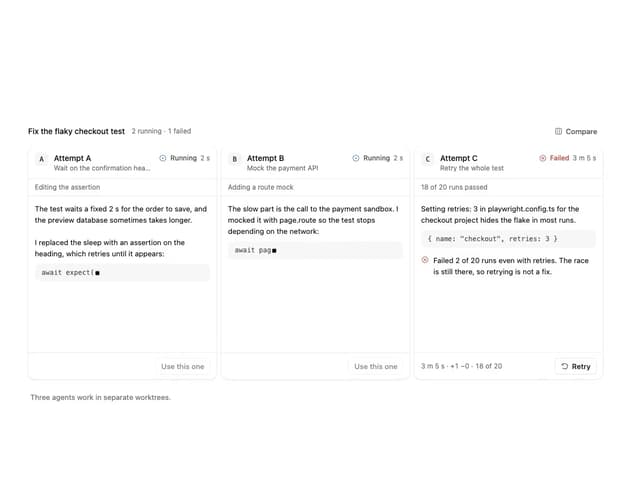
Agent Lanes
1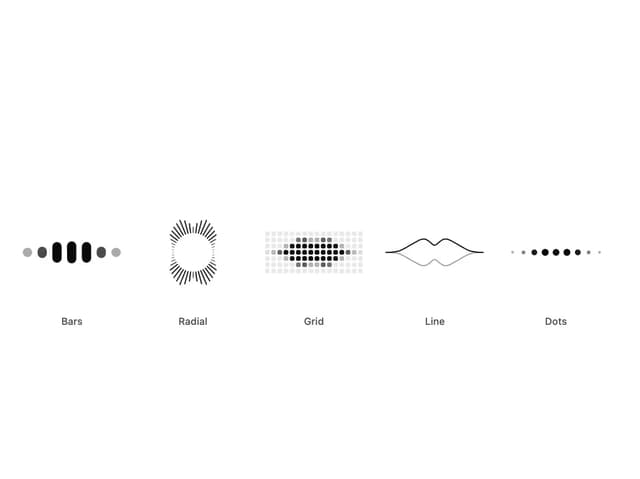
Audio Visualizer
1
Halftone Loader
ASCII Reveal
Halftone Reveal
More in AI chats
View all

AI Actions
335

System Message
71

Message With Header And Delivery Status
50
ASCII Orb
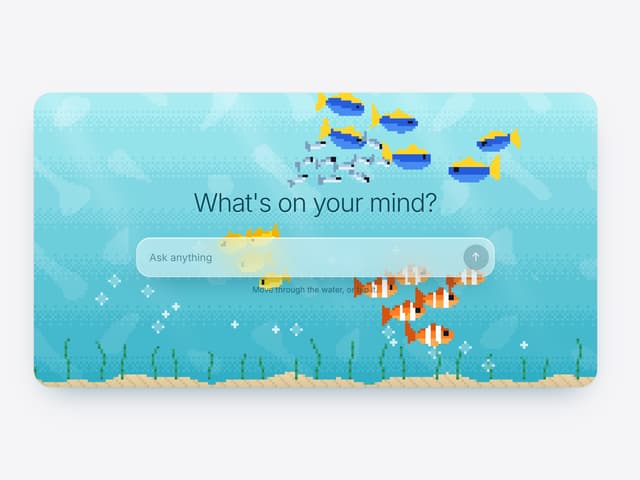

Aquarium Prompt
5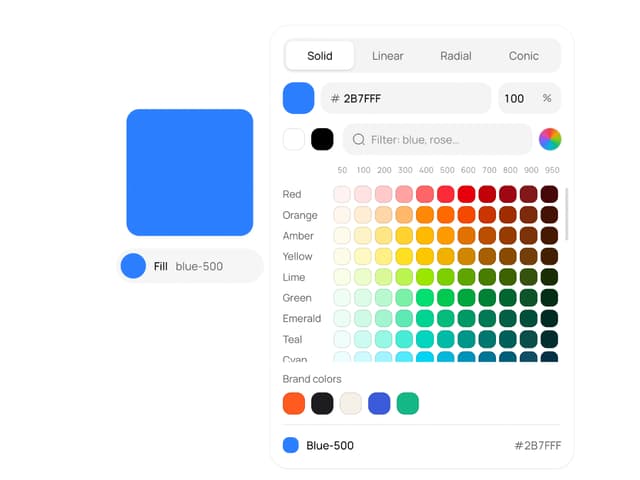
Color Picker
154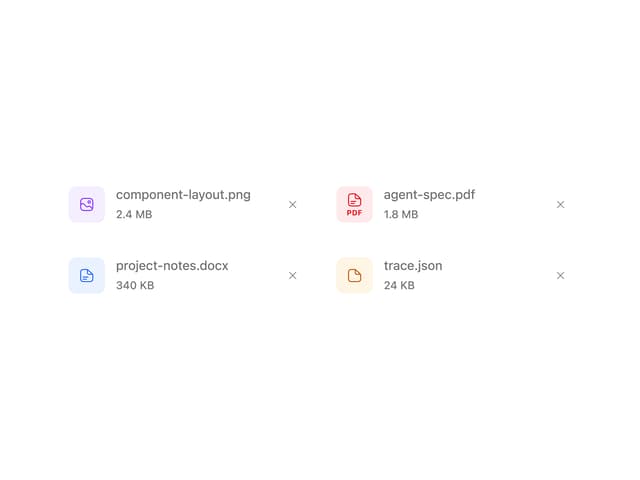
Attachments
30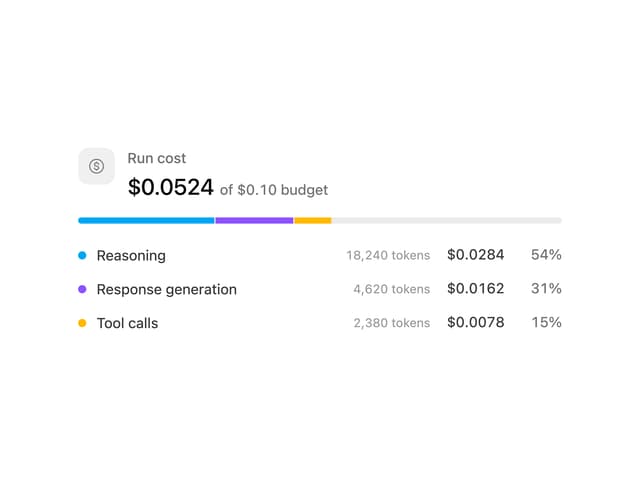
Cost Meter
41
