
About
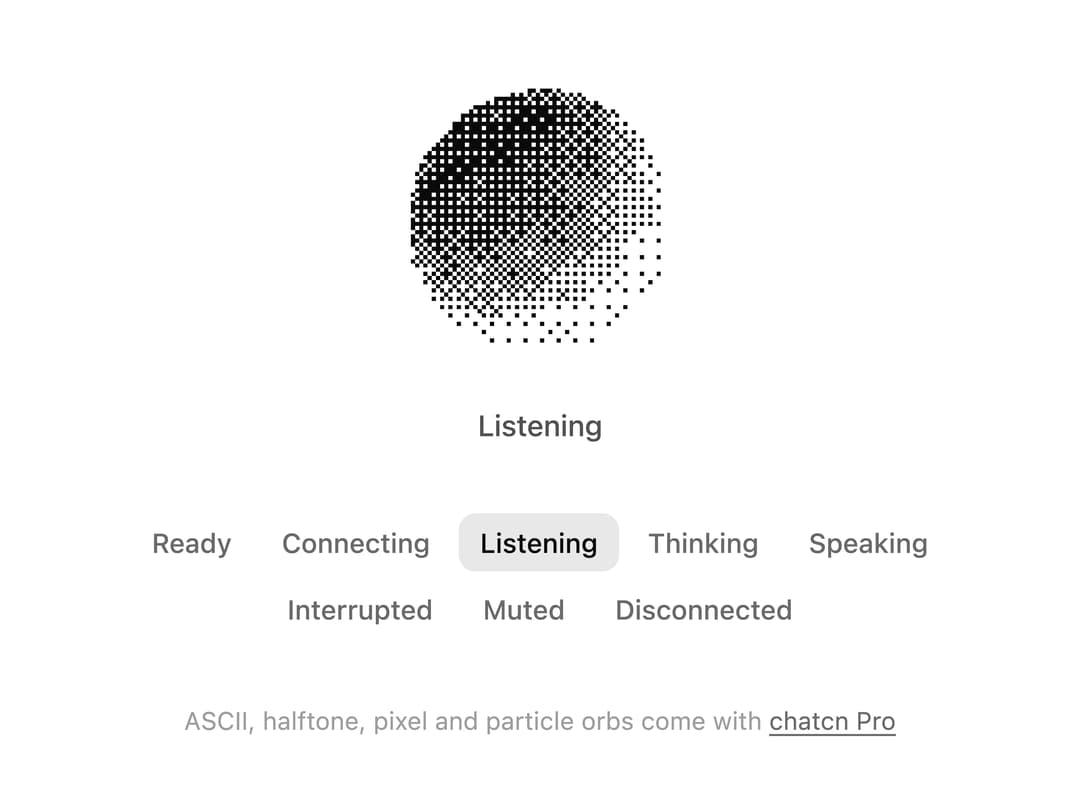
A WebGL voice orb drawn in ordered and blue noise dithering, with eight conversation states, live audio levels, a canvas fallback and a pause control.
Built with React and Tailwind. Copy the prompt and paste it into Claude Code, Cursor or Lovable: your agent adds Dither Orb to your project and fits it to your theme.
Code
How Dither Orb is used: the demo's code. The component's own source comes with a free account.
Usage.tsx
"use client"

import * as React from "react"
import {
  createChatcnSpeechLevel,
  DitherOrb,
  type OrbState as VoiceOrbState,
  voiceOrbStateLabels,
} from "@/components/ui/dither-orb"

const STATES: VoiceOrbState[] = [
  "idle",
  "connecting",
  "listening",
  "thinking",
  "speaking",
  "interrupted",
  "muted",
  "error",
]

/** A turn of conversation that plays until you pick a state yourself. */
const SCRIPT: [VoiceOrbState, number][] = [
  ["listening", 3400],
  ["thinking", 1800],
  ["speaking", 4200],
  ["idle", 1400],
]

export default function DitherOrbDemo() {
  const [state, setState] = React.useState<VoiceOrbState>("listening")
  const [auto, setAuto] = React.useState(true)
  const user = React.useMemo(() => createChatcnSpeechLevel({ seed: 3 }), [])
  const agent = React.useMemo(() => createChatcnSpeechLevel({ seed: 7, loudness: 0.85 }), [])

  React.useEffect(() => {
    user.setSpeaking(state === "listening")
    agent.setSpeaking(state === "speaking")
  }, [state, user, agent])

  React.useEffect(() => {
    if (!auto) return
    let step = 0
    let timer = 0
    const next = () => {
      const [s, ms] = SCRIPT[step % SCRIPT.length]
      setState(s)
      step++
      timer = window.setTimeout(next, ms)
    }
    next()
    return () => window.clearTimeout(timer)
  }, [auto])

  return (
    <div className="flex min-h-[520px] w-full flex-col items-center justify-center gap-8 p-6">
      <div className="flex flex-col items-center gap-4">
        <DitherOrb
          size="lg"
          state={state}
          inputLevel={user.getLevel}
          outputLevel={agent.getLevel}
        />
        <p aria-live="polite" className="text-[0.875rem]/[1.25rem] tracking-[-0.003em] text-(color:--chatcn-fg-muted) h-5 font-medium">
          {voiceOrbStateLabels[state]}
        </p>
      </div>
      <fieldset className="flex max-w-md flex-wrap justify-center gap-1">
        <legend className="sr-only">Orb state</legend>
        {STATES.map((s) => (
          <button
            key={s}
            type="button"
            aria-pressed={s === state}
            onClick={() => {
              setAuto(false)
              setState(s)
            }}
            className="text-[0.8125rem]/[1.25rem] text-(color:--chatcn-fg-subtle) hover:text-(color:--chatcn-fg) hover:bg-(color:--chatcn-fill) aria-pressed:bg-(color:--chatcn-fill-active) aria-pressed:text-(color:--chatcn-fg) rounded-(--chatcn-radius-md) h-7 px-2.5 font-medium transition-colors"
          >
            {voiceOrbStateLabels[s]}
          </button>
        ))}
      </fieldset>
      <p className="text-[0.75rem]/[1rem] text-(color:--chatcn-fg-faint)">
        ASCII, halftone, pixel and particle orbs come with{" "}
        <a href="https://chatcn.dev/pro" className="text-(color:--chatcn-fg-subtle) hover:text-(color:--chatcn-fg) underline underline-offset-2">
          chatcn Pro
        </a>
      </p>
    </div>
  )
}
Dependencies
More by Aaditya
View all
Computer View
Agent Lanes
Reasoning
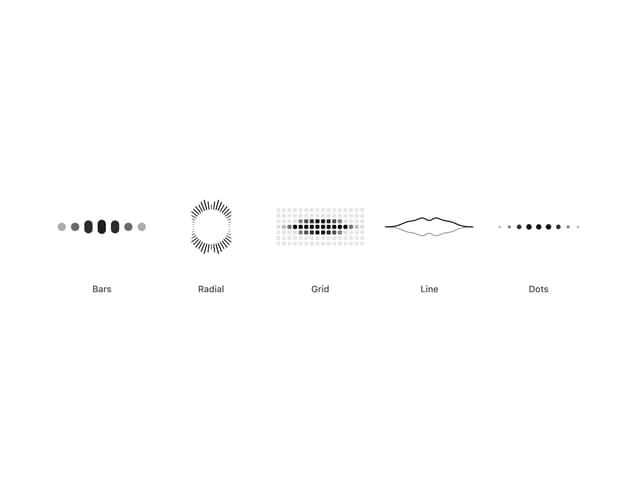
Audio Visualizer
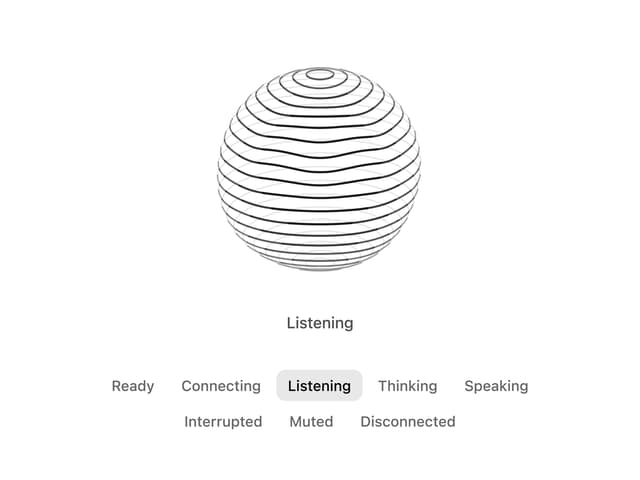
Voice Orb
More in Shaders
View all
Glass Fold
363

Wave
704

Phosphor 30
302
Shader Animation
3.8K

Illos Webhook Setup
11
Old Television Shader
411
Radial Shader
146

Background Shader
317

