
About
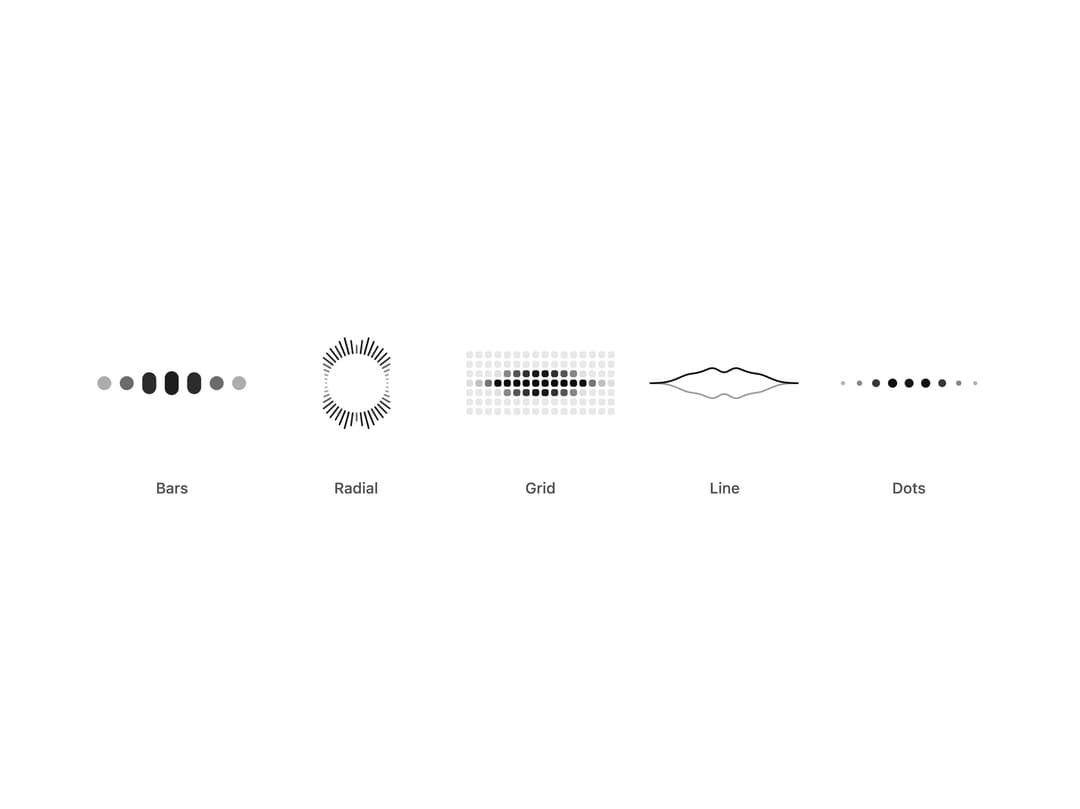
Five canvas audio visualizers (bars, radial, grid, line, dots) for voice agents that read live frequency bands from a mic or agent audio.
Built with React and Tailwind. Copy the prompt and paste it into Claude Code, Cursor or Lovable: your agent adds Audio Visualizer to your project and fits it to your theme.
Code
How Audio Visualizer is used: the demo's code. The component's own source comes with a free account.
Usage.tsx
"use client"

import * as React from "react"
import { AudioVisualizer, AudioVisualizerVariant } from "@/components/ui/audio-visualizer"

/* -------------------------------------------------------------------------------------------------
 * Simulated speech levels
 *
 * Demos, tests and design reviews need a voice without a microphone. A random walk reads as
 * noise; speech has syllables (about four a second), short gaps between words and a slower phrase
 * contour. This generator models those three layers so a meter driven by it looks like someone
 * talking.
 * -----------------------------------------------------------------------------------------------*/

interface ChatcnSpeechLevelOptions {
  /** Changes the rhythm, so two voices never move in lockstep. Default 1. */
  seed?: number
  /** Syllables per second. Default 4.2. */
  syllableRate?: number
  /** Peak level from 0 to 1. Default 0.8. */
  loudness?: number
  /** Level while silent, so a live meter never looks dead. Default 0.02. */
  floor?: number
}

interface ChatcnSpeechLevel {
  /** Current smoothed level from 0 to 1. Call it every frame. */
  getLevel: () => number
  /** `count` band levels from 0 to 1, lowest first, with two moving formant humps. */
  getBands: (count: number) => Float32Array
  setSpeaking: (speaking: boolean) => void
  isSpeaking: () => boolean
}

const fract = (x: number) => x - Math.floor(x)

const hash = (n: number, seed: number) => fract(Math.sin(n * 12.9898 + seed * 78.233) * 43758.5453)

/** A speech-like level source you start and stop. Framework free; see `useChatcnSimulatedLevel`. */
function createChatcnSpeechLevel(options: ChatcnSpeechLevelOptions = {}): ChatcnSpeechLevel {
  const { seed = 1, syllableRate = 4.2, loudness = 0.8, floor = 0.02 } = options
  let speaking = false
  let envelope = floor
  let last = 0
  let phase = 0
  let syllable = 0

  const target = (t: number) => {
    if (!speaking) return floor + 0.01 * (0.5 + 0.5 * Math.sin(t * 7.3 + seed))
    const k = Math.floor(phase)
    const u = phase - k
    let amp = 0.45 + 0.55 * hash(k, seed)
    // Roughly one slot in six is the gap between words.
    if (hash(k * 1.7 + 3, seed) < 0.17) amp *= 0.08
    const shape = u < 0.22 ? (u / 0.22) ** 0.7 : (1 - (u - 0.22) / 0.78) ** 1.5
    const contour = 0.78 + 0.22 * Math.sin(t * 0.55 + seed * 2)
    return loudness * contour * (0.12 + 0.88 * amp * shape)
  }

  const getLevel = () => {
    const now = performance.now()
    if (now - last < 8) return envelope
    const dt = last ? Math.min(0.1, (now - last) / 1000) : 1 / 60
    last = now
    const t = now / 1000
    // Syllable length jitters by up to 40 percent, so the rhythm never ticks like a clock.
    const k = Math.floor(phase)
    phase += dt * syllableRate * (0.8 + 0.4 * hash(k * 3.1, seed))
    syllable = k
    const goal = target(t)
    const rate = goal > envelope ? 28 : 9
    envelope += (goal - envelope) * (1 - Math.exp(-rate * dt))
    return envelope
  }

  const getBands = (count: number) => {
    const level = getLevel()
    const out = new Float32Array(Math.max(0, count))
    const t = performance.now() / 1000
    // Formants move per syllable: vowels change where the energy sits.
    const f1 = 0.16 + 0.1 * hash(syllable * 2.3, seed)
    const f2 = 0.42 + 0.18 * hash(syllable * 5.9 + 1, seed)
    for (let i = 0; i < count; i++) {
      const x = count === 1 ? 0.5 : i / (count - 1)
      const bump = Math.exp(-(((x - f1) / 0.14) ** 2)) + 0.75 * Math.exp(-(((x - f2) / 0.2) ** 2))
      const air = 0.18 * (1 - x)
      const flicker = 0.85 + 0.15 * Math.sin(t * 23 + i * 1.9 + seed)
      out[i] = Math.min(1, level * (bump + air) * flicker * 1.15)
    }
    return out
  }

  return {
    getLevel,
    getBands,
    setSpeaking: (next) => {
      speaking = next
    },
    isSpeaking: () => speaking,
  }
}

/**
 * Simulated speech levels for demos without a microphone. Returns stable getters for voice
 * components, so the meter animates without re-rendering. Pass `speaking` to start and stop.
 *
 * `<VoiceOrb state="speaking" level={assistant.getLevel} />`
 */
function useChatcnSimulatedLevel(
  speaking: boolean,
  options: ChatcnSpeechLevelOptions = {},
): Pick<ChatcnSpeechLevel, "getLevel" | "getBands"> {
  const [sim] = React.useState(() => createChatcnSpeechLevel(options))
  React.useEffect(() => sim.setSpeaking(speaking), [sim, speaking])
  return React.useMemo(() => ({ getLevel: sim.getLevel, getBands: sim.getBands }), [sim])
}

const VARIANTS: { variant: AudioVisualizerVariant; label: string }[] = [
  { variant: "bars", label: "Bars" },
  { variant: "radial", label: "Radial" },
  { variant: "grid", label: "Grid" },
  { variant: "line", label: "Line" },
  { variant: "dots", label: "Dots" },
]

/** Five forms of one voice, driven by simulated speech. Pass your mic or agent audio as `bands`. */
export default function AudioVisualizerDemo() {
  const agent = useChatcnSimulatedLevel(true, { seed: 7, loudness: 0.85 })
  return (
    <div className="flex min-h-[420px] w-full items-center justify-center p-6">
      <div className="grid w-full max-w-3xl grid-cols-2 gap-x-6 gap-y-10 sm:grid-cols-3 lg:grid-cols-5">
        {VARIANTS.map(({ variant, label }) => (
          <div key={variant} className="flex flex-col items-center gap-4">
            <div className="grid h-32 place-items-center">
              <AudioVisualizer
                variant={variant}
                state="speaking"
                bands={agent.getBands}
                className={variant === "radial" ? "size-28" : "h-14 w-32"}
              />
            </div>
            <span className="text-[0.8125rem]/[1.25rem] text-(color:--chatcn-fg-muted) font-medium">{label}</span>
          </div>
        ))}
      </div>
    </div>
  )
}
More by Aaditya
View all
Computer View
Agent Lanes
Reasoning
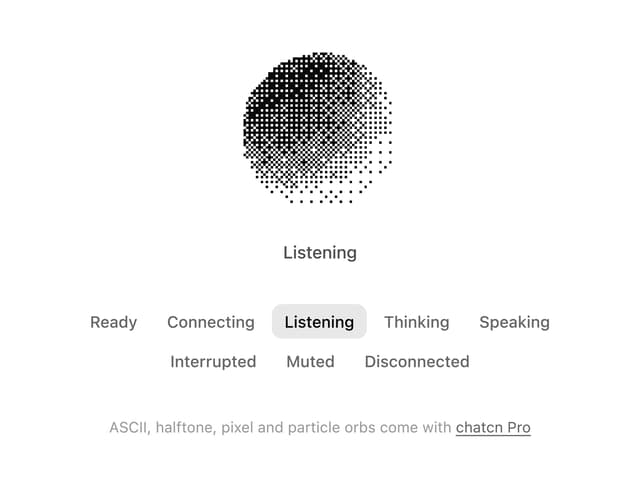
Dither Orb
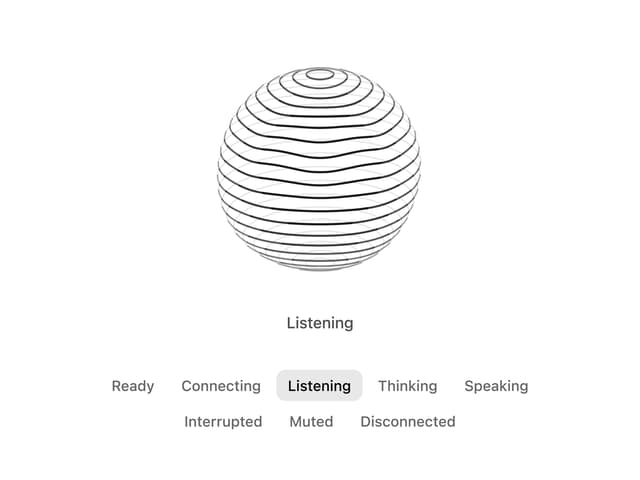
Voice Orb
More in AI chats
View all

AI Actions
332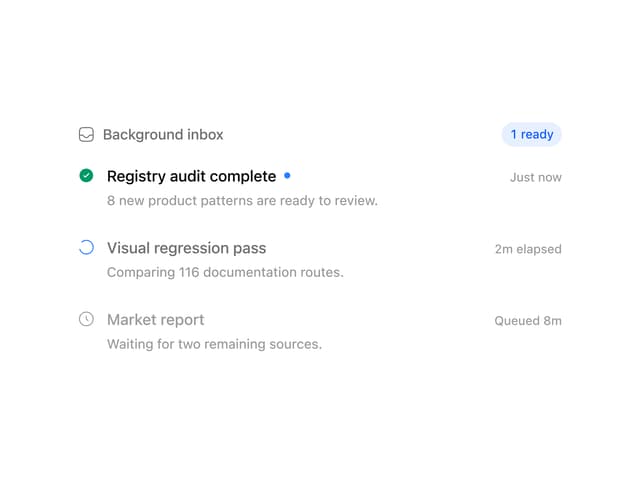
Background Inbox
32

AI Task List
176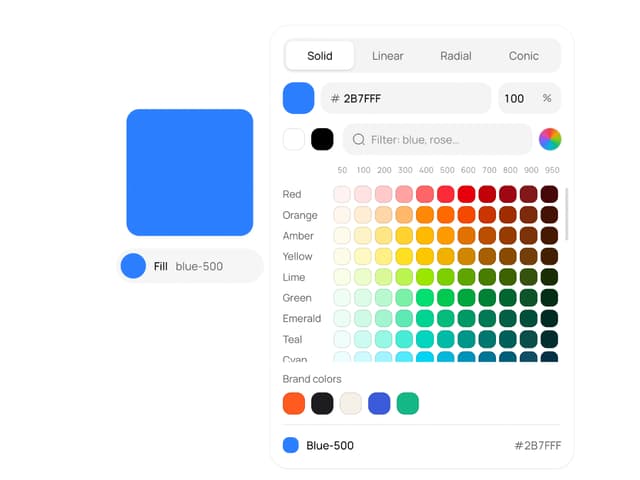
Color Picker
142
Streaming Text
20
Permission Grant
20
AI Suggestions
18
Agent Chat
18


