
About
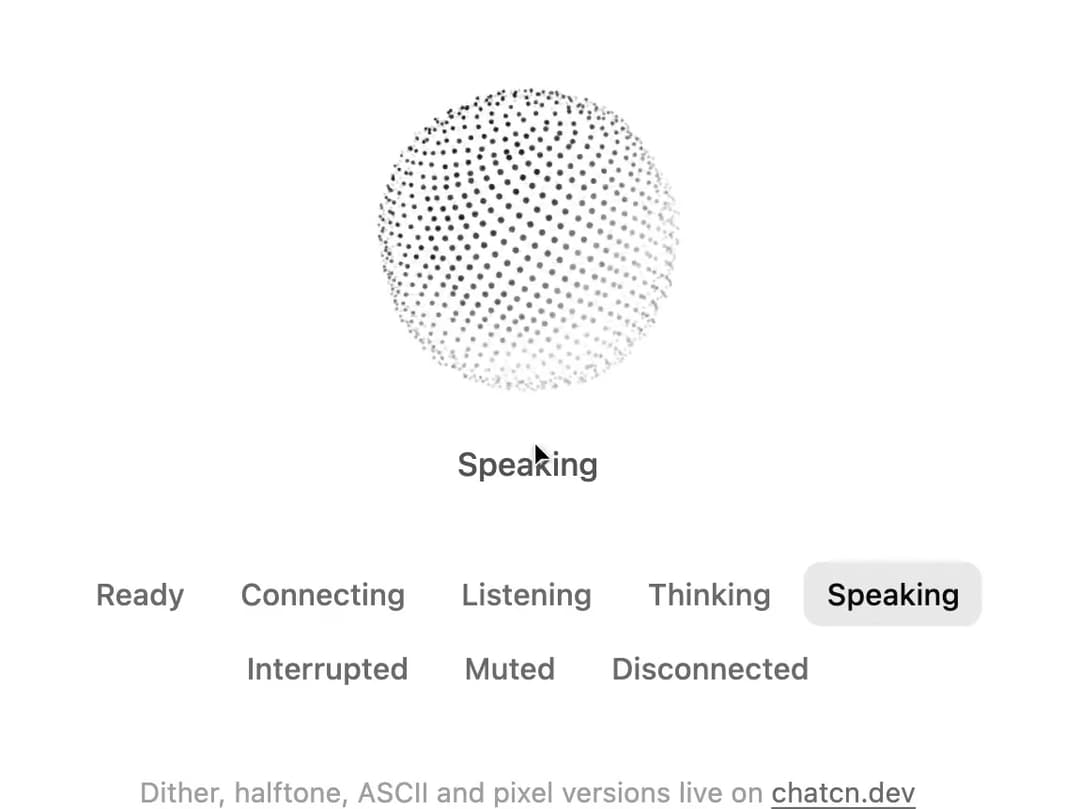
A voice orb made of points on a turning sphere. It breathes in with the user's voice and ripples out with the agent's, with distinct motion for each of eight conversation states.
Built with React and Tailwind. Copy the prompt and paste it into Claude Code, Cursor or Lovable: your agent adds Particle Orb to your project and fits it to your theme.
Code
How Particle Orb is used: the demo's code. The component's own source comes with a free account.
Usage.tsx
"use client"

import * as React from "react"
import { ParticleOrb, VoiceOrbState, createChatcnSpeechLevel, voiceOrbStateLabels } from "@/components/ui/particle-orb"

/** A turn of conversation that plays until you pick a state yourself. */
const SCRIPT: [VoiceOrbState, number][] = [
  ["listening", 3400],
  ["thinking", 1800],
  ["speaking", 4200],
  ["idle", 1400],
]

const STATES: VoiceOrbState[] = [
  "idle",
  "connecting",
  "listening",
  "thinking",
  "speaking",
  "interrupted",
  "muted",
  "error",
]

export default function ParticleOrbDemo() {
  const [state, setState] = React.useState<VoiceOrbState>("speaking")
  const [auto, setAuto] = React.useState(true)
  const user = React.useMemo(() => createChatcnSpeechLevel({ seed: 3 }), [])
  const agent = React.useMemo(() => createChatcnSpeechLevel({ seed: 7, loudness: 0.85 }), [])

  React.useEffect(() => {
    user.setSpeaking(state === "listening")
    agent.setSpeaking(state === "speaking")
  }, [state, user, agent])

  React.useEffect(() => {
    if (!auto) return
    let step = 2
    let timer = 0
    const next = () => {
      const [s, ms] = SCRIPT[step % SCRIPT.length]
      setState(s)
      step++
      timer = window.setTimeout(next, ms)
    }
    next()
    return () => window.clearTimeout(timer)
  }, [auto])

  return (
    <div className="flex min-h-[520px] w-full flex-col items-center justify-center gap-8 p-6">
      <div className="flex flex-col items-center gap-4">
        <ParticleOrb
          size="lg"
          state={state}
          inputLevel={user.getLevel}
          outputLevel={agent.getLevel}
        />
        <p aria-live="polite" className="text-[0.875rem]/[1.25rem] tracking-[-0.003em] text-(color:--chatcn-fg-muted) h-5 font-medium">
          {voiceOrbStateLabels[state]}
        </p>
      </div>
      <fieldset className="flex max-w-md flex-wrap justify-center gap-1">
        <legend className="sr-only">Orb state</legend>
        {STATES.map((s) => (
          <button
            key={s}
            type="button"
            aria-pressed={s === state}
            onClick={() => {
              setAuto(false)
              setState(s)
            }}
            className="text-[0.8125rem]/[1.25rem] text-(color:--chatcn-fg-subtle) hover:text-(color:--chatcn-fg) hover:bg-(color:--chatcn-fill) aria-pressed:bg-(color:--chatcn-fill-active) aria-pressed:text-(color:--chatcn-fg) rounded-(--chatcn-radius-md) h-7 px-2.5 font-medium transition-colors"
          >
            {voiceOrbStateLabels[s]}
          </button>
        ))}
      </fieldset>
      <p className="text-[0.75rem]/[1rem] text-(color:--chatcn-fg-faint)">
        Dither, halftone, ASCII and pixel versions live on{" "}
        <a
          href="https://chatcn.dev/docs/components/particle-orb"
          target="_blank"
          rel="noopener"
          className="text-(color:--chatcn-fg-subtle) hover:text-(color:--chatcn-fg) underline underline-offset-2"
        >
          chatcn.dev
        </a>
      </p>
    </div>
  )
}
Dependencies
More by Aaditya
View all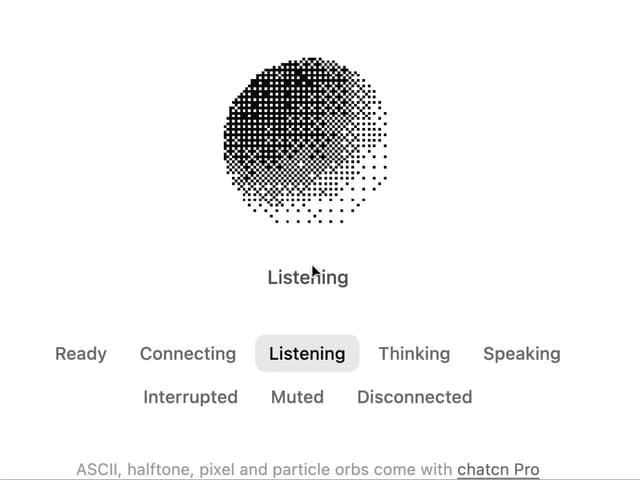
Dither Orb
7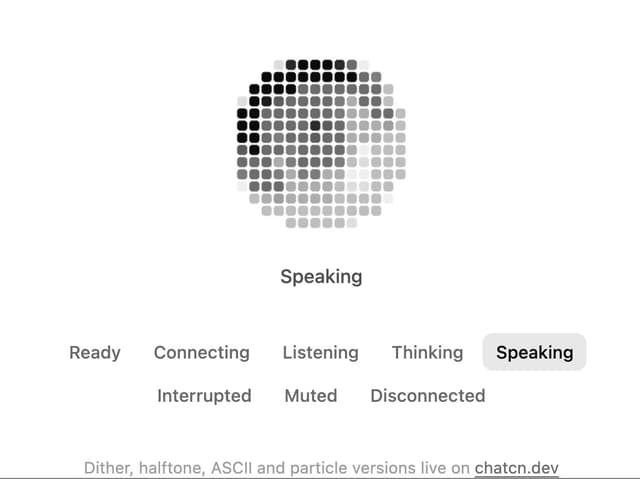
Pixel Orb
3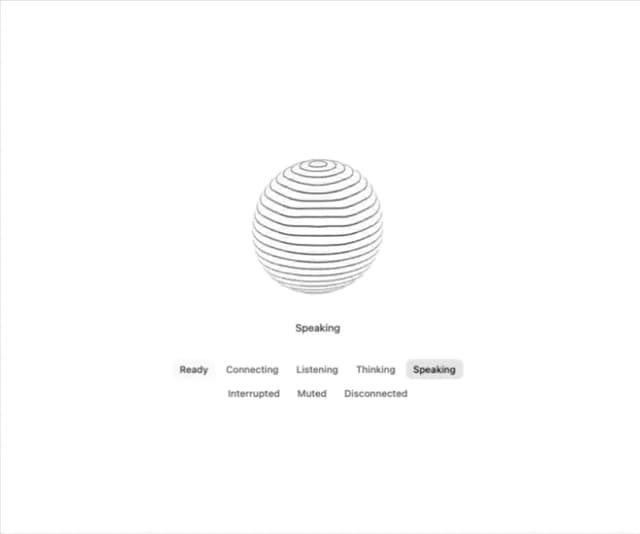
Voice Orb
2
Dither Gradient
1
Wireframe Globe
1
Particle Text
1
Split Flap
1
Agent Lanes
1