
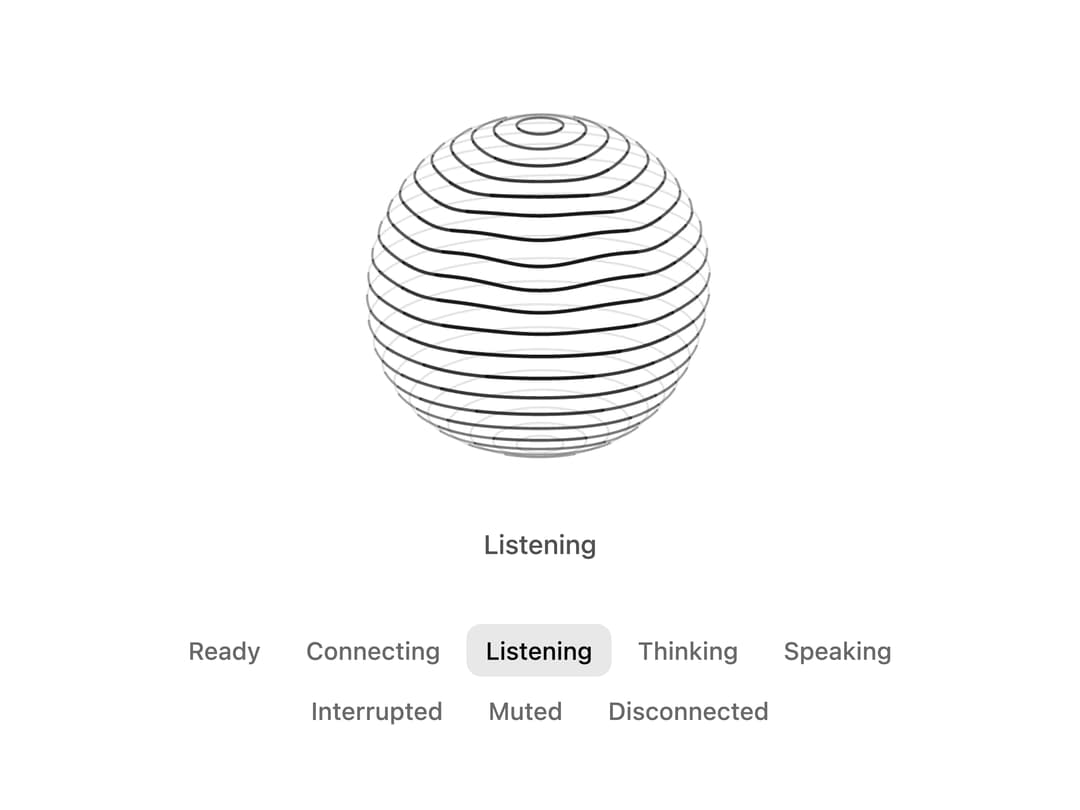
About
A line-drawn 3D voice orb with eight conversation states that reacts to live mic and agent audio levels, with reduced motion support.
Built with React and Tailwind. Copy the prompt and paste it into Claude Code, Cursor or Lovable: your agent adds Voice Orb to your project and fits it to your theme.
Code
How Voice Orb is used: the demo's code. The component's own source comes with a free account.
Usage.tsx
"use client"

import * as React from "react"
import {
  createChatcnSpeechLevel,
  VoiceOrb,
  type VoiceOrbState,
  voiceOrbStateLabels,
} from "@/components/ui/voice-orb"

const STATES: VoiceOrbState[] = [
  "idle",
  "connecting",
  "listening",
  "thinking",
  "speaking",
  "interrupted",
  "muted",
  "error",
]

/** A turn of conversation that plays until you pick a state yourself. */
const SCRIPT: [VoiceOrbState, number][] = [
  ["listening", 3400],
  ["thinking", 1800],
  ["speaking", 4200],
  ["idle", 1400],
]

export default function VoiceOrbDemo() {
  const [state, setState] = React.useState<VoiceOrbState>("listening")
  const [auto, setAuto] = React.useState(true)
  const user = React.useMemo(() => createChatcnSpeechLevel({ seed: 3 }), [])
  const agent = React.useMemo(() => createChatcnSpeechLevel({ seed: 7, loudness: 0.85 }), [])

  React.useEffect(() => {
    user.setSpeaking(state === "listening")
    agent.setSpeaking(state === "speaking")
  }, [state, user, agent])

  React.useEffect(() => {
    if (!auto) return
    let step = 0
    let timer = 0
    const next = () => {
      const [s, ms] = SCRIPT[step % SCRIPT.length]
      setState(s)
      step++
      timer = window.setTimeout(next, ms)
    }
    next()
    return () => window.clearTimeout(timer)
  }, [auto])

  return (
    <div className="flex min-h-[520px] w-full flex-col items-center justify-center gap-8 p-6">
      <div className="flex flex-col items-center gap-4">
        <VoiceOrb
          size="xl"
          state={state}
          inputLevel={user.getLevel}
          outputLevel={agent.getLevel}
        />
        <p aria-live="polite" className="text-[0.875rem]/[1.25rem] tracking-[-0.003em] text-(color:--chatcn-fg-muted) h-5 font-medium">
          {voiceOrbStateLabels[state]}
        </p>
      </div>
      <fieldset className="flex max-w-md flex-wrap justify-center gap-1">
        <legend className="sr-only">Orb state</legend>
        {STATES.map((s) => (
          <button
            key={s}
            type="button"
            aria-pressed={s === state}
            onClick={() => {
              setAuto(false)
              setState(s)
            }}
            className="text-[0.8125rem]/[1.25rem] text-(color:--chatcn-fg-subtle) hover:text-(color:--chatcn-fg) hover:bg-(color:--chatcn-fill) aria-pressed:bg-(color:--chatcn-fill-active) aria-pressed:text-(color:--chatcn-fg) rounded-(--chatcn-radius-md) h-7 px-2.5 font-medium transition-colors"
          >
            {voiceOrbStateLabels[s]}
          </button>
        ))}
      </fieldset>
    </div>
  )
}
More by Aaditya
View all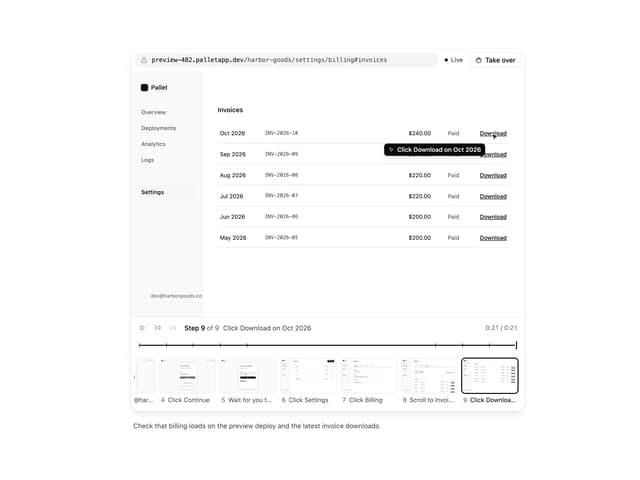
Computer View
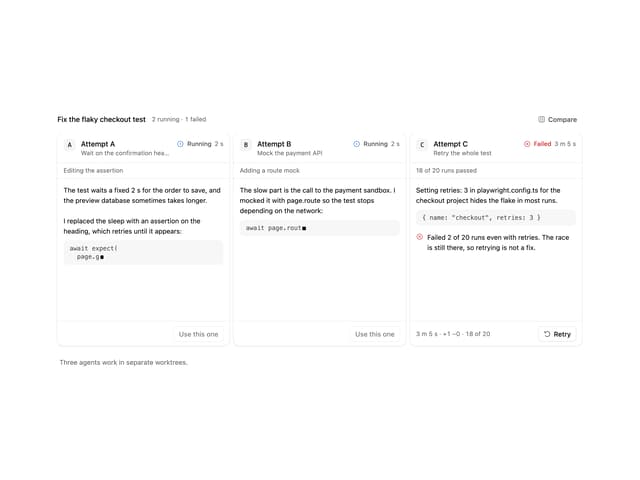
Agent Lanes
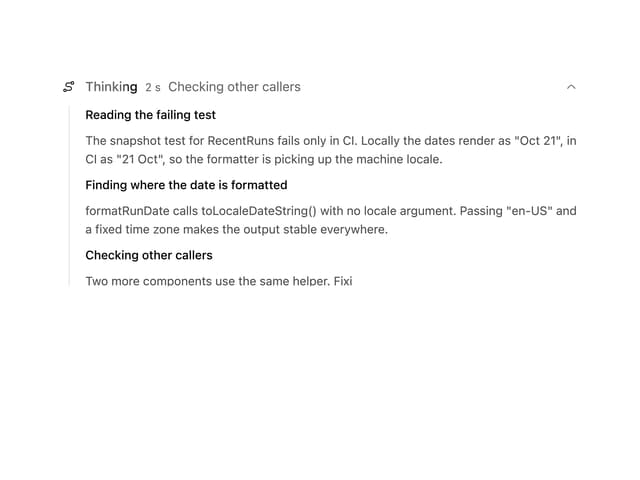
Reasoning
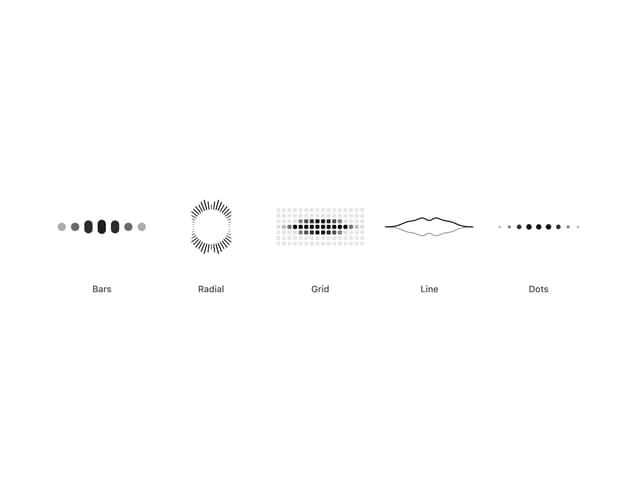
Audio Visualizer
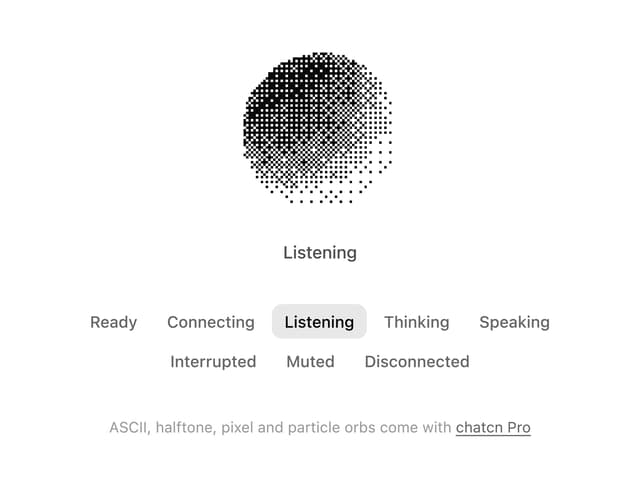
Dither Orb
More in AI chats
View all

AI Actions
332
Background Inbox
32

AI Task List
176
Color Picker
142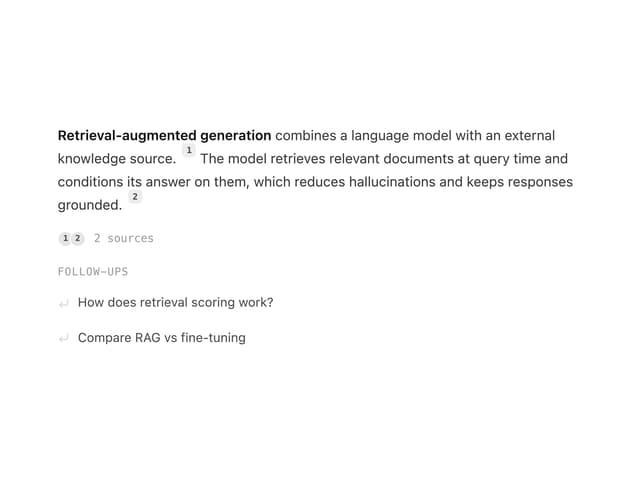
Streaming Text
20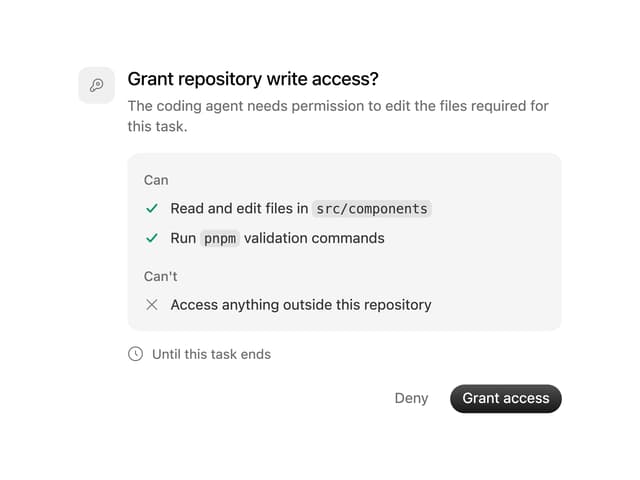
Permission Grant
20
AI Suggestions
18
Agent Chat
18


