
About
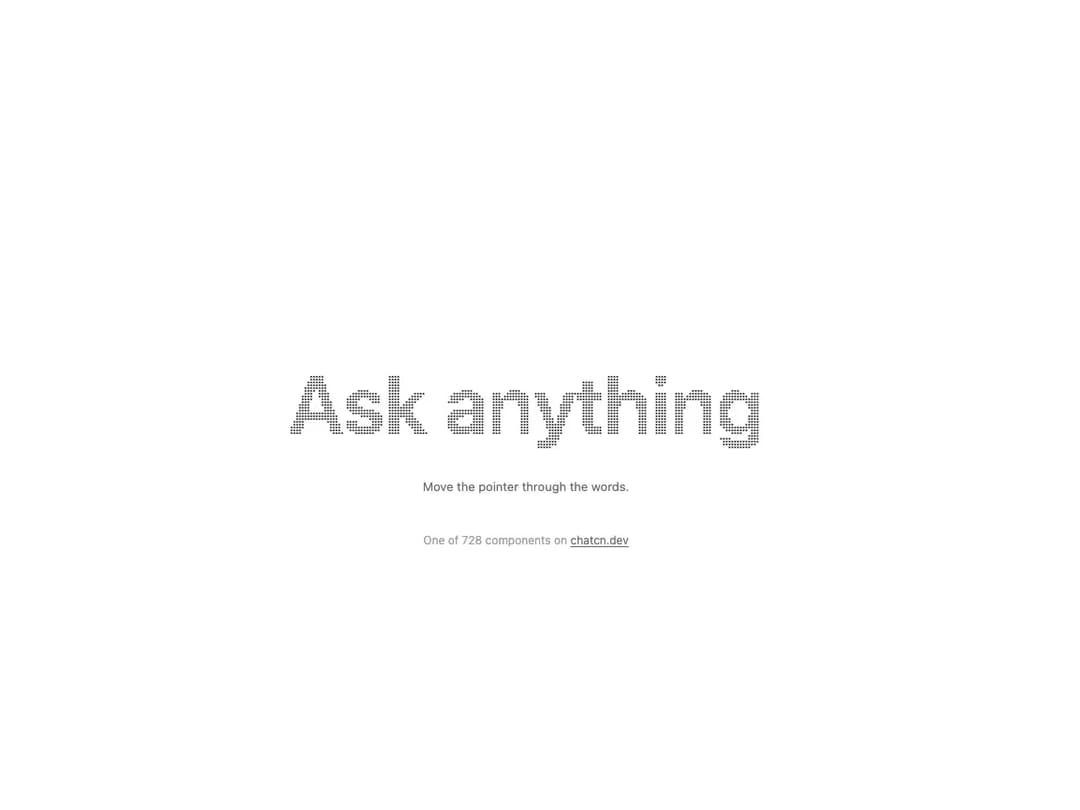
Text sampled into points that part around the pointer and settle back on a critically damped spring, so there is no bounce. The loop only runs while something moves.
Built with React and Tailwind. Copy the prompt and paste it into Claude Code, Cursor or Lovable: your agent adds Particle Text to your project and fits it to your theme.
Code
How Particle Text is used: the demo's code. The component's own source comes with a free account.
Usage.tsx
"use client"

import { ParticleText } from "@/components/ui/particle-text"

/** Move the pointer through the words: points part and settle back without a bounce. */
function ParticleTextDemo() {
  return (
    <div className="flex w-full max-w-3xl flex-col items-center gap-3">
      <ParticleText text="Ask anything" className="text-[5.5rem] leading-none" density={3} />
      <p className="text-[0.8125rem]/[1.25rem] text-(color:--chatcn-fg-subtle)">Move the pointer through the words.</p>
    </div>
  )
}

/** The line under each 21st demo that points back to the kit. */
function MoreOn({ slug, children }: { slug: string; children: React.ReactNode }) {
  return (
    <p className="text-[0.75rem]/[1rem] text-(color:--chatcn-fg-faint) text-center text-balance">
      {children}{" "}
      <a
        href={`https://chatcn.dev/docs/components/${slug}`}
        target="_blank"
        rel="noopener"
        className="text-(color:--chatcn-fg-subtle) hover:text-(color:--chatcn-fg) underline underline-offset-2"
      >
        chatcn.dev
      </a>
    </p>
  )
}

export default function ParticleTextPreview() {
  return (
    <div className="flex min-h-[520px] w-full flex-col items-center justify-center gap-10 p-6">
      <ParticleTextDemo />
      <MoreOn slug="particle-text">One of 728 components on</MoreOn>
    </div>
  )
}
More by Aaditya
View all
Dither Orb
7
Voice Orb
2
Pixel Orb
1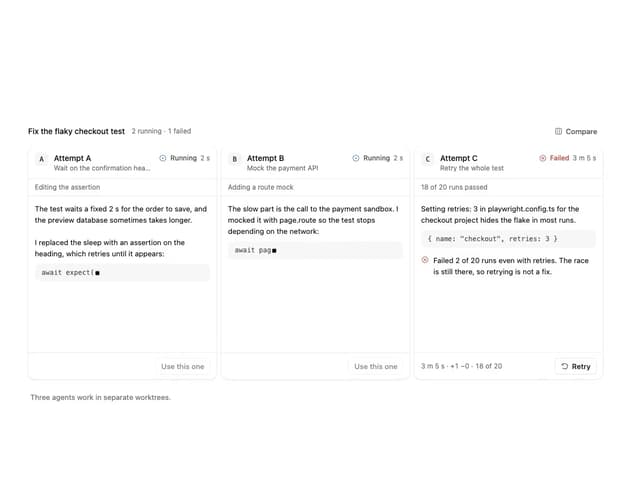
Agent Lanes
1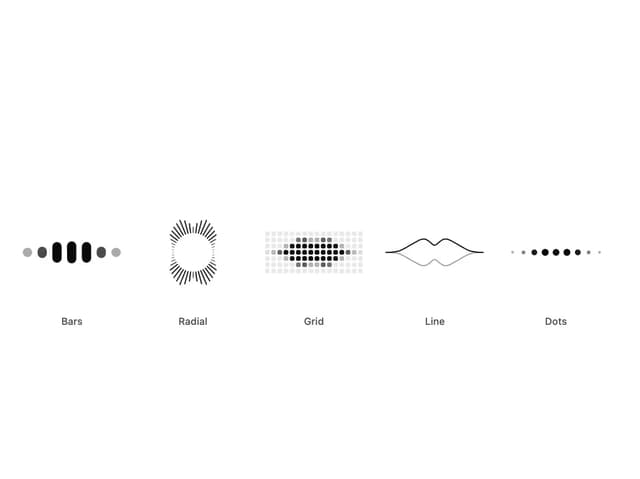
Audio Visualizer
1
Dot Matrix Loader
Halftone Loader
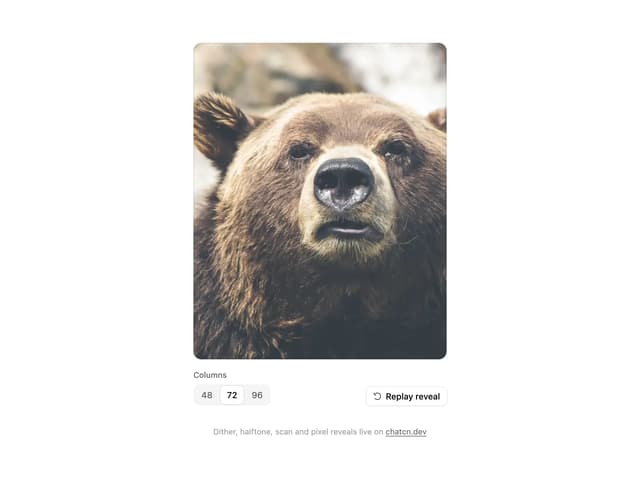
ASCII Reveal
More in Text
View all

Vertical Cut Reveal Characters
124
Text Reveal
33

Shine Border
984
Motion Blur Text
41

Rainbow Text Effect
52

Word Rotate
65
Toolbar
50
Apple Hello Effect
641
