
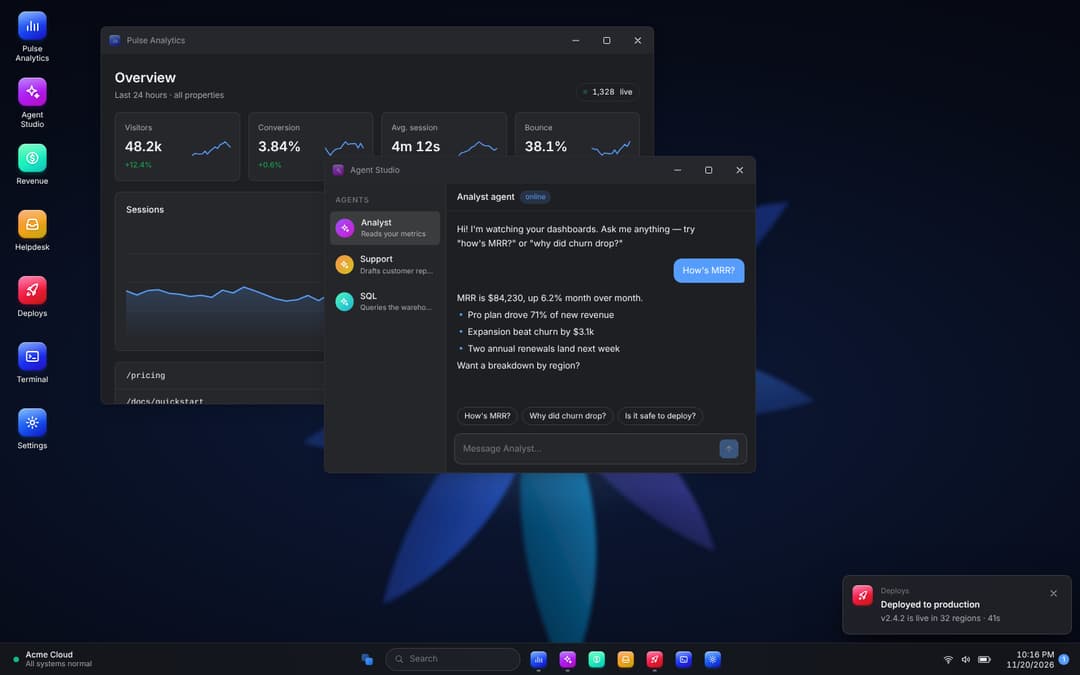
About
Desktop OS shell for SaaS & AI dashboards: taskbar, start menu, drag/resize/snap windows, live apps, notifications, lock screen.
Built with React and Tailwind. Copy the prompt and paste it into Claude Code, Cursor or Lovable: your agent adds Desktop OS to your project and fits it to your theme.
Code
How Desktop OS is used: the demo's code. The component's own source comes with a free account.
Usage.tsx
import { DesktopOS } from "@/components/ui/desktop-os";

export default function Demo() {
  return (
    <div className="flex min-h-screen w-full items-center justify-center p-2 sm:p-6">
      <DesktopOS
        className="h-[760px] max-w-[1280px] shadow-2xl"
        user={{ name: "Mouse Zayd", email: "mouse@acme.dev" }}
        defaultOpen={["analytics", "agents"]}
      />
    </div>
  );
}
More by Aashir Zayd
View all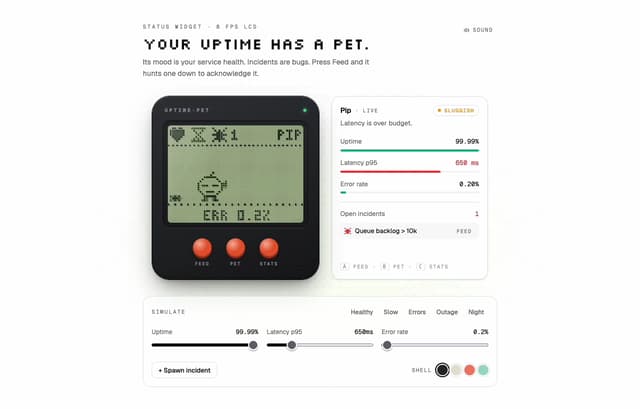
Uptime Pet
24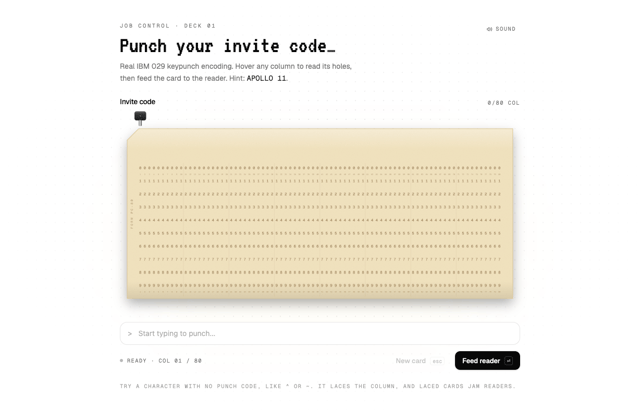
Punch Card Input
14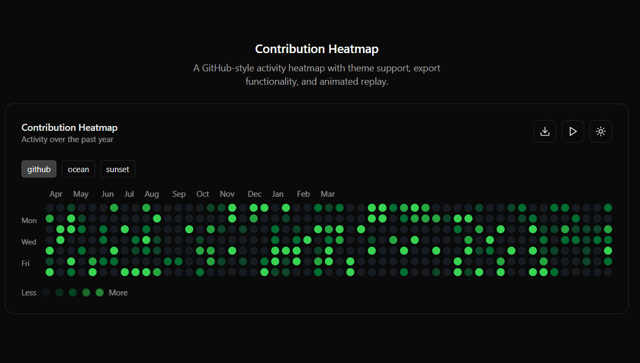
Contribution Heatmap
11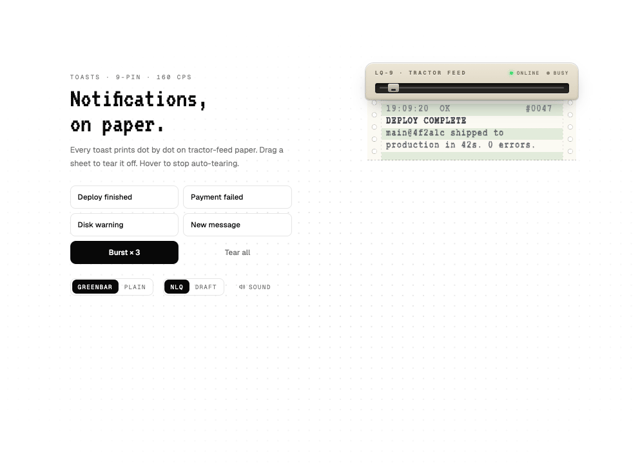
Dot Matrix Toaster
3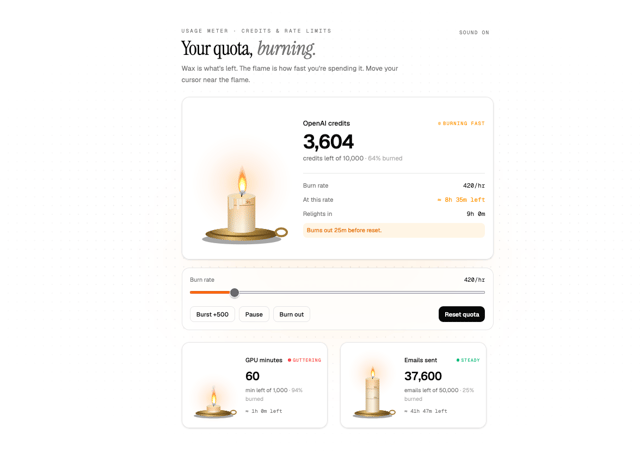
Quota Candle
1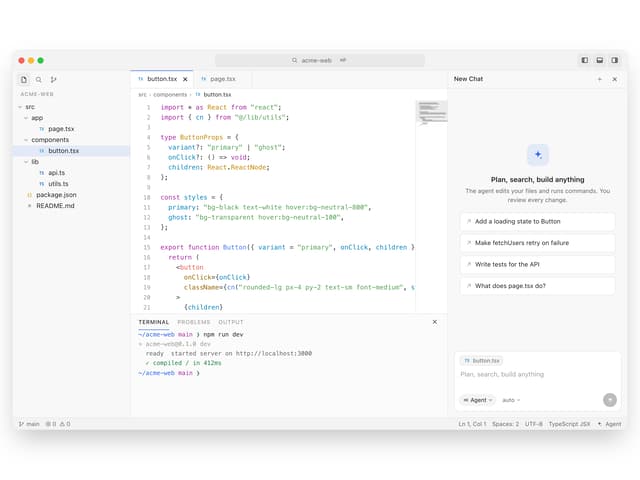
AI Code Editor
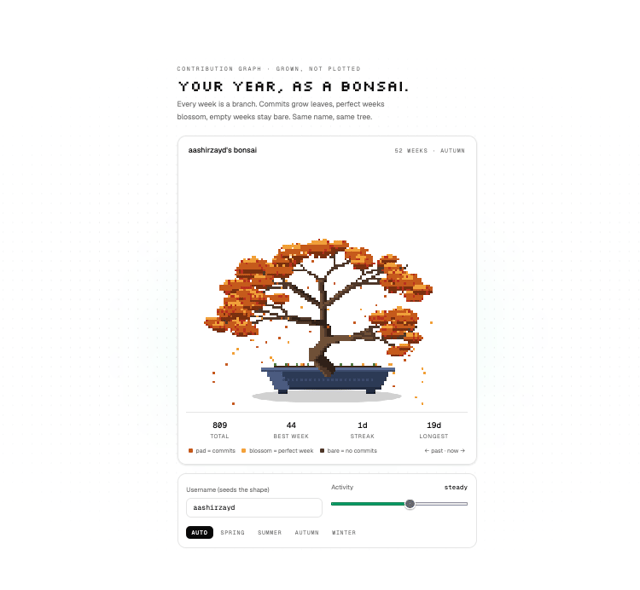
Commit Bonsai

Pipeline Aquarium
More in Dashboards
View all
Dashboard with Collapsible Sidebar
2.6K
Stat Card
47

Sidebar
393

Chart Component
11

SaaS Template
2.7K

Fitness Bento Grid
43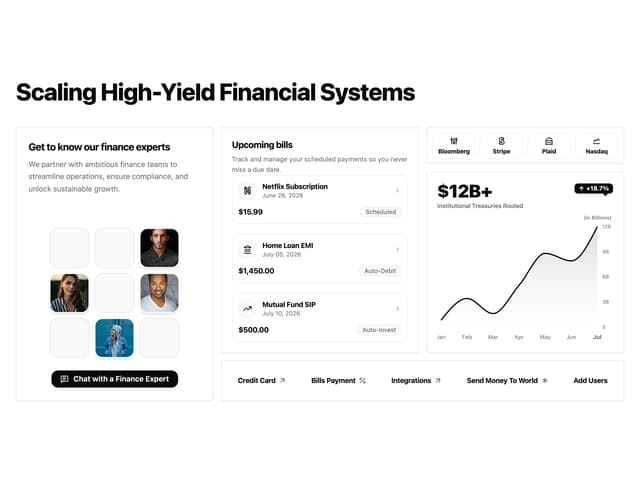

Financial Bento Grid
129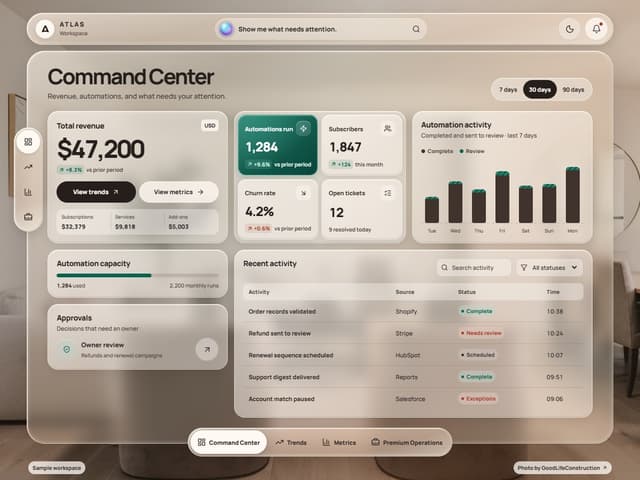

Glassy Dashboard
250

