
About
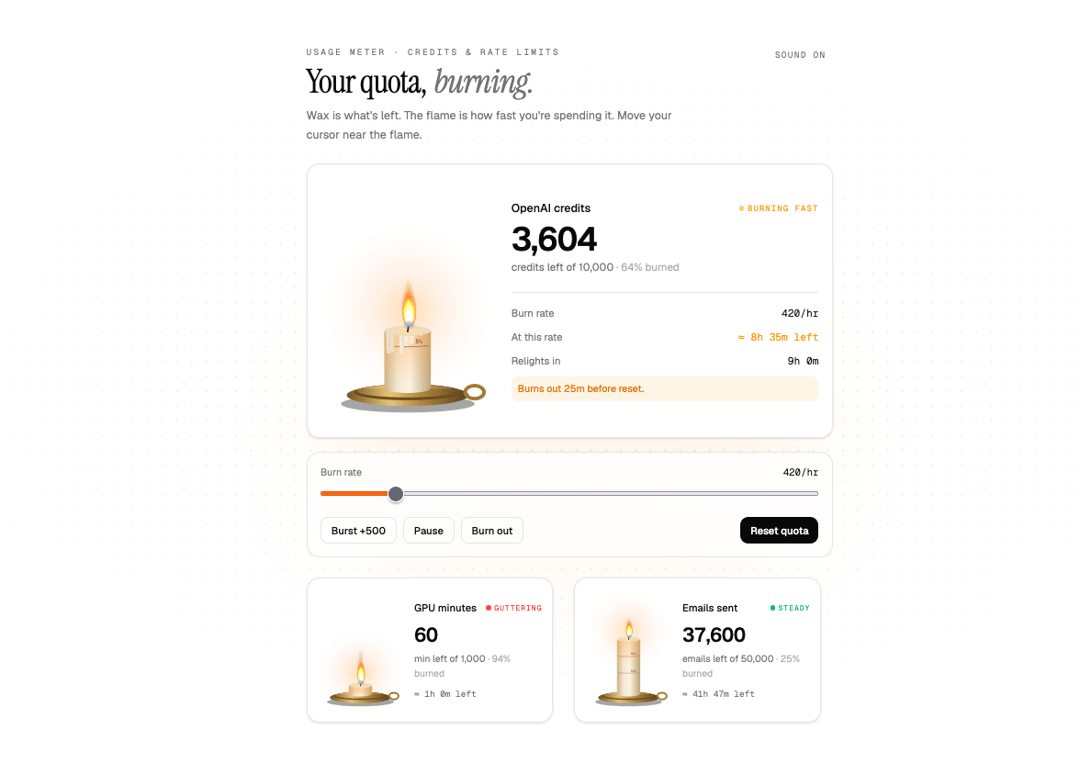
Usage meter as a burning candle. Wax is remaining quota, flame is burn rate.
Built with React and Tailwind. Copy the prompt and paste it into Claude Code, Cursor or Lovable: your agent adds Quota Candle to your project and fits it to your theme.
Code
How Quota Candle is used: the demo's code. The component's own source comes with a free account.
Usage.tsx
"use client";
import * as React from "react";
import { QuotaCandle } from "@/components/ui/quota-candle";
const FONTS = `
@import url('https://fonts.googleapis.com/css2?family=Geist:wght@400;500;600&family=Geist+Mono:wght@400;500;600&family=Instrument+Serif:ital@0;1&display=swap');
.candle-demo{font-family:'Geist',ui-sans-serif,system-ui,sans-serif}
.candle-demo .font-mono{font-family:'Geist Mono',ui-monospace,SFMono-Regular,Menlo,monospace}
.candle-demo .font-display{font-family:'Instrument Serif',ui-serif,Georgia,serif;font-weight:400}
`;
const LIMIT = 10_000;
const HOUR = 3.6e6;
export default function QuotaCandleDemo() {
const [used, setUsed] = React.useState(6_200);
const [rate, setRate] = React.useState(420); // credits/hour
const [running, setRunning] = React.useState(true);
const [sound, setSound] = React.useState(true);
const resetAt = React.useRef(Date.now() + 9 * HOUR);
// accelerated clock: every 250ms = 2 simulated minutes
React.useEffect(() => {
if (!running) return;
const id = setInterval(() => setUsed((u) => Math.min(LIMIT, u + (rate / 60) * 2)), 250);
return () => clearInterval(id);
}, [running, rate]);
return (
<div className="candle-demo relative flex min-h-[820px] w-full items-center justify-center overflow-hidden bg-background px-5 py-14">
<style>{FONTS}</style>
<div aria-hidden className="pointer-events-none absolute inset-0 [background-image:radial-gradient(rgb(128_128_128/0.18)_1px,transparent_1px)] [background-size:18px_18px] [mask-image:radial-gradient(ellipse_at_center,black_15%,transparent_72%)]" />
<div aria-hidden className="pointer-events-none absolute left-1/2 top-[40%] h-80 w-[36rem] -translate-x-1/2 rounded-full bg-orange-400/[0.08] blur-3xl" />
<div className="relative w-full max-w-[640px]">
<div className="mb-6 flex items-start justify-between gap-4">
<div>
<p className="font-mono text-[10.5px] uppercase tracking-[0.24em] text-muted-foreground">Usage meter · credits & rate limits</p>
<h2 className="mt-2 text-[40px] leading-[1] tracking-tight text-foreground">
<span className="font-display">Your quota,</span> <span className="font-display italic text-muted-foreground">burning.</span>
</h2>
<p className="mt-2.5 max-w-md text-[14px] leading-relaxed text-muted-foreground">
Wax is what's left. The flame is how fast you're spending it. Move your cursor near the flame.
</p>
</div>
<button type="button" onClick={() => setSound((s) => !s)} aria-pressed={sound} className="shrink-0 rounded-md px-2 py-1 font-mono text-[10.5px] uppercase tracking-[0.14em] text-muted-foreground transition-colors hover:bg-muted hover:text-foreground">
{sound ? "Sound on" : "Muted"}
</button>
</div>
<QuotaCandle used={used} limit={LIMIT} ratePerHour={rate} resetsAt={resetAt.current} label="OpenAI credits" sound={sound} className="max-w-none" />
<div className="mt-4 rounded-2xl border bg-background/70 p-4 backdrop-blur">
<label className="block">
<span className="flex items-baseline justify-between text-[12px] text-muted-foreground">
Burn rate <span className="font-mono tabular-nums text-foreground">{rate}/hr</span>
</span>
<input type="range" min={0} max={3000} step={10} value={rate} onChange={(e) => setRate(Number(e.target.value))} className="mt-1.5 w-full accent-orange-500" />
</label>
<div className="mt-3 flex flex-wrap gap-2">
<button type="button" onClick={() => setUsed((u) => Math.min(LIMIT, u + 500))} className="h-8 rounded-lg border px-3 text-[12.5px] font-medium text-foreground transition-colors hover:bg-muted">Burst +500</button>
<button type="button" onClick={() => setRunning((r) => !r)} className="h-8 rounded-lg border px-3 text-[12.5px] font-medium text-foreground transition-colors hover:bg-muted">{running ? "Pause" : "Resume"}</button>
<button type="button" onClick={() => setUsed(LIMIT)} className="h-8 rounded-lg border px-3 text-[12.5px] font-medium text-foreground transition-colors hover:bg-muted">Burn out</button>
<button type="button" onClick={() => { setUsed(0); resetAt.current = Date.now() + 9 * HOUR; }} className="ml-auto h-8 rounded-lg bg-foreground px-3 text-[12.5px] font-medium text-background transition-opacity hover:opacity-90">Reset quota</button>
</div>
</div>
<div className="mt-6 grid gap-3 sm:grid-cols-2">
<QuotaCandle size="sm" used={940} limit={1000} ratePerHour={60} resetsAt={Date.now() + 5 * HOUR} label="GPU minutes" unit="min" />
<QuotaCandle size="sm" used={12_400} limit={50_000} ratePerHour={900} resetsAt={Date.now() + 30 * HOUR} label="Emails sent" unit="emails" />
</div>
</div>
</div>
);
}
More by Aashir Zayd
View all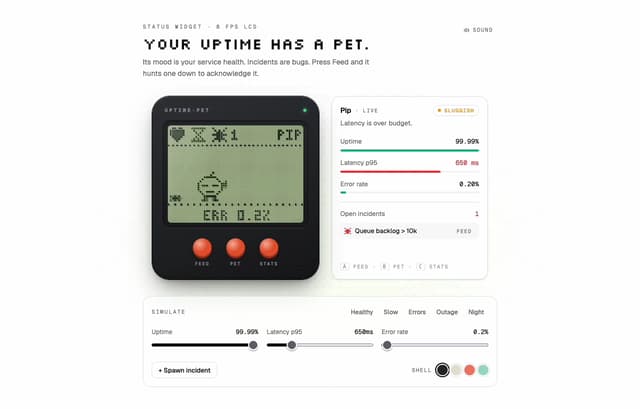
Uptime Pet
24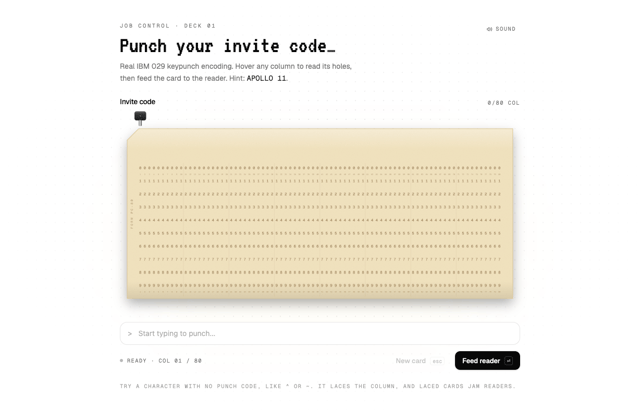
Punch Card Input
14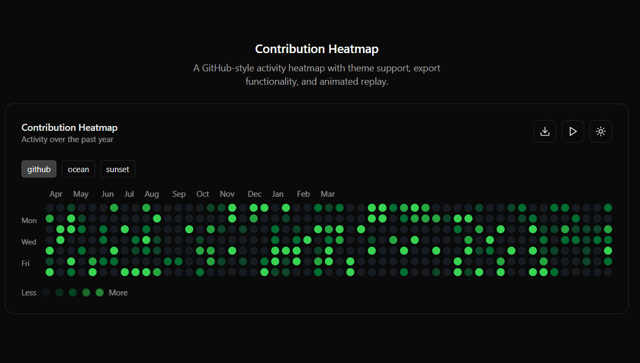
Contribution Heatmap
11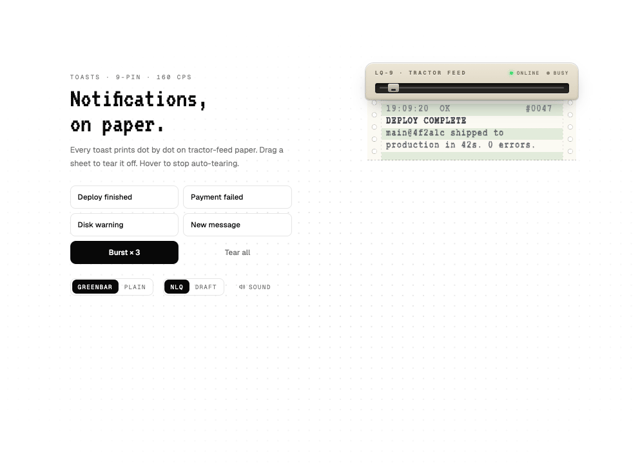
Dot Matrix Toaster
3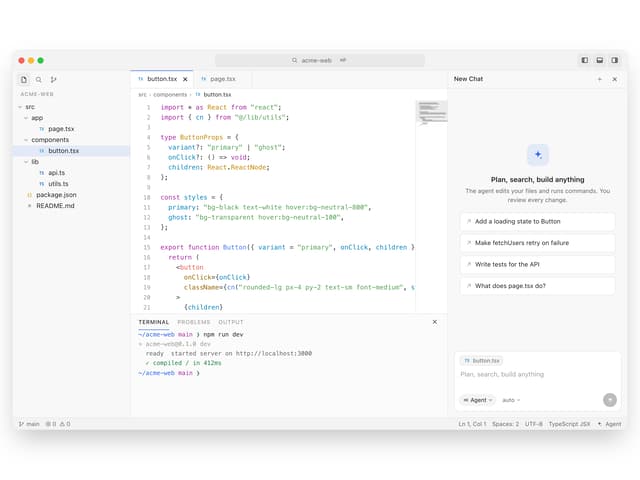
AI Code Editor
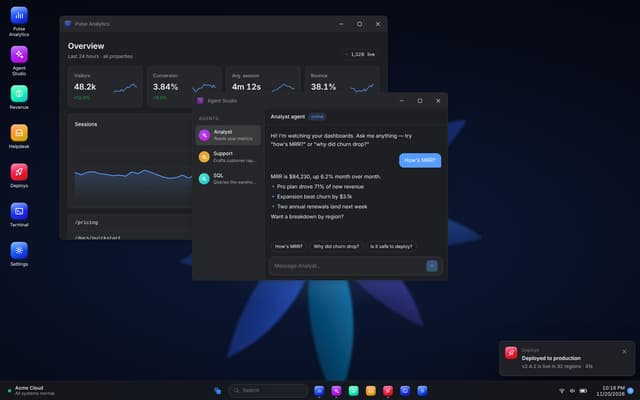
Desktop OS
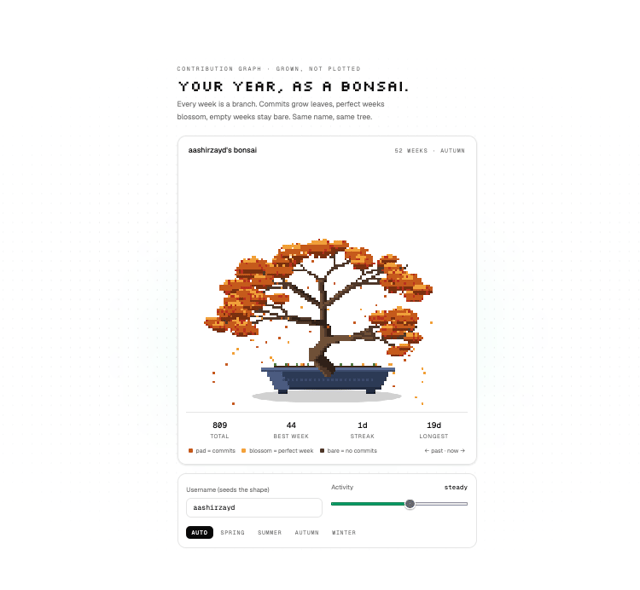
Commit Bonsai

Pipeline Aquarium
More in Dashboards
View all
Dashboard with Collapsible Sidebar
2.6K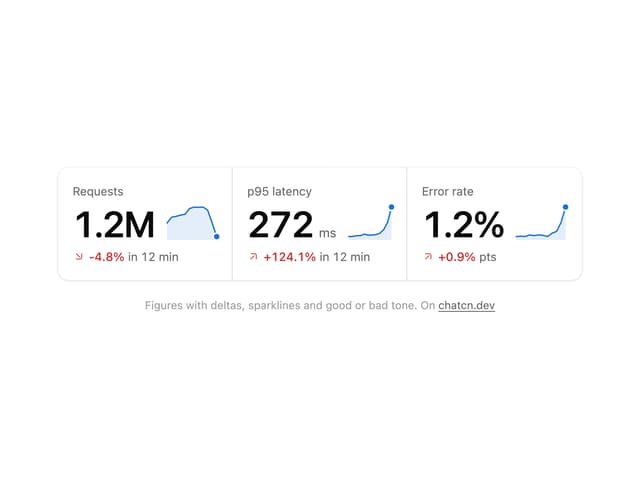
Stat Card
47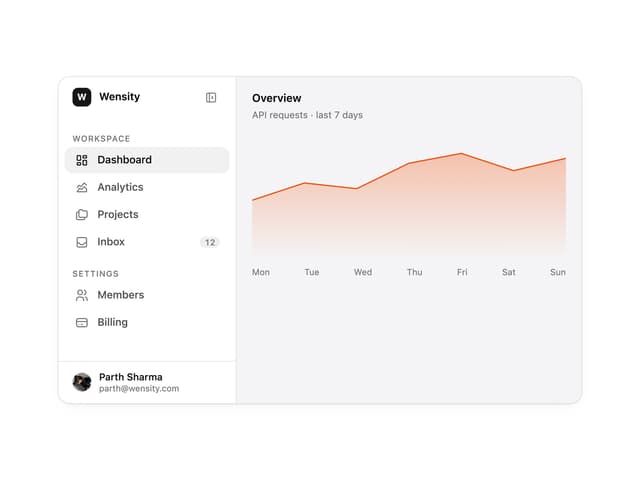

Sidebar
393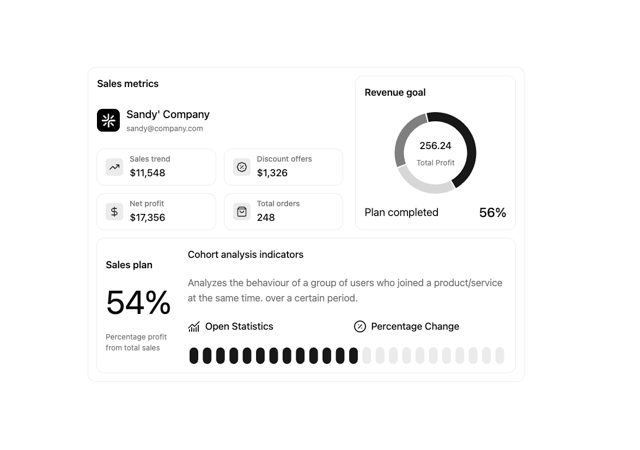

Chart Component
11

SaaS Template
2.7K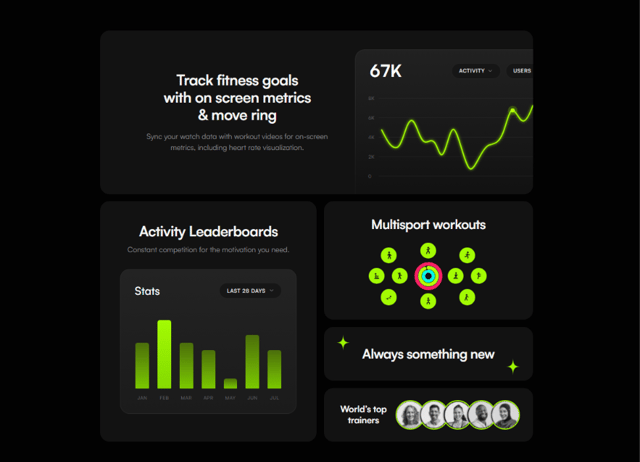

Fitness Bento Grid
43

Financial Bento Grid
129

Glassy Dashboard
250

