
About
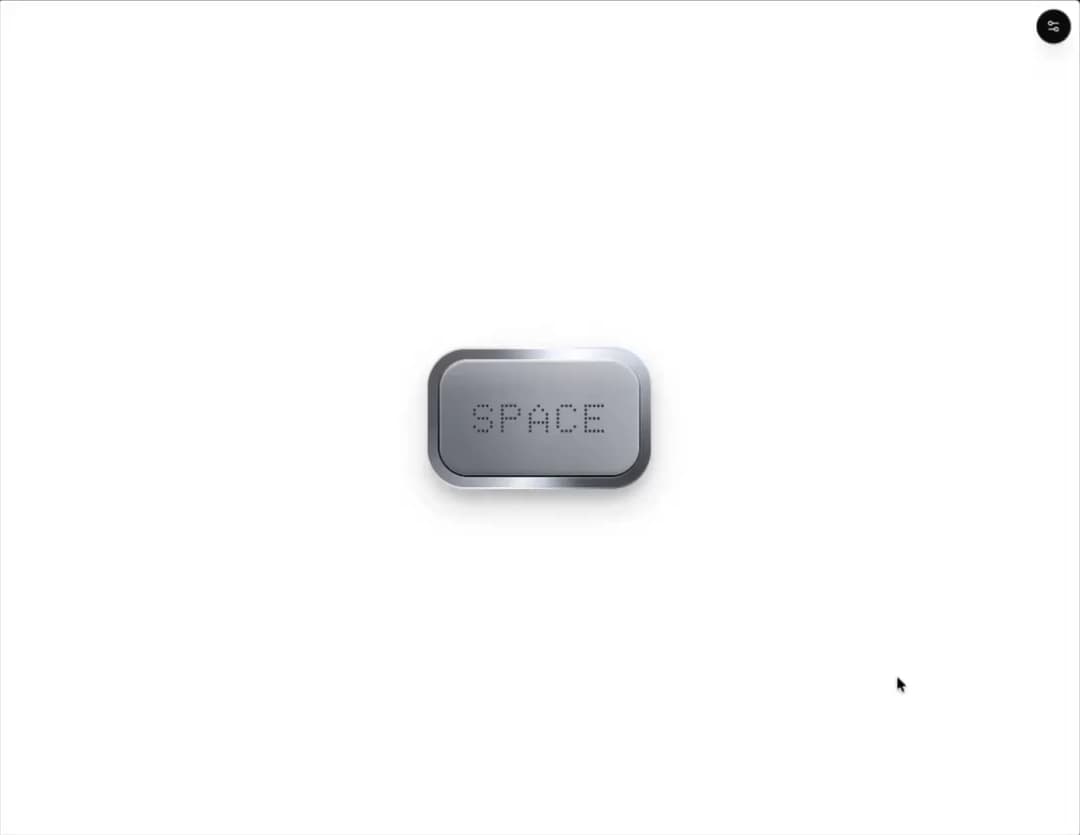
Tactile industrial chrome keycap button featuring a multi-layered polished bezel, bead-blasted anodized aluminum cap, dynamic 5x7 SVG dot-matrix legend, live Spacebar actuation, and synthesized mechanical switch audio.
Built with React and Tailwind. Copy the prompt and paste it into Claude Code, Cursor or Lovable: your agent adds Chrome Keycap Button to your project and fits it to your theme.
Code
How Chrome Keycap Button is used: the demo's code. The component's own source comes with a free account.
Usage.tsx
"use client";

import React from "react";
import {
  ChromeKeycapButton,
  type ChromeKeycapFinish,
  type ChromeKeycapSize,
} from "@/components/ui/chrome-keycap-button";

const settings = {
  label: "SPACE",
  size: "md",
  finish: "silver",
  orbitSpeed: 6,
  soundEnabled: true,
  bindSpacebar: true,
};

const VALID_SIZES: ChromeKeycapSize[] = ["sm", "md", "lg"];
const VALID_FINISHES: ChromeKeycapFinish[] = [
  "silver",
  "graphite",
  "champagne",
];

export default function ChromeKeycapButtonDemo(
  props: Partial<typeof settings>
) {
  const config = { ...settings, ...props };

  const size: ChromeKeycapSize = VALID_SIZES.includes(
    config.size as ChromeKeycapSize
  )
    ? (config.size as ChromeKeycapSize)
    : "md";

  const finish: ChromeKeycapFinish = VALID_FINISHES.includes(
    config.finish as ChromeKeycapFinish
  )
    ? (config.finish as ChromeKeycapFinish)
    : "silver";

  const label =
    typeof config.label === "string" && config.label.trim().length > 0
      ? config.label
      : "SPACE";

  const orbitSpeed =
    typeof config.orbitSpeed === "number" && Number.isFinite(config.orbitSpeed)
      ? Math.max(0, Math.min(30, config.orbitSpeed))
      : 6;

  return (
    <div className="w-full min-h-[360px] flex items-center justify-center p-8">
      <ChromeKeycapButton
        label={label}
        size={size}
        finish={finish}
        orbitSpeed={orbitSpeed}
        soundEnabled={Boolean(config.soundEnabled)}
        bindSpacebar={Boolean(config.bindSpacebar)}
      />
    </div>
  );
}

export { ChromeKeycapButtonDemo as Demo, ChromeKeycapButtonDemo as demo };
Dependencies
More by Syed
View all

Animated Beam Integration
143
Emotion Wheel v2
118
SpatialCardCarousel
107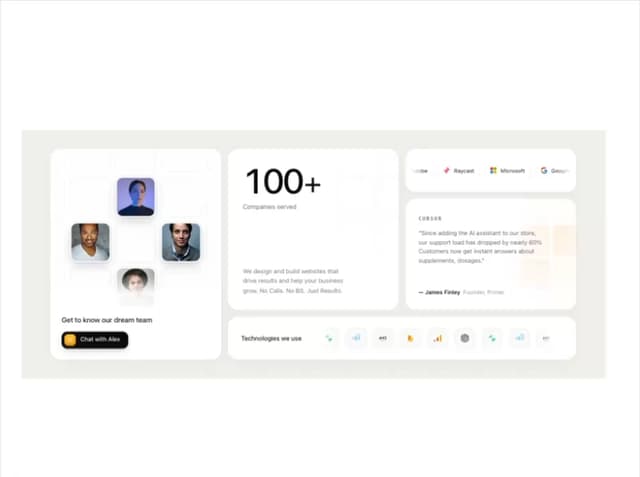
Agency Bento Grid
91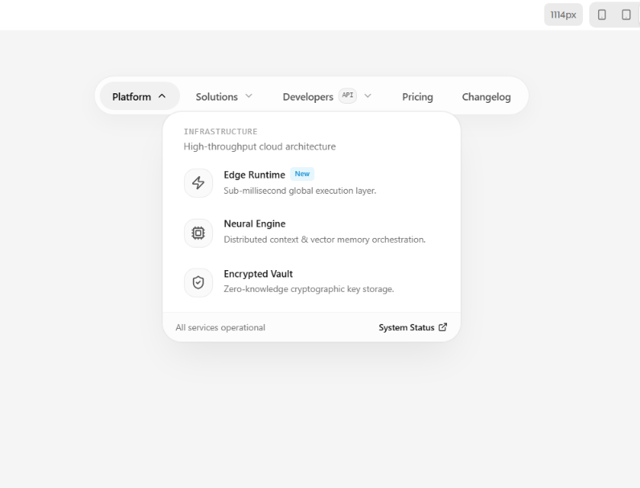
Morphing Island Navbar
86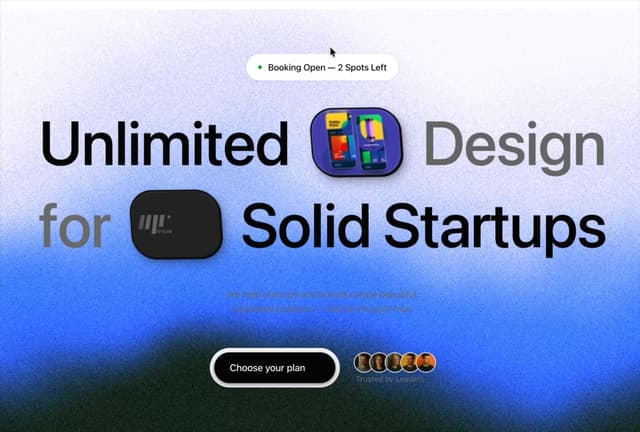
Unlimited Design Hero
73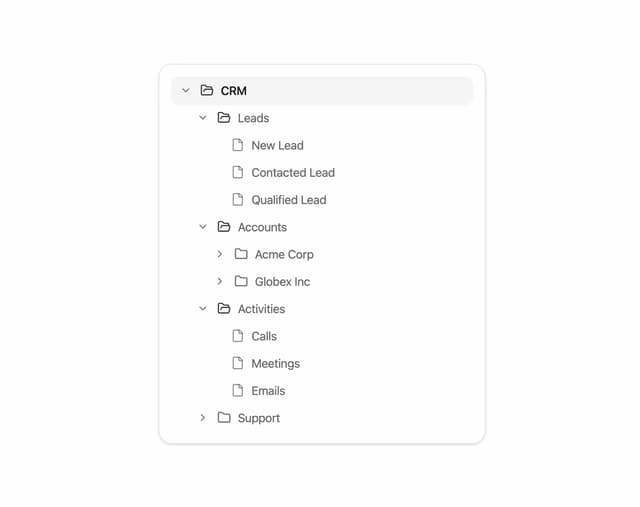
Animated Tree View
64
Interactive Eye Tracker
63
More in Buttons
View all
Hero Button
21

Eclipse Button
9

Button
141
Button
19
Texture Button
111

HeroUI Toggle Button


Random Letter Swap CTA Buttons
64
Water Ripple Button
4


